






0
vmquang95 created
- Template: microservice
- Created ABP Studio Version: 2.0.2
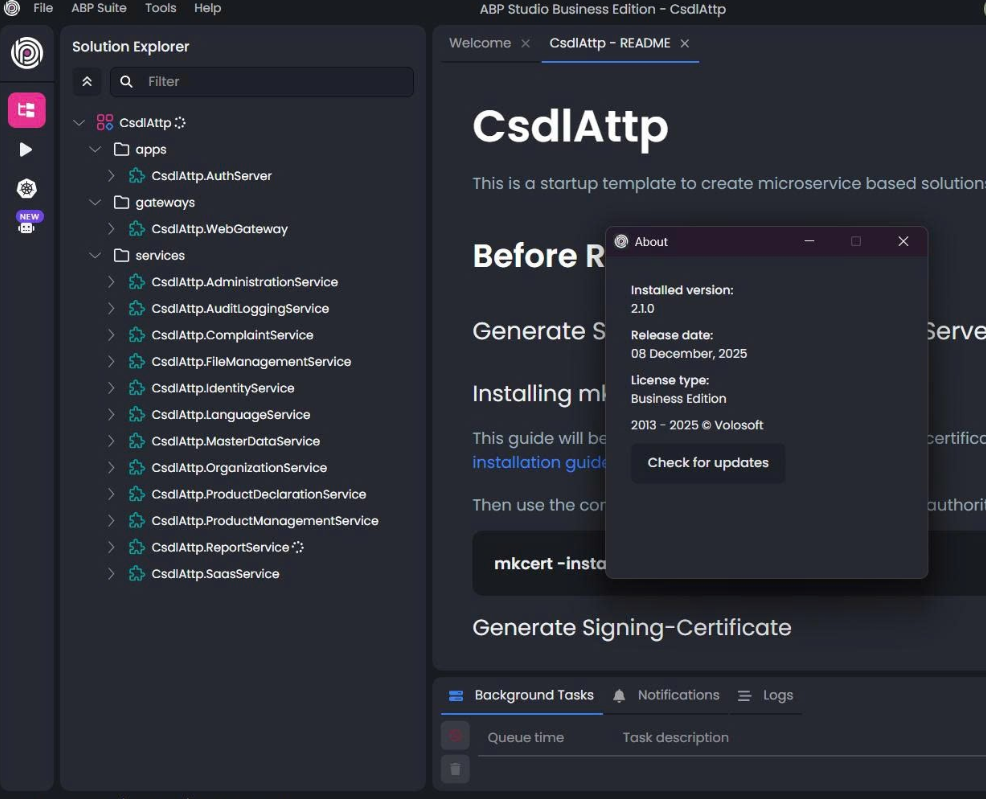
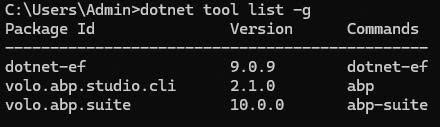
- Current ABP Studio Version: 2.1.0
- Multi-Tenancy: Yes
- UI Framework: angular
- Theme: leptonx
- Theme Style: system
- Theme Menu Placement: side
- Run Install Libs: Yes
- Database Provider: ef
- Database Management System: postgresql
- Mobile Framework: none
- Public Website: No
- Social Login: Yes
- Include Tests: Yes
- Dynamic Localization: Yes
- Kubernetes Configuration: Yes
- Grafana Dashboard: Yes
- Use Local References: No
- Aspire: No
- Optional Modules:
- FileManagement
- TextTemplateManagement
- AuditLogging
- OpenIddictAdmin
- Selected Languages: Vietnamese (Vietnam), English (United Kingdom)
- Default Language: Vietnamese (Vietnam)
- Create Command: abp new CsdlAttp -t microservice --ui-framework angular --database-provider ef --database-management-system postgresql --theme leptonx --skip-migrator --without-cms-kit --dont-run-bundling -no-gdpr -no-language-management -file-management
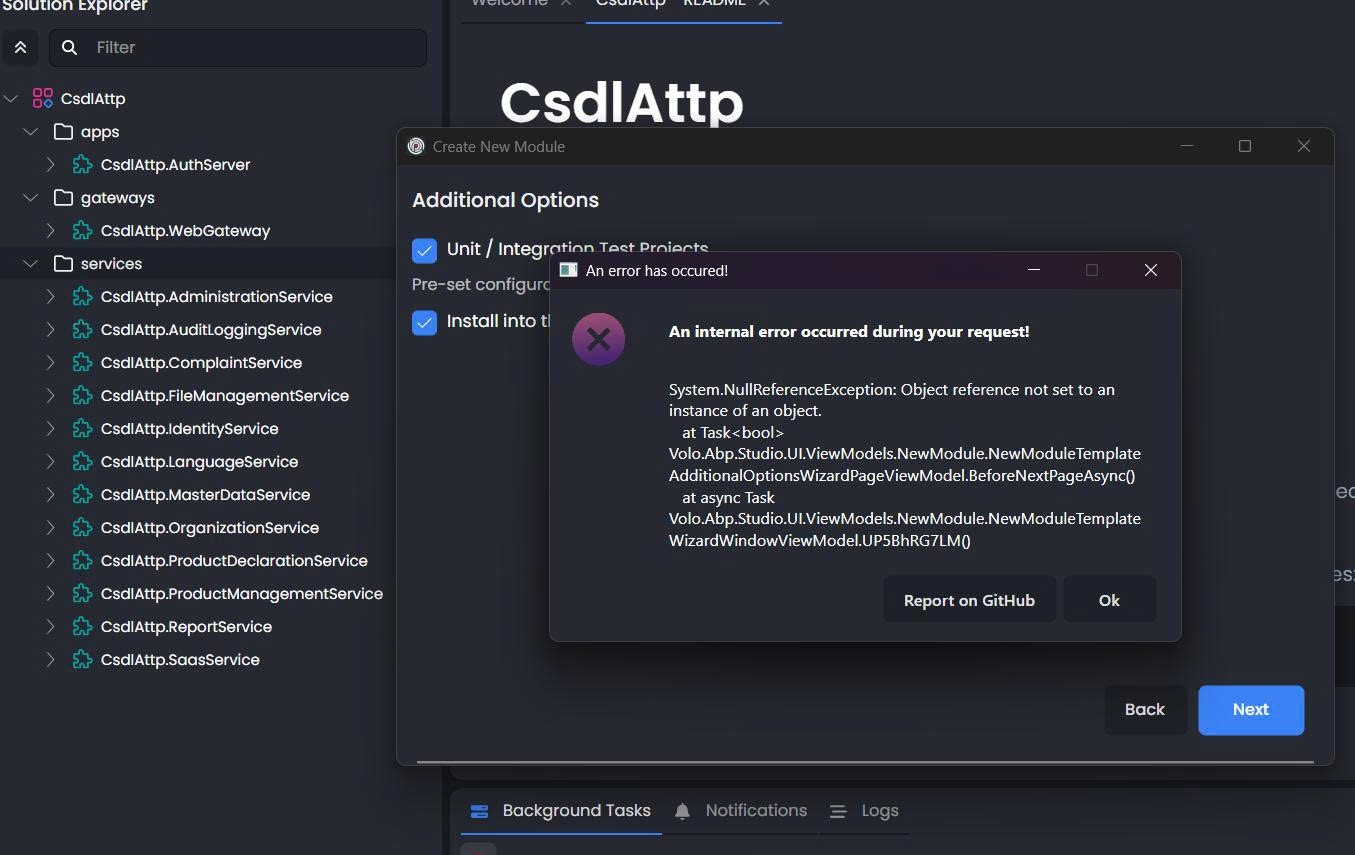
- Exception message and full stack trace: System.NullReferenceException: Object reference not set to an instance of an object. at Task<bool> Volo.Abp.Studio.UI.ViewModels.NewModule.NewModuleTemplateAdditionalOptionsWizardPageViewModel.BeforeNextPageAsync() at async Task Volo.Abp.Studio.UI.ViewModels.NewModule.NewModuleTemplateWizardWindowViewModel.UP5BhRG7LM()
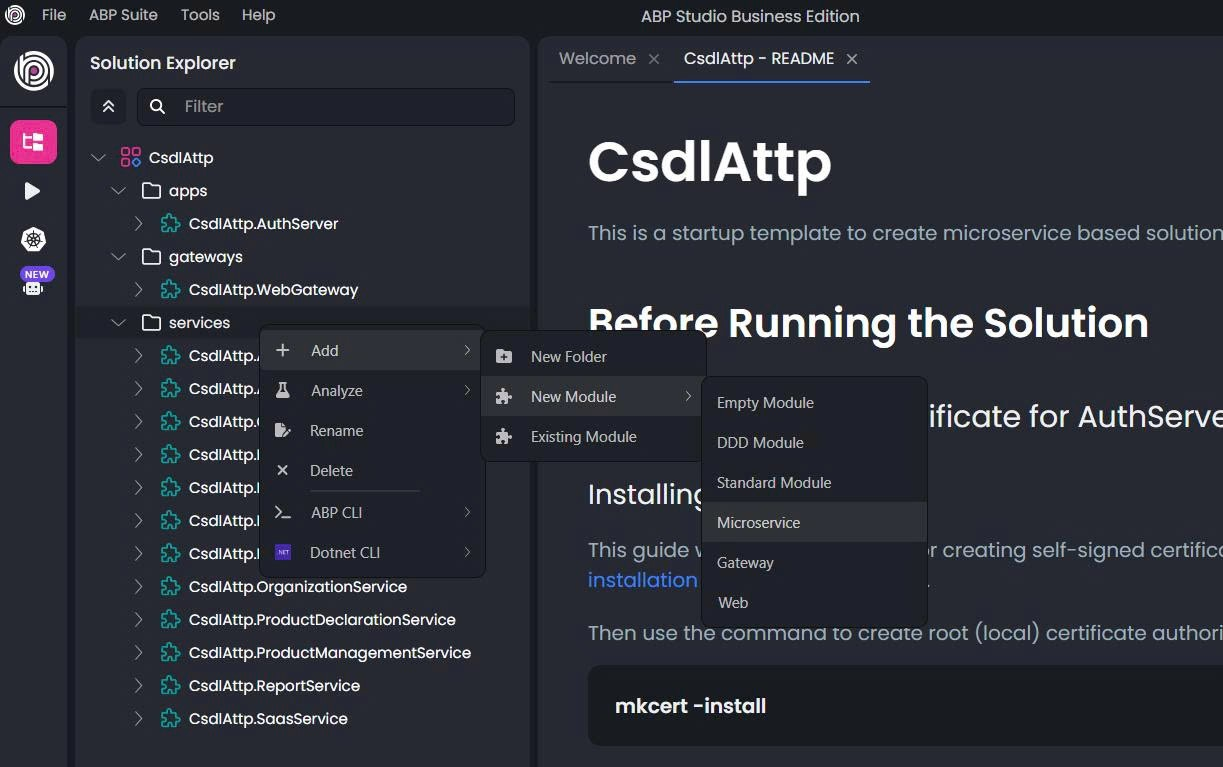
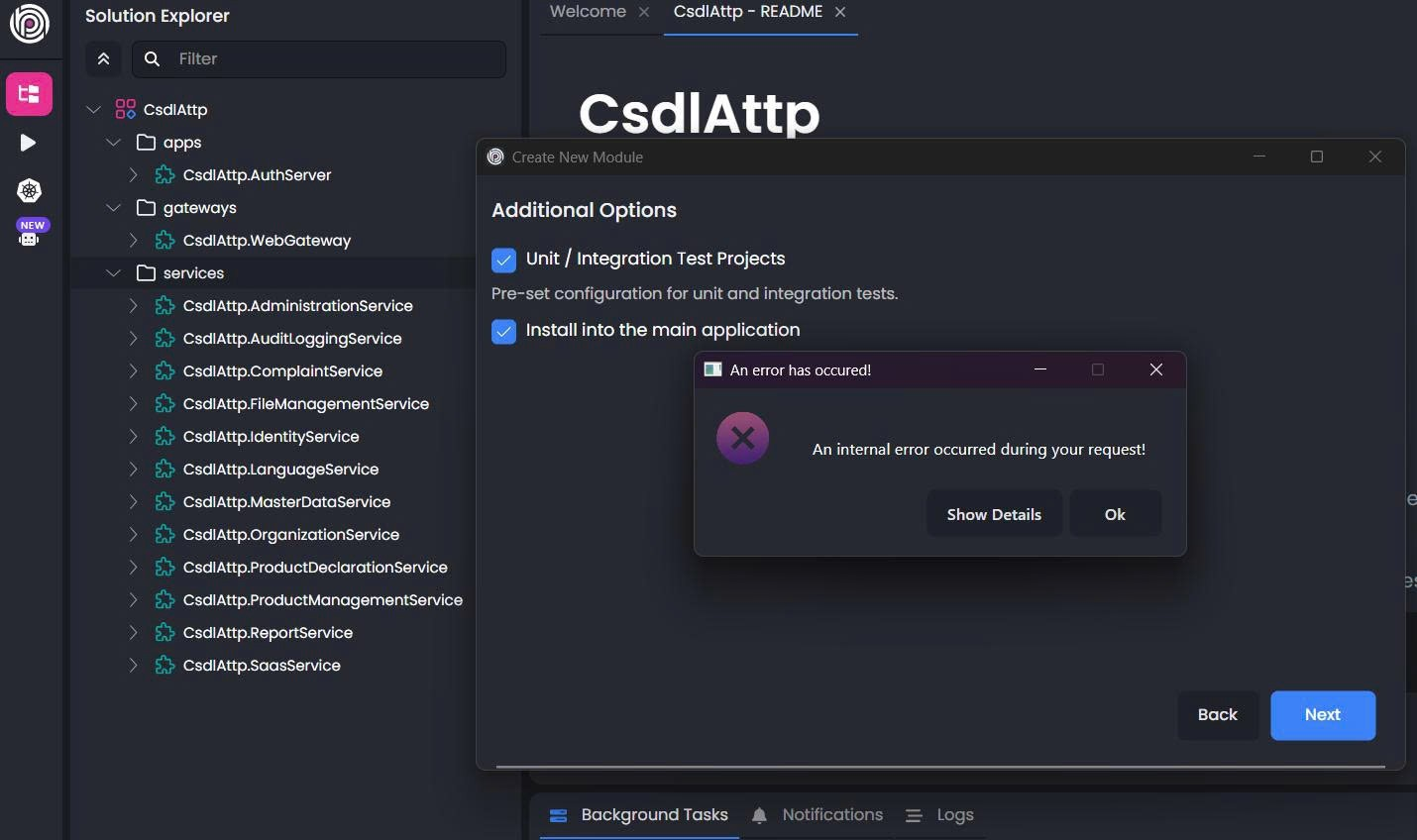
- Steps to reproduce the issue: Hello, Our team has just updated ABP to version 2.1.0, and we encountered an issue when trying to add a new service to our current Microservice project. This error prevents our team from continuing the work. We kindly ask for your support as soon as possible so we can resume our development.
Thank you!
Markdown supported.
Copy, paste, or drag & drop images and files (max 100 MB per file, 100 MB total per post)
4 Answer(s)
-
0
- Solution This is a known bug in ABP Studio 2.1.0 when creating a New Module → Microservice on an existing Microservice solution. The wizard crashes with NullReferenceException in NewModuleTemplateAdditionalOptionsWizardPageViewModel.BeforeNextPageAsync on the “Additional Options” step.
Workarounds you can apply immediately:
- Uncheck “Install into the main application” on the Additional Options step and continue. After the module is created, you can manually install it to the related apps (AuthServer, WebGateway, etc.) by:
- Adding project references (Application, HttpApi, HttpApi.Host, EntityFrameworkCore).
- Registering the module in DependsOn of the target host modules.
- Updating the solution’s Helm/K8s and runner profiles if you use them.
- Or, create the service via ABP Studio CLI, then refresh the solution in Studio:
- Open a terminal at the solution root.
- Run: abp generate-module MyCompany.MyNewService -t microservice
- Back in ABP Studio, right-click the solution in Solution Explorer → Analyze → Reload Solution (or close/open Studio).
- If you need tests, create them by re-running the command with the related flags or add test projects manually and reference the module.
Notes:
- After generating the new microservice, run database migrations for that service (if EF Core is selected in the template).
- If you use K8s integration, add a Helm chart for the new service or copy an existing service’s chart and adjust values.
- If you keep “Unit/Integration Test Projects” checked, the generation still works; the crash is tied to the automatic “Install into the main application” path in 2.1.0.
Status:
- The crash originates from the AdditionalOptions validation path in the New Module wizard for microservice template and has been fixed and queued for a Studio patch release. Until then, use one of the above workarounds.
- Sources
- ABP Studio overview and solution/module operations:
- https://abp.io/docs/latest/studio
- Microservice solution template (structure, adding services manually, migrations, K8s notes):
- https://abp.io/docs/latest/solution-templates/microservice
- Running applications and solution profiles:
- https://abp.io/docs/latest/studio/running-applications
- Kubernetes integration:
- https://abp.io/docs/latest/studio/kubernetes
This response was generated by AI. If it didn’t solve your problem, feel free to post a new answer — our support team will jump in to help you soon.
Markdown supported.Copy, paste, or drag & drop images and files (max 100 MB per file, 100 MB total per post) -
0
I have created an internal issue regarding this problem, which will be resolved in the next version.
Markdown supported.Copy, paste, or drag & drop images and files (max 100 MB per file, 100 MB total per post) -
0
We have resolved this issue and will release a new version soon. Until then, you can continue using the previous version to create a new service. Thank you for your understanding.
Markdown supported.Copy, paste, or drag & drop images and files (max 100 MB per file, 100 MB total per post) -
0
[berkansasmaz] said: We have resolved this issue and will release a new version soon. Until then, you can continue using the previous version to create a new service. Thank you for your understanding.
Thanks.
Markdown supported.Copy, paste, or drag & drop images and files (max 100 MB per file, 100 MB total per post)



