






- Exception message and full stack trace:
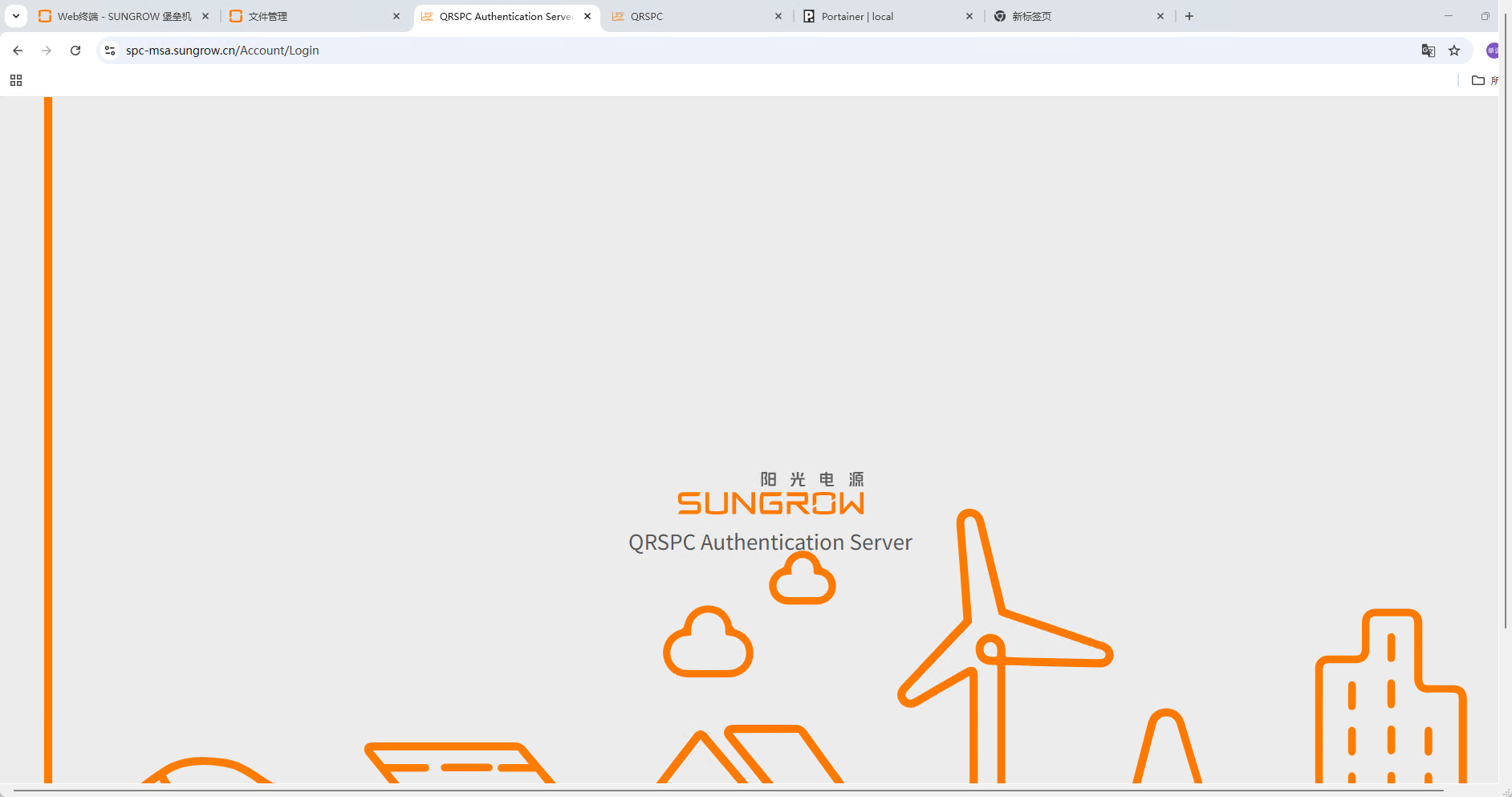
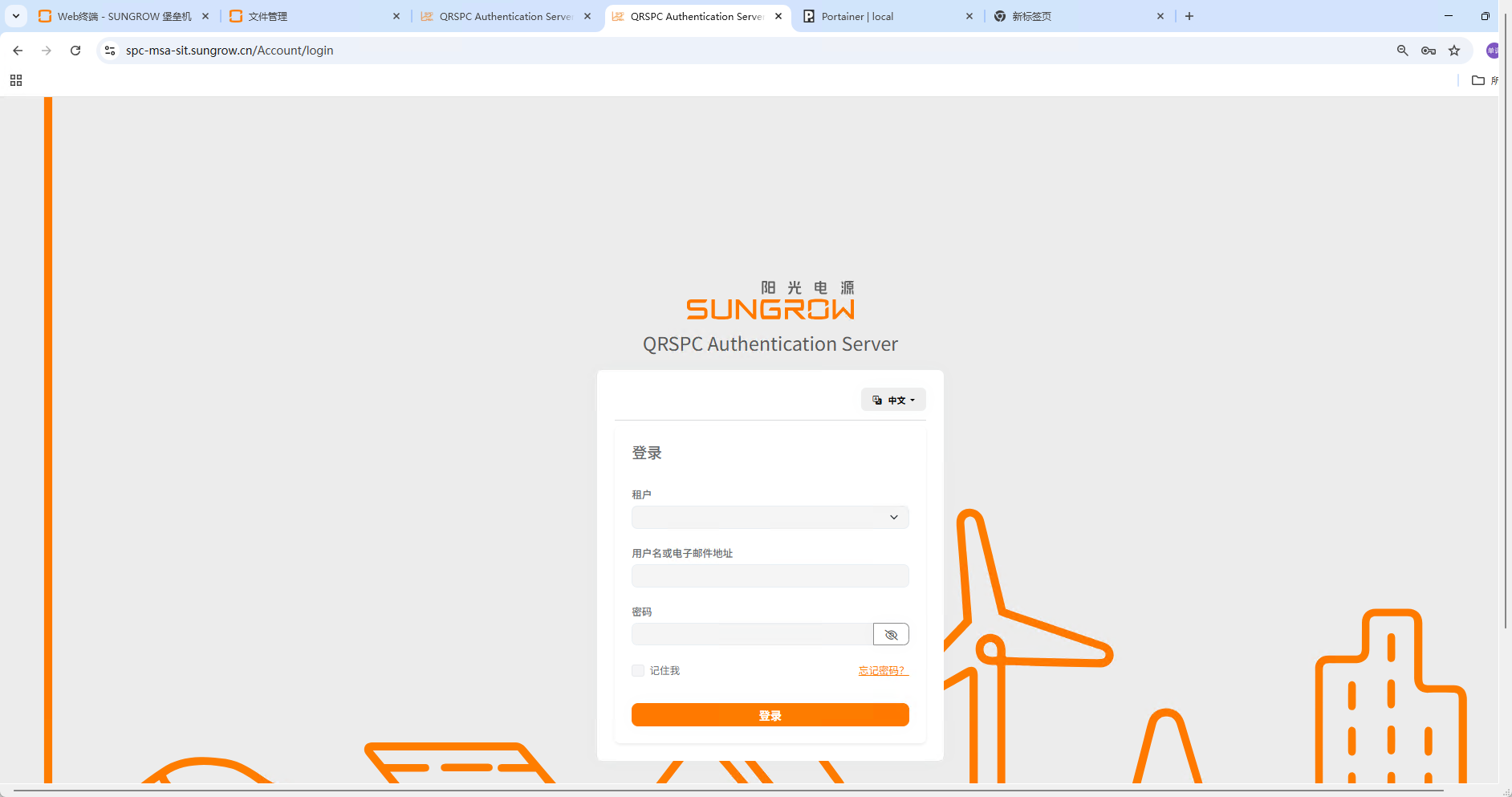
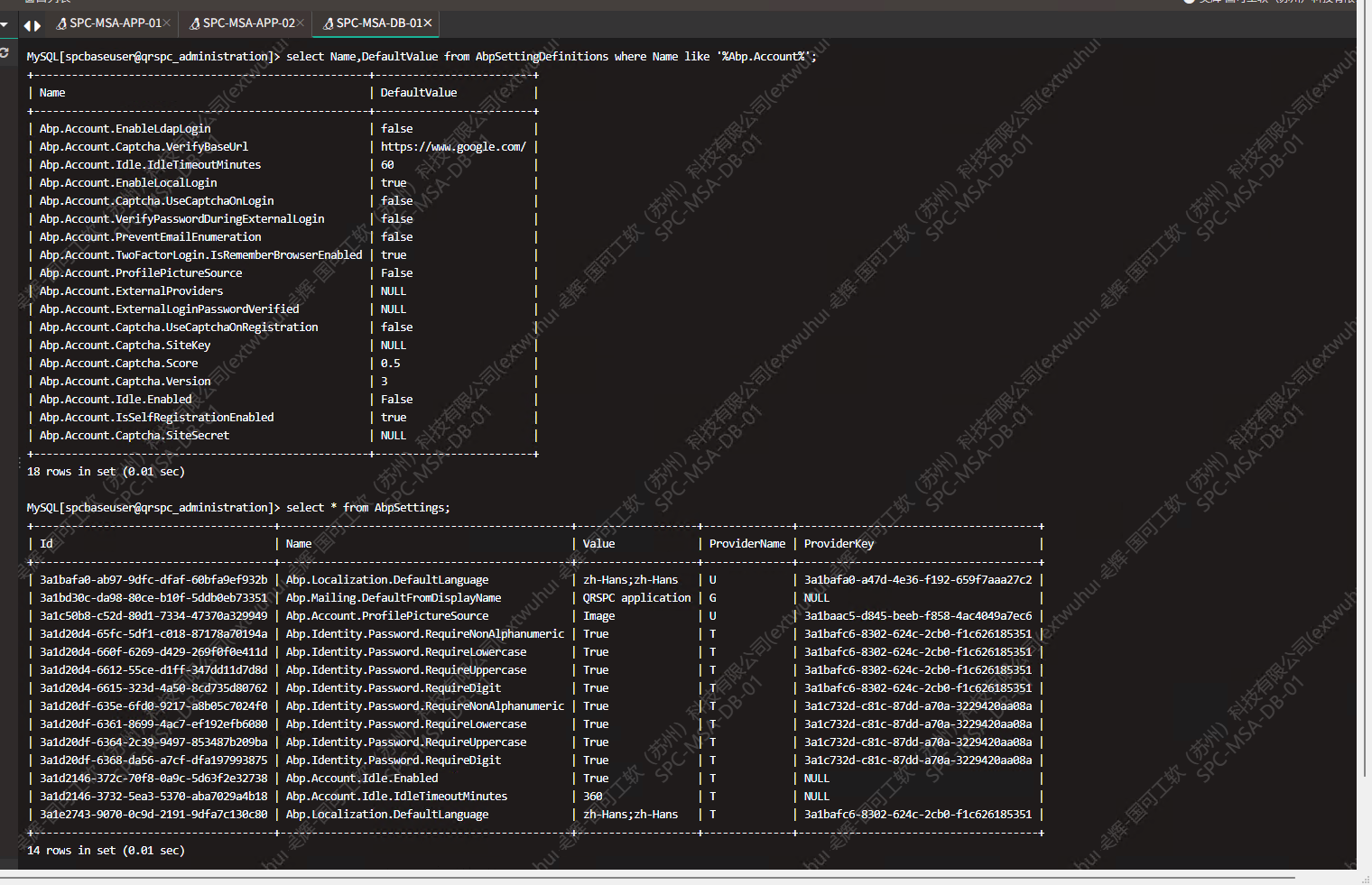
- Steps to reproduce the issue: 不止为何我的程序在生产环境中原始的登录界面账号密码登元素都不加载了,同样的配置和镜像sit环境下是可以加载出来的使用的SSO配置也是一模一样的 我查看了数据库中EnableLocalLogin等参数均和Sit环境设置是一样的 为什么正式环境上账号密码等输入框会不加载
14 Answer(s)
-
0
- Solution Based on ABP Account module behavior, the username/password form is rendered only when EnableLocalLogin is true for the current login request AND there is at least one valid login scheme available for the current client/redirect (e.g., no client configuration forbids local login). In production, the empty page typically happens for one of these reasons:
- The MVC Account page renders nothing because Model.EnableLocalLogin is false and there are no external providers visible. This occurs when:
- IdentityServer/OpenIddict client configuration has EnableLocalLogin/AllowLocalLogin disabled for that client.
- The returnUrl belongs to a client that disallows local login.
- Only external login schemes are active and none are visible due to configuration.
- A customized Account Layout overrides hides the login form behind conditions that fail in production (multi-tenancy, missing tag helpers, missing scripts).
- Static resources for the theme (LeptonX/LeptonXLite/Basic) are blocked or not served due to base path/CSP/proxy, preventing the form area from being shown if the page relies on client-side render areas.
- Tenant resolution differs between SIT and PROD, causing CurrentTenant to be a tenant where settings differ (login disabled for that tenant).
- View engine can’t process tag helpers because _ViewImports.cshtml is missing in your override folder in PROD deployment, so abp-script/style bundles aren’t injected and the form area stays empty.
Checklist to identify and fix:
- Check client’s AllowLocalLogin/EnableLocalLogin
- If you use IdentityServer (ABP 7.x and earlier) or OpenIddict (ABP 8+), verify the client in database:
- For IdentityServer: Clients table -> EnableLocalLogin must be true.
- For OpenIddict: Check application’s settings; if you migrated from IdentityServer ensure local login isn’t disabled by a custom logic.
- Ensure the login request has a returnUrl pointing to a client that allows local login. Test by visiting /Account/Login without returnUrl and see if the form appears.
- Verify ABP account settings for the effective tenant
- Ensure AccountSettingNames.EnableLocalLogin is true for the tenant resolved in production. If multi-tenancy is enabled, confirm which tenant is resolved on /Account/Login in PROD and compare AbpSettings values for that tenant. Don’t rely only on Host or a different tenant.
- Also check AccountSettingNames.ExternalLoginIsEnabled and IsSelfRegistrationEnabled do not affect visibility unintentionally.
- Confirm tenant resolution consistency
- Make sure the same tenant name/cookie/query resolver works in PROD. If PROD resolves a different tenant (or host), the settings and client-permissions may differ.
- If you depend on cookie/querystring tenant resolver, ensure your reverse proxy keeps those values and that the host name maps to the intended tenant.
- If you customized the Account layout/page, validate tag helpers and bundles
- If you have overridden the login or account layout pages, ensure _ViewImports.cshtml exists in that folder with at least: @addTagHelper *, Microsoft.AspNetCore.Mvc.TagHelpers @addTagHelper *, Volo.Abp.AspNetCore.Mvc.UI.Bootstrap @addTagHelper *, Volo.Abp.AspNetCore.Mvc.UI.Bundling
- Make sure the page includes: <abp-style-bundle ... /> <abp-script-bundle ... /> <script src="~/Abp/ApplicationLocalizationScript?cultureName=..."></script> <script src="~/Abp/ApplicationConfigurationScript"></script> <script src="~/Abp/ServiceProxyScript"></script> Missing these prevents proper rendering of form components in some themes.
- Theme static files and base path
- If you use LeptonX/LeptonXLite, verify all static files are served in PROD:
- Reverse proxy and CDN paths
- Theming base href (AbpThemingOptions.BaseUrl) if your app is behind a sub-path
- CSP headers not blocking inline styles/scripts used by the theme Use browser dev tools Network tab to ensure CSS/JS bundles load with 200 responses.
- External provider configuration fallback
- If only external SSO is configured for the client and the provider is unavailable or misconfigured in PROD, ABP can hide both local and external options, resulting in a blank area. Confirm the external provider is configured the same as SIT, and consider enabling local login for fallback.
- Quick isolation tests
- Open /Account/Login directly without returnUrl.
- Temporarily force-enable local login in code at startup to confirm the path: Configure<AbpAccountOptions>(o => { o.EnableLocalLogin = true; }); If the form appears, the root cause is settings/client configuration per request.
- Test with Host (no tenant) and with the exact tenant slug/cookie used in SIT.
- Check logs around rendering of LoginModel (info/debug) to see EnableLocalLogin and VisibleExternalProviders values.
If you need to ensure the local form always appears for troubleshooting, you can temporarily override the login page as documented and explicitly render the form when you know it should be visible.
- Sources
- How to customize/override the login page and ensure tag helpers/bundles are included:
- https://abp.io/community/articles/9a40f3cd
- LeptonX/Account layout override and importance of tag helpers and script bundles:
- https://abp.io/support/questions/6571
- Tenant switch and account layout placement in LeptonX (helps verify tenant-related visibility and layout overrides):
- https://abp.io/support/questions/9283
This response was generated by AI. If it didn’t solve your problem, feel free to post a new answer — our support team will jump in to help you soon.
-
0
我目前用的是ABP商业版9.3.1的版本
-
0
你好
可以分享一个在线url 复现问题吗?
-
0
客户环境上需要使用UAT账号,无法提供在线的URL
-
0
可以分享一下登录页面的html的源码
liming.ma@volosoft.com
-
0
@page @using Microsoft.AspNetCore.Mvc.Localization @using Volo.Abp.Account.Localization @using Volo.Abp.Account.Settings @using Volo.Abp.Account.Web.Pages.Account; @using Volo.Abp.AspNetCore.Mvc.UI.Theming; @using Volo.Abp.Identity; @using Volo.Abp.Settings @model Volo.Abp.Account.Web.Pages.Account.LoginModel @inject IHtmlLocalizer<AccountResource> L @inject IThemeManager ThemeManager @inject Volo.Abp.Settings.ISettingProvider SettingProvider
@{ Layout = ThemeManager.CurrentTheme.GetAccountLayout(); }
@section scripts { <abp-script-bundle name="@typeof(LoginModel).FullName"> <abp-script src="/Pages/Account/Login.js" /> </abp-script-bundle> }
@if (Model.ShowRequireMigrateSeedMessage) { <div class="alert alert-danger"> <h4 class="alert-heading">@L["RequireMigrateSeedTitle"]</h4> <p>@L["RequireMigrateSeedMessage"]</p> </div> }
<div class="card mt-3 shadow-sm rounded"> <div class="card-body p-5"> <h4>@L["Login"]</h4> @* @if (await SettingProvider.IsTrueAsync(AccountSettingNames.IsSelfRegistrationEnabled)) { <strong> @L["CreateANewAccount"] <a href="@Url.Page("./Register", new { returnUrl = Model.ReturnUrl, returnUrlHash = Model.ReturnUrlHash })" class="text-decoration-none">@L["Register"]</a> </strong> } @ @ @if (Model.EnableLocalLogin) { *@ <form method="post" class="mt-4"> <!-- 租户选择 (新增自定义租户选择) --> <div class="mb-3"> <label asp-for="LoginInput.TenantName" class="form-label">@L["Tenant"]</label> <select asp-for="LoginInput.TenantName" asp-items="@(new SelectList(Model.TenantList, "Name", "DisplayName", Model.LoginInput.TenantName))" class="form-select"> <option value=""> </option> </select> <span asp-validation-for="LoginInput.TenantName" class="text-danger"></span> </div> <div class="mb-3"> <label asp-for="LoginInput.UserNameOrEmailAddress" class="form-label">@L["UserNameOrEmailAddress"]</label> <input asp-for="LoginInput.UserNameOrEmailAddress" class="form-control" /> <span asp-validation-for="LoginInput.UserNameOrEmailAddress" class="text-danger"></span> </div>
            <div class="mb-3">
                <label asp-for="LoginInput.Password" class="form-label">@L["Password"]</label>
                <div class="input-group">
                    <input type="password" class="form-control" autocomplete="new-password" maxlength="@IdentityUserConsts.MaxPasswordLength" asp-for="LoginInput.Password" />
                    <button class="btn btn-secondary" type="button" id="PasswordVisibilityButton"><i class="fa fa-eye-slash" aria-hidden="true"></i></button>
                </div>
                <span asp-validation-for="LoginInput.Password"></span>
            </div>
            <abp-row>
                <abp-column>
                    <abp-input asp-for="LoginInput.RememberMe" label="@L["RememberMe"].Value" class="mb-4" />
                </abp-column>
                <abp-column class="text-end">
                    <a href="@Url.Page("./ForgotPassword", new { returnUrl = Model.ReturnUrl, returnUrlHash = Model.ReturnUrlHash })">@L["ForgotPassword"]</a>
                </abp-column>
            </abp-row>
            <div class="d-grid gap-2">
                <abp-button type="submit" button-type="Primary" name="Action" value="Login" class="btn-lg mt-3">@L["Login"]</abp-button>
                @if (Model.ShowCancelButton)
                {
                    <abp-button type="submit" button-type="Secondary" formnovalidate="formnovalidate" name="Action" value="Cancel" class="btn-lg mt-3">@L["Cancel"]</abp-button>
                }
            </div>
        </form>
    @* } *@
    <!-- 保留 ReturnUrl / ReturnUrlHash -->
    <input type="hidden" asp-for="@Model.ReturnUrl" value="https://localhost:4200" />
    <input type="hidden" asp-for="@Model.ReturnUrlHash" value=""/>
     @* @if (Model.VisibleExternalProviders.Any())
    {
        <div class="mt-2">
            <h5>@L["OrLoginWith"]</h5>
            <form asp-page="./Login" asp-page-handler="ExternalLogin" asp-route-returnUrl="@Model.ReturnUrl" asp-route-returnUrlHash="@Model.ReturnUrlHash" method="post">
                @foreach (var provider in Model.VisibleExternalProviders)
                {
                    <button type="submit" class="btn btn-primary m-1" name="provider" value="@provider.AuthenticationScheme" title="@L["LogInUsingYourProviderAccount", provider.DisplayName]">@provider.DisplayName</button>
                }
            </form>
        </div>
    } *@

    @if (!Model.EnableLocalLogin && !Model.VisibleExternalProviders.Any())
    {
        <div class="alert alert-warning">
            <strong>@L["InvalidLoginRequest"]</strong>
            @L["ThereAreNoLoginSchemesConfiguredForThisClient"]
        </div>
    }

</div>
</div>
-
0
Account/Login页面的html源码(
View Page Source)? -
0
是的,注释了 @if (Model.EnableLocalLogin) 依然无法加载出账号密码框
-
0
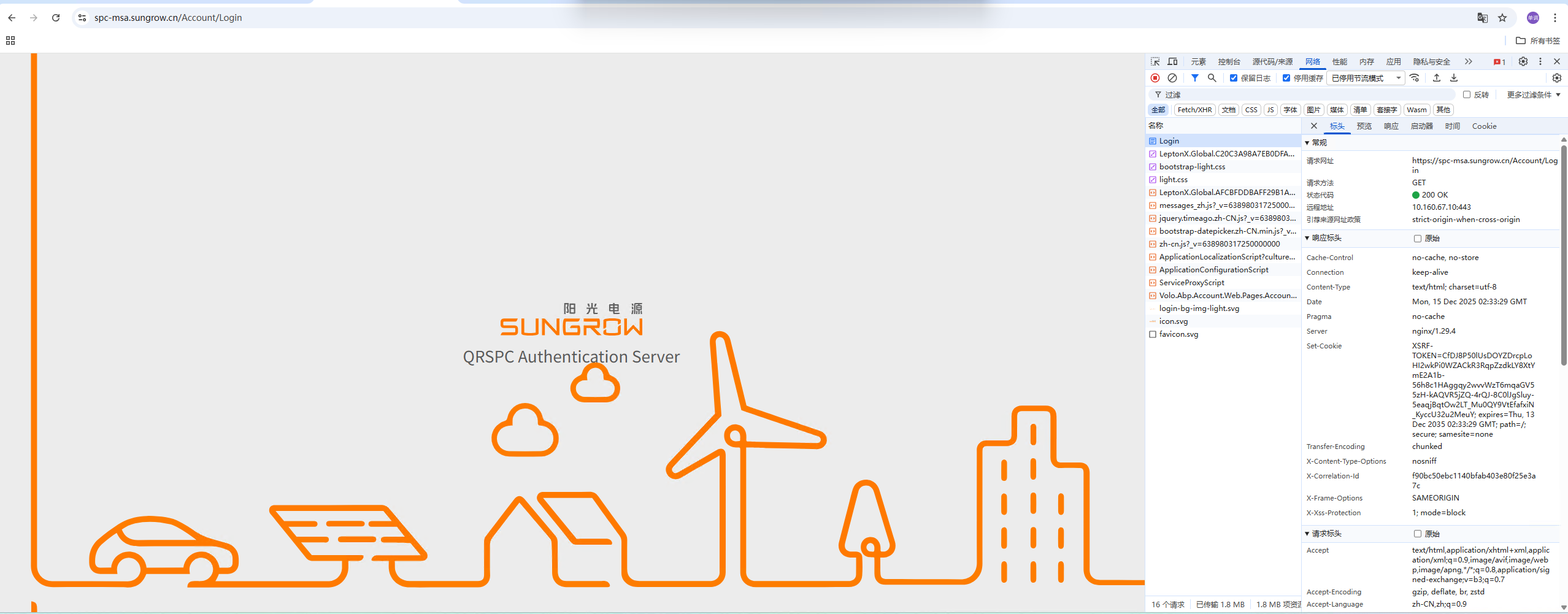 资源加载响应和控制台也没有任何的报错,是否和OpenIdz中应用的设置有关呢,但是现在无法登录,也无法查看应用的设置
 -
0
你要查看页面的html源码, 先看看form和input元素是否存在.
-
0
from 和 input 元素都不存在
-
0
那就说明页面渲染有错误.
你可以先添加一些元素 比如
<h4>test</h4>, 检查是否会渲染. 如果这个h4渲染了, 在检查form和input的渲染逻辑谢谢
-
0
没找到问题 , 我重新创建了自定义的登录页面 问题解决了
-
0
可能是缓存问题, 已经解决就可以



