






- created a tiered application but didn't seperate webapi
- installed libs & clicked build
- opened abp suite
- got error
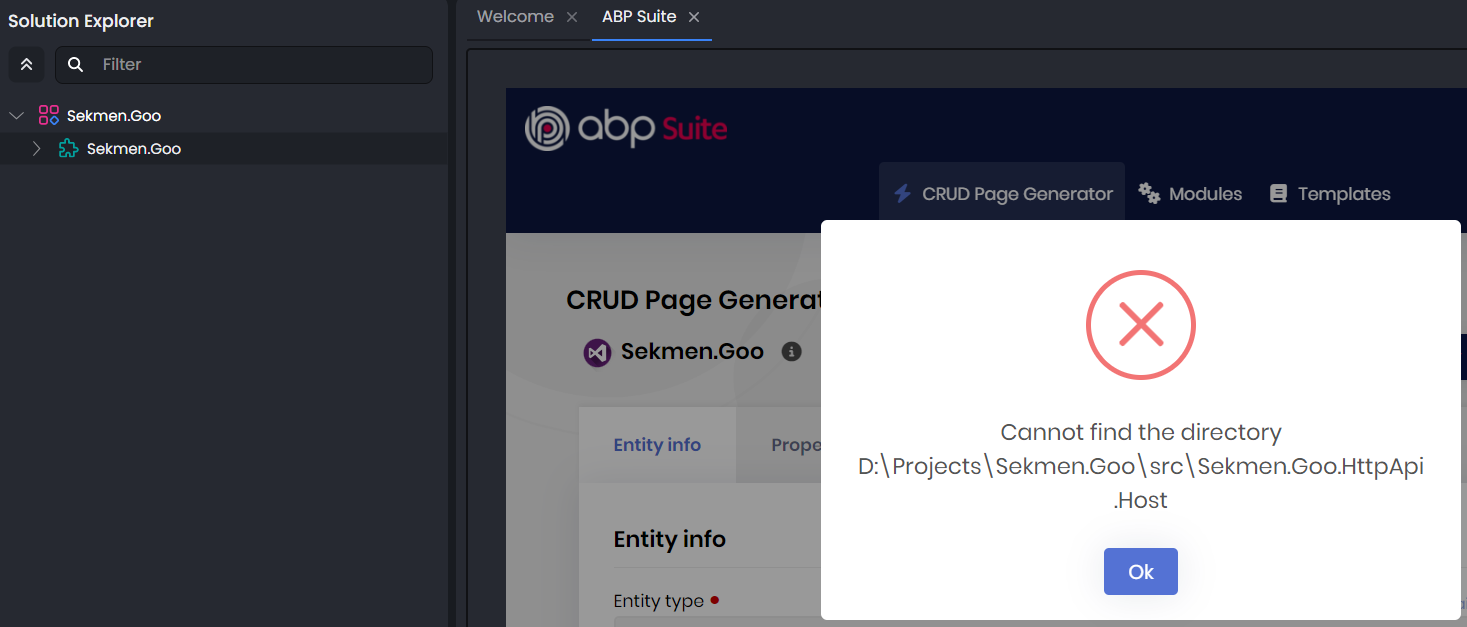
project:
- Template: app
- Created ABP Studio Version: 2.1.4
- Current ABP Studio Version: 2.1.4
- Tiered: No
- Multi-Tenancy: Yes
- UI Framework: mvc
- Theme: leptonx
- Theme Style: system
- Theme Menu Placement: side
- Database Provider: ef
- Database Management System: sqlserver
- Separate Tenant Schema: Yes
- Mobile Framework: none
- Public Website: No
- Social Login: No
- Include Tests: Yes
- Kubernetes Configuration: No
- Distributed Event Bus: rabbitmq
- Use Local References: No
- Optional Modules:
- GDPR
- FileManagement
- TextTemplateManagement
- LanguageManagement
- AuditLogging
- Chat
- OpenIddictAdmin
- Selected Languages: English, French, German (Germany), Italian, Spanish, Turkish
- Default Language: English
- Create Command: abp new Sekmen.Goo -t app --ui-framework mvc --database-provider ef --database-management-system sqlserver --theme leptonx --separate-tenant-schema --skip-migration --skip-migrator --without-cms-kit --dont-run-install-libs --dont-run-bundling --no-social-logins -chat -file-management
5 Answer(s)
-
0
Hello ABP Team,
I would like to share some feedback regarding my experience with ABP Suite.
I genuinely want to use ABP Suite, even for small projects, because I believe it has strong potential and valuable features. However, I am consistently encountering errors during project creation. Unfortunately this has made it very difficult to use the tool in practice.
I do not want to assume that the root cause is a lack of testing or automated quality checks on your side. That said, the frequency of these errors gives the impression that stability and reliability issues are not yet fully addressed.
I hope this feedback is helpful and can contribute to improving the overall developer experience. I would be very happy to continue using ABP Suite if these issues can be resolved or better documented.
Thank you for your time and attention.
Markdown supported.Copy, paste, or drag & drop images and files (max 100 MB per file, 100 MB total per post) -
1
Hi @sekmenhuseyin, thank you for the detailed error explanation and your feedback. We are doing our best to test and release a stable product. However, due to various configurations, different UI types, solution templates, manual configurations, old Suite configs, etc., it is difficult to address all issues during the testing process.
I will create a new issue to fully test ABP Suite in various project configurations, UIs, and related scenarios, and we will work on resolving the existing problems.
Regarding the issue you reported: I created the same solution named
Sekmen.Goowith identical configurations and could not reproduce the problem: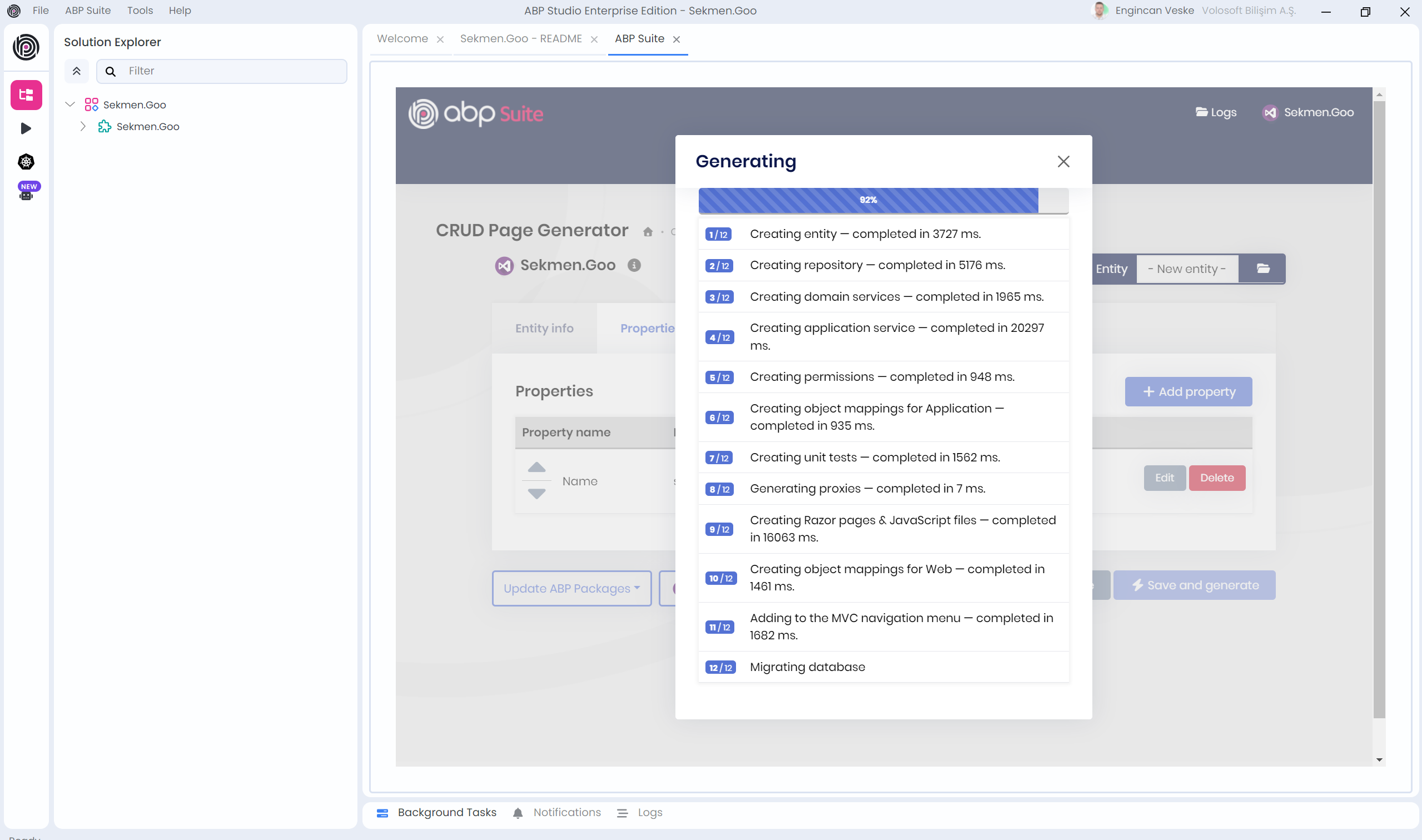
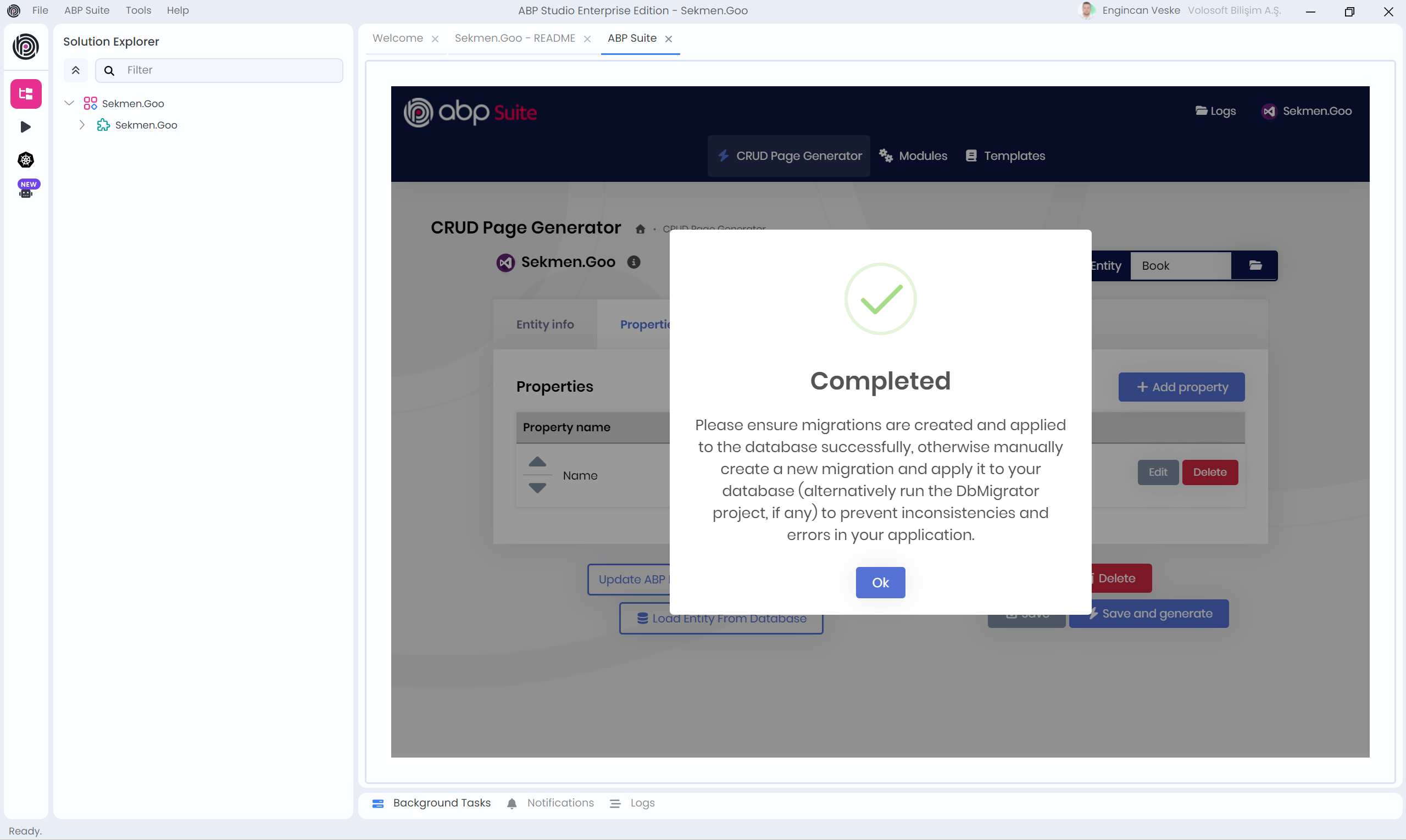
It occurred to me that the issue might have arisen because you previously created a solution named
Sekmen.Goowith different configurations in the same root directory. As a result, ABP Suite may have mismatched your current solution with the earlier one. For instance, if you had previously created an Angular solution with the same name, ABP Suite might expect the HttpApi.Host project in the solution for code generation.To resolve this, please return to the homepage of ABP Suite (click on the logo), remove the current
Sekmen.Goosolution, and add it again (you can also close and reopen the tab if using ABP Studio).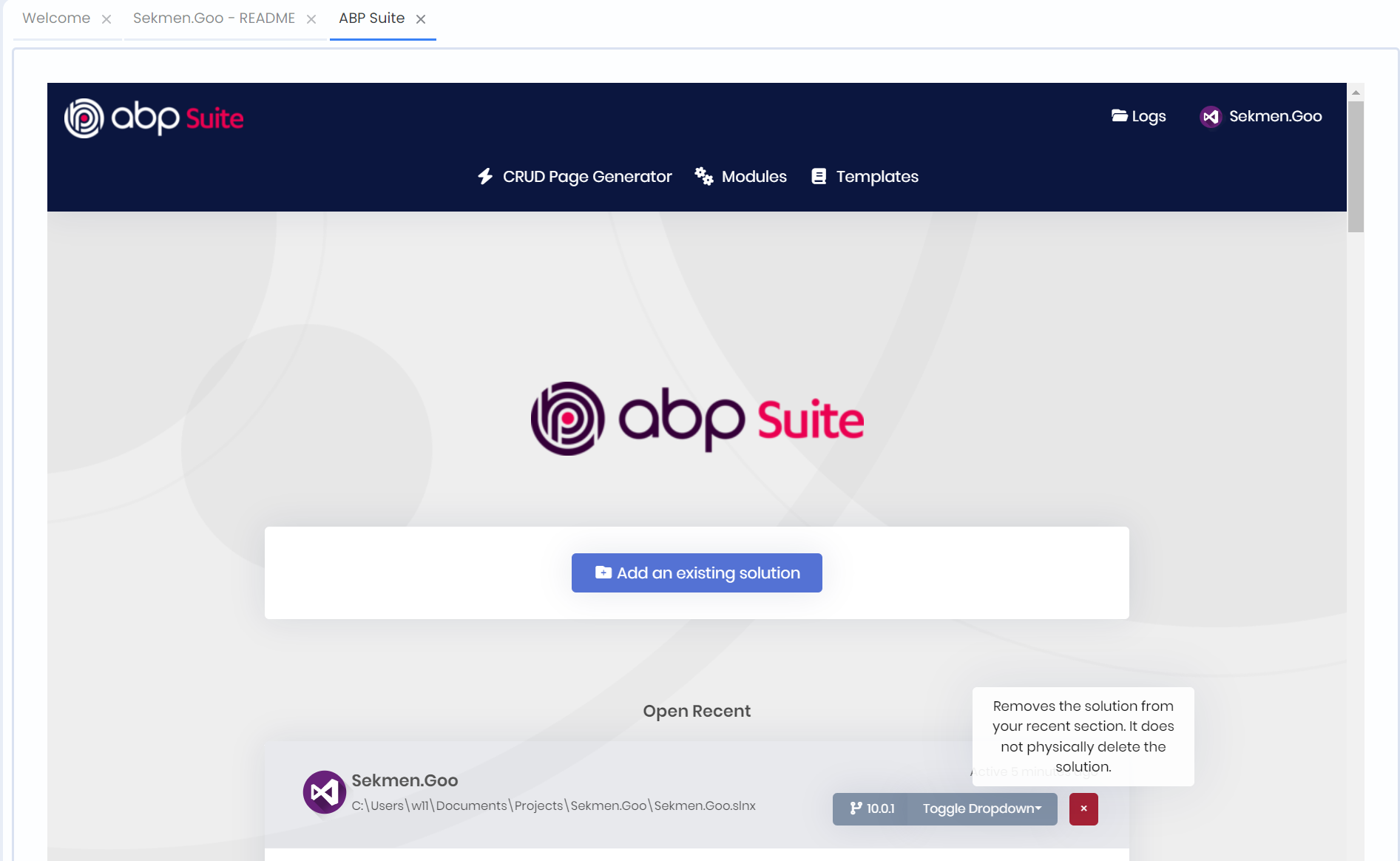
After regenerating the pages, everything should work as expected. Please let me know the final result.
Best regards.
Markdown supported.Copy, paste, or drag & drop images and files (max 100 MB per file, 100 MB total per post) -
0
I've tried a lot of configuration and received the same error but didn't notice the project name. It really is working with different project names but not working with "Sekmen.Goo". Can you tell me how I can reset that saved configuration
Markdown supported.Copy, paste, or drag & drop images and files (max 100 MB per file, 100 MB total per post) -
1
- Solution
The problem is caused by a stale / wrong Suite configuration cached for the solution name
Sekmen.Goo. ABP Suite keeps these configurations in its ownappsettings.json. You can reset it as follows.A. Remove only this solution’s configuration (recommended)
Close ABP Suite / ABP Studio.
Open this file on your machine:
Windows
%UserProfile%\.abp\suite\appsettings.json(Paste that path into File Explorer or open with a text editor.)
In
appsettings.json, locate theSolutions(or similar) array and find the entry whose"Name"or"ProjectNameWithCompanyName"is"Sekmen.Goo"and/or whose"Path"points to yourSekmen.Goo.sln.Delete only that object from the array, keeping the rest of the JSON valid (commas, brackets, etc.).
Save the file.
Re‑open ABP Suite / ABP Studio, go to the Suite home page, and Add an existing solution again by selecting
Sekmen.Goo.sln.
This forces Suite to re‑discover the project structure for
Sekmen.Goo, so it no longer looks forSekmen.Goo.HttpApi.Hostwhen you have a non‑tiered MVC UI.B. Reset all Suite configuration (if you prefer a clean slate)
If you don’t mind re‑adding all solutions to Suite:
Close ABP Suite / ABP Studio.
Delete the whole file:
Windows
%UserProfile%\.abp\suite\appsettings.json- Start ABP Suite / ABP Studio again and add your solutions anew.
This completely clears any old or corrupted solution mappings, including the one tied to the
Sekmen.Gooname.
- Sources
ABP Suite settings file location and reset guidance
https://abp.io/support/questions/721Suite configuration overview
https://abp.io/docs/latest/suite/configuration
This response was generated by AI. If it didn’t solve your problem, feel free to post a new answer — our support team will jump in to help you soon.
Markdown supported.Copy, paste, or drag & drop images and files (max 100 MB per file, 100 MB total per post) -
0
thanks
Markdown supported.Copy, paste, or drag & drop images and files (max 100 MB per file, 100 MB total per post)



