






Hello ABP Support Team,
I’m facing a license validation issue in my ABP application and need your assistance.
Error details:
- Error Code: ABP-LIC-0017
- Message: License code is not valid
- Additional Error:
ABP-LIC-ERROR - License check failed for 'Volo.Abp.AuditLogging.HttpApi-v9.2.0.0'
Environment details:
- ABP Version: 9.2.0
- Framework: .NET 9
- Application Type: ABP Commercial
- OS: Windows
- Deployment: Local / Server (please advise if more details are needed)
What I already tried:
- Verified that the license file exists in the application root.
- Confirmed that the license key is correctly copied.
- Restarted the application.
- Rebuilt and restored NuGet packages.
Despite this, the application still fails during startup with repeated license validation errors, as shown in the attached logs.
I have attached the 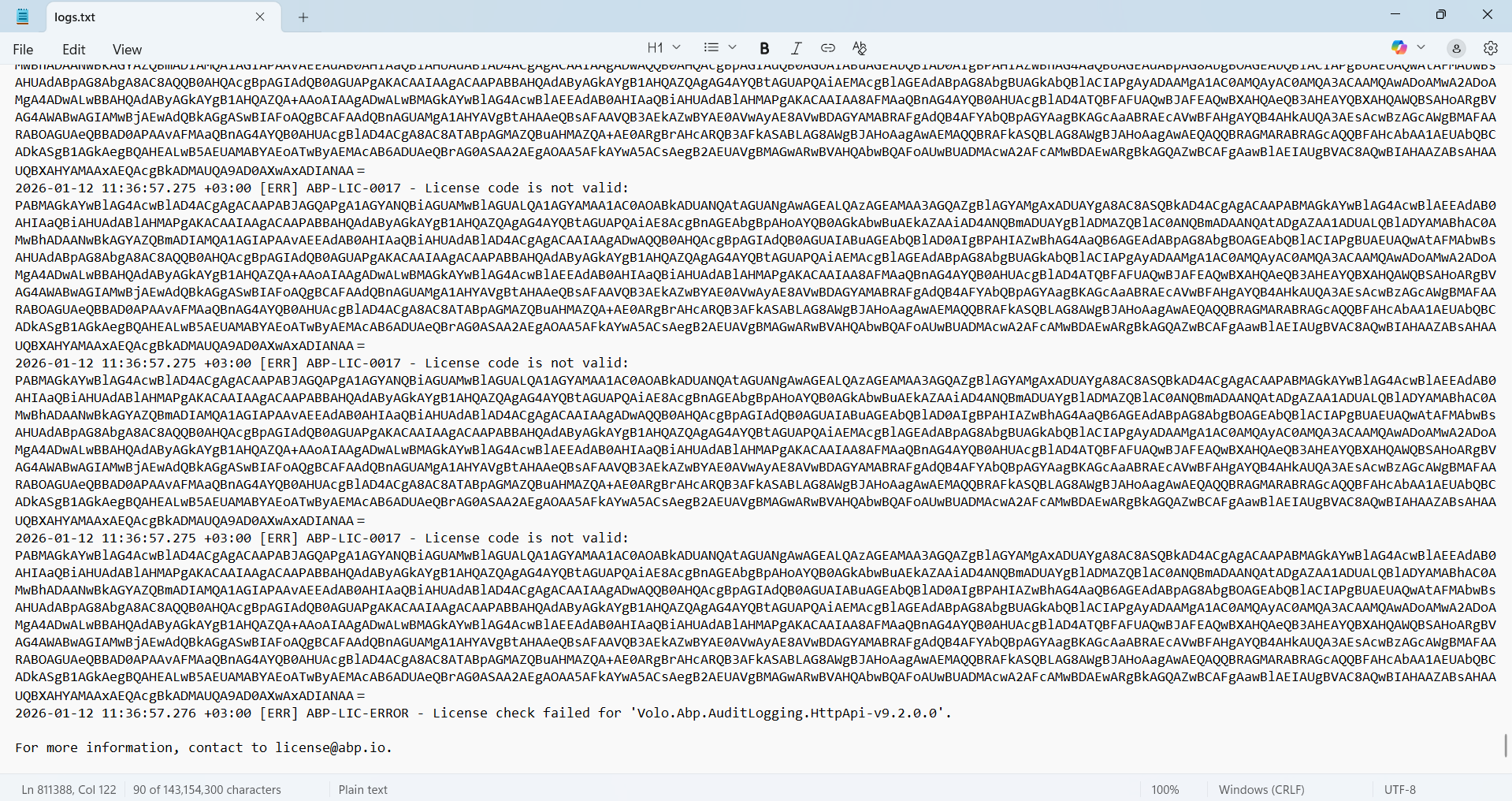 containing the full error details for reference.
Could you please help verify:
- Whether the license is valid and active
- Whether this license supports ABP version 9.2.0
- If any additional configuration or steps are required
Thank you for your support. Looking forward to your guidance.
5 Answer(s)
-
0
- Solution
License validation (including checking whether your license is valid/active and whether it covers ABP Commercial 9.2.0) can only be done by the ABP team against your actual license data; it cannot be reliably diagnosed from application logs alone.
For ABP-LIC-0017 and the
"License check failed for 'Volo.Abp.AuditLogging.HttpApi-v9.2.0.0'"error, please contact the ABP team directly so they can:- Verify that your license is valid and active.
- Confirm that your license covers version 9.2.0 and the modules you are using.
- Regenerate or update your license file if needed and guide you through any additional configuration.
You should share with them:
- Your ABP account email and license ID.
- The exact ABP version (9.2.0) and product type (Angular UI, non-tiered).
- A short excerpt of the log showing the ABP-LIC-0017 error.
They will validate the license and provide a corrected license file or further steps.
- Sources
- Contact ABP for license validation and commercial license issues:
- https://abp.io/contact
This response was generated by AI. If it didn’t solve your problem, feel free to post a new answer — our support team will jump in to help you soon.
Markdown supported.Copy, paste, or drag & drop images and files (max 100 MB per file, 100 MB total per post) -
0
hi
Can you try creating a new 9.2 template project and running it? If it works, can you try copying the license key from the new project into your old project?
Thanks.
Markdown supported.Copy, paste, or drag & drop images and files (max 100 MB per file, 100 MB total per post) -
0
The application was already created and was working correctly. However, after about one month, it started showing this license error.
We have already tried using the license key from another older application where it was previously working, but the issue still persists.
Could you please advise what we should do next to resolve this issue?
Markdown supported.Copy, paste, or drag & drop images and files (max 100 MB per file, 100 MB total per post) -
0
- Solution
For license errors like ABP-LIC-0017 that start after the application has already been running for some time, the root cause is almost always related to the actual Commercial license record (expiration, limits, changes on the license, key regeneration, etc.), not to your project code.
Since this is directly related to your commercial license status, it must be checked on ABP’s side (we can’t see or validate your license from here).
Please do the following:
- Go to https://abp.io/contact.
- Open a ticket with:
- Your ABP account email and company name.
- License ID (if available).
- ABP version (9.2.0) and UI type (Angular).
- A short log excerpt with the
ABP-LIC-0017andVolo.Abp.AuditLogging.HttpApi-v9.2.0.0messages.
- Ask them to:
- Verify that your license is active and valid for ABP 9.2.0.
- Confirm that you’re within license limits (modules, tenants, etc.).
- Regenerate and send you a new license key/file if needed.
After they respond, replace the existing license key/file in your project with the one they provide and restart the application.
- Sources
For license and commercial issues, please contact ABP directly:
- https://abp.io/contact
This response was generated by AI. If it didn’t solve your problem, feel free to post a new answer — our support team will jump in to help you soon.
Markdown supported.Copy, paste, or drag & drop images and files (max 100 MB per file, 100 MB total per post)



