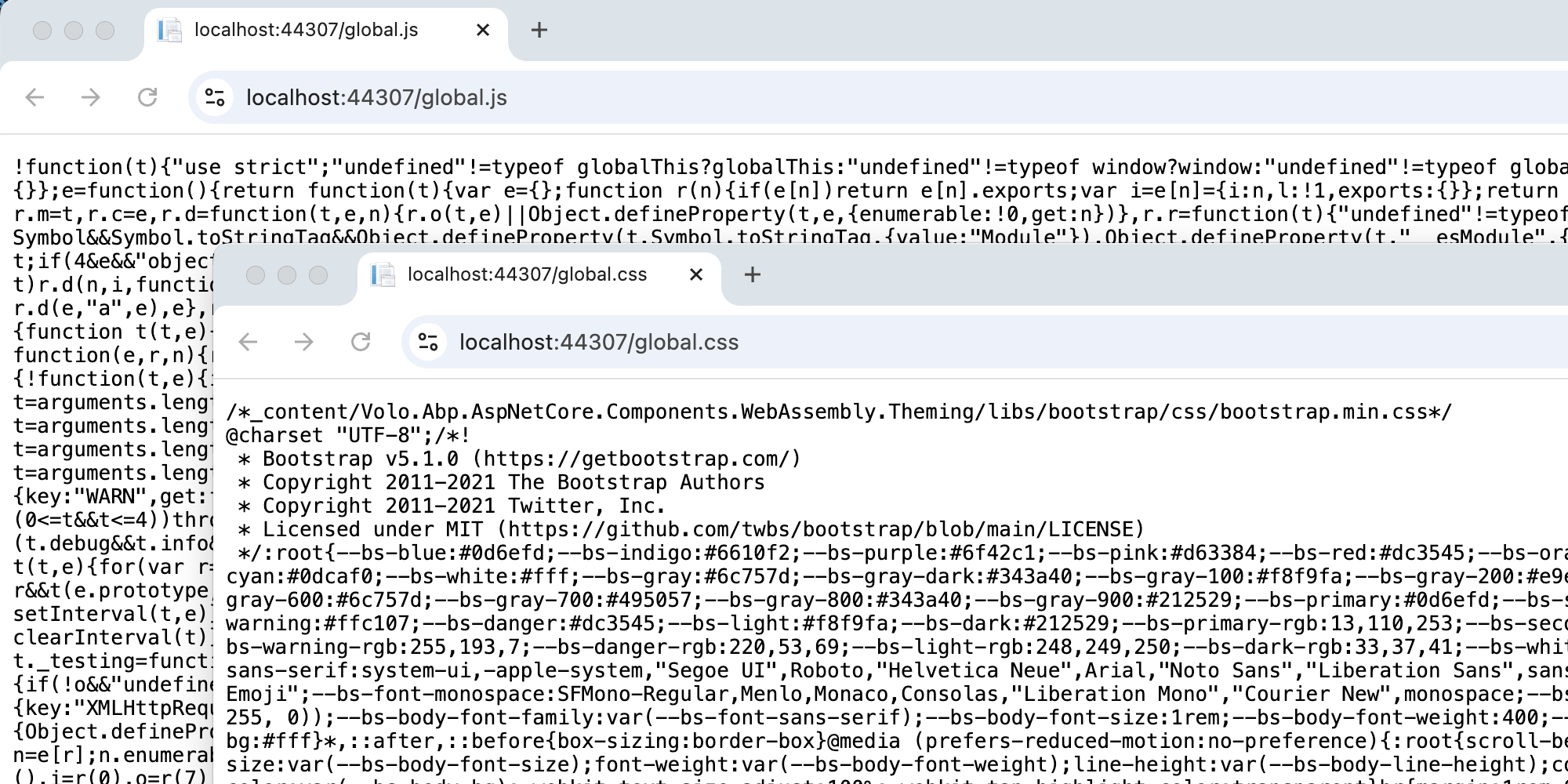
Hello,
We have updated abp from 9.1.3 to 10.0.2. We are experiencing an issue with the menu, as the options appear but clicking on them does not redirect us. We are not receiving any error messages either.
Firstly, I would like to point out that in order to launch the application, we had to delete global.css and global.js and add AbpBundlingOptions, which now allows us to access the app. I am not sure if you could advise us on anything specific to check.
9 Answer(s)
-
0
hi
Can you share a GIF?
we had to delete global.css and global.js and add AbpBundlingOptions,
Do you use the https://abp.io/community/articles/abp-global-assets-new-way-to-bundle-javascriptcss-files-in-blazor-webassembly-app-i0nu10rs feature?
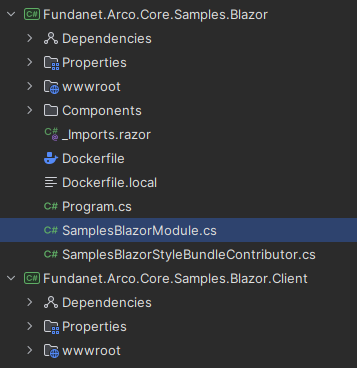
What is your Blazor project structure? Blazor and Blazor.Client?
Thanks.
Markdown supported.Copy, paste, or drag & drop images and files (max 100 MB per file, 100 MB total per post) -
0
Hello,
Yes, we use the article and the PR that explains the same.

The structure is WebAssembly with the Blazor and Blazor.Client.
 Markdown supported.Copy, paste, or drag & drop images and files (max 100 MB per file, 100 MB total per post)
 -
0
Hi,
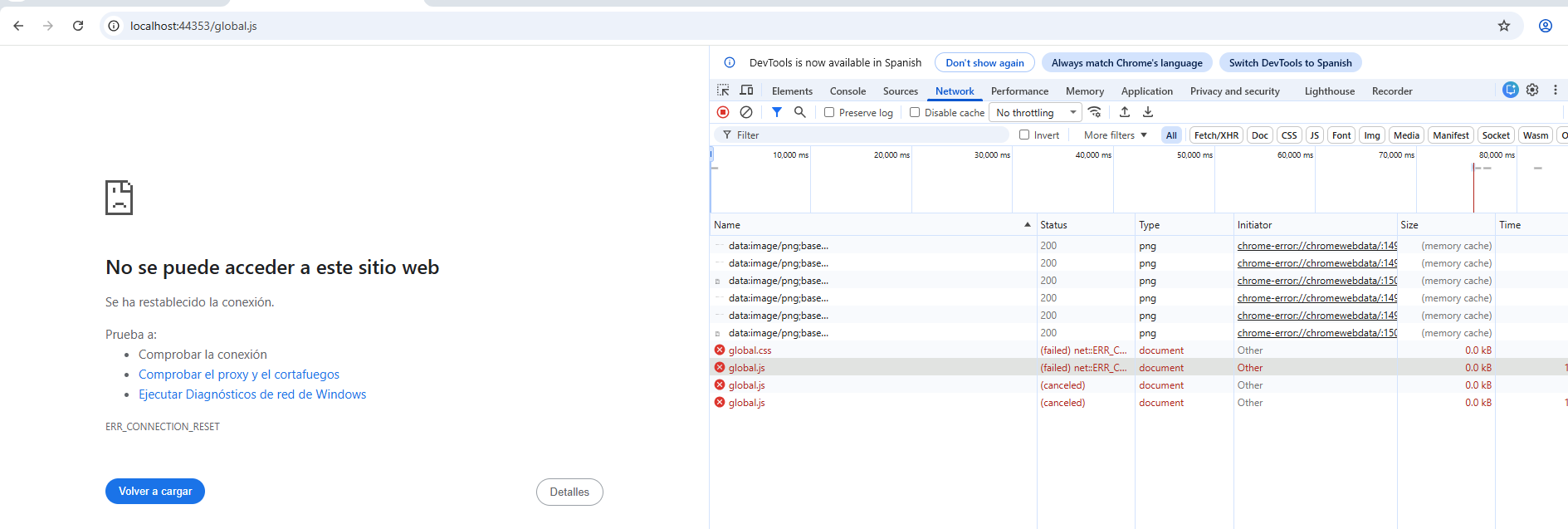
I receive this.

But in the sources i have it.
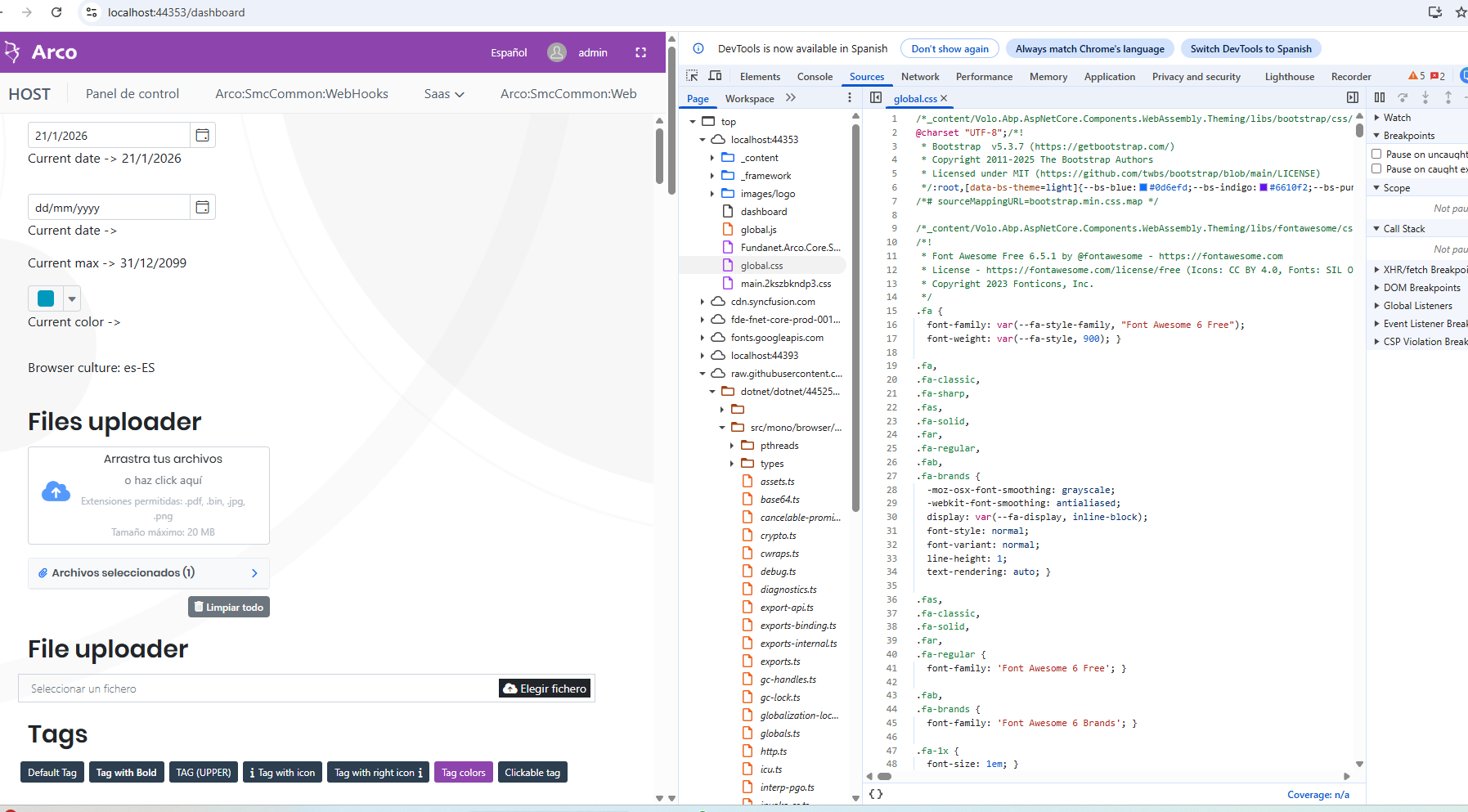
For other side, we recive this errors.
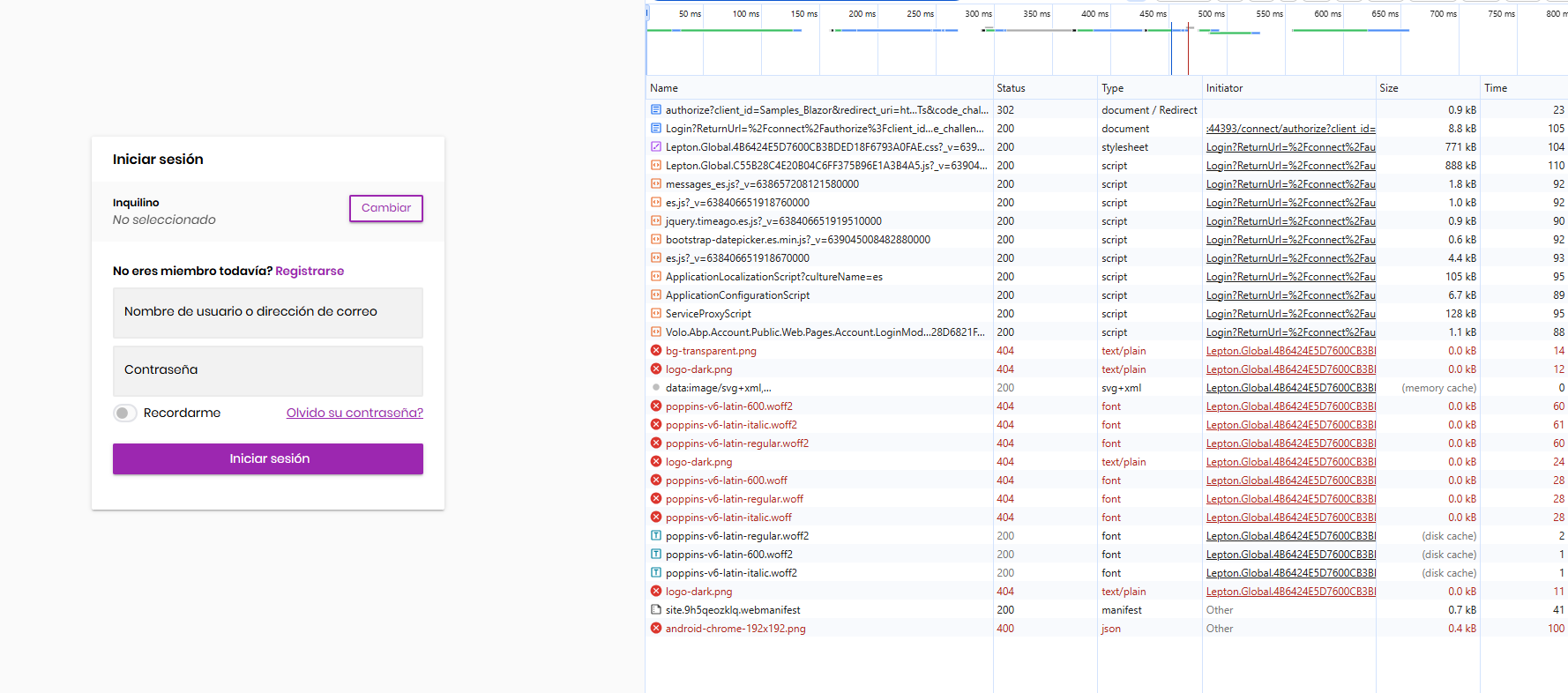 Markdown supported.Copy, paste, or drag & drop images and files (max 100 MB per file, 100 MB total per post)
 -
0
Hi,
I create a template project and I can´t reproduce, but maybe for not add custom items in the toolbar of ABP
Markdown supported.Copy, paste, or drag & drop images and files (max 100 MB per file, 100 MB total per post) -
0
It solved, no problem with menu, thanks for the answer.
Markdown supported.Copy, paste, or drag & drop images and files (max 100 MB per file, 100 MB total per post)