






We created our ABP solution using ABP 9 a year ago, we changed the favicon following these instructions: https://abp.io/support/questions/5025/How-to-change-the-favicon-and-title-in-the-profile-settings-page and it worked great but now we have updated to ABP 10 and is ignoring our favicon. After the migration it is using LeptonX icon instead. I already tried clearing cookies, in incognito, using chrome and firefox. Our favicon.svg and favicon.ico are definitely available at wwwroot in both AuthServer and Blazor projects but it's not using them.
5 Answer(s)
-
0
- Solution
In ABP (including v10) with LeptonX, the favicon is still taken from the root of each application. The theme does not require any extra configuration: placing the files in the right place is enough.
For a Blazor Server + separated AuthServer setup with LeptonX:
Make sure the favicon files are in the correct paths
For each application (AuthServer and Blazor Server UI):- Place your files exactly as:
YourApp.AuthServer/wwwroot/favicon.svgYourApp.AuthServer/wwwroot/favicon.icoYourApp.Blazor/wwwroot/favicon.svgYourApp.Blazor/wwwroot/favicon.ico
There should be no sub-folder (like
/images/or/assets/) in the path – LeptonX looks at the root.- Place your files exactly as:
Remove any manual
<link rel="icon" ...>overrides
If you previously followed older instructions and edited layout/profile pages, restore/remove any custom favicon lines, for example:
<link rel="icon" href="/some/other/path/icon.svg" ... />or any layout/component that points to a LeptonX favicon.
With LeptonX, you normally do not need to add a<link rel="icon"...>tag at all; the default layout will use/favicon.svgand/favicon.icofromwwwroot.Ensure the files are published and served as static content
For both AuthServer and Blazor projects:
- Right‑click
favicon.svgandfavicon.icoin Visual Studio → Properties:Build Action=ContentCopy to Output Directory=Do not copyorCopy if newer(both are fine as long as they end up underwwwrootat publish time).
- Clean + Rebuild the solution.
- If you publish, check the publish folder to confirm:
<publish_root>\wwwroot\favicon.svg<publish_root>\wwwroot\favicon.ico
- Right‑click
Verify which favicon URL is actually being requested
In the browser (for both AuthServer URL and Blazor UI URL):
- Open DevTools → Network tab → filter by
favicon. - Reload the page.
- Confirm the request URL is
/favicon.svgor/favicon.icoand not something like/Themes/LeptonX/.../favicon.svg. - Click the favicon request and check Response:
- It should be your custom icon file (not the LeptonX default).
If you see the favicon being requested from a different URL, that means some layout/component is still pointing to the LeptonX icon. Remove/override that link, so only
/favicon.svg(or/favicon.ico) fromwwwrootis used.- Open DevTools → Network tab → filter by
Clear cache correctly
Because browsers cache favicons aggressively:
- Open DevTools → Network → check Disable cache.
- Hard reload (Ctrl+F5).
- Optionally, try another browser profile or a different machine.
If AuthServer and Blazor show different icons
- Check each app separately:
- Browse directly to
https://authserver-host/favicon.svg→ you should see your SVG. - Browse to
https://blazor-host/favicon.svg→ you should see the same SVG.
- Browse directly to
- If one of them still returns the LeptonX icon, its
wwwroot/favicon.*is not updated or not deployed correctly. Fix that project and rebuild.
- Check each app separately:
If all the above conditions are satisfied (correct paths, no custom
<link>overrides, files actually deployed and served) LeptonX in ABP 10 will use your favicon instead of the LeptonX icon.- Sources
- Favicon override behavior for LeptonX (placing
favicon.svg/favicon.icounder~/wwwrootin each app):
https://abp.io/support/questions/8906 - General Blazor UI customization/overriding components:
https://abp.io/docs/latest/framework/ui/blazor/overall
This response was generated by AI. If it didn’t solve your problem, feel free to post a new answer — our support team will jump in to help you soon.
Markdown supported.Copy, paste, or drag & drop images and files (max 100 MB per file, 100 MB total per post) -
0
I verified all of this and it's still not working.
- Make sure the favicon files are in the correct paths For each application (AuthServer and Blazor Server UI): the favicons are in the correct location, they were working fine before the migration and we haven't moved them. I verified and they're still there in wwwroot.
- Remove any manual <link rel="icon" ...> overrides: there are no overrides.
- Ensure the files are published and served as static content: Verified, attaching image

- Verify which favicon URL is actually being requested: I can confirm the URL being used is correct, just "/favicon.svg" but the icon it's retrieving is incorrect, is the LeptonX icon no the one I have in wwwroot.
- Clear cache correctly: tried disabling cache, a different browser and incognito. Got the same result.
As you can see in this image of my wwwroot I have a favicon.svg and favicon.ico in the auth server project and it's not the LeptonX icon
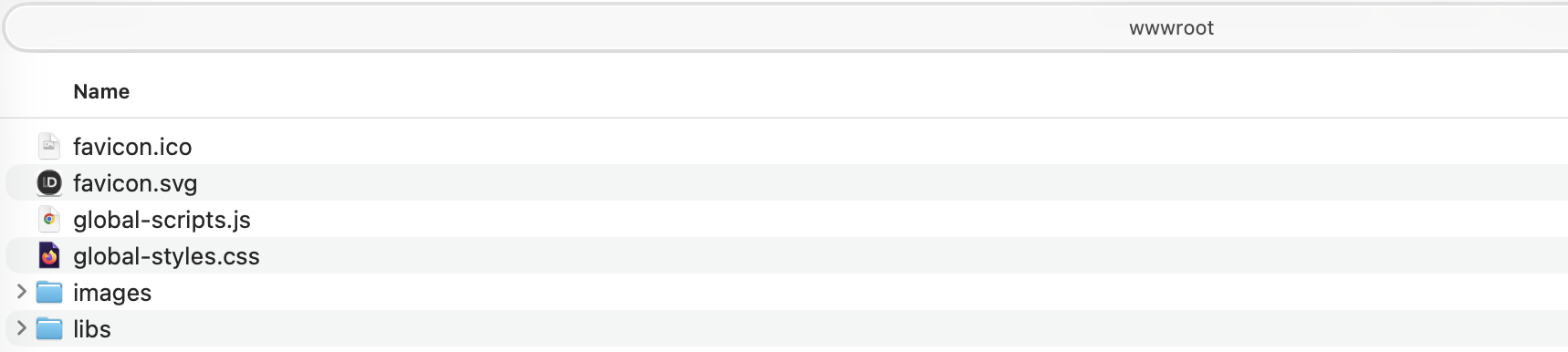 . Then when I run the project in my local machine and make a request for favicon I get a different icon:
 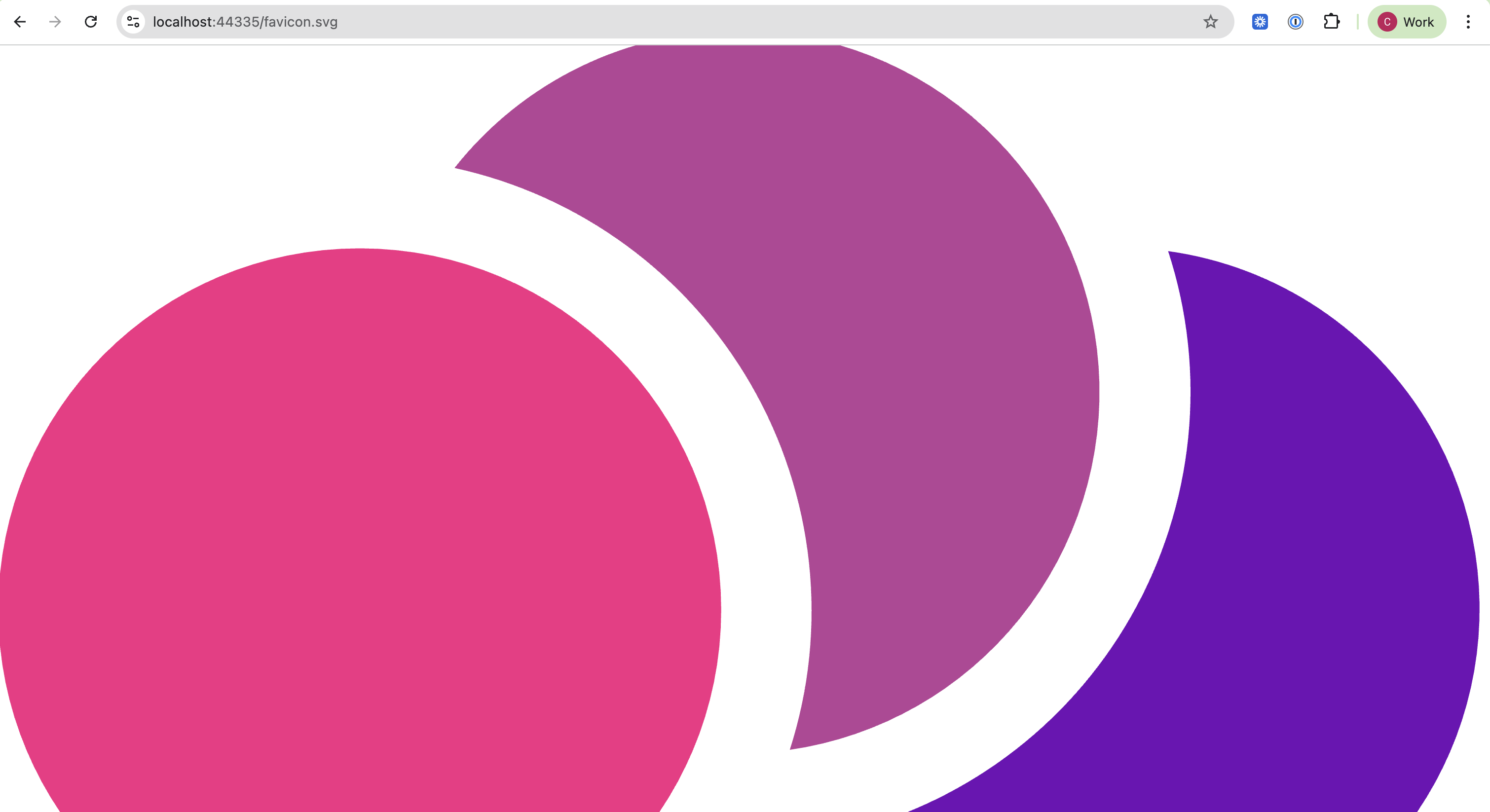 .
.We have not made any changes related to favicon, we just updated to ABP 10.
Markdown supported.Copy, paste, or drag & drop images and files (max 100 MB per file, 100 MB total per post) -
0
hi
Can you share your module code?
You can try adding your
favicon.ico favicon.svgfiles as embedded resources.<ItemGroup> <EmbeddedResource Include="wwwroot\**\*.ico" /> <EmbeddedResource Include="wwwroot\**\*.svg" /> <Content Remove="wwwroot\**\*.ico" /> <Content Remove="wwwroot\**\*.svg" /> </ItemGroup>Thanks
Markdown supported.Copy, paste, or drag & drop images and files (max 100 MB per file, 100 MB total per post) -
0
Hello,
Thank you for the suggestion. I tried adding
favicon.icoandfavicon.svgas embedded resources using the configuration you provided, but it did not resolve the issue.Since I couldn't share our codebase, I created a fresh ABP v10 solution and confirmed that favicon replacement works correctly in the default template. So I decided to make a diff check for all the differences and I was able to pinpoint the issue.
Root Cause: I found that the issue was caused by the order of middleware in the application initialization. In our ABP v9 implementation, we had:
app.UseCorrelationId();
app.MapAbpStaticAssets();
app.UseAbpStudioLink();
app.UseRouting();
In the new version
app.UseRouting();was moved beforeapp.MapAbpStaticAssets();Check the diff here:

Moving
app.UseRouting()beforeapp.MapAbpStaticAssets()resolved the issue. The favicons now display correctly.Is it possible to get this question ticket refunded?
Thanks.
Markdown supported.Copy, paste, or drag & drop images and files (max 100 MB per file, 100 MB total per post)



