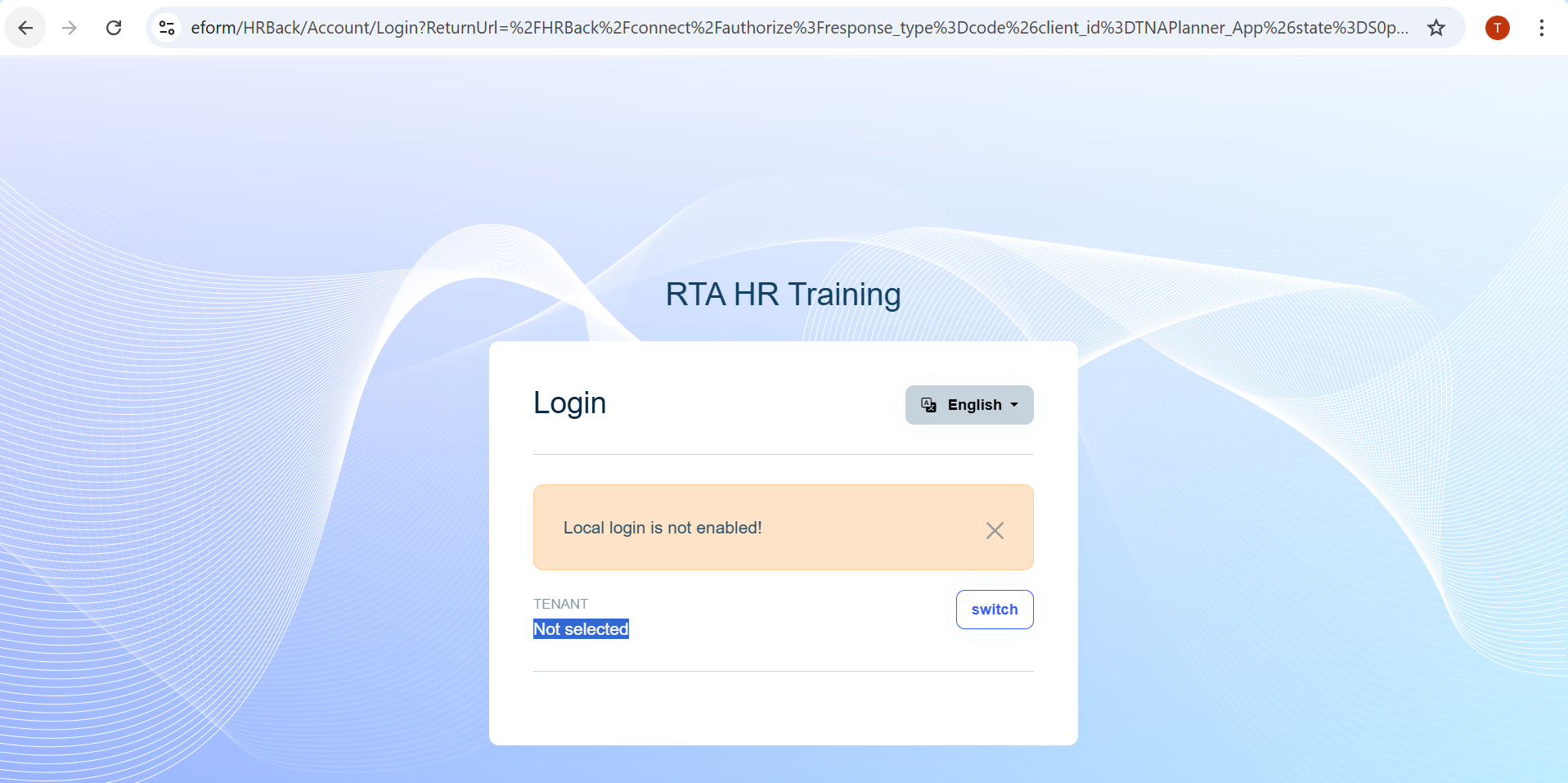
14 Answer(s)
-
0
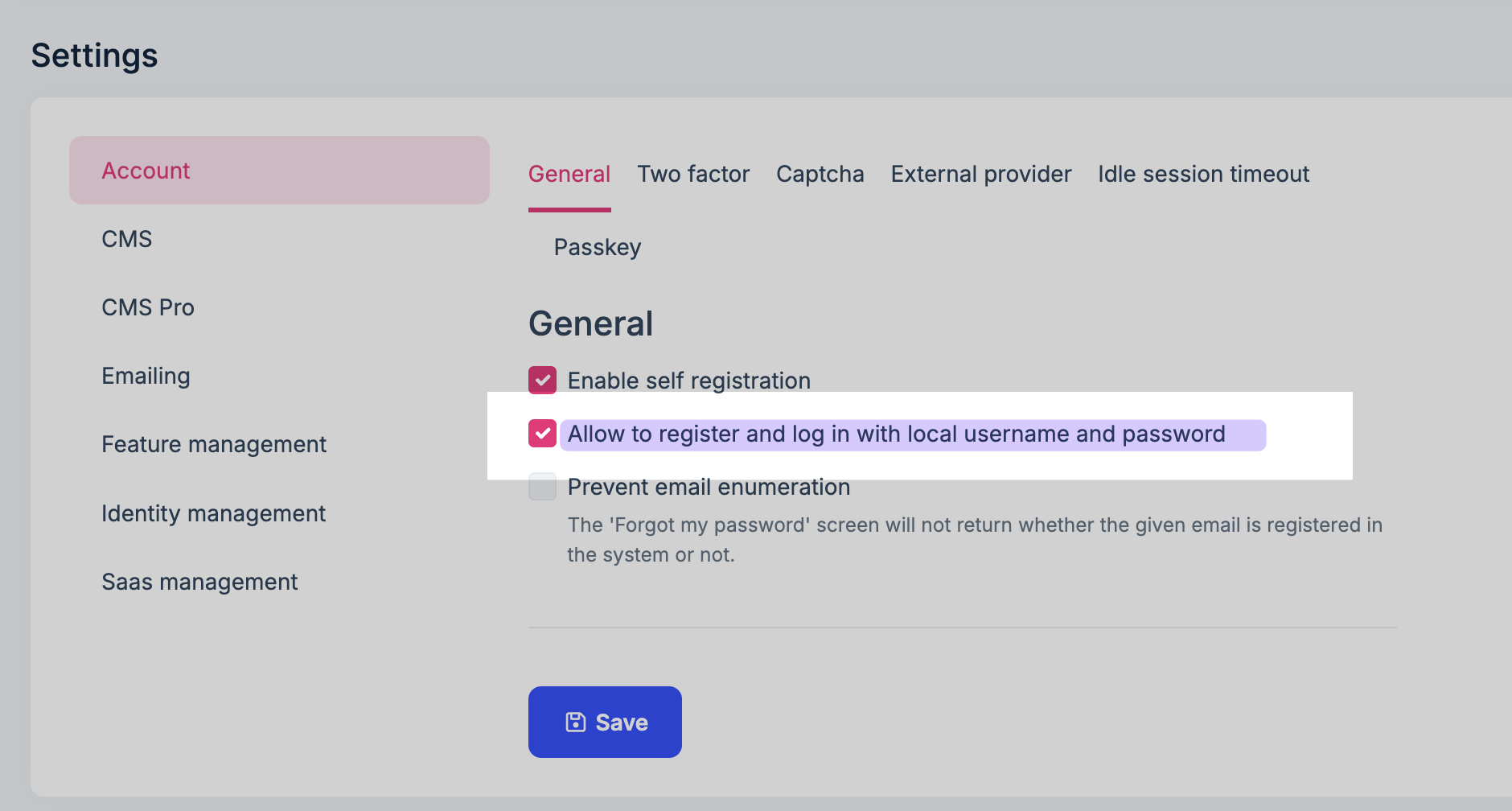
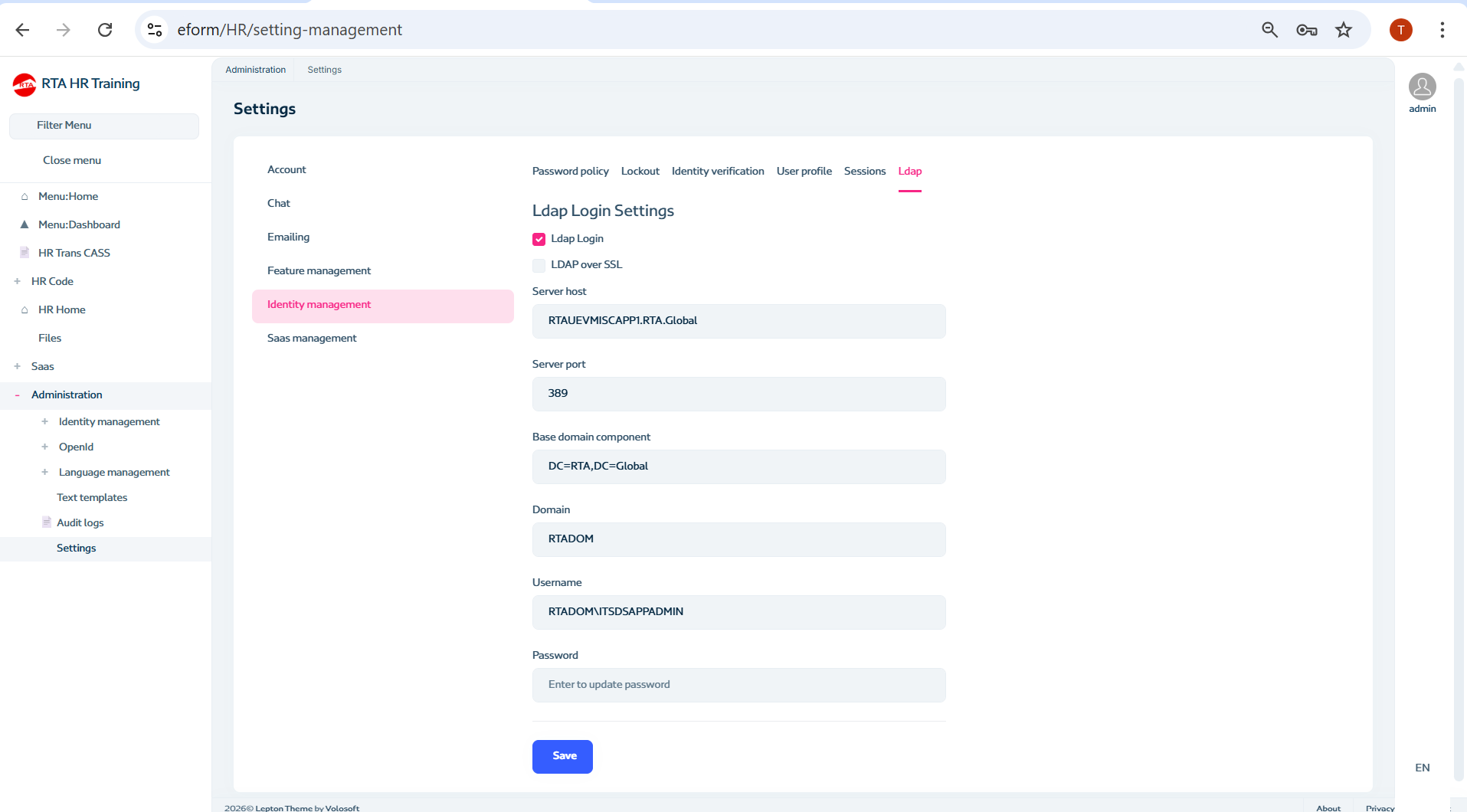
What you enabled in the UI (“Ldap Login Settings”) is LDAP username/password login, not SSO.
- LDAP login still requires the user to type credentials on the ABP login page.
- SSO (automatic sign-in with the current Windows/domain user) is a different feature (Windows Integrated Authentication / Kerberos/NTLM) and is not provided by the LDAP login setting in ABP.
If your goal is SSO, you need to use an identity provider/protocol that supports SSO for SPAs, typically:
- OpenID Connect (OIDC) with your IdP (Azure AD / Entra ID, ADFS, Keycloak, etc.)
- Or IIS/Windows Integrated Authentication (not the same as LDAP login) with custom setup (and it won’t work the same way for Angular SPA in many scenarios because the SPA uses OIDC redirects and tokens).
If your goal is LDAP login (not SSO) but it “does not work”, do all of these (host side):
- Enable the LDAP feature from Feature Management:
- Host:
Account.EnableLdapLoginmust be enabled (and tenant too if you’re logging in as a tenant user).
- Host:
- Configure the LDAP settings under Settings > Identity Management > LDAP (as you did).
- Clear/refresh caches and verify the feature value is actually stored (ABP stores feature values in DB; if a cache is stale you may not see it reflected immediately).
- Restart the AuthServer/HttpApi.Host after changing LDAP-related settings.
- Enable the LDAP feature from Feature Management:
If you want “SSO only on login” for an Angular UI, the correct approach is usually:
- Configure OpenIddict/IdentityServer to use an external OIDC provider (Azure AD/ADFS/etc.).
- Customize the backend login UI to auto-redirect to that external provider (so the user never sees the local login form).
Links (verified):
- https://abp.io/support/questions/2270
- https://abp.io/docs/latest/others/why-abp-platform
This response was generated by AI. If it didn’t solve your problem, feel free to post a new answer — our support team will jump in to help you soon.
Markdown supported.Copy, paste, or drag & drop images and files (max 100 MB per file, 100 MB total per post) -
0
hi
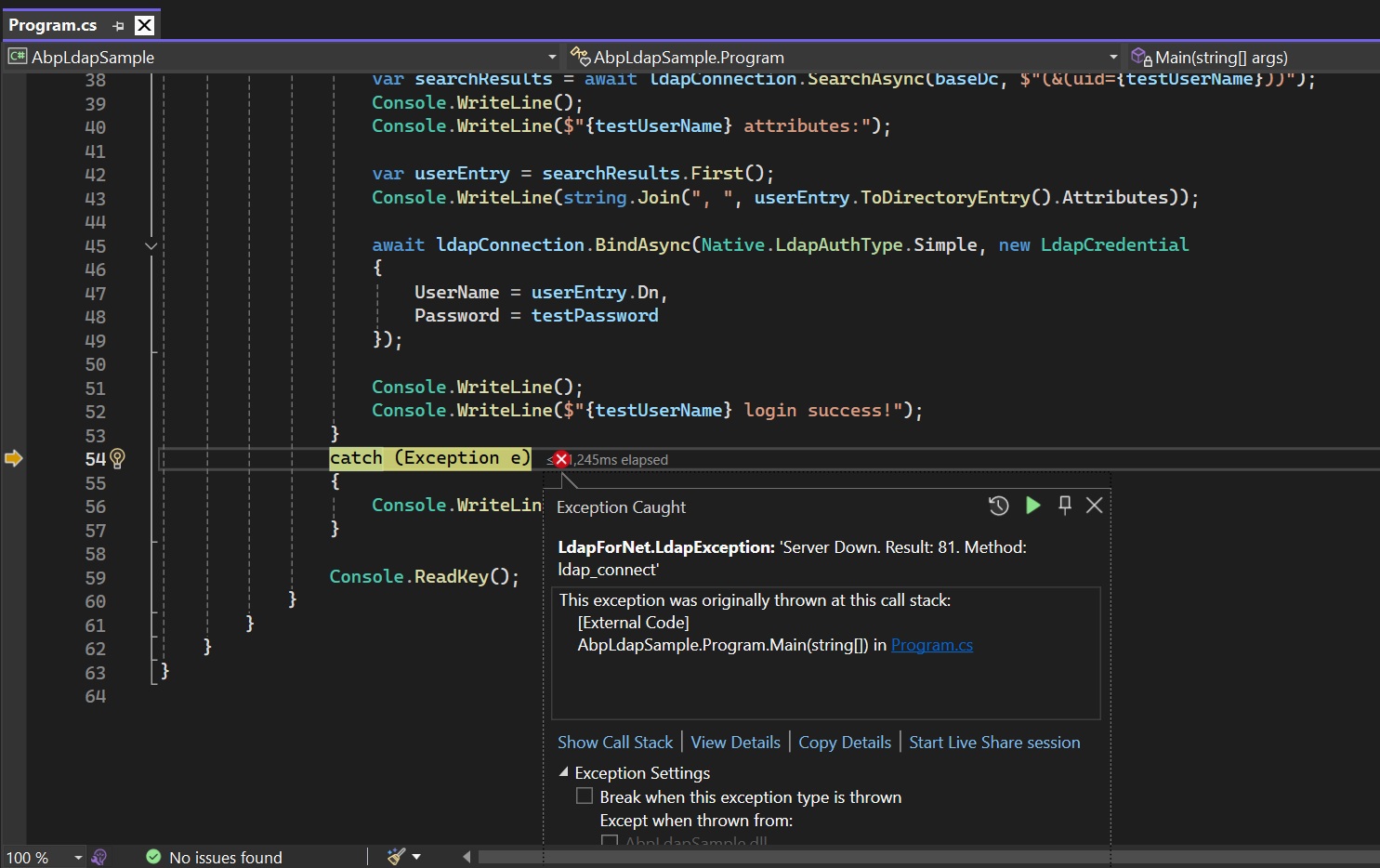
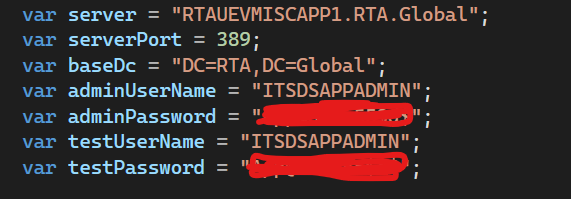
Testing the LDAP configuration using your ABP application might be time-consuming. The following simple Dotnet Console App is for testing your LDAP configuration. Before configuring your LDAP settings, you can test the information via this app to see if it works.
https://abp.io/docs/latest/modules/identity/ldap#ldap-test-application
Markdown supported.Copy, paste, or drag & drop images and files (max 100 MB per file, 100 MB total per post) -
0
hi
Please check and test your LADP configuration in the test app.
See https://abp.io/support/questions/10470/Enable-SSO#answer-3a1fa592-de6f-be52-97c7-43b7c4feaefd
Thanks.
Markdown supported.Copy, paste, or drag & drop images and files (max 100 MB per file, 100 MB total per post) -
0
hi
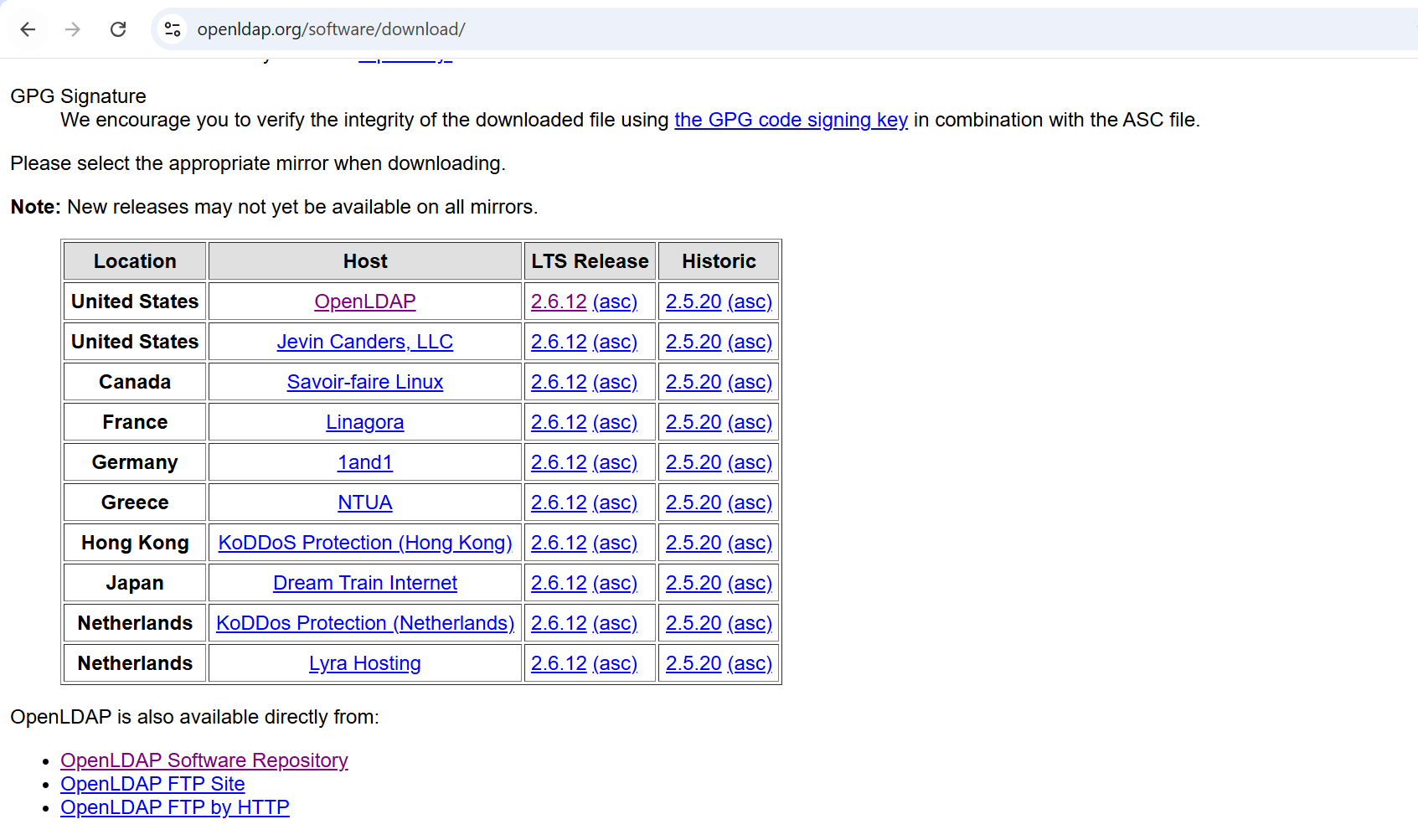
It’s possible that your server can’t connect. Could you try using a client, like OpenLDAP?
https://www.openldap.org/software/download/
Thanks.
Markdown supported.Copy, paste, or drag & drop images and files (max 100 MB per file, 100 MB total per post) -
0
hi
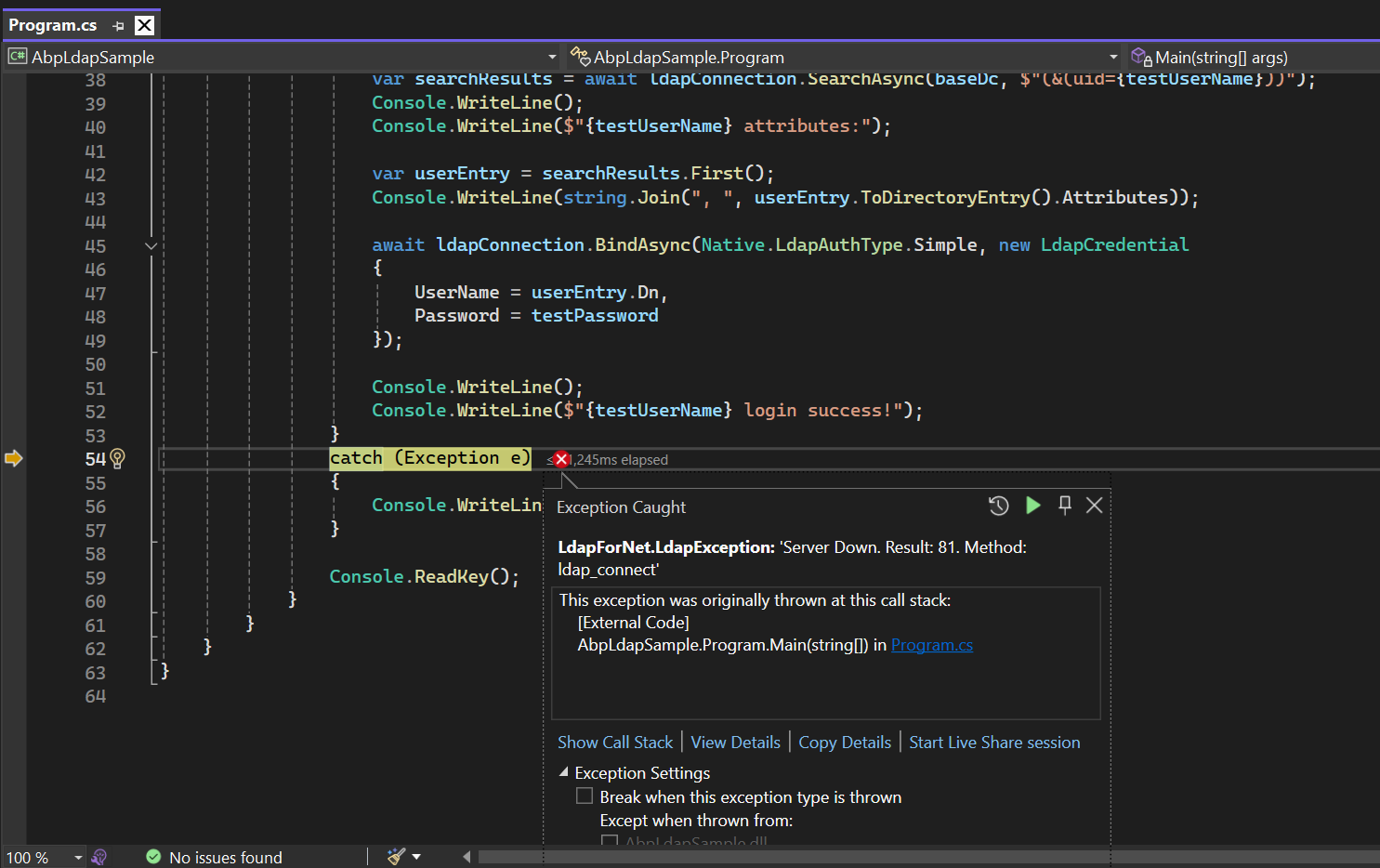
This is just to confirm that your LDAP connection is configured correctly. You can verify this in other ways without necessarily downloading any software, or you can consult your LDAP administrator for information.
Because your current LADP can't connect.
Thanks.
Markdown supported.Copy, paste, or drag & drop images and files (max 100 MB per file, 100 MB total per post)