ABP Framework version: v4.3.2 UI type: Angular DB provider: EF Core Tiered (MVC) or Identity Server Separated (Angular): no
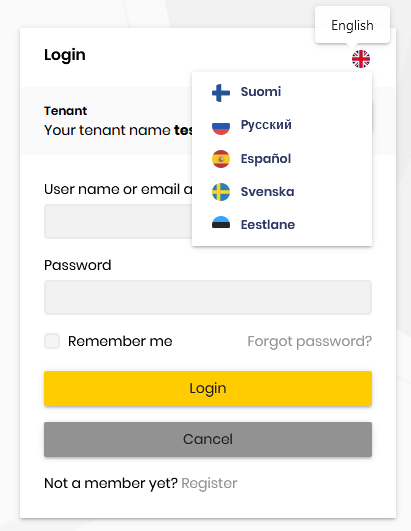
After clicking on the login button, I reach the login page. From here, if I try to change the language, nothing happens. Language does not change, the flag neither.
It might be related to this issue fixed few weeks ago maybe.
20 Answer(s)
-
0
hi
I think there are
culture&ui-cultureparameters in the currentURL.It similar to
QueryStringRequestCultureProvider, It takes precedence over cookies.https://docs.microsoft.com/en-us/aspnet/core/fundamentals/localization?view=aspnetcore-5.0#querystringrequestcultureprovider-2
Markdown supported.Copy, paste, or drag & drop images and files (max 100 MB per file, 100 MB total per post) -
0
Hi,
Thanks for the information and sorry for the late reply. You are right, we have parameters on the current Url:
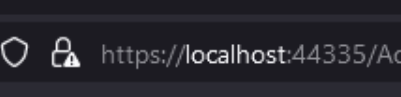
https://localhost:44348/Account/Login?ReturnUrl=%2Fconnect%2Fauthorize%2Fcallback%3Fresponse_type%3Dcode%26client_id%3DMy_App%26state%3DbDd5SnMtVTJ5QjgzLnQxalI4UjdUR3BuS3pyWVBTemdUN3l-Tk9hUV9ZRHhJ%26redirect_uri%3Dhttp%253A%252F%252Flocalhost%253A4200%26scope%3Dopenid%2520offline_access%2520StaffApp%26code_challenge%3DkNK2i41ugtSH4I-1cdtMMk3-KvC3-x8yhLou3dkJRnM%26code_challenge_method%3DS256%26nonce%3DbDd5SnMtVTJ5QjgzLnQxalI4UjdUR3BuS3pyWVBTemdUN3l-Tk9hUV9ZRHhJ%26culture%3Den%26ui-culture%3Den
As we can not change it from UI, should you not disable the language dropdown list on this views?
I could eventually add this views (login, register, forgot password) on my project and edit them. But if you do changes on the future on them, i will not get the updates
Thanks
Markdown supported.Copy, paste, or drag & drop images and files (max 100 MB per file, 100 MB total per post) -
0
Great, from what I see it will be available on the version 4.4 right?
Markdown supported.Copy, paste, or drag & drop images and files (max 100 MB per file, 100 MB total per post) -
0
I just updated to the version 4.4 but it still exactly the same, it doesn't work
Markdown supported.Copy, paste, or drag & drop images and files (max 100 MB per file, 100 MB total per post) -
0
No,
I am trying on the project I am developing on, but it should work after updating no?
Markdown supported.Copy, paste, or drag & drop images and files (max 100 MB per file, 100 MB total per post) -
0
I just tried with a new solution 4.4, the issue is still here
Markdown supported.Copy, paste, or drag & drop images and files (max 100 MB per file, 100 MB total per post) -
0
1- run the application
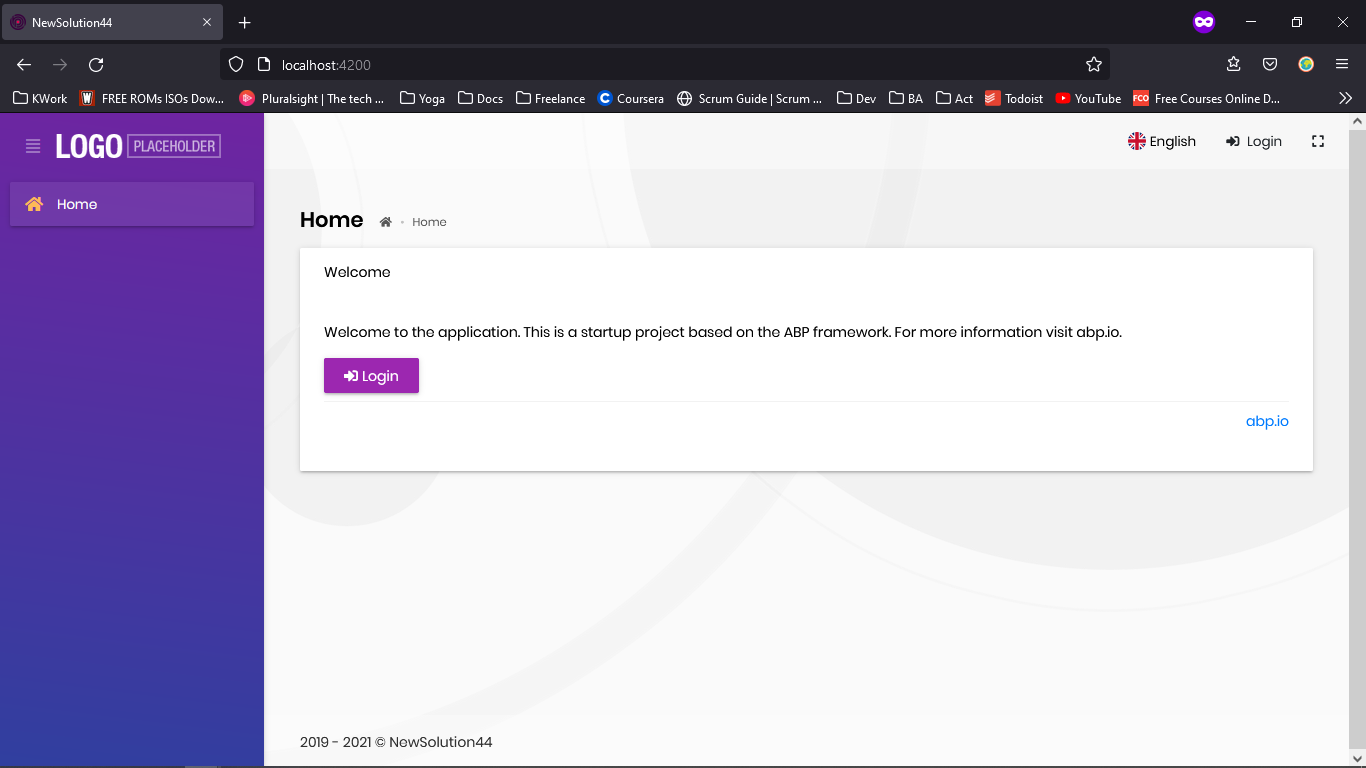
2- Click login button
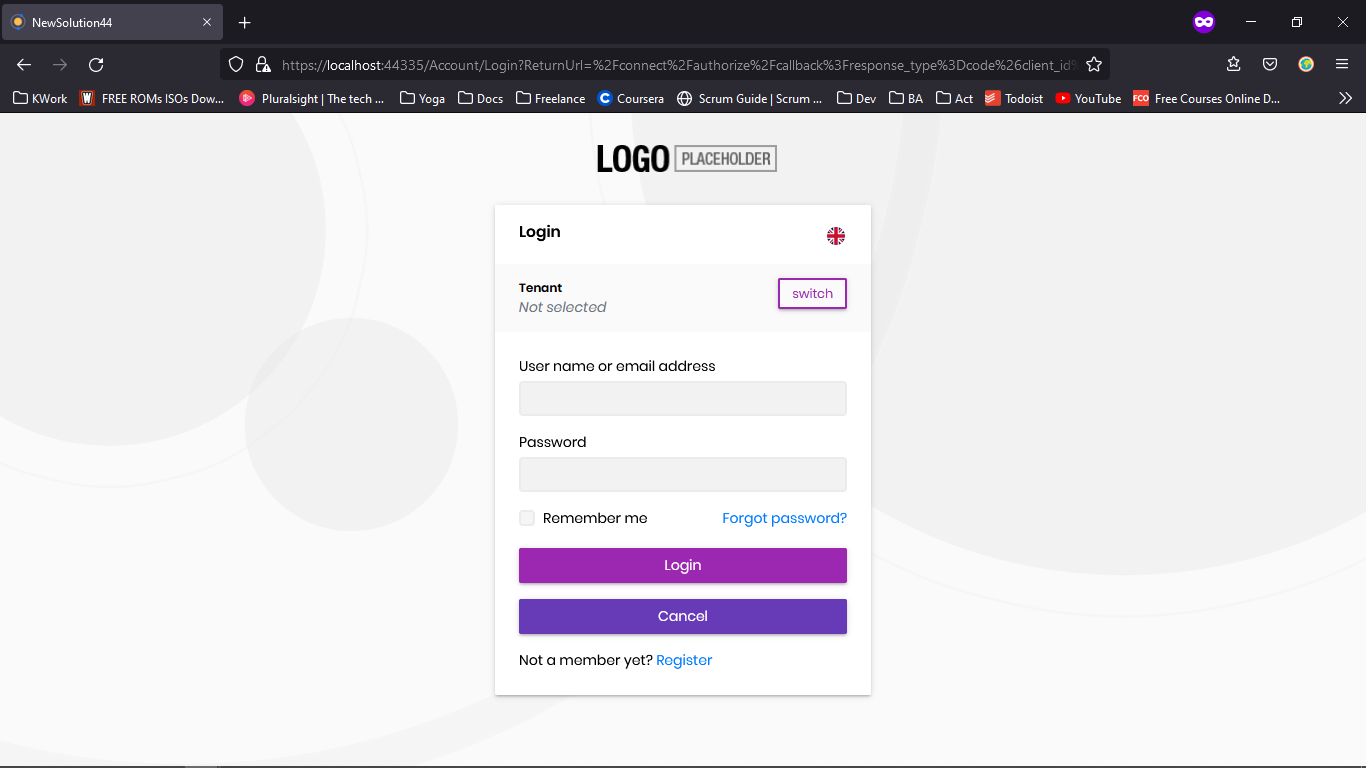
3- Change language, nothing happens
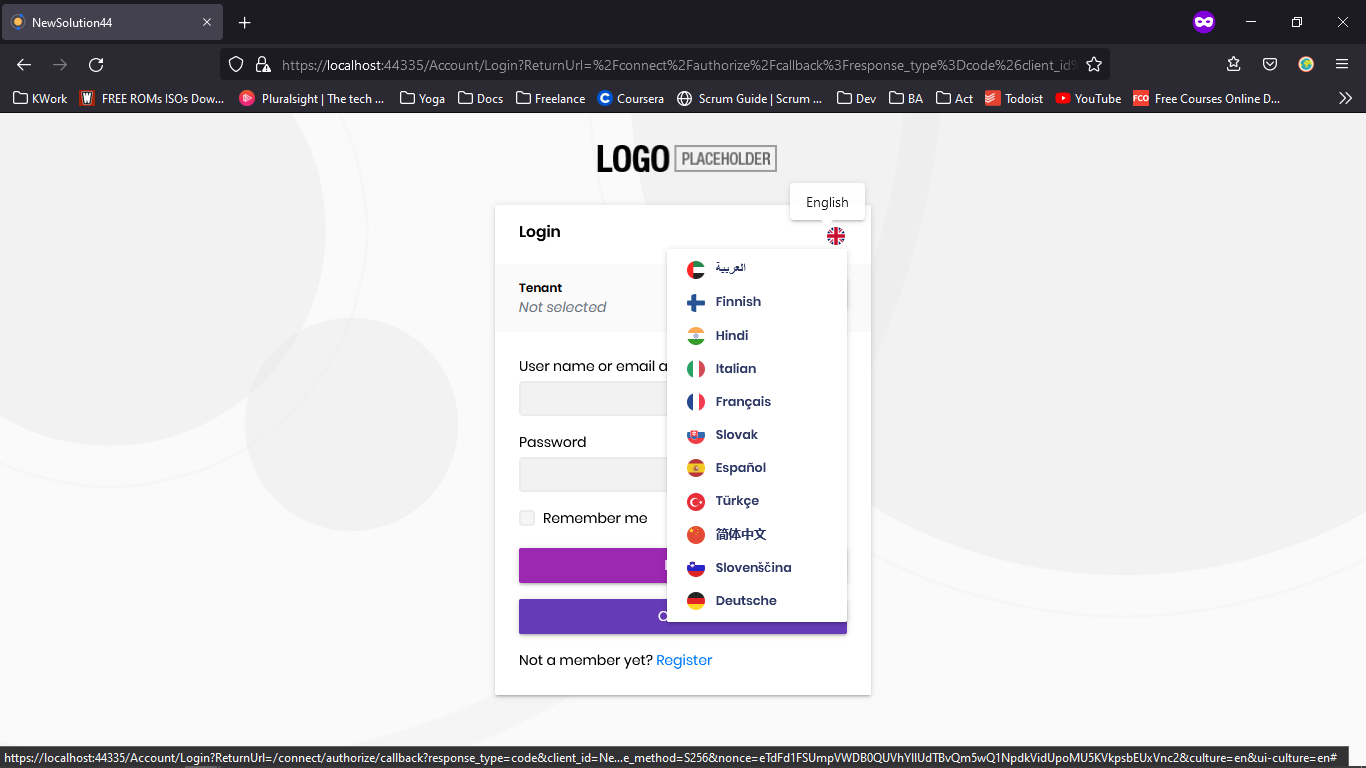 Markdown supported.Copy, paste, or drag & drop images and files (max 100 MB per file, 100 MB total per post)
 -
0
hi
Add below code to your IDS project.
[Dependency(ReplaceServices = true)]
[ExposeServices(typeof(IQueryStringCultureReplacement))]
public class MyIdentityServerReturnUrlQueryStringCultureReplacementProvider : IdentityServerReturnUrlQueryStringCultureReplacementProvider
{

}
Markdown supported.Copy, paste, or drag & drop images and files (max 100 MB per file, 100 MB total per post) -
0
IDS project?
Markdown supported.Copy, paste, or drag & drop images and files (max 100 MB per file, 100 MB total per post) -
0
Be more clear please. There is few IdentityServer stuffs. Do I need to create this class in one of the projects? If IDS means IdentityServer, which is not a project
Markdown supported.Copy, paste, or drag & drop images and files (max 100 MB per file, 100 MB total per post) -
0
I updated the class in a new file into HttpApi.Host and all works well now thanks.
Do you know when it will be fixed on the Framework? Next release?
Did you refund me the ticket yet as since the beginning the issue is from ABP.IO side?
Thanks
Markdown supported.Copy, paste, or drag & drop images and files (max 100 MB per file, 100 MB total per post) -
0
Thanks a lot.
I close the ticket then
Markdown supported.Copy, paste, or drag & drop images and files (max 100 MB per file, 100 MB total per post)