






- ABP Framework version: v3.0.5
- UI type: Angular
- DBType: EFC, modified for MySQL
- Tiered (MVC) or Identity Server Seperated (Angular): no
- Exception message and stack trace:
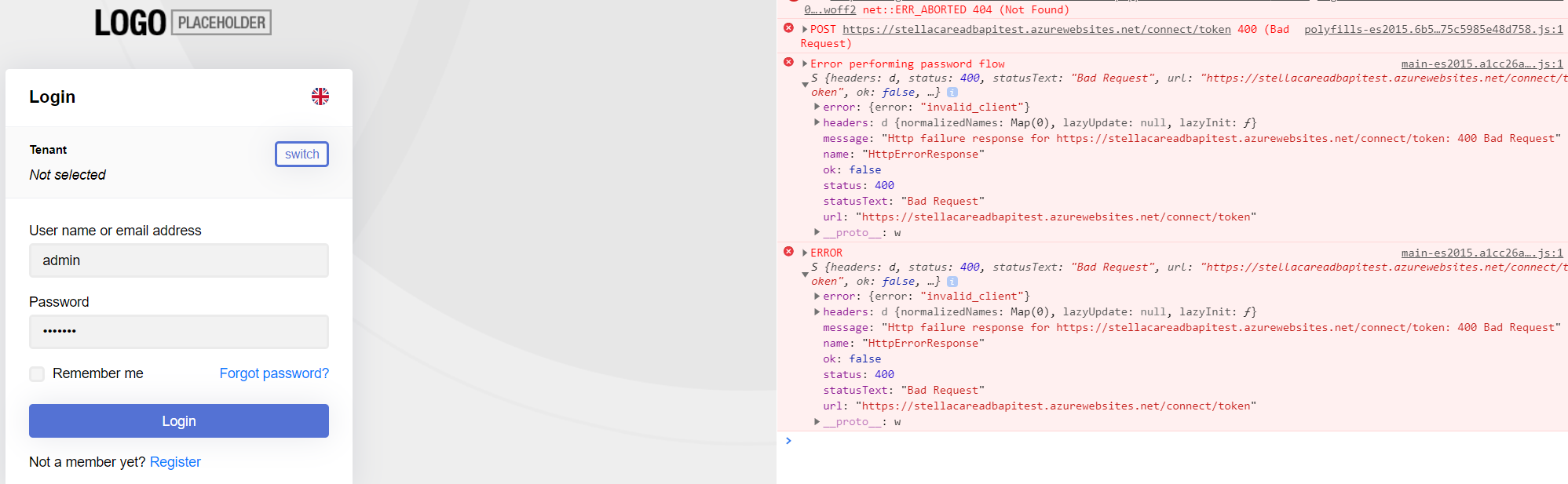
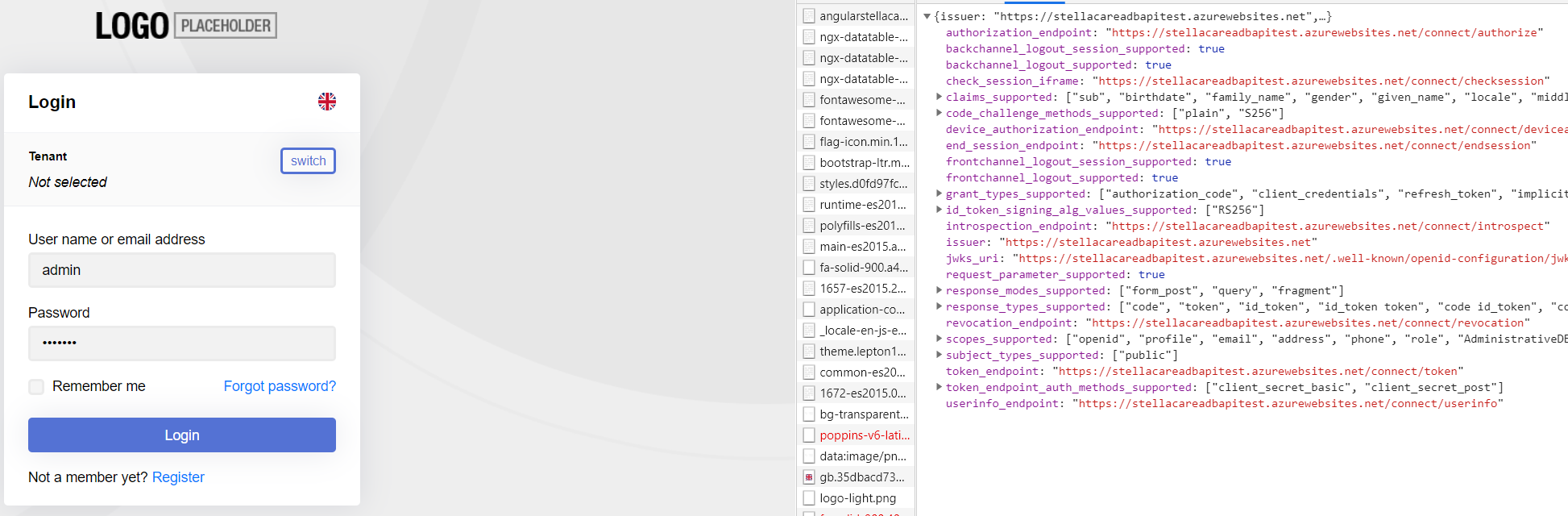
- Steps to reproduce the issue:
- Database with multiple join tables for DB business model
- Frontend running on Microsoft Azure App service.
- Backend Running on Microsoft Azure App service. Works when contacted by Postman.
- CORS in enabled on App service for backend.
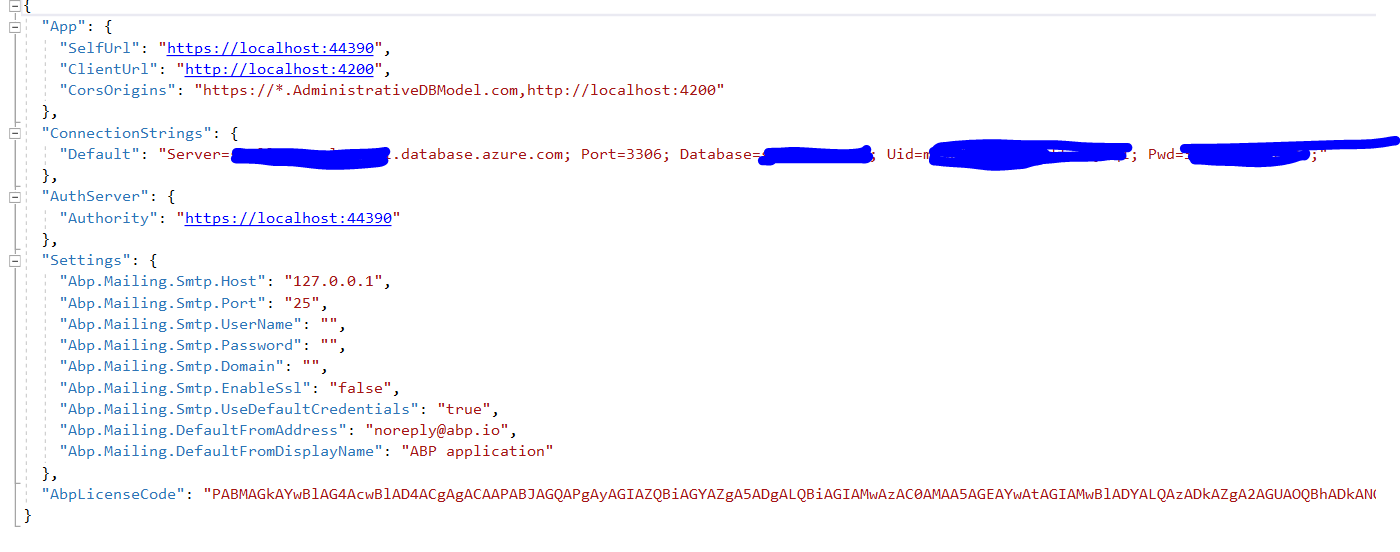
Appsetting.json:
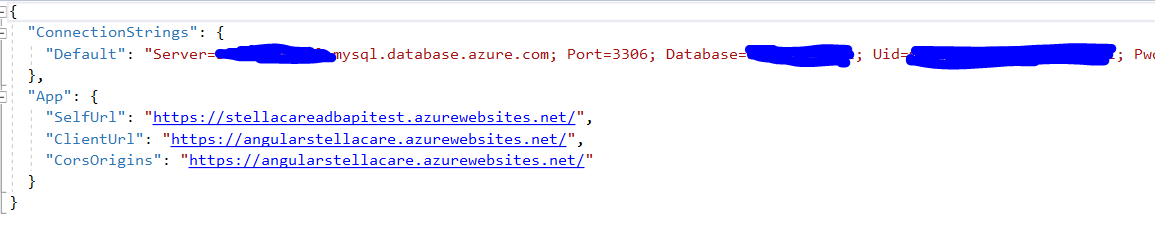
 Appsettings.Production.json:
 Environment.prod.ts:
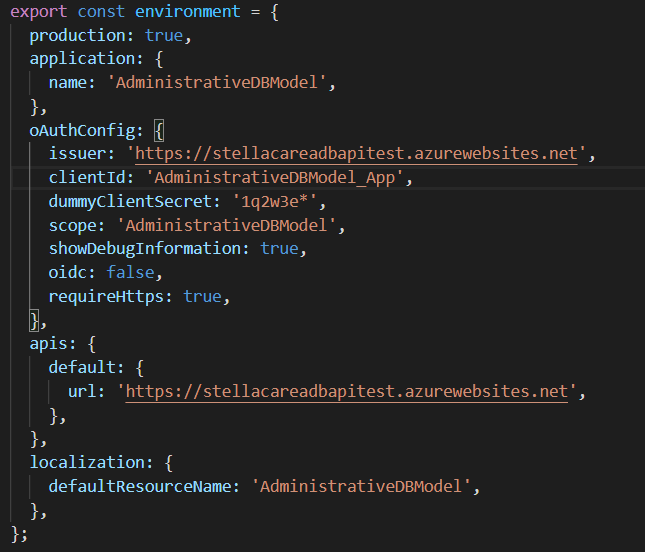
The frontend is deployed by ng build --prod
and uploaded by filezilla to the app services wwwroot folder.
Before CORS was enabled on backend, a bearer token was recieved, but it had no effect and did not keep the user logged in.
How do we set up so that the backend and frontend can communicate properly?
15 Answer(s)
-
0
Hi,
You can see that
invalid_client. I think is your client'scallback urlhas wrong.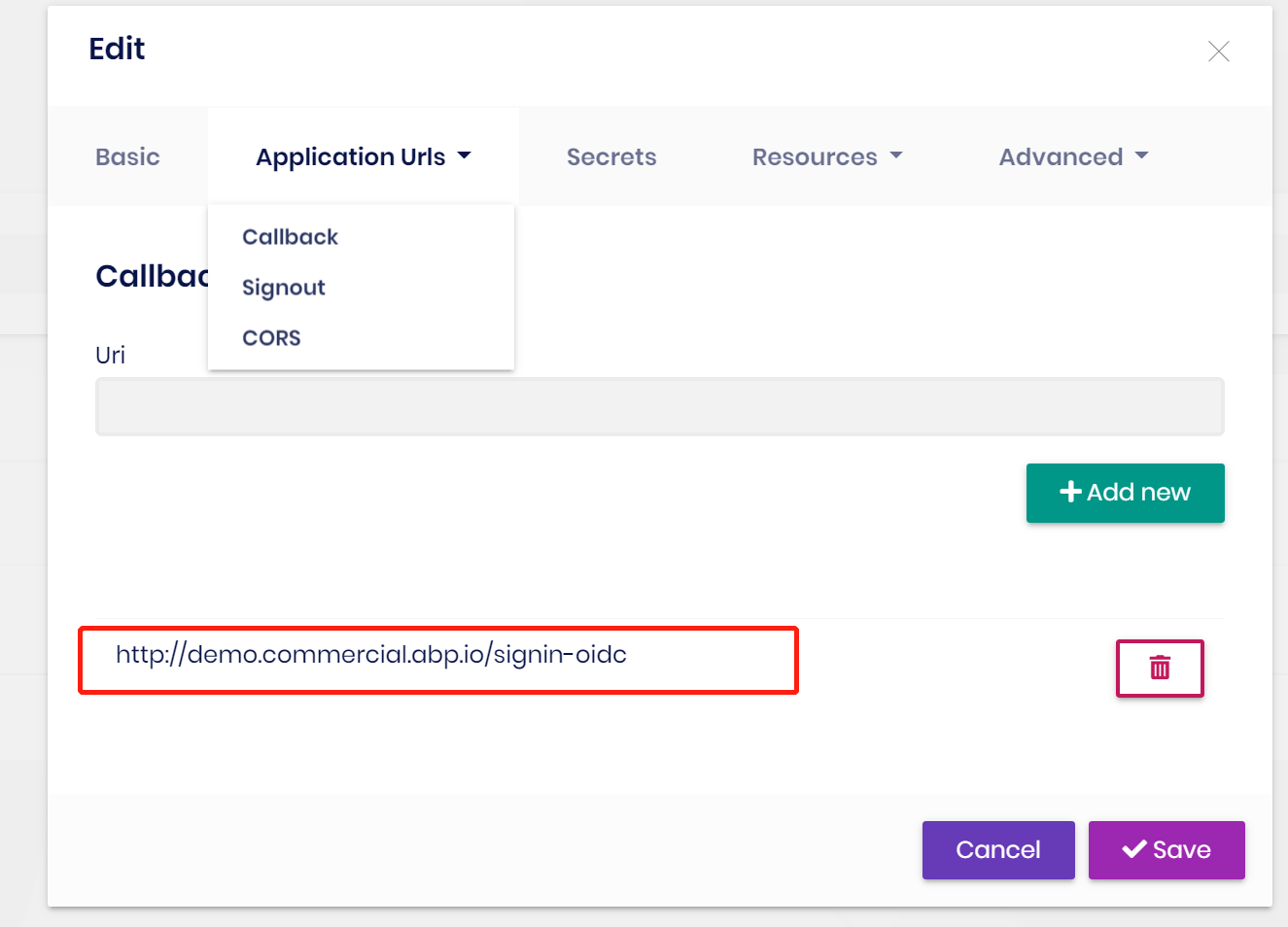 Markdown supported.Copy, paste, or drag & drop images and files (max 100 MB per file, 100 MB total per post)
 -
0
Where would I change that? I.e., where is that cutout from?
Markdown supported.Copy, paste, or drag & drop images and files (max 100 MB per file, 100 MB total per post) -
0
Find
IdentityServerDataSeedContributorin your project or change theIdentityServerClientRedirectUristable directly in the databaseMarkdown supported.Copy, paste, or drag & drop images and files (max 100 MB per file, 100 MB total per post) -
0
It is now back to getting a bearer token, but deosn't keep the user logged in.
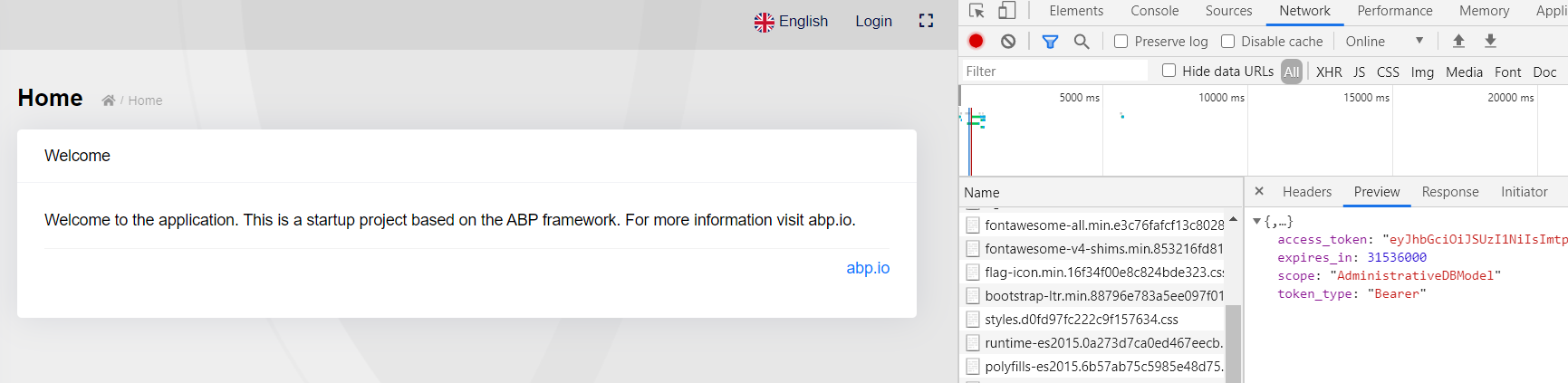 Markdown supported.Copy, paste, or drag & drop images and files (max 100 MB per file, 100 MB total per post)
 -
0
See https://community.abp.io/articles/patch-for-chrome-login-issue-identityserver4-samesite-cookie-problem-weypwp3n
Markdown supported.Copy, paste, or drag & drop images and files (max 100 MB per file, 100 MB total per post) -
0
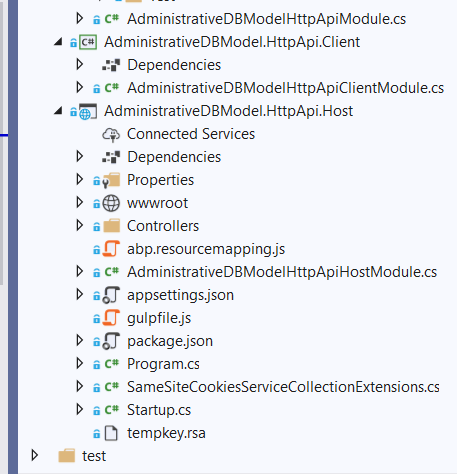
Added the code to the HttpApi.Host part of the solution and published to azure, but it had no effect. It still won't keep the user logged in.
using System;
using Microsoft.AspNetCore.Builder;
using Microsoft.AspNetCore.Http;
using Microsoft.Extensions.DependencyInjection;

namespace AdministrativeDBModel
{
    public static class SameSiteCookiesServiceCollectionExtensions
    {
        private const SameSiteMode Unspecified = (SameSiteMode)(-1);

        public static IServiceCollection ConfigureNonBreakingSameSiteCookies(this IServiceCollection services)
        {
            services.Configure<CookiePolicyOptions>(options =>
            {
                options.MinimumSameSitePolicy = Unspecified;
                options.OnAppendCookie = cookieContext =>
                CheckSameSite(cookieContext.Context, cookieContext.CookieOptions);
                options.OnDeleteCookie = cookieContext =>
                CheckSameSite(cookieContext.Context, cookieContext.CookieOptions);
            });

            return services;
        }

        private static void CheckSameSite(HttpContext httpContext, CookieOptions options)
        {
            if (options.SameSite == SameSiteMode.None)
            {
                var userAgent = httpContext.Request.Headers["User-Agent"].ToString();

                if (DisallowsSameSiteNone(userAgent))
                {
                    options.SameSite = Unspecified;
                }
            }
        }
        private static bool DisallowsSameSiteNone(string userAgent)
        {
            if (userAgent.Contains("CPU iPhone OS 12")
               || userAgent.Contains("iPad; CPU OS 12"))
            {
                return true;
            }
            if (userAgent.Contains("Safari")
               && userAgent.Contains("Macintosh; Intel Mac OS X 10_14")
               && userAgent.Contains("Version/"))
            {
                return true;
            }
            if (userAgent.Contains("Chrome/5") || userAgent.Contains("Chrome/6"))
            {
                return true;
            }

            if (GetChromeVersion(userAgent) >= 80)
            {
                return true;
            }

            return false;

        }
        private static int GetChromeVersion(string userAgent)
        {
            try
            {
                return Convert.ToInt32(userAgent.Split("Chrome/")[1].Split('.')[0]);
            }
            catch (Exception)
            {
                return 0;
            }
        }
    }
}
Markdown supported.Copy, paste, or drag & drop images and files (max 100 MB per file, 100 MB total per post) -
0
Hi,
Can you share more infomation, like logs, brower console tab output and http request body. Thanks.
Markdown supported.Copy, paste, or drag & drop images and files (max 100 MB per file, 100 MB total per post) -
0
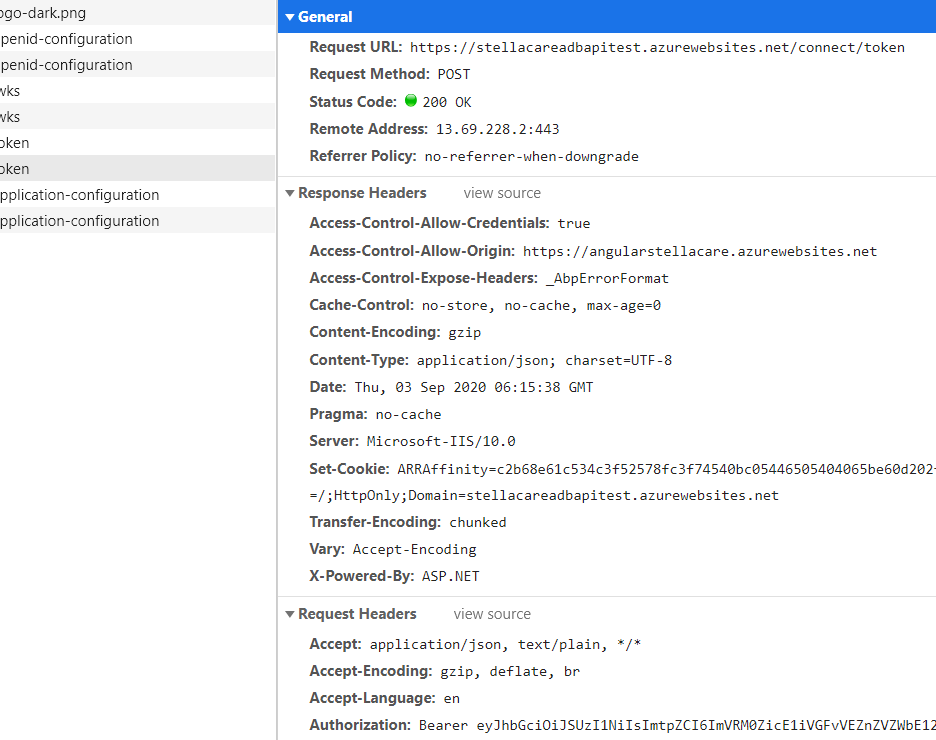
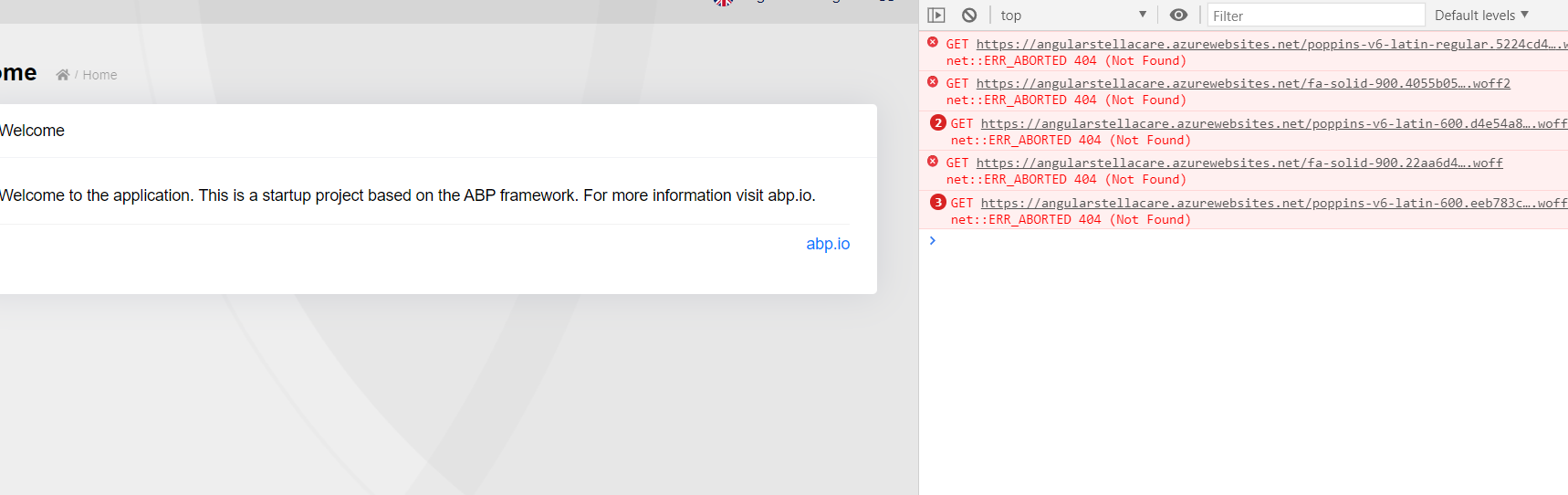
Console after login attempt:
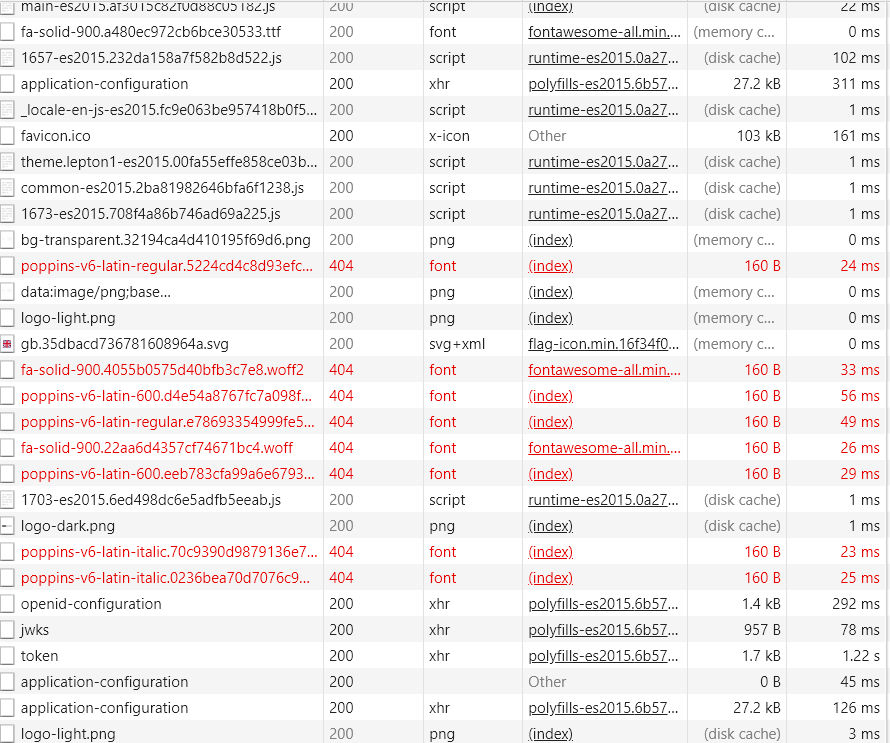
Network tab after login attempt:
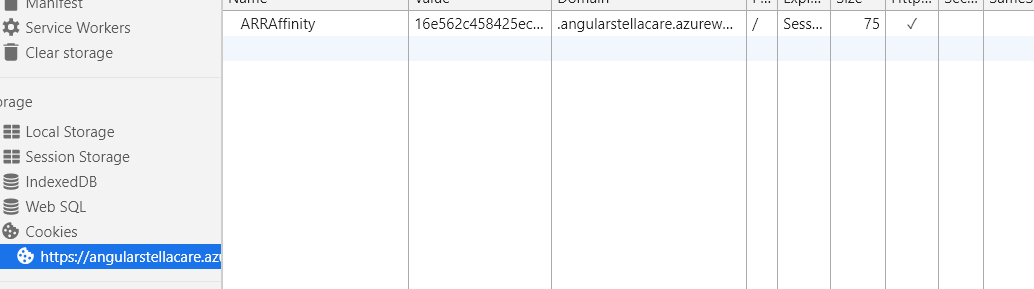
Cookies after login attempt:
Backend registers this call:
{"userNameOrEmailAddress":"admin","rememberMe":true,"tenanId":null}}Markdown supported.Copy, paste, or drag & drop images and files (max 100 MB per file, 100 MB total per post) -
0
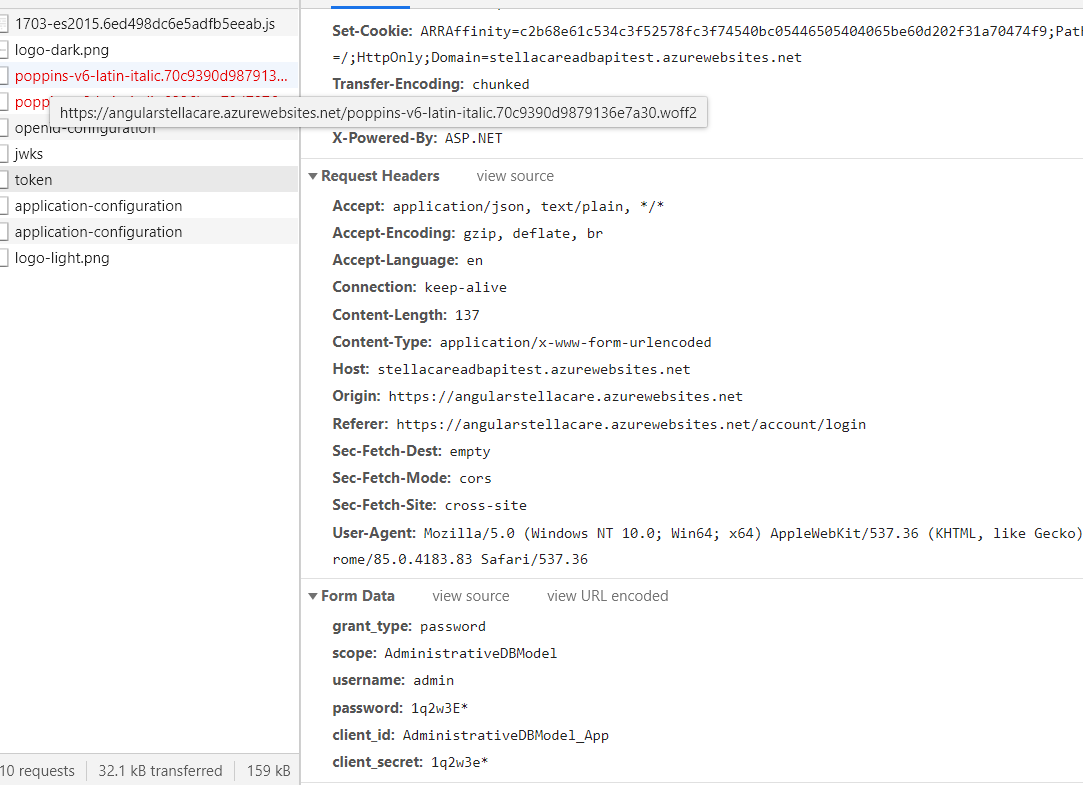
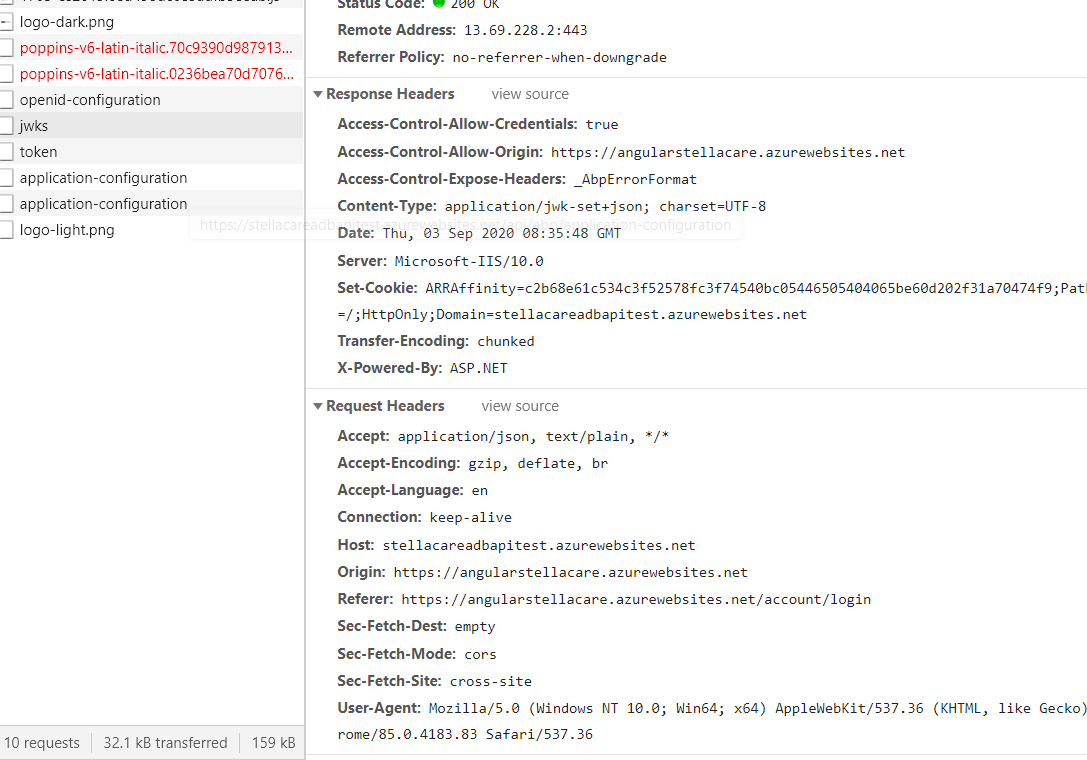 Markdown supported.Copy, paste, or drag & drop images and files (max 100 MB per file, 100 MB total per post)
 -
0
If there are any specific logs you'd like, please say.
Markdown supported.Copy, paste, or drag & drop images and files (max 100 MB per file, 100 MB total per post) -
1
HI,
I can help you remotely , my email : shiwei.liang@volosoft.com
Markdown supported.Copy, paste, or drag & drop images and files (max 100 MB per file, 100 MB total per post) -
0
Hi,
Did you resolve this question? I did not receive the email.
Markdown supported.Copy, paste, or drag & drop images and files (max 100 MB per file, 100 MB total per post) -
0
I emailed you twice nad contacted abp directly (Sorry about that, I don't mean to be pushy, it's just business critical for us). Was the mail caught in spam?
But sadly no, it has not been resolved. We're also combatting some issues with the new update atm(as are you probably), so I haven't gotten around to see if it persists in this new version. I'll try sending the email again, and hopefully it'l work this time :)
Markdown supported.Copy, paste, or drag & drop images and files (max 100 MB per file, 100 MB total per post) -
0
OK. I received the email.
Markdown supported.Copy, paste, or drag & drop images and files (max 100 MB per file, 100 MB total per post) -
0
Client and scopes didn't match frontend to backend. Also The authentication url in backend was missing. Gj, thank for the help.
Markdown supported.Copy, paste, or drag & drop images and files (max 100 MB per file, 100 MB total per post)


