






0
raif created
- ABP Framework version: v7.0.2
- UI type: MVC
- DB provider: EF Core
- Tiered (MVC) or Identity Server Separated (Angular): yes
- Exception message and stack trace: *Autofac.Core.Registration.ComponentNotRegisteredException: The requested service 'Volo.Abp.Account.IAccountSettingsAppService' has not been registered. To avoid this exception, either register a component to provide the service, check for service registration using IsRegistered(), or use the ResolveOptional() method to resolve an optional dependency. at Autofac.ResolutionExtensions.ResolveService(IComponentContext context, Service service, IEnumerable`1 parameters) at Microsoft.Extensions.DependencyInjection.ServiceProviderServiceExtensions.GetRequiredService[T](IServiceProvider provider) at Volo.Abp.Account.Admin.Web.Settings.AccountSettingManagementPageContributor.ConfigureAsync(SettingPageCreationContext context) at Volo.Abp.SettingManagement.Web.Pages.SettingManagement.SettingPageContributorManager.ConfigureAsync() at Volo.Abp.SettingManagement.Web.Pages.SettingManagement.IndexModel.OnGetAsync() at Microsoft.AspNetCore.Mvc.RazorPages.Infrastructure.ExecutorFactory.GenericTaskHandlerMethod.Convert[T](Object taskAsObject) at Microsoft.AspNetCore.Mvc.RazorPages.Infrastructure.ExecutorFactory.GenericTaskHandlerMethod.Execute(Object receiver, Object[] arguments) at Microsoft.AspNetCore.Mvc.RazorPages.Infrastructure.PageActionInvoker.InvokeHandlerMethodAsync() at Microsoft.AspNetCore.Mvc.RazorPages.Infrastructure.PageActionInvoker.InvokeNextPageFilterAsync() at Microsoft.AspNetCore.Mvc.RazorPages.Infrastructure.PageActionInvoker.Rethrow(PageHandlerExecutedContext context) at Microsoft.AspNetCore.Mvc.RazorPages.Infrastructure.PageActionInvoker.Next(State& next, Scope& scope, Object& state, Boolean& isCompleted) at Microsoft.AspNetCore.Mvc.RazorPages.Infrastructure.PageActionInvoker.InvokeInnerFilterAsync() at Microsoft.AspNetCore.Mvc.Infrastructure.ResourceInvoker.
- Steps to reproduce the issue:
- Create a new module from template
- Login with admin user
- Hit the settings
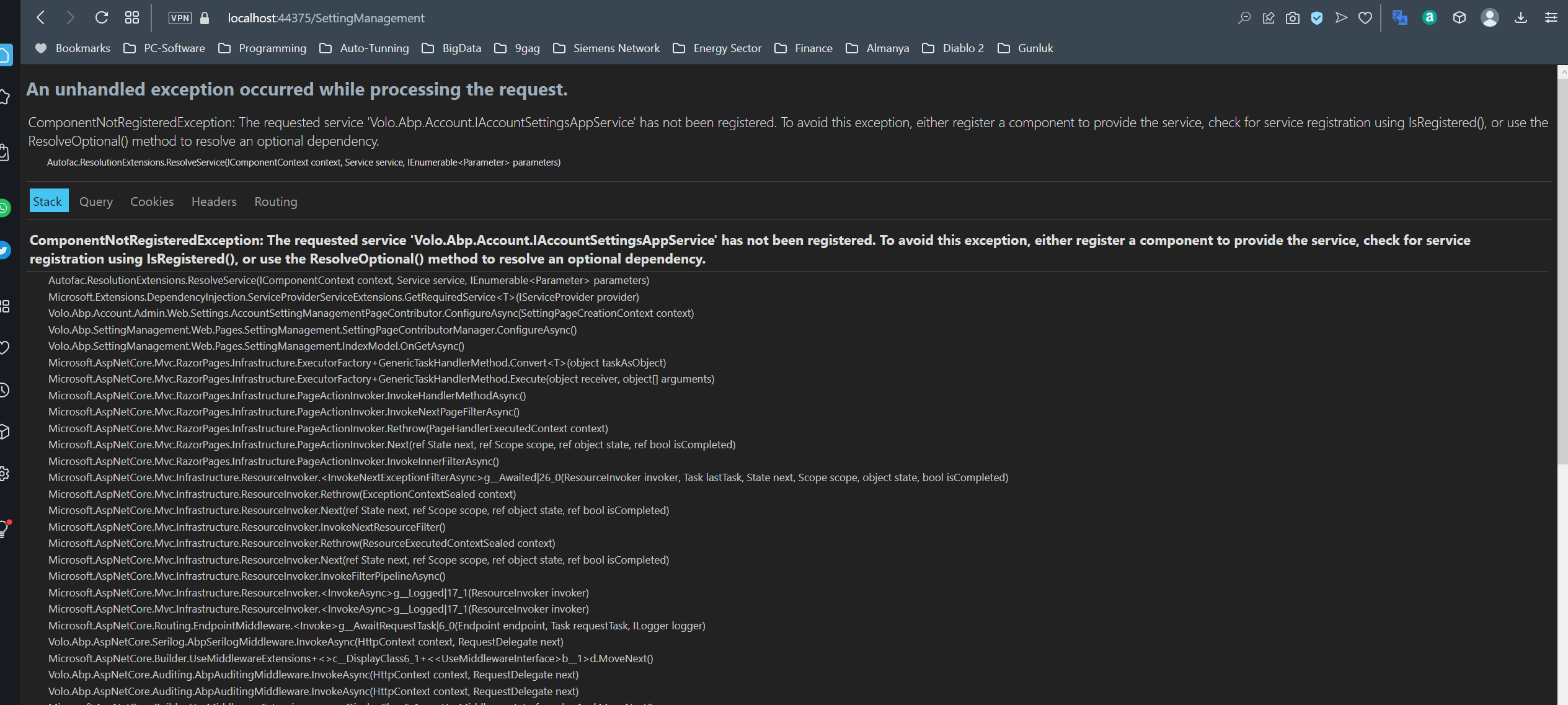
Most possible it is due to missing Volo.Abp.Account.Pro.Admin.HttpApi.Client package at .Web.Host template
Markdown supported.
Copy, paste, or drag & drop images and files (max 100 MB per file, 100 MB total per post)


