






0
raif created
- ABP Framework version: v7.0.2
- UI type: MVC
- DB provider: EF Core
- Tiered (MVC) or Identity Server Separated (Angular): yes
- Steps to reproduce the issue:"
- Create module from the template
- For the sake of example modify menu item
    private static ApplicationMenuItem AddModuleMenuItem(MenuConfigurationContext context)
    {
        var l = context.GetLocalizer<TestModuleResource>();

        var moduleMenu = new ApplicationMenuItem(
            TestModuleMenus.Prefix,
            displayName: l["Menu:TestModule"],
            "~/TestModule",
            icon: "fa fa-globe");

        //Add main menu items.
        context.Menu.Items.AddIfNotContains(moduleMenu);
        return moduleMenu;
    }
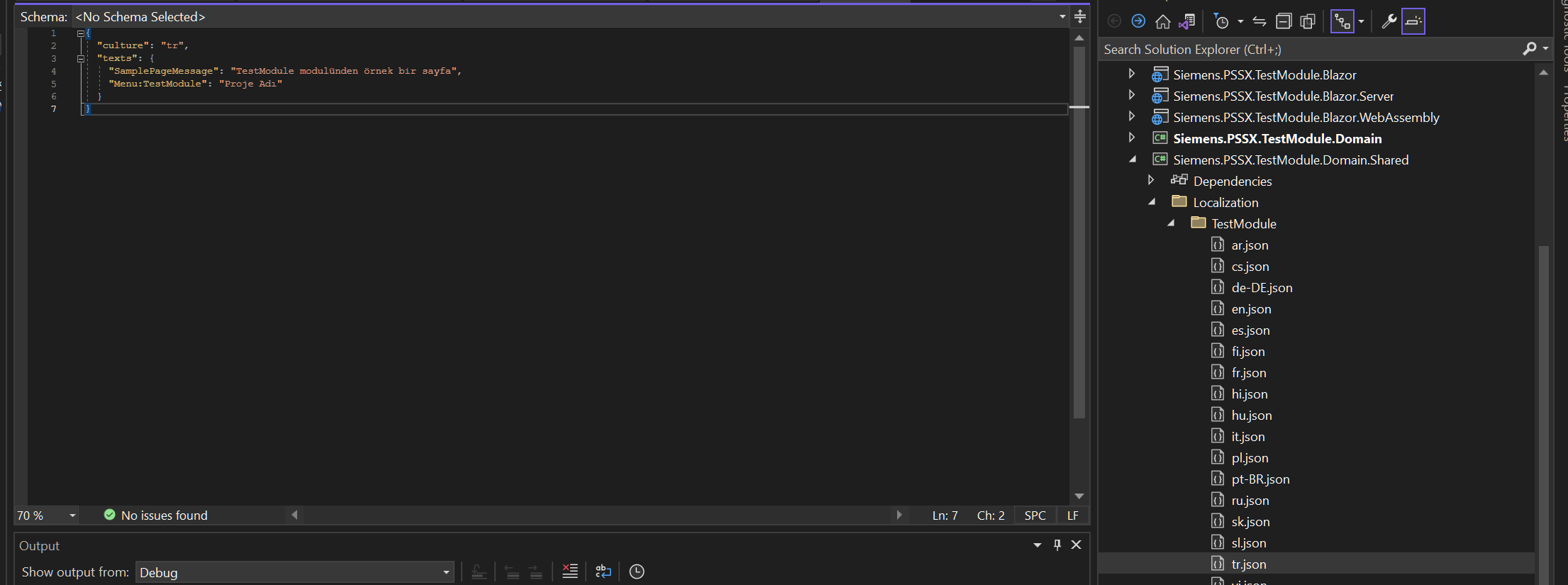
- Check localization json file if there is an entry under Domain.Shared layer
- Launch application
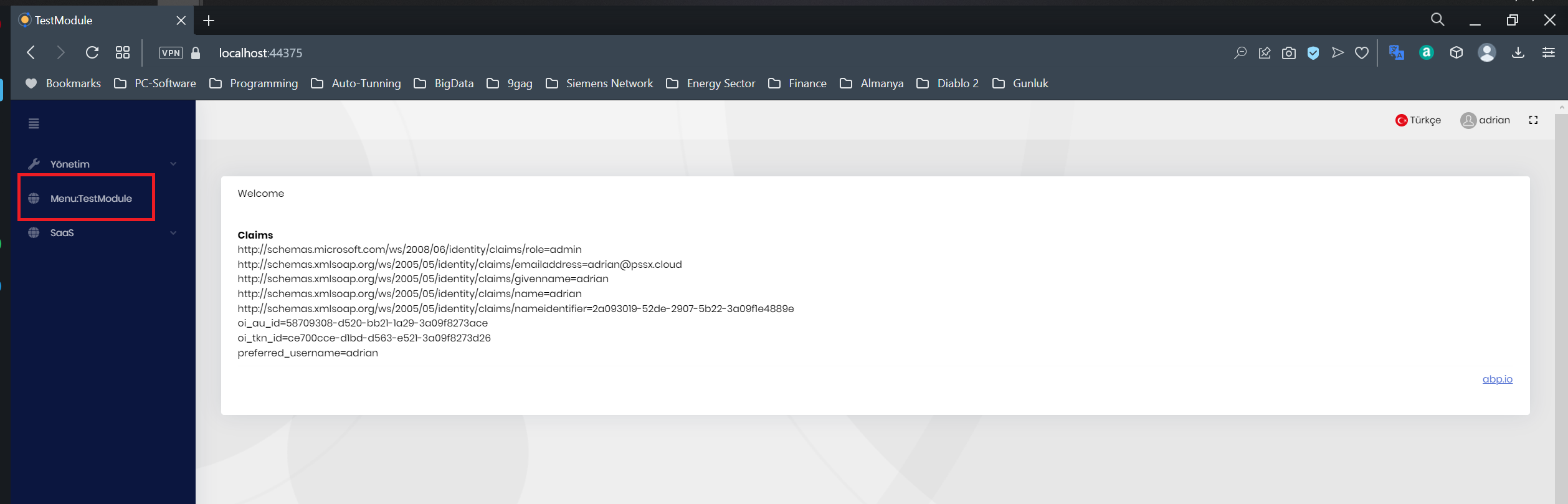
I believe that it is related with virtual file configuration of the Web.Host template
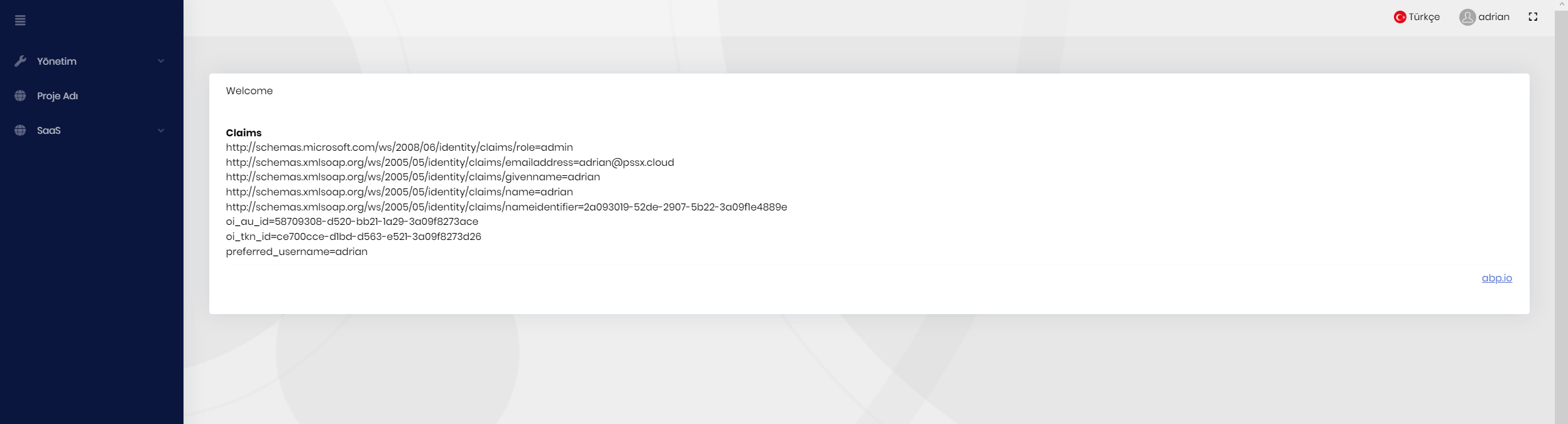
 File path needs to be Domain.Shared not Domain
Markdown supported.
Copy, paste, or drag & drop images and files (max 100 MB per file, 100 MB total per post)


