






0
CI created
- ABP Framework version: v7.3.0
- UI type: Angular
- DB provider: EF Core /
- Tiered (MVC) or Identity Server Separated (Angular): yes
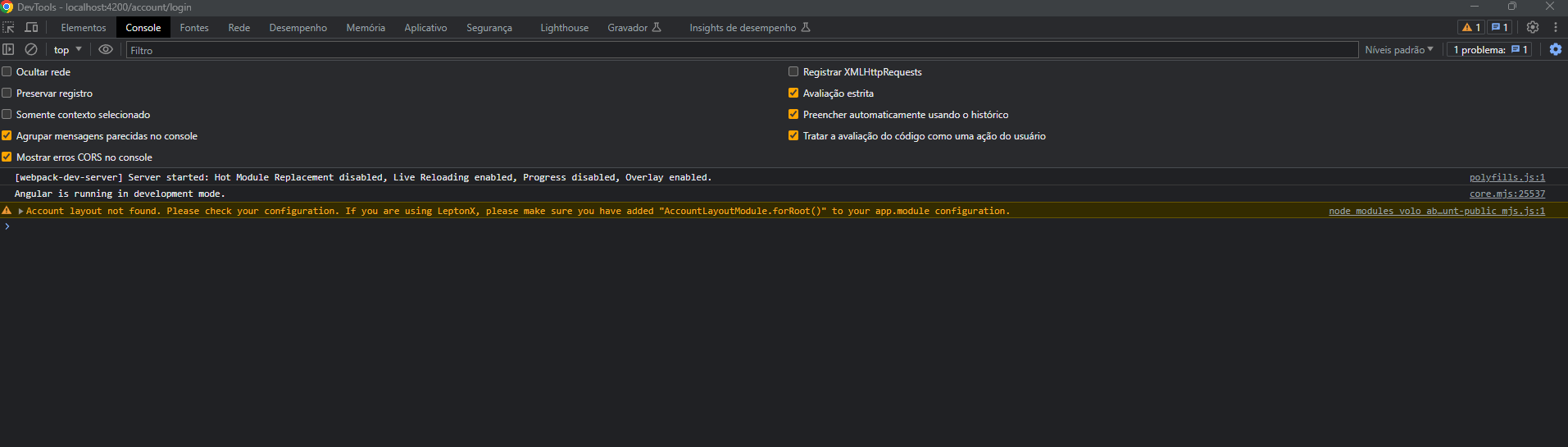
- **Exception message and stack traceAccount layout not found. Please check your configuration. If you are using LeptonX, please make sure you have added "AccountLayoutModule.forRoot()" to your app.module configuration.:
- Steps to reproduce the issue:"
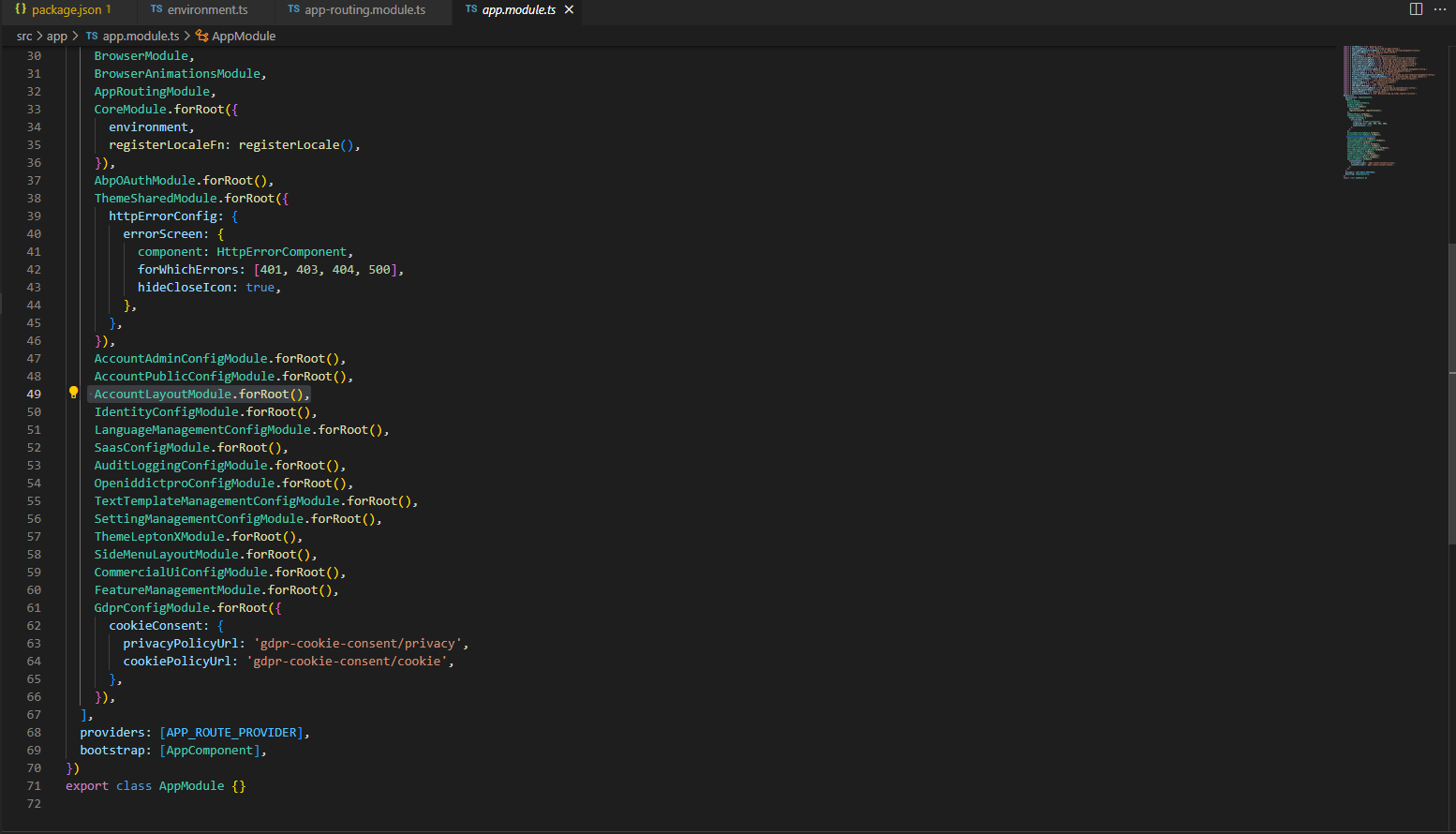
The angular account/login page is not working. It stays blank and gives the error in the console: "Account layout not found. Please check your configuration. If you are using LeptonX, please make sure you have added "AccountLayoutModule.forRoot()" to your app.module configuration"
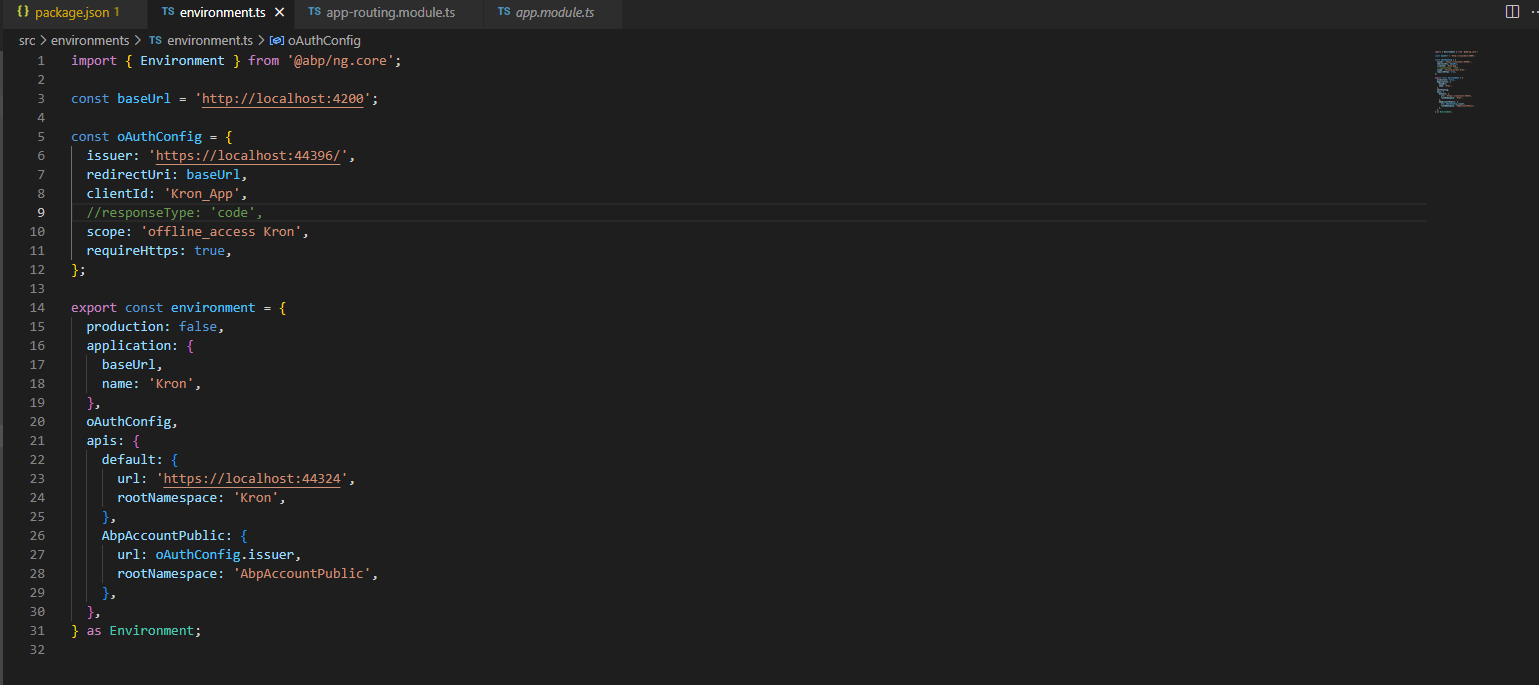
I downloaded version 7.3.0 and configured the login through front angular according to the documentation.
Is this a bug in version 7.3.0?
Markdown supported.
Copy, paste, or drag & drop images and files (max 100 MB per file, 100 MB total per post)
1 Answer(s)
-
0
I see the issue. We made a mistake in v7.3; it will be fixed in the next patch version. I refunded your credit. Here a workaround. You should add a provider.
import { AccountLayoutComponent, AccountLayoutModule } from '@volosoft/abp.ng.theme.lepton-x/account';
import { APP_INITIALIZER, NgModule, inject } from '@angular/core';
import { CoreModule, ReplaceableComponentsService } from '@abp/ng.core';

import {  eThemeLeptonXComponents } from '@volosoft/abp.ng.theme.lepton-x';


const ACCOUNT_PROVIDER = {
  provide: APP_INITIALIZER,
  useFactory: ()=> {
    const replaceableComponents = inject(ReplaceableComponentsService);
    return () => {
      replaceableComponents.add({
        key: eThemeLeptonXComponents.AccountLayout,
        component: AccountLayoutComponent,
      });
    }
  },
  multi: true,
}
@NgModule({ //... providers: [APP_ROUTE_PROVIDER, ACCOUNT_PROVIDER], bootstrap: [AppComponent], }) export class AppModule {}Markdown supported.Copy, paste, or drag & drop images and files (max 100 MB per file, 100 MB total per post)


