






ABP Framework version: v7.3.3
UI Type: Blazor WASM
Database System: EF Core (SQL Server)
Microservices template
Exception message and full stack trace:
Steps to reproduce the issue:
Add the LoginLinkComponent.razor
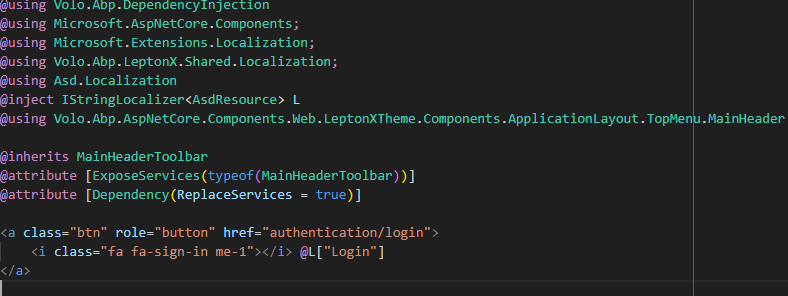
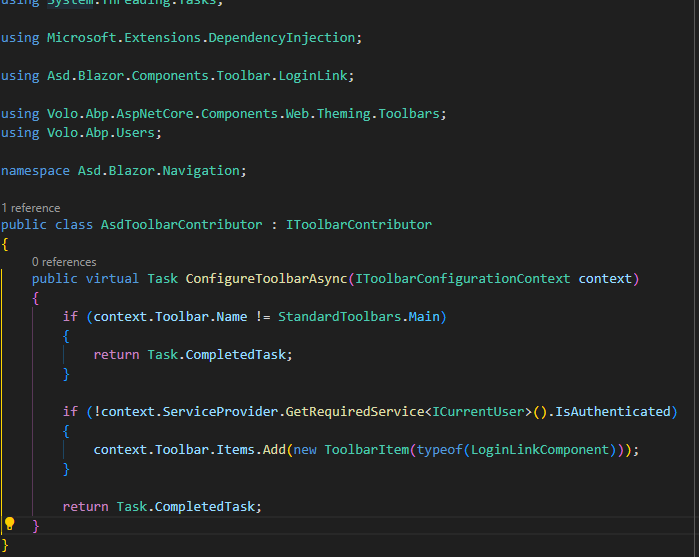
Add ToolbarContributor
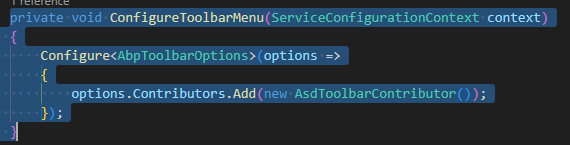
 - Configure ToolbarMenu in Blazor module
 - As result there are 2 links. The old one still shown, and the new one is just the text, but not the icon.

Something similiar has been implemented in Blazor Server template, but unfortunatly not in Blazor WASM. I'll be grateful if you could suggest something. Thanks
11 Answer(s)
-
0
Hello icoretchi,
Please try with this code
<a class="align-items-baseline btn d-flex justify-content-end" role="button" href="authentication/login"> <i class="fa fa-sign-in me-1"></i> @L["Login"] </a>please do let me know if this helps you
Thank you, Anjali
Markdown supported.Copy, paste, or drag & drop images and files (max 100 MB per file, 100 MB total per post) -
0
Hello icoretchi,
I have added this code

and it works at my end as I have used this
d-flexclass which is coming from global css. If it is not present at your end you can add it to css..d-flex { display: flex!important; }
Please check once and let me know if it helps you
Thank you, Anjali
Markdown supported.Copy, paste, or drag & drop images and files (max 100 MB per file, 100 MB total per post) -
0Markdown supported.Copy, paste, or drag & drop images and files (max 100 MB per file, 100 MB total per post)
-
0
Hi,
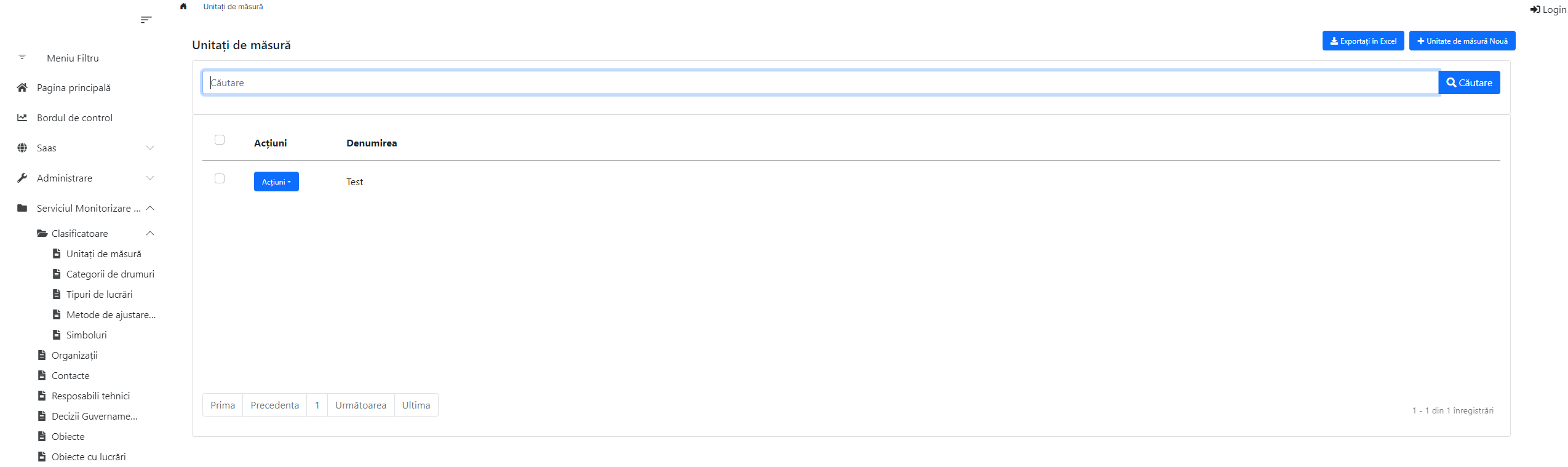
Somehow after playnig with global.css and global.js (I mean deleting, importing from another project, bundling again) I succede to see the link. But appeared another problem if I include the LoginLinkComponent.razor, the LeptonX style disappearing.
 Markdown supported.Copy, paste, or drag & drop images and files (max 100 MB per file, 100 MB total per post)
 -
0
Hello icoretchi,
Could you please share changes done in global.css and global.js which will help me to reproduce the exact issue.
It will help us to assist you in better way
Regards,
Markdown supported.Copy, paste, or drag & drop images and files (max 100 MB per file, 100 MB total per post) -
0
Hi Anjali,
Just try to generate a new project based on Microservice template and choose Blazor Wasm as UI framework and apply the modification we discuss for LoginLink. And by the way what we have done so far will replace the MainToolbar entirely, but my intention was just to modify the Login icon and text and leave all other items unchanged.
Thanks & Regards
Markdown supported.Copy, paste, or drag & drop images and files (max 100 MB per file, 100 MB total per post) -
0
Hello icoretchi,
I have created new razor component named as
AppMainHeaderToolbarUserMenu.razorunder*.Blazor/Components/Layoutand added following code. Please try with this code provided in link AppMainHeaderToolbarUserMenuIt is working at my end like this
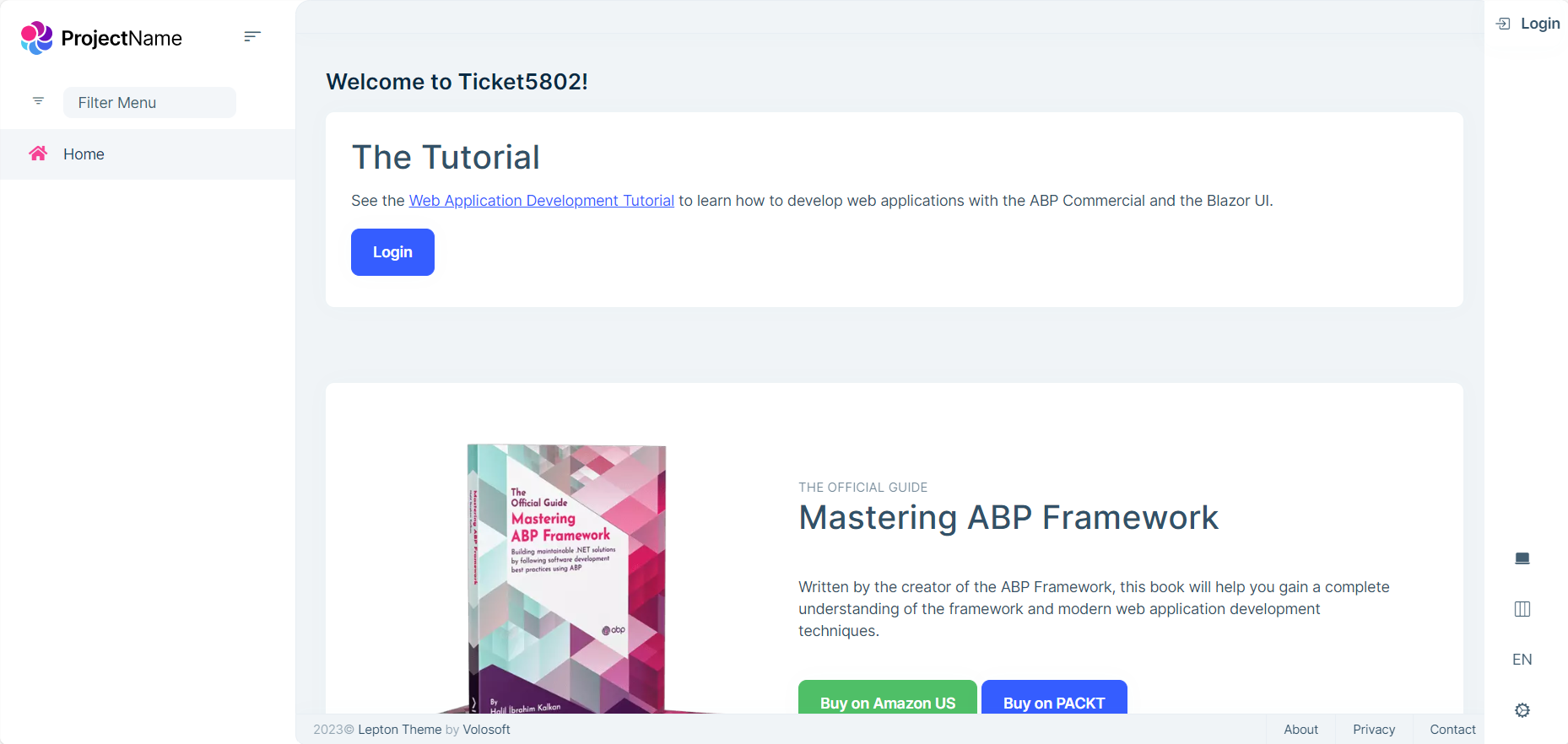
Please do let me know if it helps you
Thank you, Anjali
Markdown supported.Copy, paste, or drag & drop images and files (max 100 MB per file, 100 MB total per post)



