






ABP Framework version: v8.0.0
- UI Type: Blazor WASM
-
- Database System: EF Core (SQL Server,SQLite.) / MongoDB
- Tiered (for MVC) or Auth Server Separated (for Angular): no
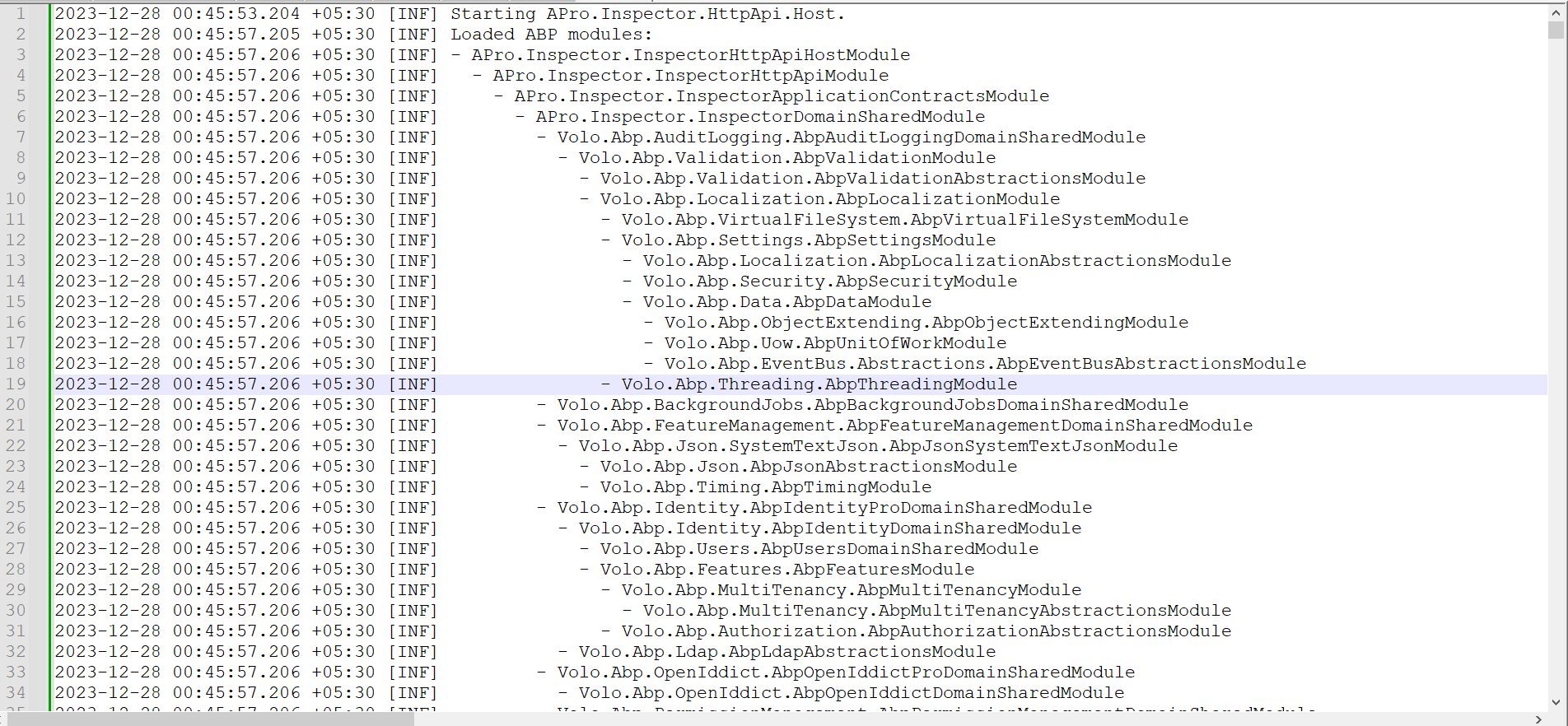
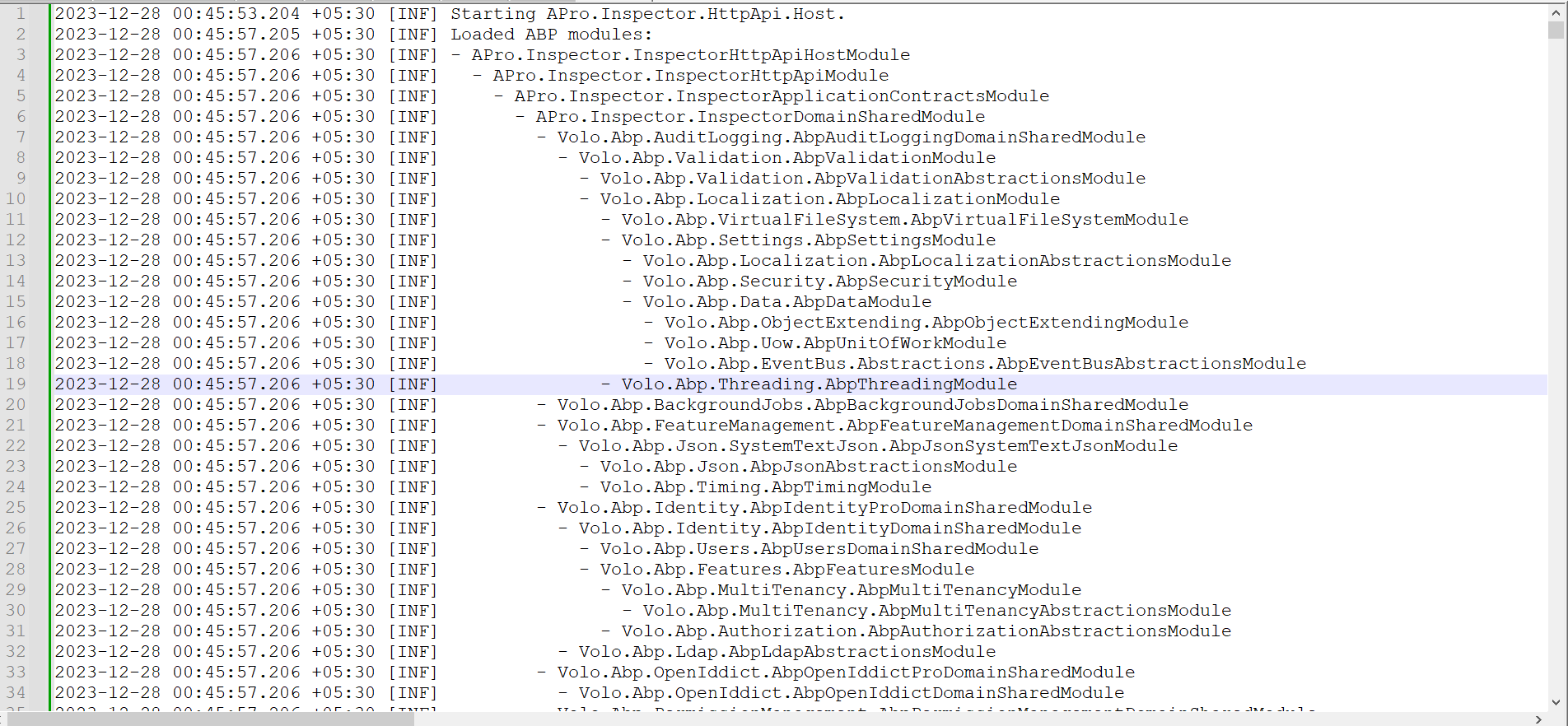
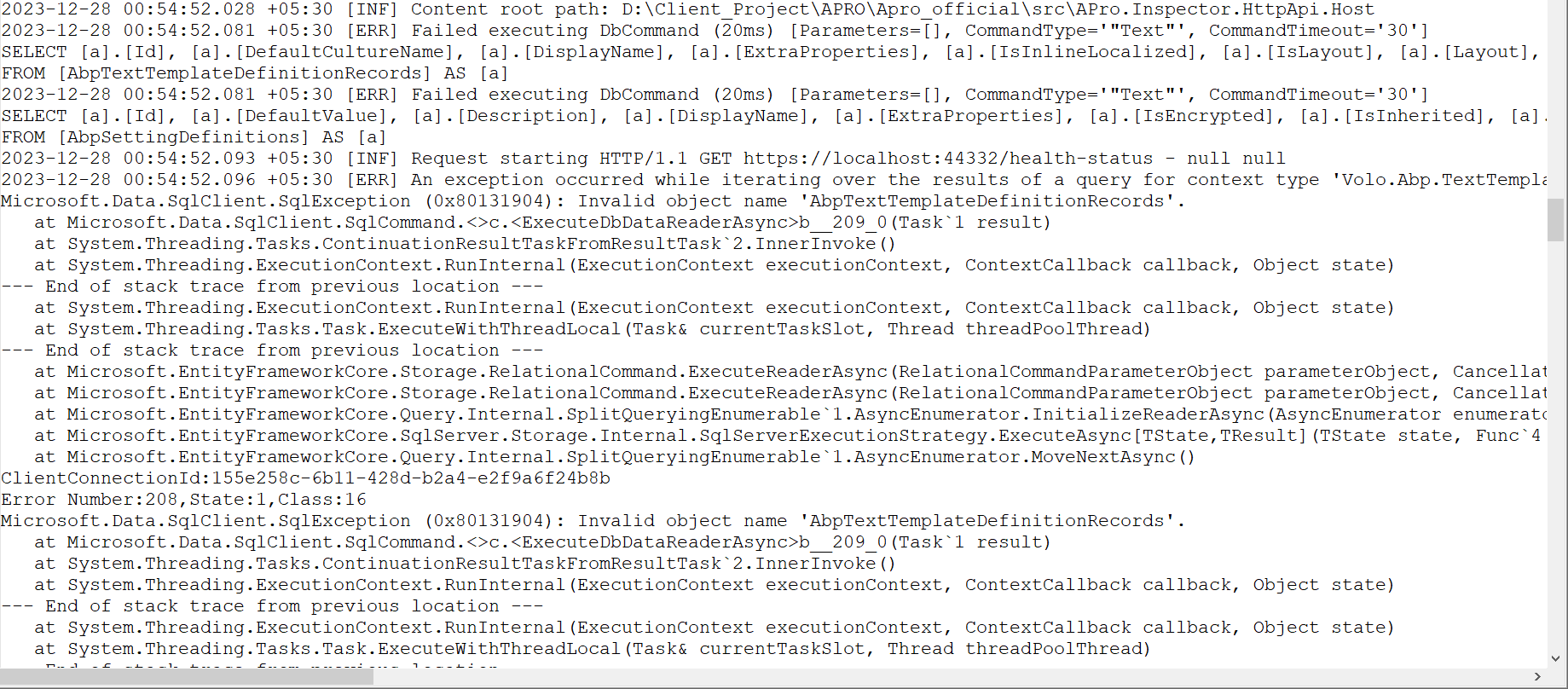
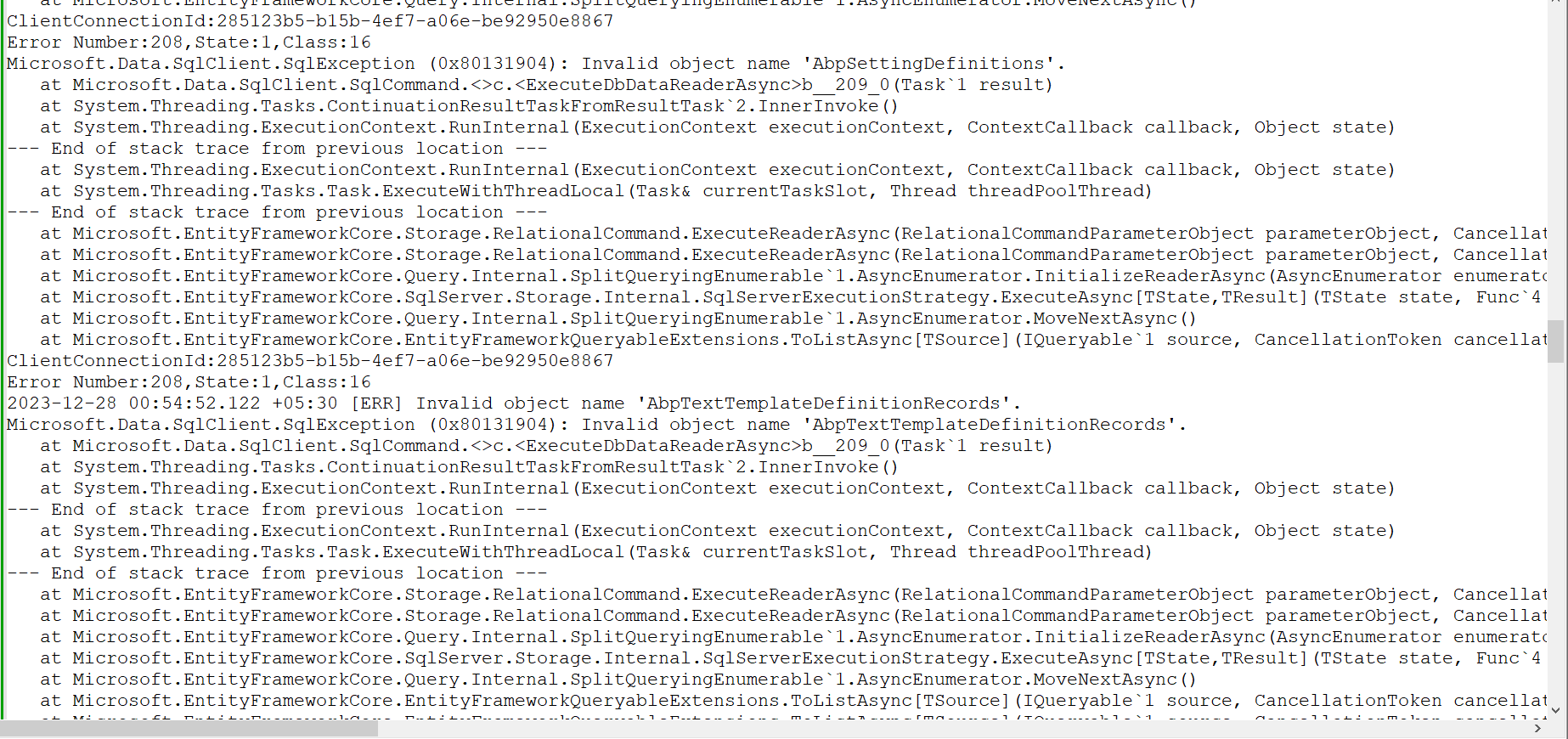
- Exception message and full stack trace:
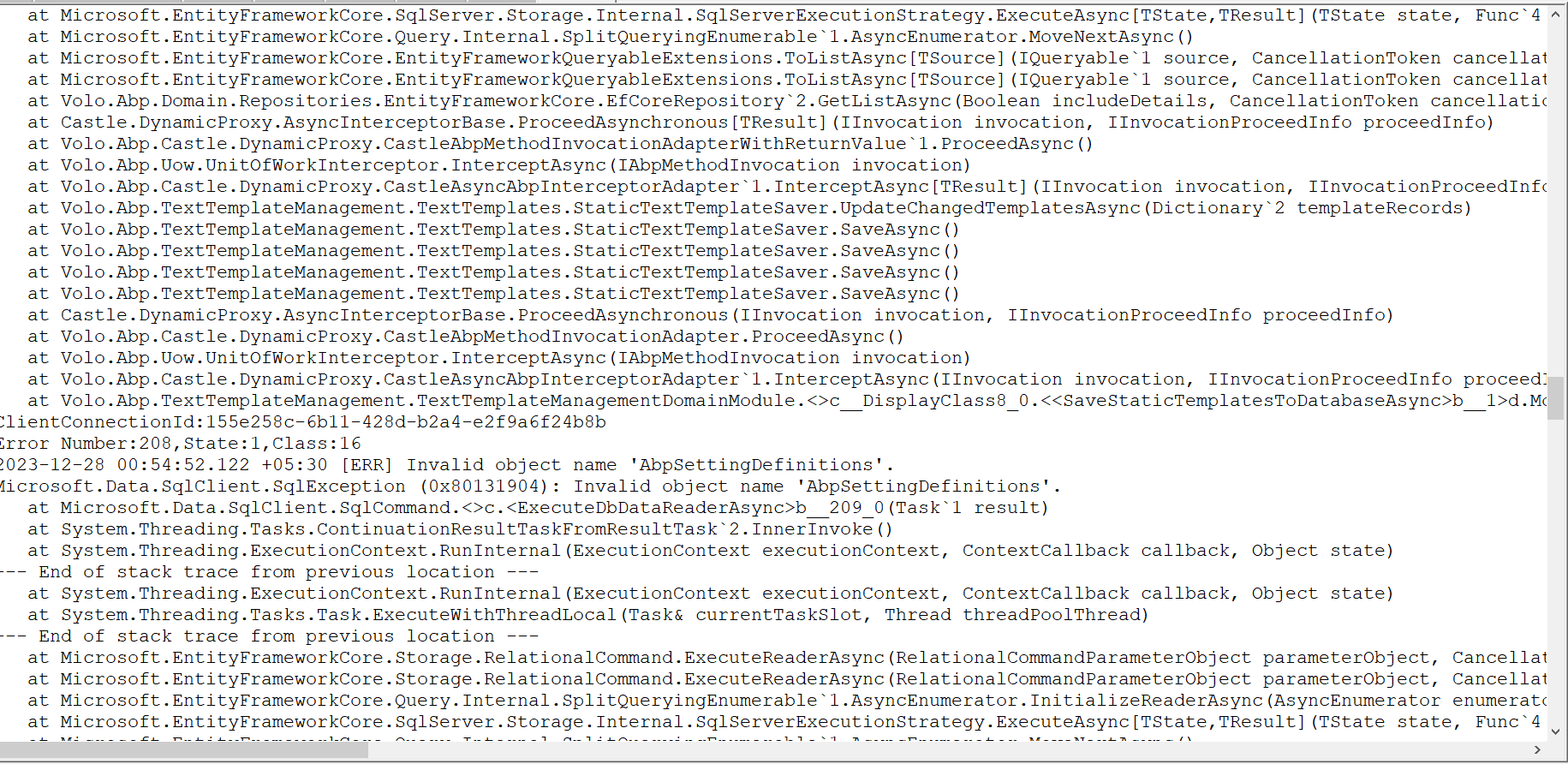
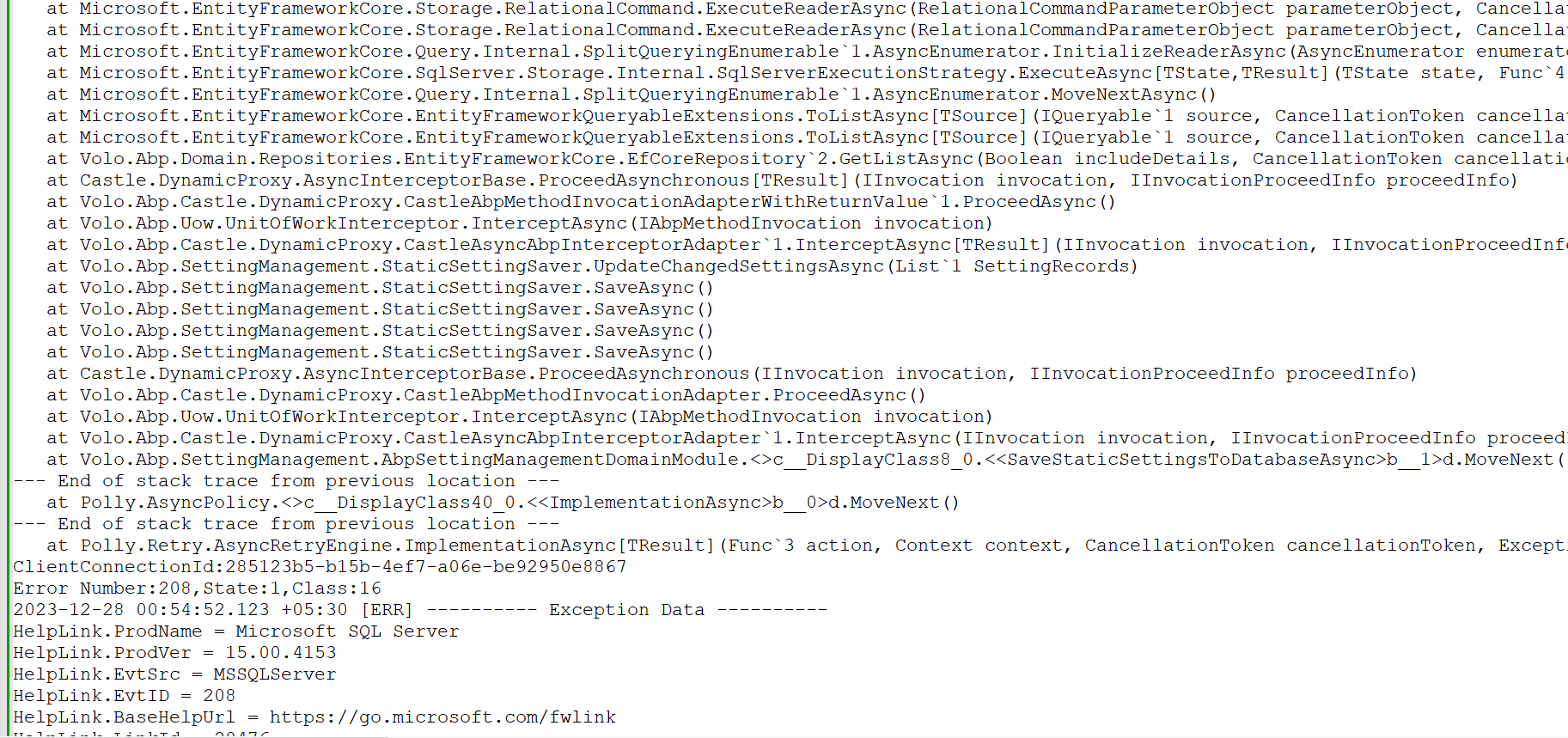
- Steps to reproduce the issue:
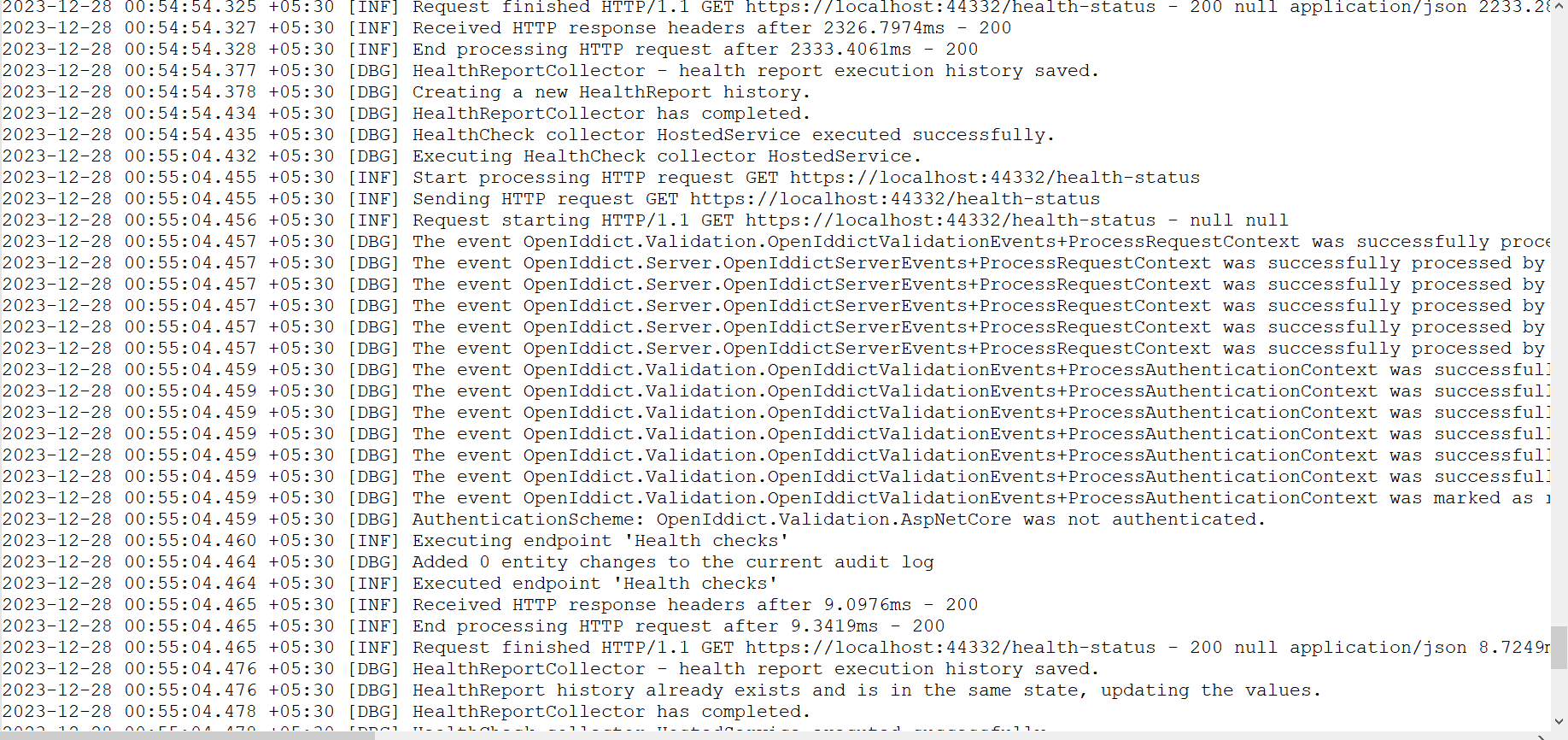
When I update my existing application from ABP 7 to ABP 8.0.0 I am not able to run the application , API is working fine but not able to load UI, getting following error in console

14 Answer(s)
-
0
Hi,
Have you added &apply a new migration file?
dotnet ef migrations add upgrade_to_abp8Run the
Dbmigratior
Markdown supported.Copy, paste, or drag & drop images and files (max 100 MB per file, 100 MB total per post) -
0
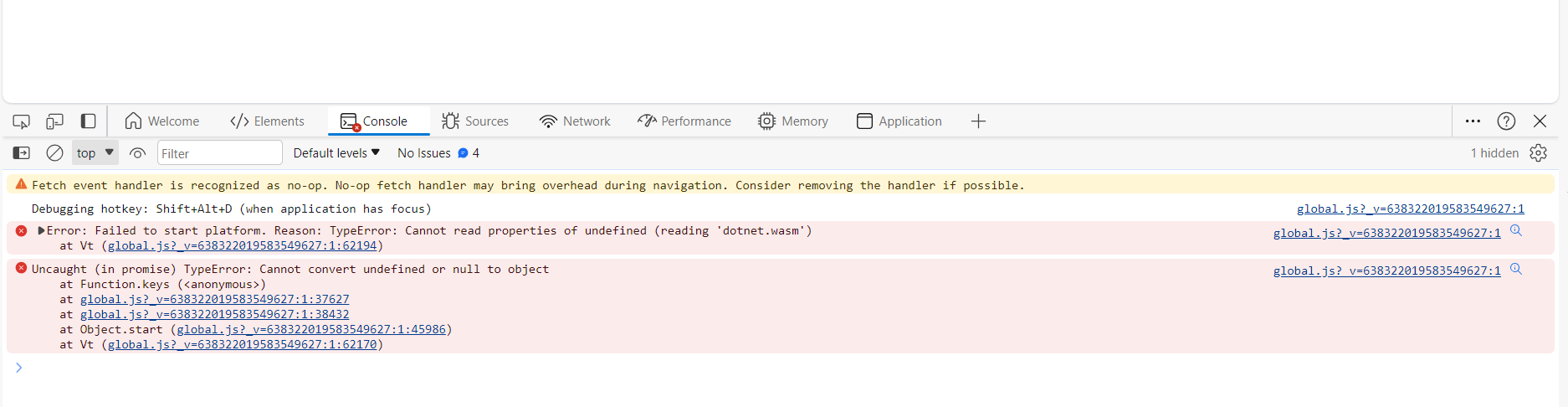
After running these command now I am getting the following error
 Markdown supported.Copy, paste, or drag & drop images and files (max 100 MB per file, 100 MB total per post)
 -
0
when I am trying to login from swagger getting I am getting the following error
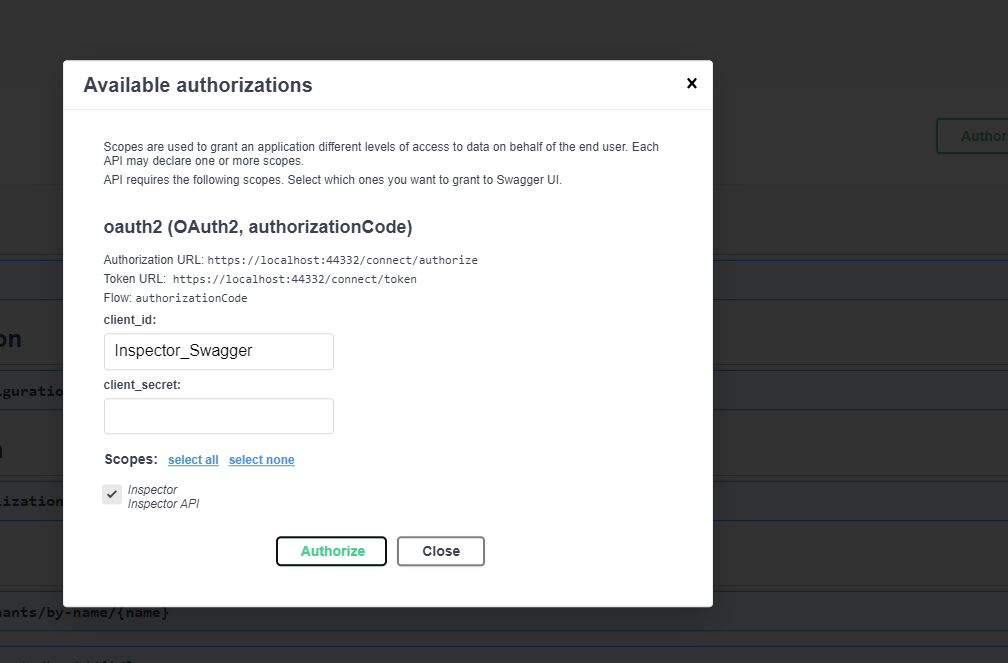
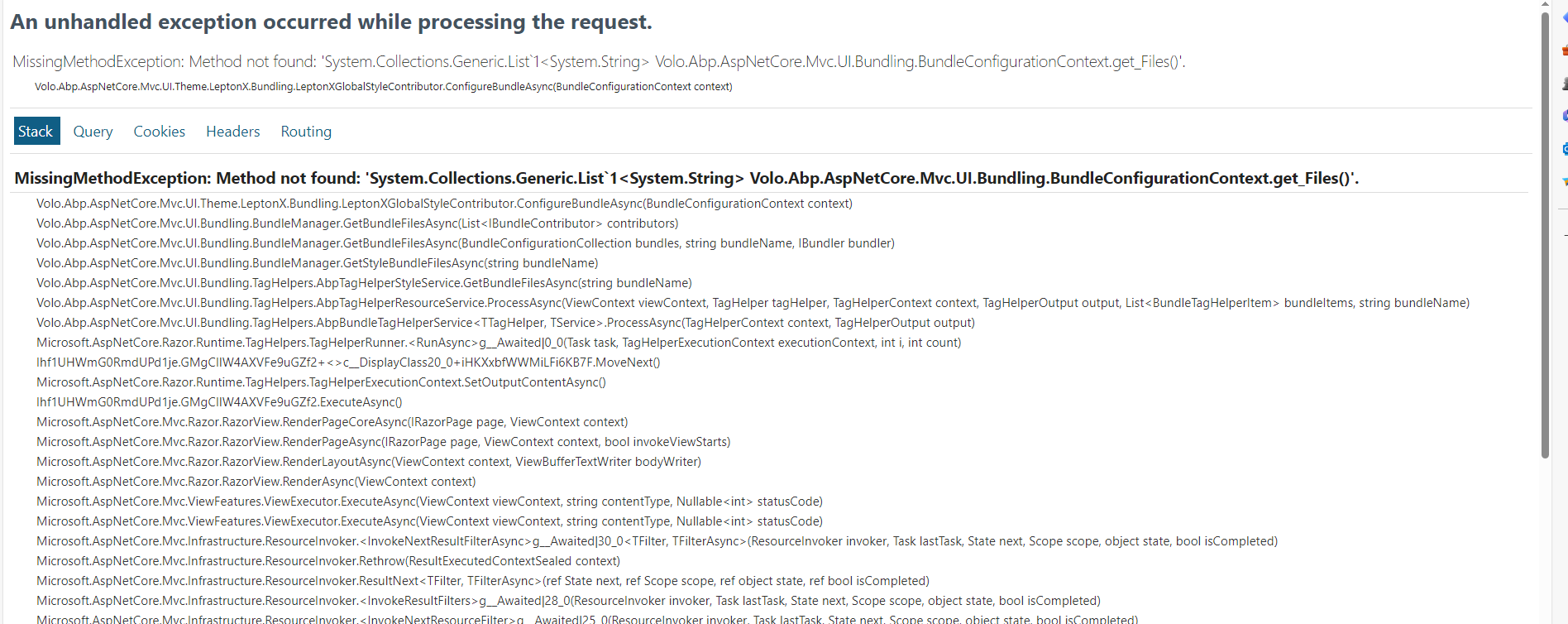 Markdown supported.Copy, paste, or drag & drop images and files (max 100 MB per file, 100 MB total per post)
 -
1
Hi,
You didn't upgrade all the ABP packages to 8.0.
- Make sure all abp packages are 8.0
- Make sure all leptonx theme packages are 3.0.0
- abp clean& dotnet build
Markdown supported.Copy, paste, or drag & drop images and files (max 100 MB per file, 100 MB total per post) -
0
when I am trying to login from swagger getting I am getting the following error
This problem is resolved by upgrading leptonx theme.
Thanks
Markdown supported.Copy, paste, or drag & drop images and files (max 100 MB per file, 100 MB total per post) -
0
After running these command now I am getting the following error
But I am still getting this error while running blazor application.
Can you please look into this.
thanks
Markdown supported.Copy, paste, or drag & drop images and files (max 100 MB per file, 100 MB total per post) -
1
Hi,
Can you try running the
abp clean&dotnet build&abp bundlecommands in the Blazor project folder?If it's still not working, could you share a test project with me? I will check it. thanks. shiwei.liang@volosoft.com
Markdown supported.Copy, paste, or drag & drop images and files (max 100 MB per file, 100 MB total per post) -
0
By running the above command resolved my error. But when I am trying to create new project, it is giving me following error.
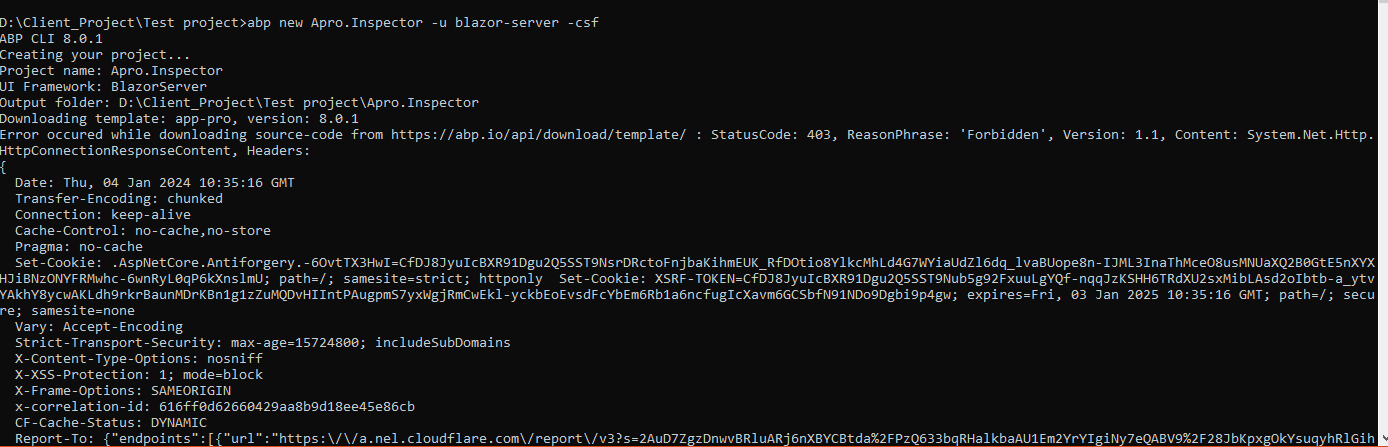
Can you please help?
Markdown supported.Copy, paste, or drag & drop images and files (max 100 MB per file, 100 MB total per post) -
0
Hi,
You can try:
- Delete the access-token file:
Windows:
%UserProfile%\.abp\cli\access-token.binMAC:~/.abp/cli/access-token.bin- abp logout
- abp login <username> -p
Markdown supported.Copy, paste, or drag & drop images and files (max 100 MB per file, 100 MB total per post) -
0
When I am trying to login using Blazor application I am getting following error
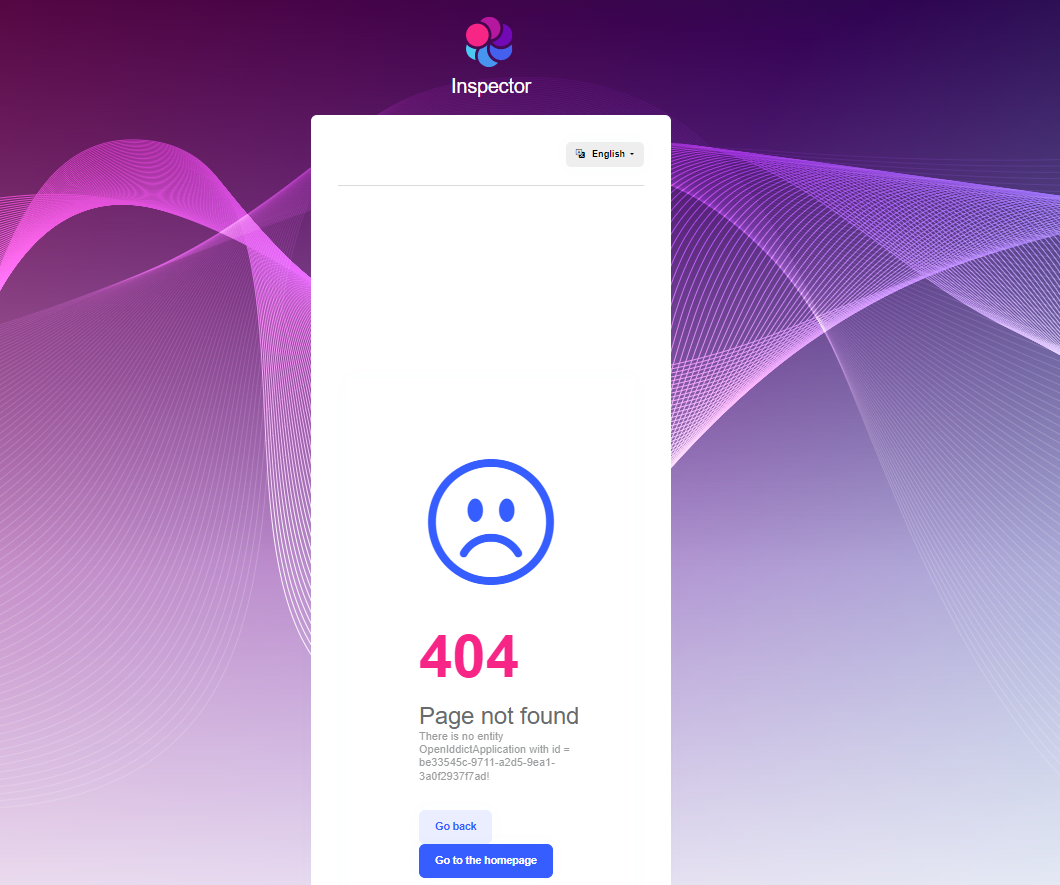
All migration are also updated
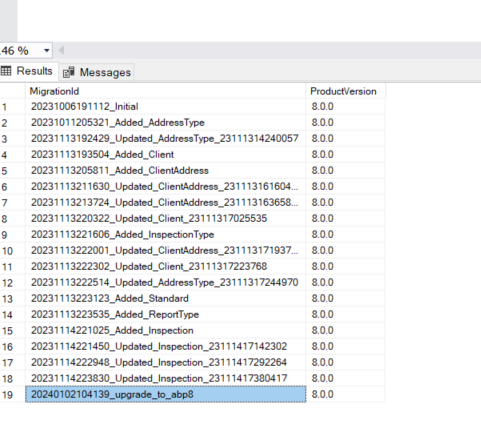
Can you please look into it
Markdown supported.Copy, paste, or drag & drop images and files (max 100 MB per file, 100 MB total per post) -
1
Hi,
Are you using Redis.
Could you try to clear the Redis cache?
Markdown supported.Copy, paste, or drag & drop images and files (max 100 MB per file, 100 MB total per post) -
0
it resolved the issue. Thanks
Markdown supported.Copy, paste, or drag & drop images and files (max 100 MB per file, 100 MB total per post) -
0
When I am trying to use the create entity using my old code that was generated through abp suite 7.2 is giving internal server error after upgrading the code to abp 8 below is the error SET IMPLICIT_TRANSACTIONS OFF; SET ON; INSERT INTO NOCOUNT[AppInspectionTypes] ([Id], [ConcurrencyStamp], [CreationTime], [CreatorId], [DeleterId], [DeletionTime], [Description], [IsActive], [IsDefault], [LastModificationTime], [LastModifierId], [Name], [TenantId]) OUTPUT INSERTED.[IsDeleted] VALUES (@p0, @p1, @p2, @p3, @p4, @p5, @p6, @p7, @p8, @p9, @p10, @p11, @p12); 2024-01-08 20:28:39.930 +05:30 [ERR] An exception occurred in the database while saving changes for context type 'APro.Inspector.EntityFrameworkCore.InspectorDbContext'. Microsoft.EntityFrameworkCore.DbUpdateException: Could not save changes because the target table has database triggers. Please configure your table accordingly, see https://aka.ms/efcore-docs-sqlserver-save-changes-and-output-clause for more information. ---> Microsoft.Data.SqlClient.SqlException (0x80131904): The target table 'AppInspectionTypes' of the DML statement cannot have any enabled triggers if the statement contains an OUTPUT clause without INTO clause. at System.Threading.Tasks.ContinuationResultTaskFromResultTask`2.InnerInvoke() at System.Threading.ExecutionContext.RunInternal(ExecutionContext executionContext, ContextCallback callback, Object state) --- End of stack trace from previous location --- at System.Threading.ExecutionContext.RunInternal(ExecutionContext executionContext, ContextCallback callback, Object state) at System.Threading.Tasks.Task.ExecuteWithThreadLocal(Task& currentTaskSlot, Thread threadPoolThread) --- End of stack trace from previous location --- at Microsoft.EntityFrameworkCore.Storage.RelationalCommand.ExecuteReaderAsync(RelationalCommandParameterObject parameterObject, CancellationToken cancellationToken) at Microsoft.EntityFrameworkCore.Storage.RelationalCommand.ExecuteReaderAsync(RelationalCommandParameterObject parameterObject, CancellationToken cancellationToken) at Microsoft.EntityFrameworkCore.Update.ReaderModificationCommandBatch.ExecuteAsync(IRelationalConnection connection, CancellationToken cancellationToken) ClientConnectionId:43b27918-2f8f-49c7-8873-6b6c08103716 Error Number:334,State:1,Class:16
Can you please help me out , that what I am missing
Markdown supported.Copy, paste, or drag & drop images and files (max 100 MB per file, 100 MB total per post)



