






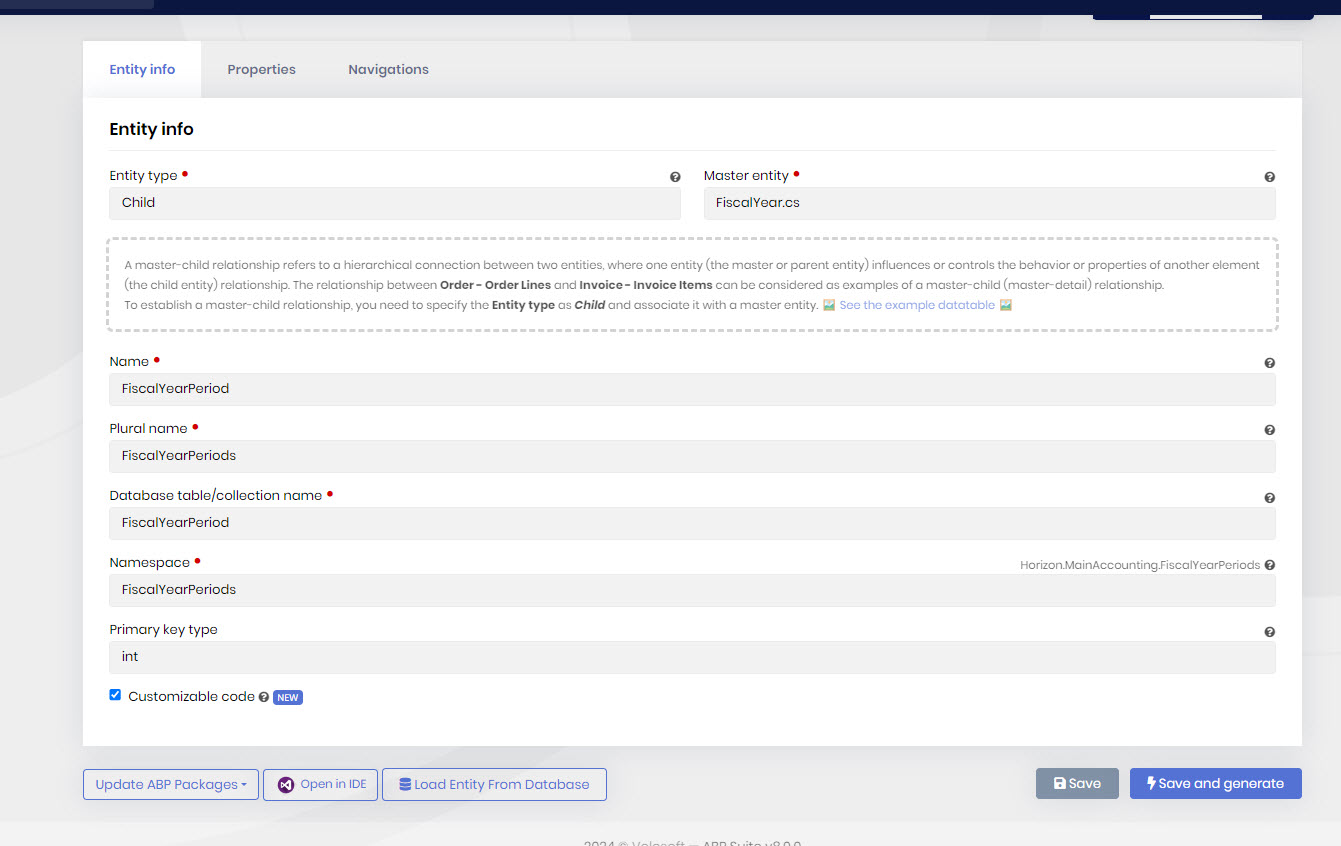
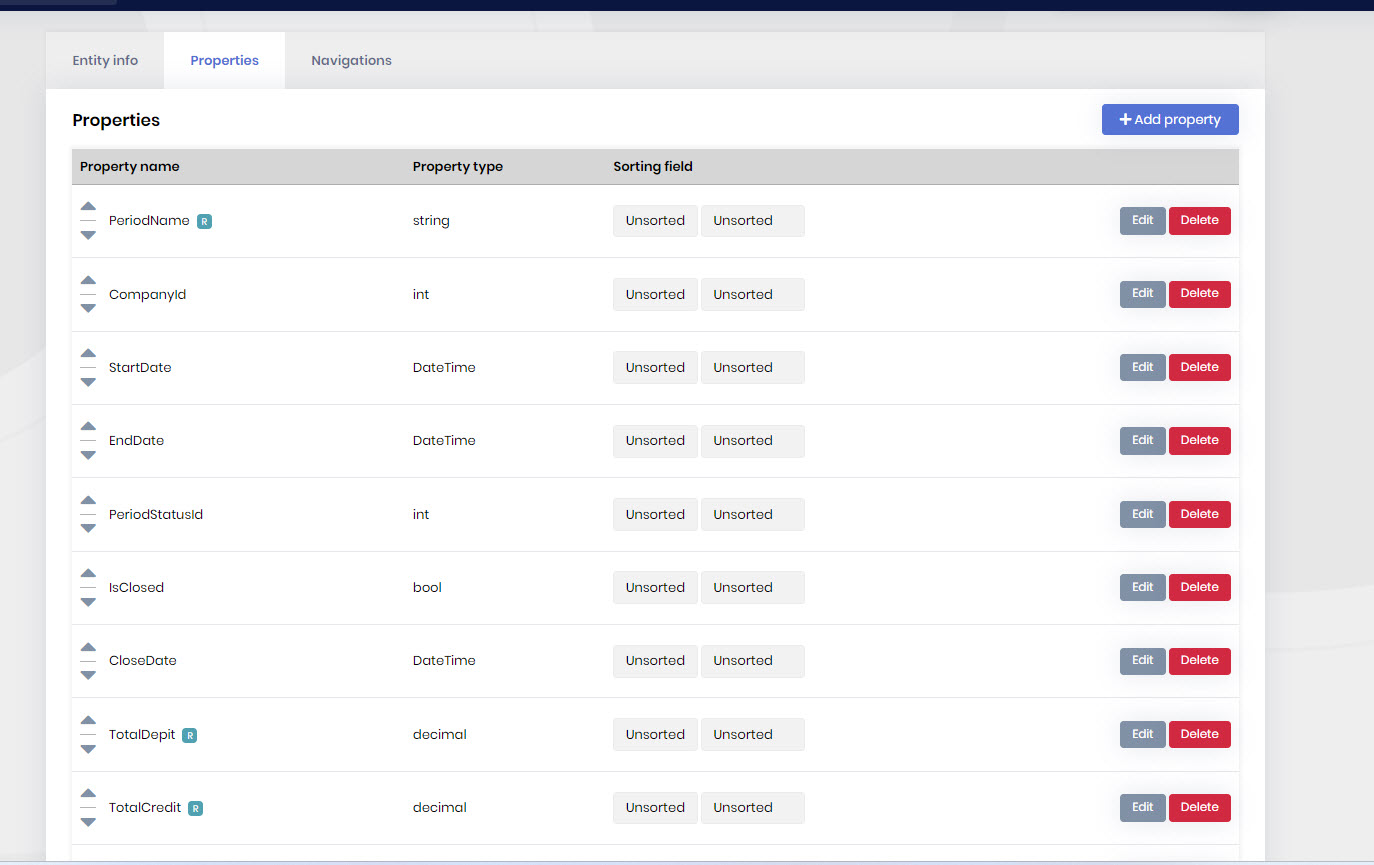
Hi sir i generated project using abp suite but i created my master page using normal steps like book tutorial i didn't use suite to customize my code because it generate a lot of classes so... want to generate detail page using abp suite i already have master like i mentioned before doing it by my self using auto CrudAppService method and these are steps that i did to do detail page
- ABP Framework version: v8
- UI Type: MVC
- Database System: EF Core (SQL Server)
8 Answer(s)
-
0
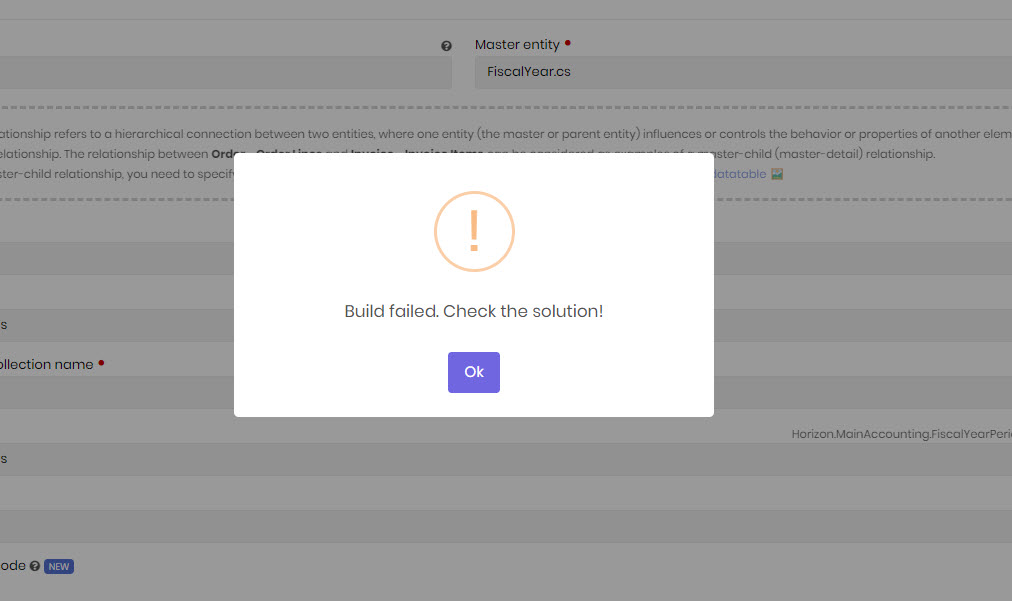
hi sir no errors in build and it works very very very good thanks to amazing framework despite there are some features hope to customize it in new version my abp v8, cli 8.0.2 let's jumping steps 1- domain project and put my entity 2- domain shared and put my enum 3- entity framework and put my builder and updated database 4- app.contract and add Dto + createUpdate + Interface 5- app and add service 6- create mapping 7- did my UI all is working good and lets considered steps above is for master class now i want to do detail class using ABP suite after choosing add existing solution and add my new entity & property it shows me that error i think that is because suite generate deffrient classes OMG i afraid that if i want to make master detail i should and must do master using suite then do detail
Markdown supported.Copy, paste, or drag & drop images and files (max 100 MB per file, 100 MB total per post) -
0
hi sir, i catch the problem it's when i get the project from AZURE and started to build entities using Suite error message (build failed check solution) will show but when i started to build project from scratch using suite it works good so how can i fix this error because i cant push my updates into server to Co-workers
Markdown supported.Copy, paste, or drag & drop images and files (max 100 MB per file, 100 MB total per post) -
0
Hi,
Sorry for late.
Is there any error log?
Markdown supported.Copy, paste, or drag & drop images and files (max 100 MB per file, 100 MB total per post) -
0
it's when i get the project from AZURE and started to build entities using Suite error message (build failed check solution)
You can use
dotnet buildcommand to build solution to check it.Markdown supported.Copy, paste, or drag & drop images and files (max 100 MB per file, 100 MB total per post) -
0
Hi,
Could you try again and share the logs of the suite?
%UserProfile%\.abp\suite\logsMarkdown supported.Copy, paste, or drag & drop images and files (max 100 MB per file, 100 MB total per post)



