0
yinchang created
- ABP Framework version: v4.0.0
- UI type: Angular
- Tiered (MVC) or Identity Server Seperated (Angular): no
- Exception message and stack trace:
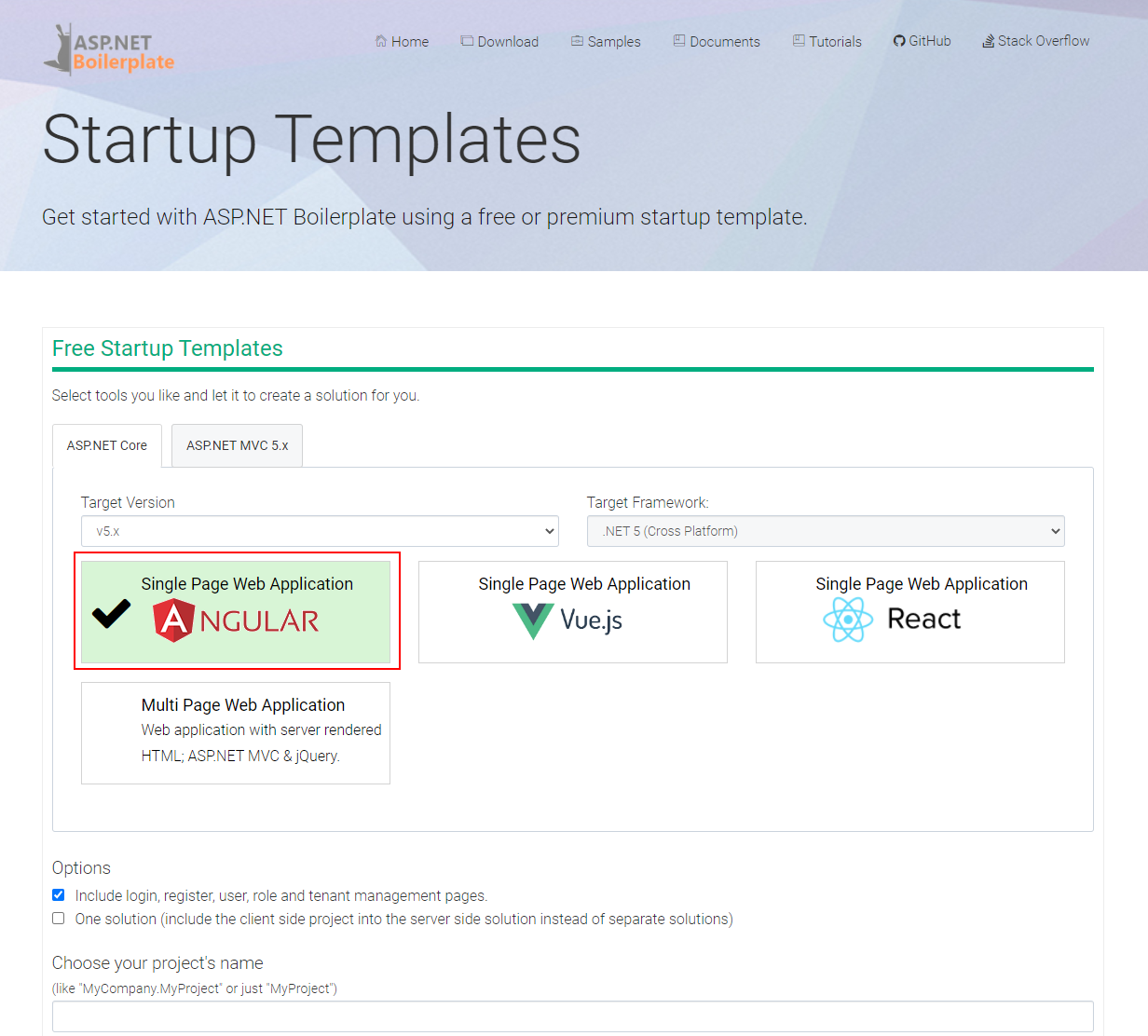
- Steps to reproduce the issue: Dose abp team will create one solution project template for abp suite cli ?
Here is previous issue at github :https://github.com/abpframework/abp/issues/857#issuecomment-663996864
How to host XXXX.HttpApi.Host(WebApi) and Angular at same website port:80 ?
In previous version(v3.x) , I install Microsoft.AspNetCore.SpaServices.Extensions and copy angular app( oAuthConfig responseType:password) to wwwroot/app folder can be solved.
But in v4.0 ,AccountModule has been removed and oAuthConfig responseType must be code, Is there have any suggestion ?
Markdown supported.
Copy, paste, or drag & drop images and files (max 100 MB per file, 100 MB total per post)
4 Answer(s)
-
0
Publish your Angular application and copy the output to wwwroot of your Host. Then a middleware like this in the Host side
app.Use(async (context, next) =>
            {
                await next();
                if (context.Response.StatusCode == 404 && !Path.HasExtension(context.Request.Path.Value))
                {
                    context.Request.Path = "/index.html";
                    await next();
                }
            });
Markdown supported.Copy, paste, or drag & drop images and files (max 100 MB per file, 100 MB total per post)