






hi,
I have added a new application to OpenIddict using this URL: domain.com/openiddict/Applications. I successfully used the client ID and client secret to obtain a token. However, when I call the API from Postman with that token, my request is not saved in the audit log. I have enabled audit logging, but it still does not work. Please help me.
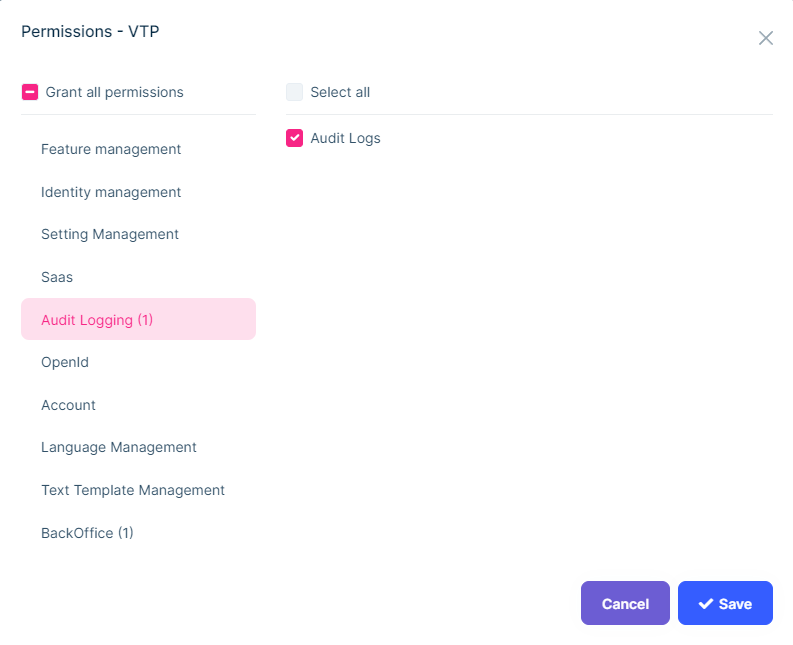
ABP Framework version: v7.3.2 UI Type: Angular Database System: MongoDB Tiered (for MVC) or Auth Server Separated (for Angular): Yes Exception message and full stack trace: [Provide any relevant details] Steps to reproduce the issue:
4 Answer(s)
-
0
Hi,
HTTP GET requests should not make any change in the database normally and audit log system doesn't save audit log objects for GET request. Set this to true to enable it also for the GET requests.
https://docs.abp.io/en/abp/latest/Audit-Logging#abpauditingoptions
You can try a POST request.
Markdown supported.Copy, paste, or drag & drop images and files (max 100 MB per file, 100 MB total per post) -
0
Ok, how can I enable for GET request and only apply for my client?
Markdown supported.Copy, paste, or drag & drop images and files (max 100 MB per file, 100 MB total per post) -
0
Hi,
Yes, you can configure the
AbpAuditingOptions,For example:
Configure<AbpAuditingOptions>(options =>
{
    options.AlwaysLogSelectors.Add((info =>
    {
        if(info.ClientId == "Your client id")
        {
            return Task.FromResult(true);
        }

        return Task.FromResult(false);
    }));
});
See also: https://docs.abp.io/en/abp/latest/Audit-Logging#abpauditingoptions
Markdown supported.Copy, paste, or drag & drop images and files (max 100 MB per file, 100 MB total per post) -
0
thanks liangshiwei
Markdown supported.Copy, paste, or drag & drop images and files (max 100 MB per file, 100 MB total per post)


