






- ABP Framework version: 8.0
- Database System: EF Core (MySQL)
Hello,
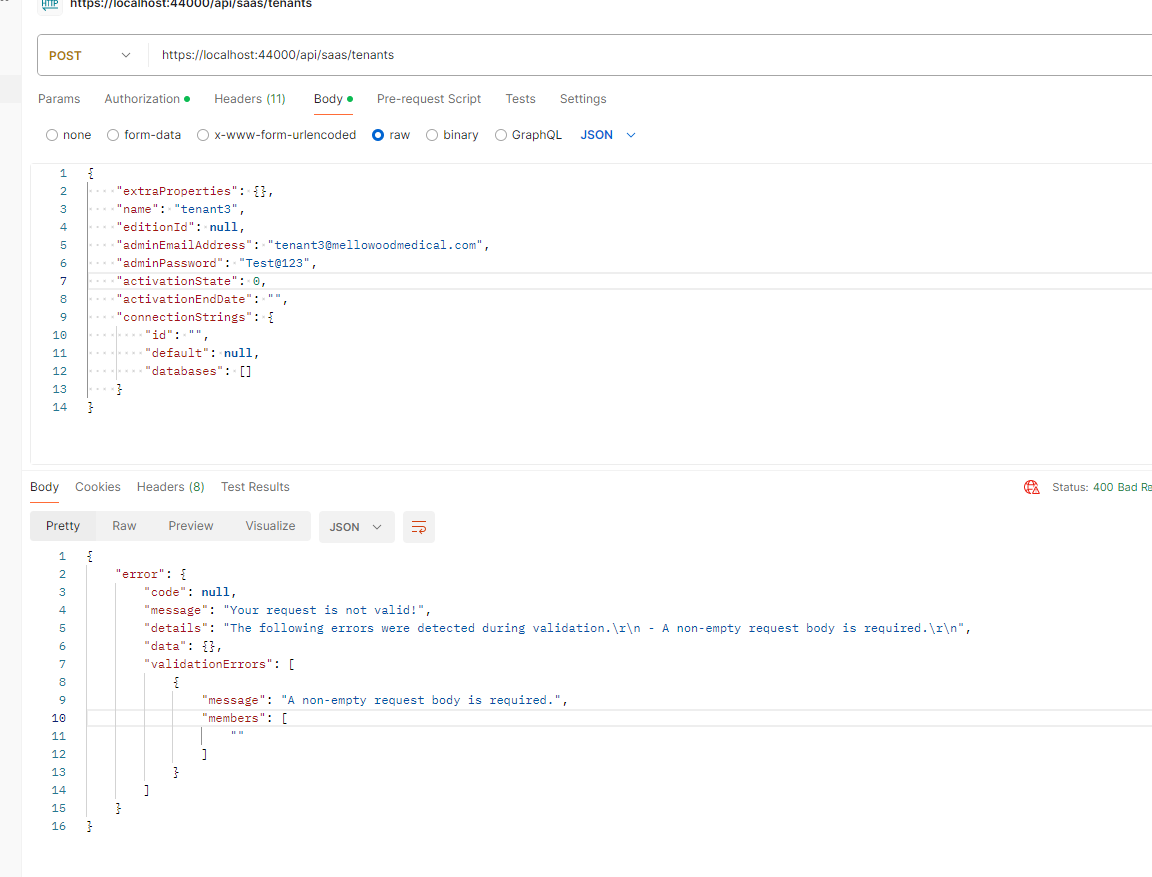
I am trying to create a new tenant via postman call. I am using the same JSON body which I see in developer tools, when I create a tenant from UI.
The strange part is, that I can create a new tenant from UI, but getting a bad request when I try the same body with Postman.
Request Body
{ "extraProperties": {}, "name": "tenant3", "editionId": null, "adminEmailAddress": "tenant3@mellowoodmedical.com", "adminPassword": "Test@123", "activationState": 0, "activationEndDate": "", "connectionStrings": { "id": "", "default": null, "databases": [] } }
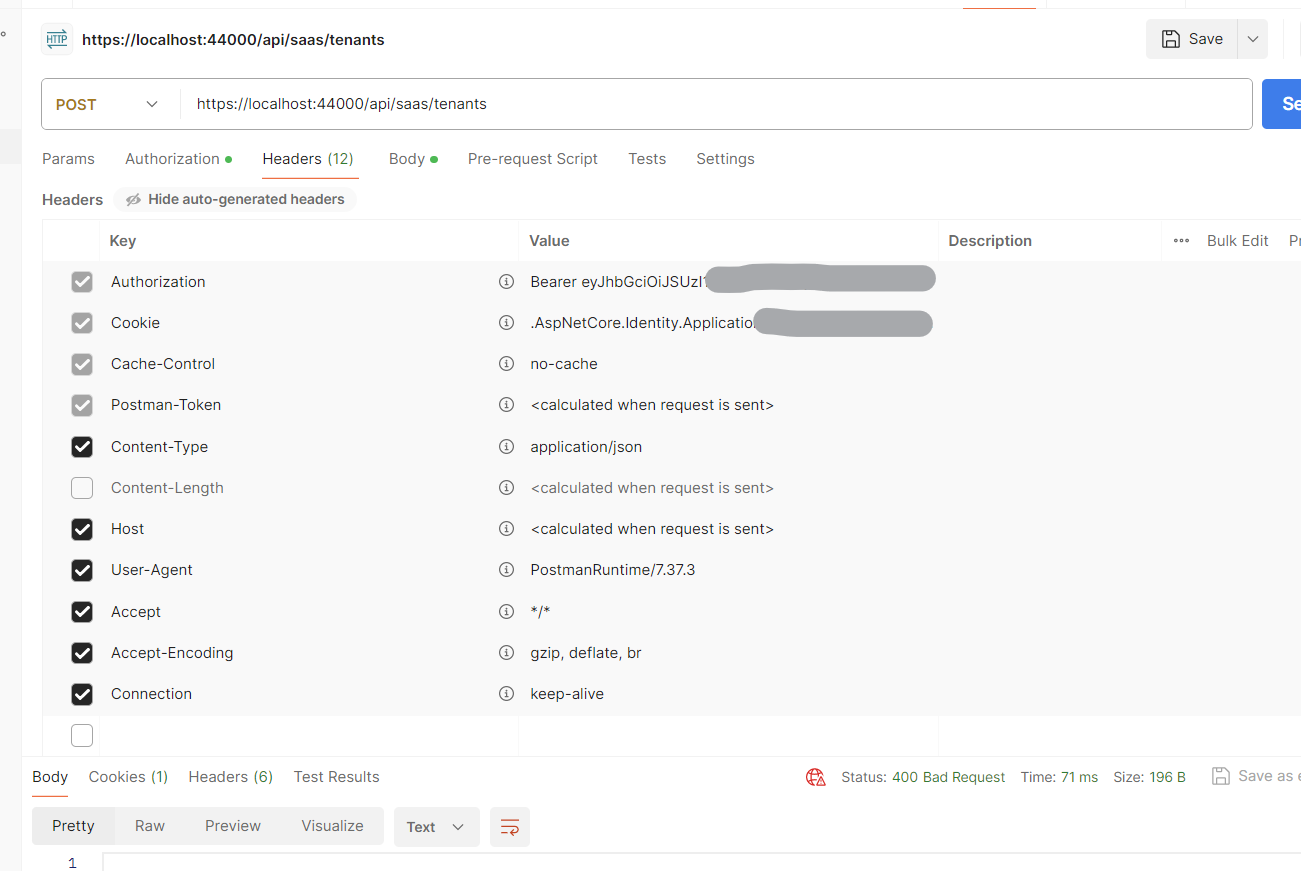
Request Headers
6 Answer(s)
-
0
Please select the
Content-Length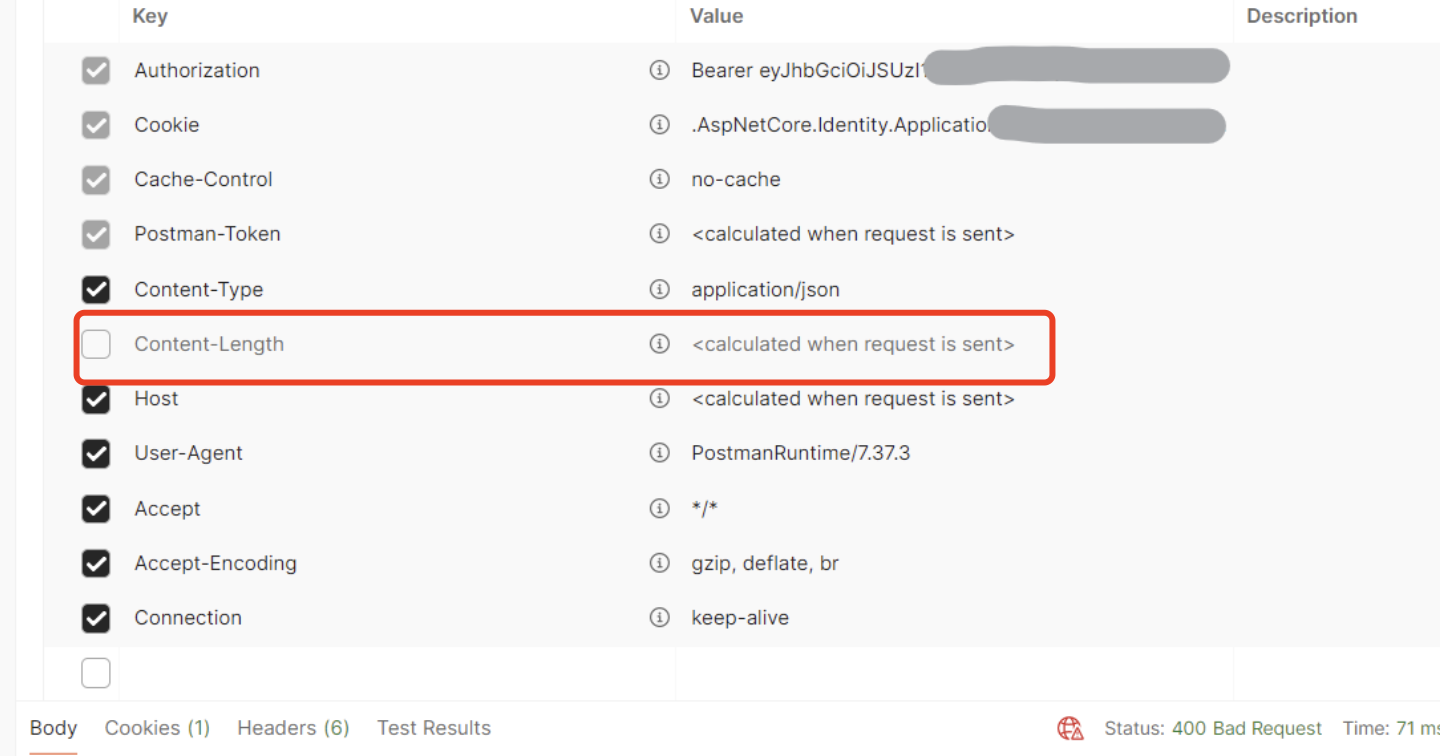 Markdown supported.Copy, paste, or drag & drop images and files (max 100 MB per file, 100 MB total per post)
 -
0
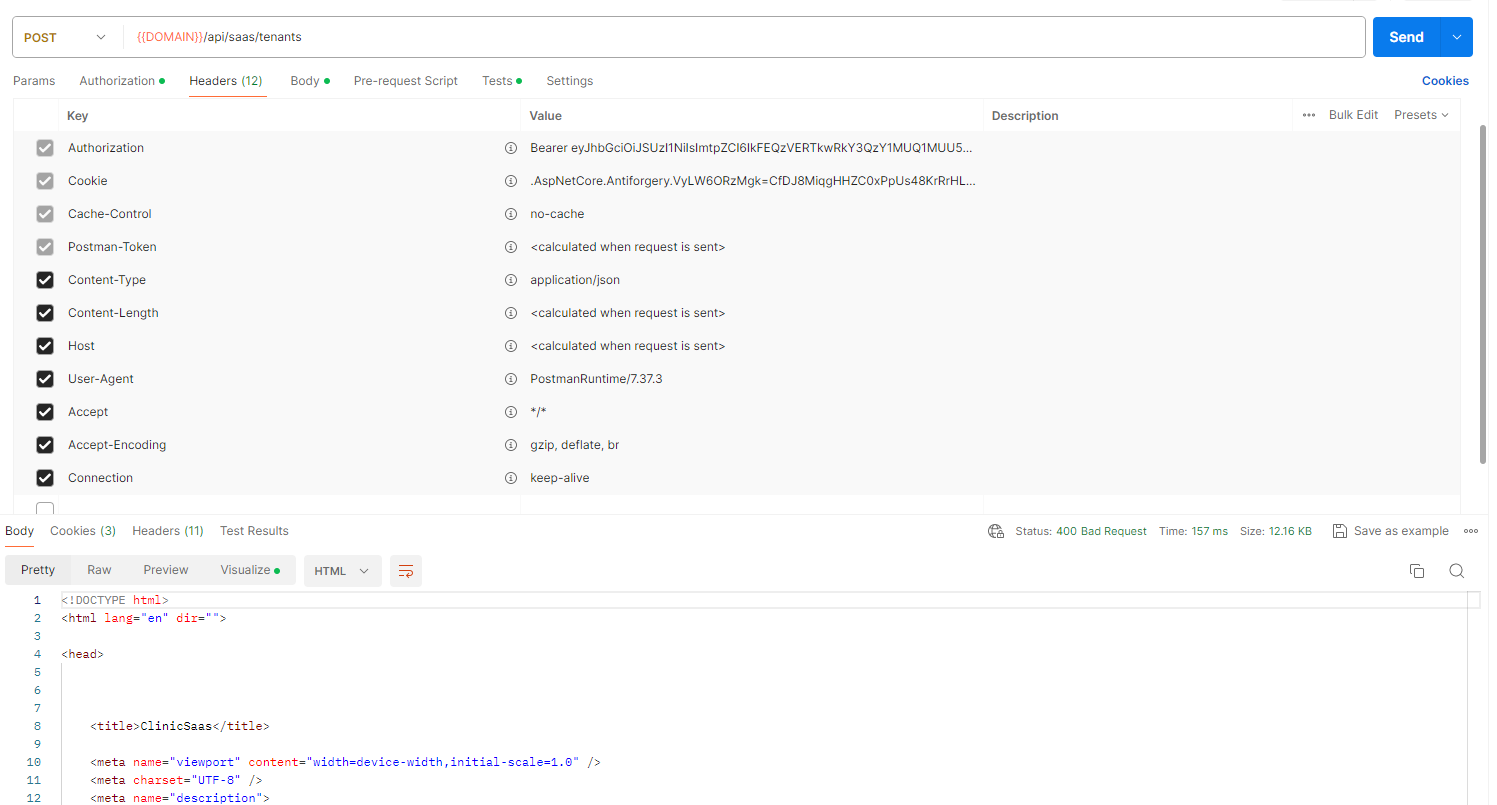
I tried, but it still shows same response
 Markdown supported.Copy, paste, or drag & drop images and files (max 100 MB per file, 100 MB total per post)
 -
1
Remove cookie from headers.
Markdown supported.Copy, paste, or drag & drop images and files (max 100 MB per file, 100 MB total per post) -
0
Thanks, the cookie was the issue.
I removed cookies from the postman. Is there any other way to handle it or I will have to manually remove cookies every time? They were added in my previous /account/login call
Markdown supported.Copy, paste, or drag & drop images and files (max 100 MB per file, 100 MB total per post) -
0
You should always use the oauth2.0 when you use Postman,
They were added in my previous /account/login call
Call the
/connect/tokento get the token instead of/account/loginMarkdown supported.Copy, paste, or drag & drop images and files (max 100 MB per file, 100 MB total per post) -
0
Thanks, I appreciate your help. I will use /connect/token
Markdown supported.Copy, paste, or drag & drop images and files (max 100 MB per file, 100 MB total per post)


