hi sir
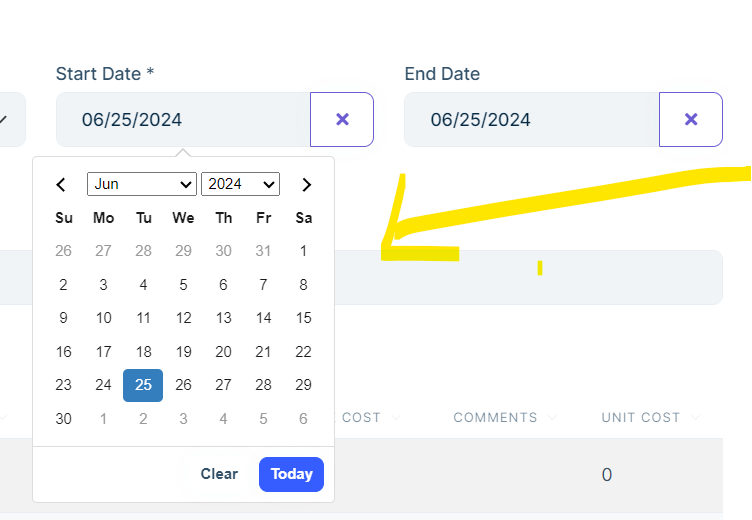
i have a problem with date-picker when i open EditModel it automatically focus on date
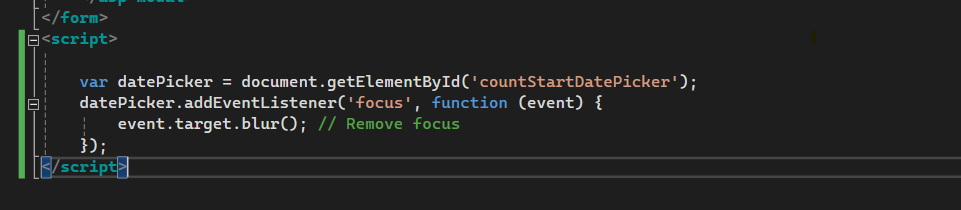
i removed auto update and put focus attr = false and used javascript
but still same problem
i want when open the model no focus happen to prevent open date and make user feel free

- ABP Framework version: v8
- UI Type: MVC
- Database System:SQL Server
9 Answer(s)
-
0
Hi,
we fixed the problem
https://support.abp.io/QA/Questions/6980/How-to-avoid-datetimepicker-to-be-open-everytime-a-modal-is-opened-up
https://github.com/abpframework/abp/issues/19493
Markdown supported.Copy, paste, or drag & drop images and files (max 100 MB per file, 100 MB total per post) -
0
Hi,
You can upgrade your project version to
8.1.4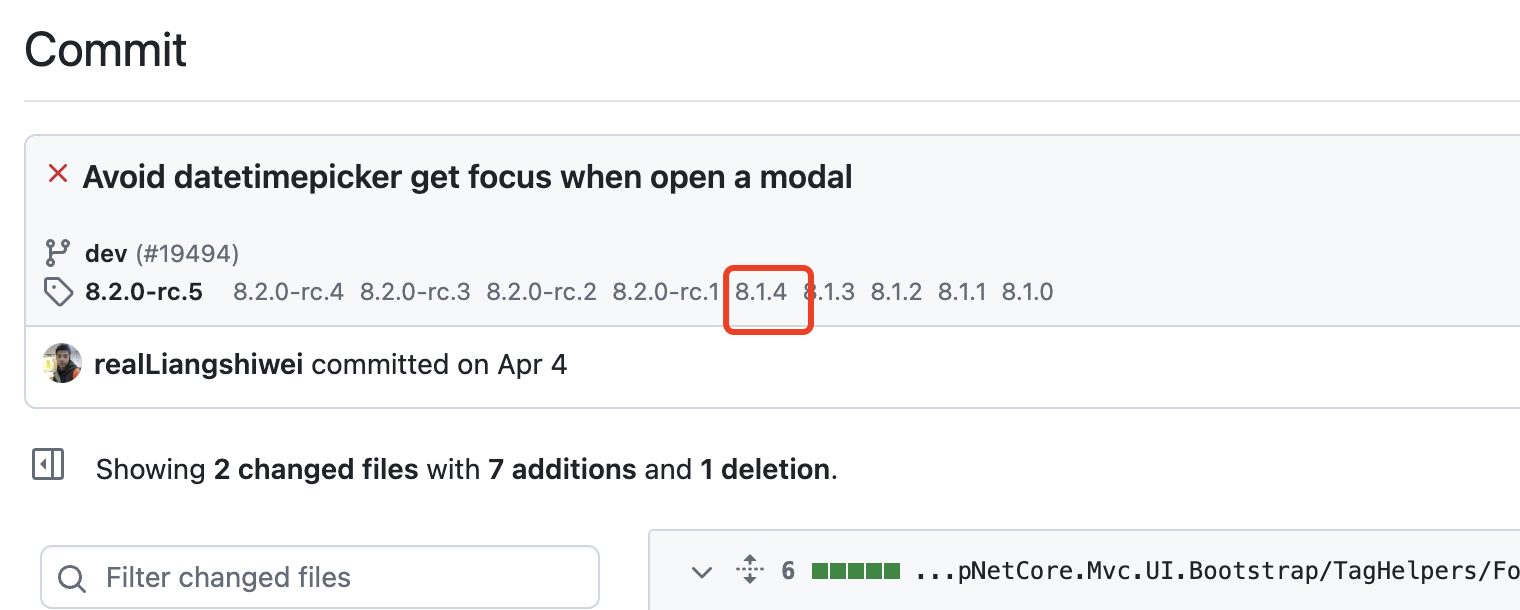 Markdown supported.Copy, paste, or drag & drop images and files (max 100 MB per file, 100 MB total per post)
 -
0
ooooh it's so hard to upgrade i'm afraid from confliction to happen it is a company ERP System if i do anything wrong it my damage all source code is there any thing else please try to solve this bug by adding attr to <abp-date-picker> tag it's not logic to avoid focus from js file to allow it in all date picker what if i want to avoid auto focus from specific input not all inputs so please try to fix this thanks
Markdown supported.Copy, paste, or drag & drop images and files (max 100 MB per file, 100 MB total per post) -
0
Hi,
Okay, if you don't want to upgrade your project you can try this:
https://support.abp.io/QA/Questions/6980/How-to-avoid-datetimepicker-to-be-open-everytime-a-modal-is-opened-up#answer-3a11b93b-8851-ca9f-2d45-20564a54d7af
Markdown supported.Copy, paste, or drag & drop images and files (max 100 MB per file, 100 MB total per post) -
0
I don't mean for you to modify the original file, but to overwrite it in your project
You can read the document to know how it works: https://docs.abp.io/en/abp/latest/Virtual-File-System#replacing-overriding-virtual-files
Markdown supported.Copy, paste, or drag & drop images and files (max 100 MB per file, 100 MB total per post) -
0
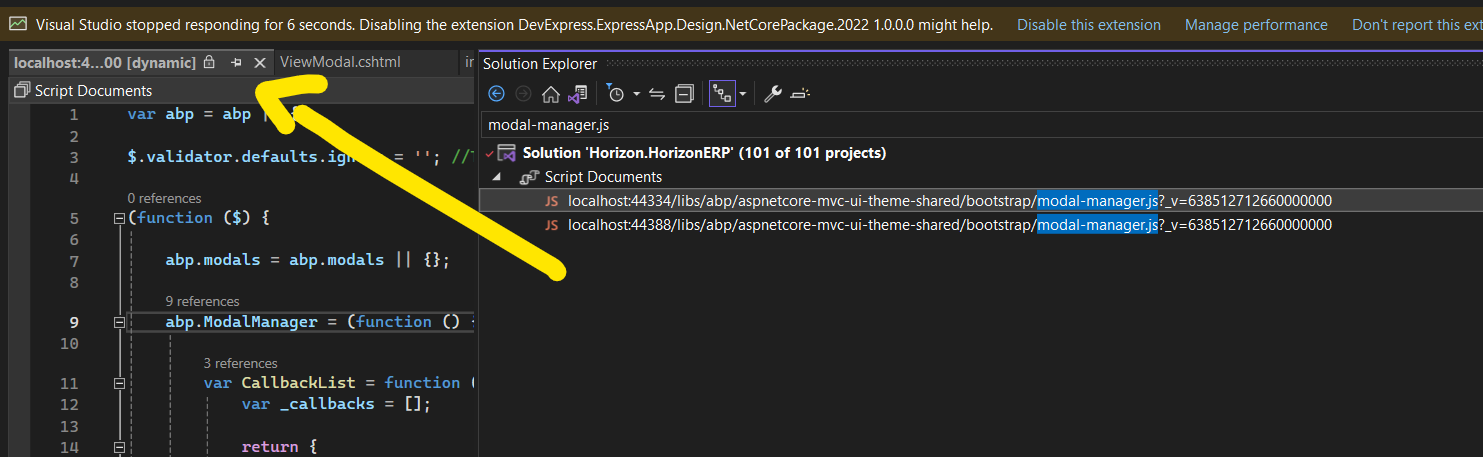
yes you mean that to create new file with same name (modal-manager.js) and put it into same path then accept replace so the Q is where is the path should i found this file i found this docs and made the steps https://abp.io/package-detail/@abp_aspnetcore.mvc.ui.theme.shared but i still can't find the file to override it
Markdown supported.Copy, paste, or drag & drop images and files (max 100 MB per file, 100 MB total per post) -
0
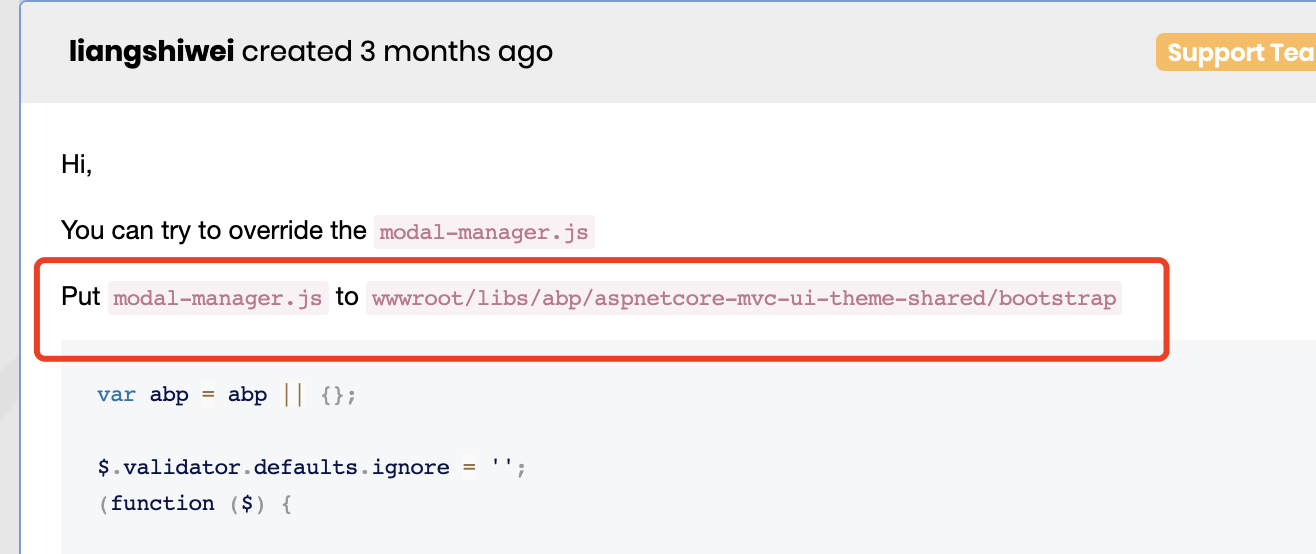
The path is
wwwroot/libs/abp/aspnetcore-mvc-ui-theme-shared/bootstrapMarkdown supported.Copy, paste, or drag & drop images and files (max 100 MB per file, 100 MB total per post)