






- ABP Framework version: v8.2.3
- UI Type: Angular
- Database System: EF Core (SQL Server, PostgreSQL)
- Tiered (for MVC) or Auth Server Separated (for Angular): yes
- Steps to reproduce the issue: -> Log in as a Host. -> Click the "Settings" button under the Administration menu. -> Review the Account, Identity Management, and Lepton Theme pages from the left side of the screen.
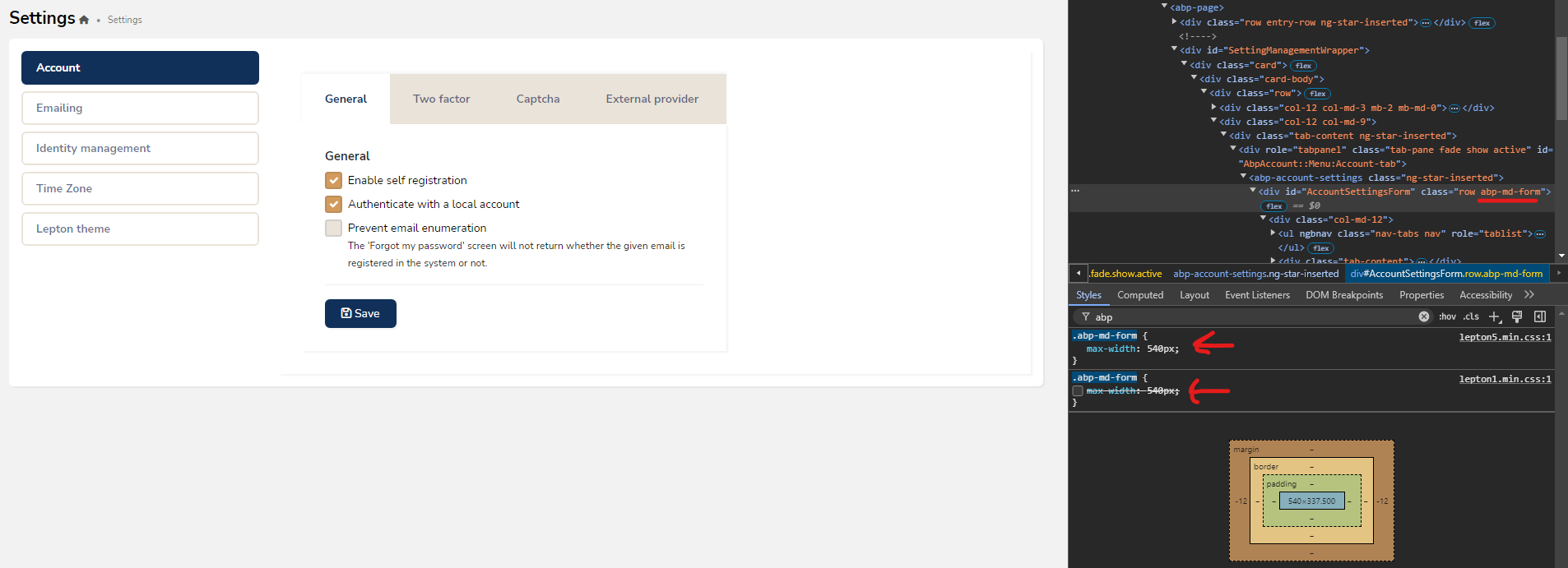
The Account and Identity Management pages now occupy only 50% of the screen width, whereas the Lepton Theme page opens at 100% width. Recently, we upgraded our ABP version from 6.0.3 to 8.2.3. Previously, all these pages were displayed at 100% width. We have also set newly added pages to open at 100% width for consistency. However, there is now an inconsistency where some pages use 50% width while others use 100%. Could you restore the previous behavior so that all pages open at 100% width?
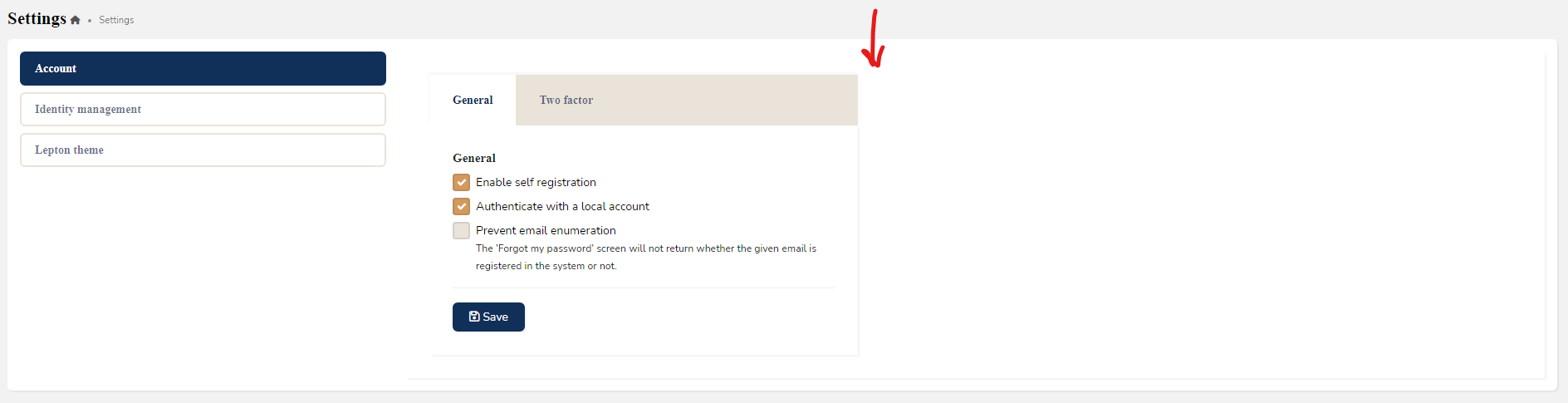
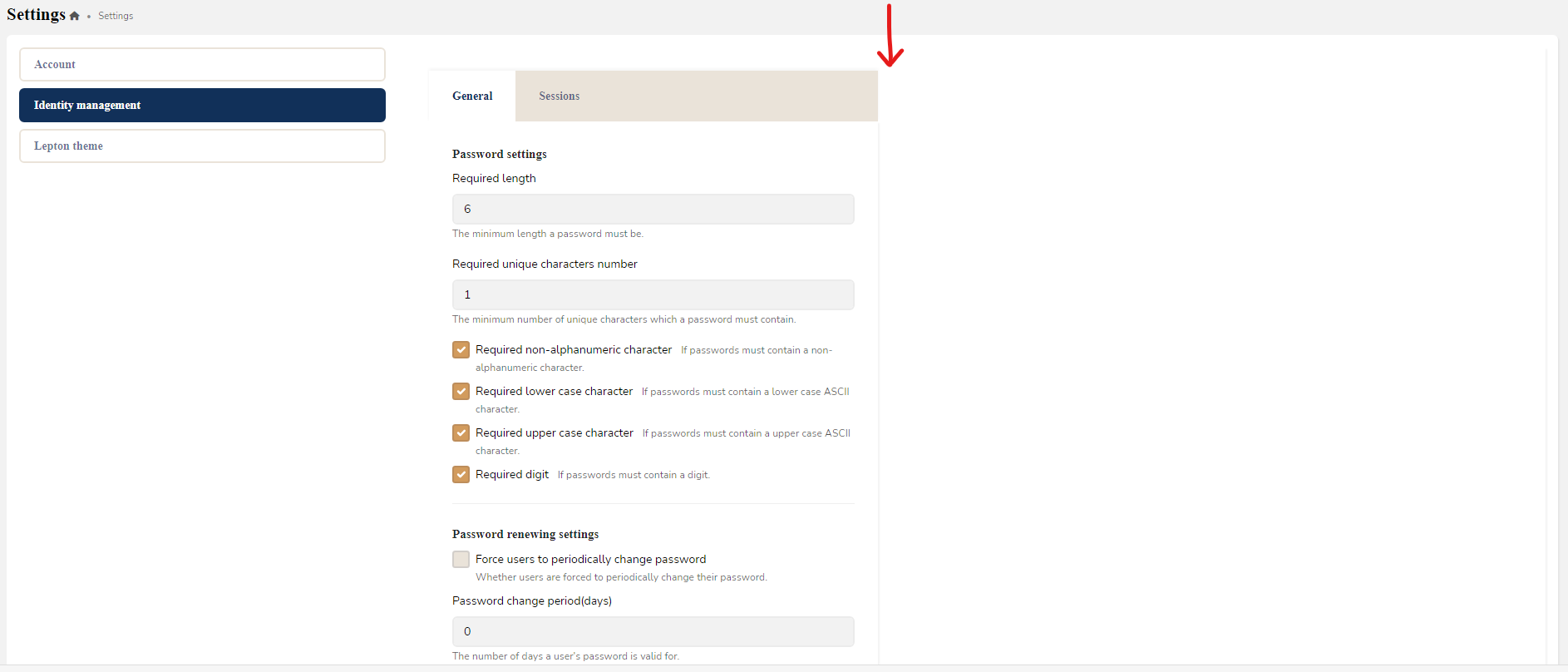
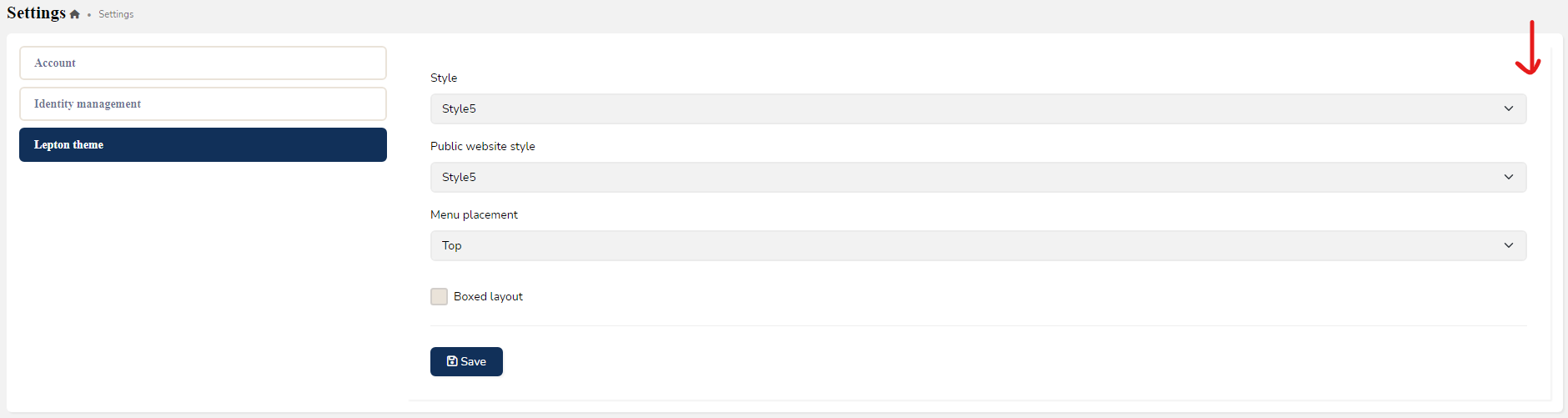
Before ABP Update
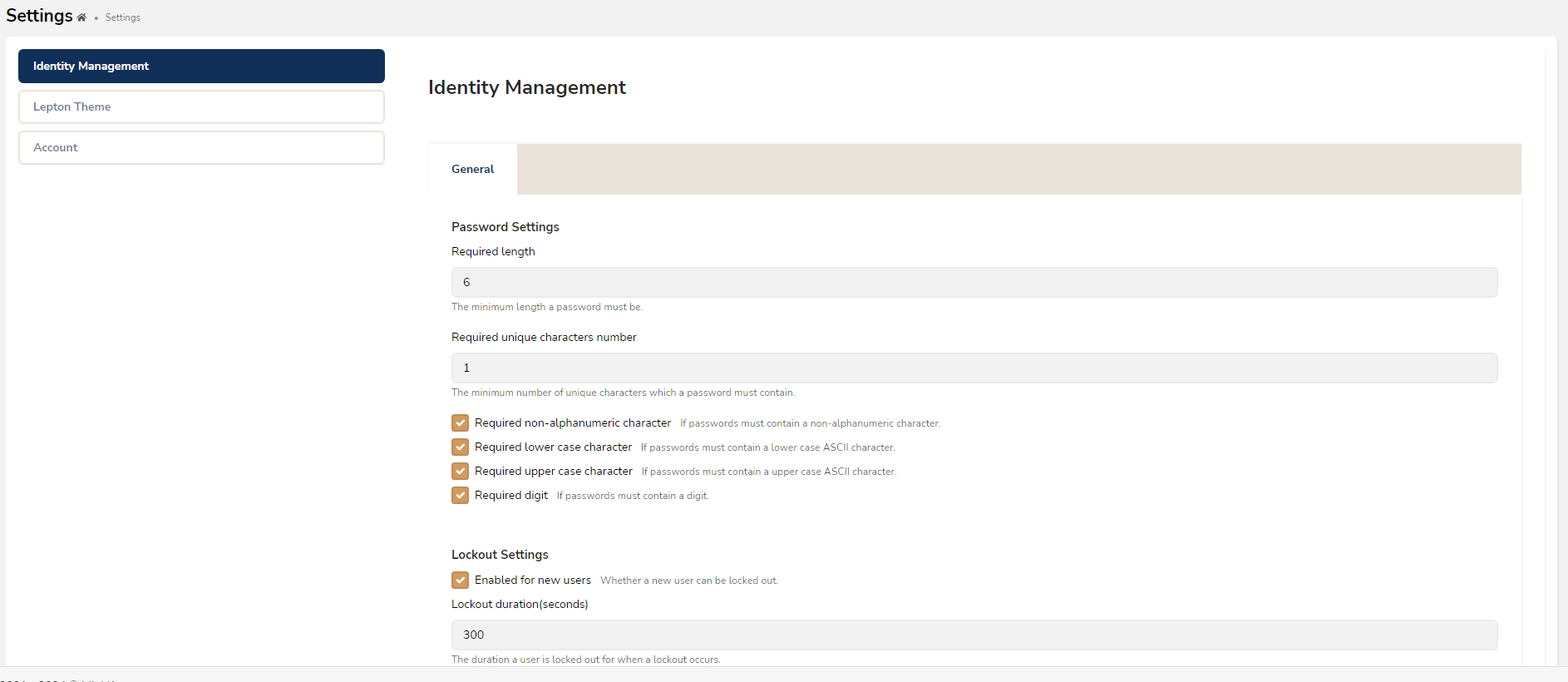
4 Answer(s)
-
0
hi
Are the pages mvc or angular?
You can inspect the page via browser dev tool.
Thanks.
Hi
We are using Angular.
Due to the max-width set on the abp-md-form class, the page appears as half-width in the UI. Should I override this, or does it need to be fixed in the source code?
 Markdown supported.Copy, paste, or drag & drop images and files (max 100 MB per file, 100 MB total per post)
 -
0
Hello, you should be able to override this CSS property directly.
Markdown supported.Copy, paste, or drag & drop images and files (max 100 MB per file, 100 MB total per post)



