ABP Framework version: v7.4.5
UI Type: Angular
Database System: EF Core (SQL Server)
Tiered (for MVC) or Auth Server Separated (for Angular): yes
Exception message and full stack trace:
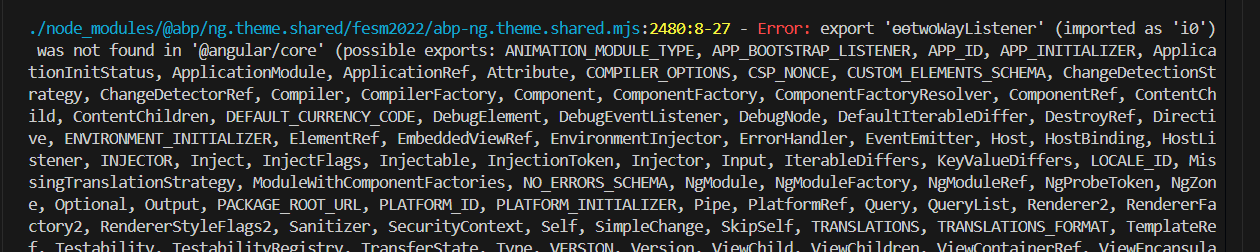
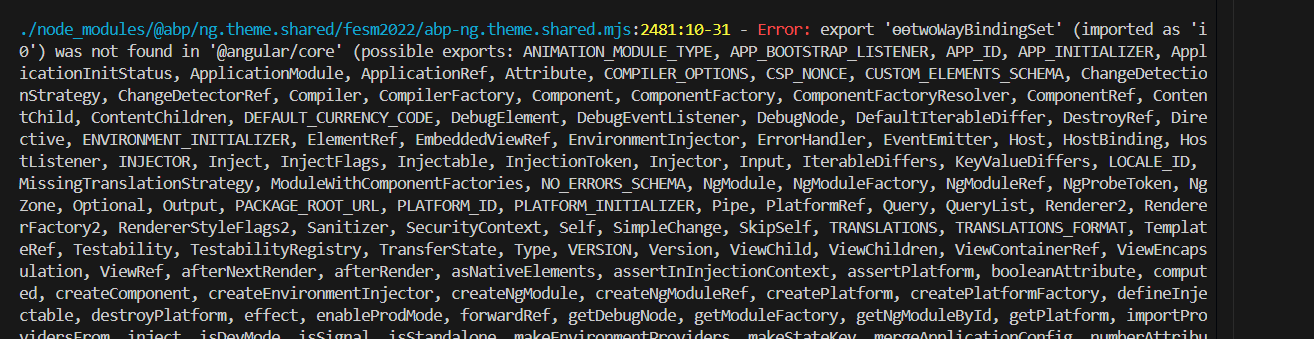
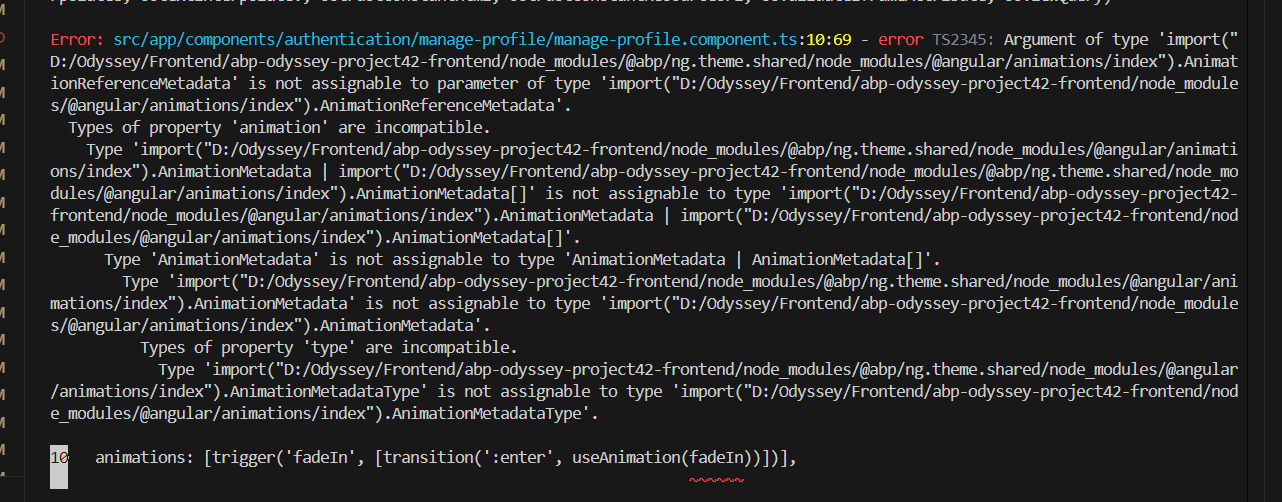
Steps to reproduce the issue: Upgrading existing Project From ABP 5.0.1 Community to ABP 7.4.5 Commercial
Hi There,
I am currently upgrading an existing project from ABP 5.0.1 Community to ABP 7.4.5 Commercial. Initially, I attempted to update to ABP 8.3.2, but faced several issues. As a result, I decided to proceed with ABP 7.4.5 for a more stable version.
The backend project has been successfully set up using ABP 7.4.5 and .NET Core 7. However, I am facing issues with setting up the frontend Angular project due to versioning conflicts.
I attempted to use ABP Studio to check for the appropriate packages, but it only provides the option to create a project with ABP 8.3.2 (the latest version). I need assistance to properly configure my existing Angular frontend project to work with ABP 7.4.5, as it is crucial to align with the backend setup.
Given the urgency, I have only two days left in my sprint to complete this task. Your prompt assistance would be greatly appreciated.
50 Answer(s)
-
0
Oh, as I see, you didn't use the account manage page of the account pro module; you have your own custom page.
The component name is
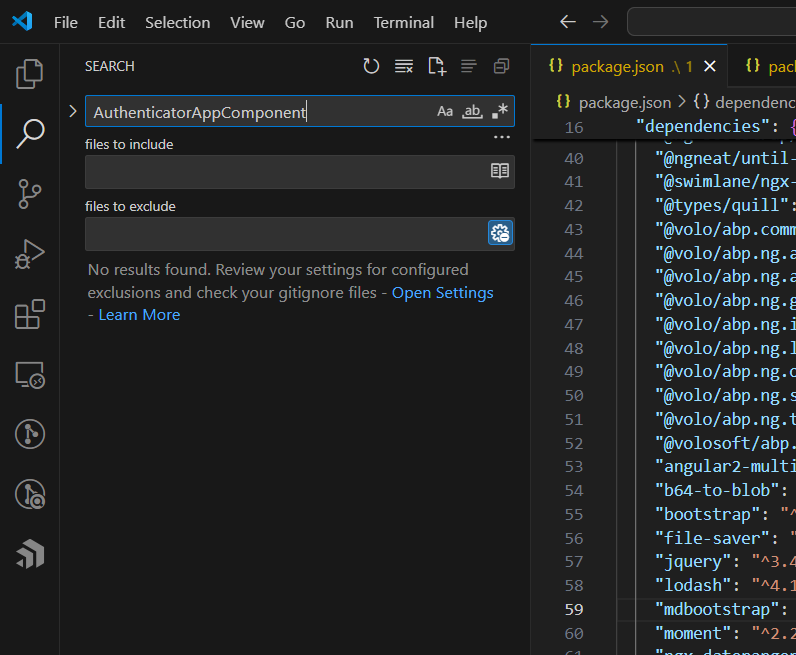
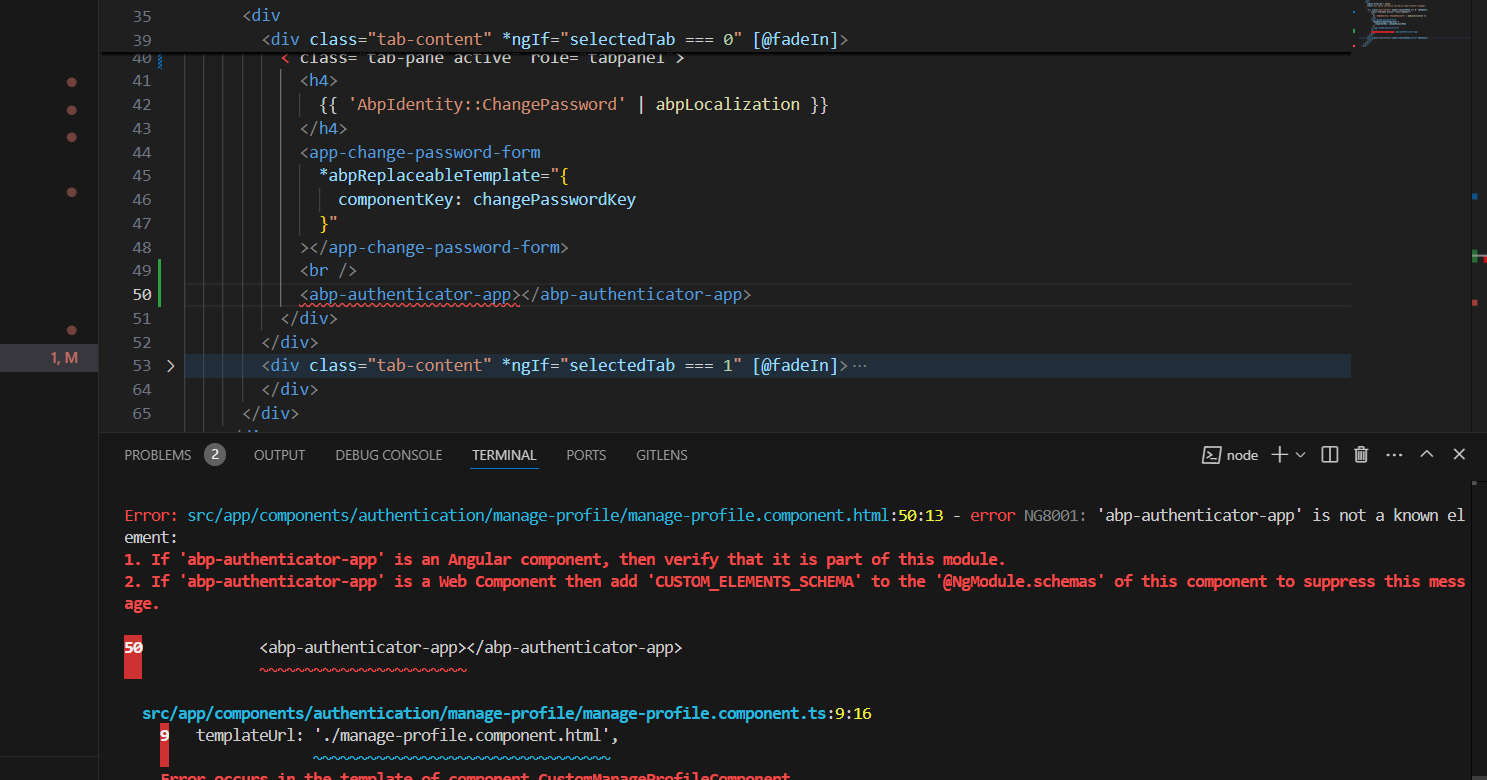
AuthenticatorAppComponent, you can try to use it.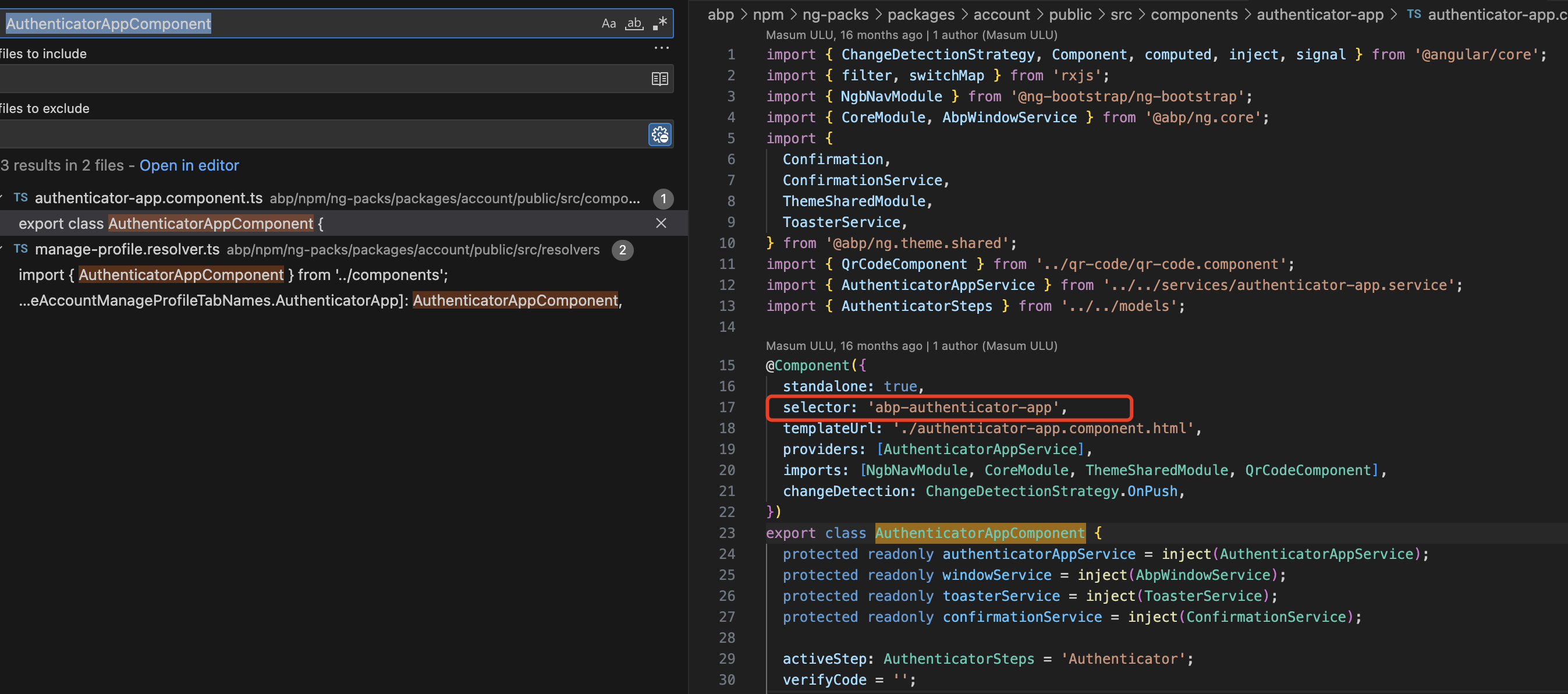 Markdown supported.Copy, paste, or drag & drop images and files (max 100 MB per file, 100 MB total per post)
 -
0
but I couldn't find this page on the source code
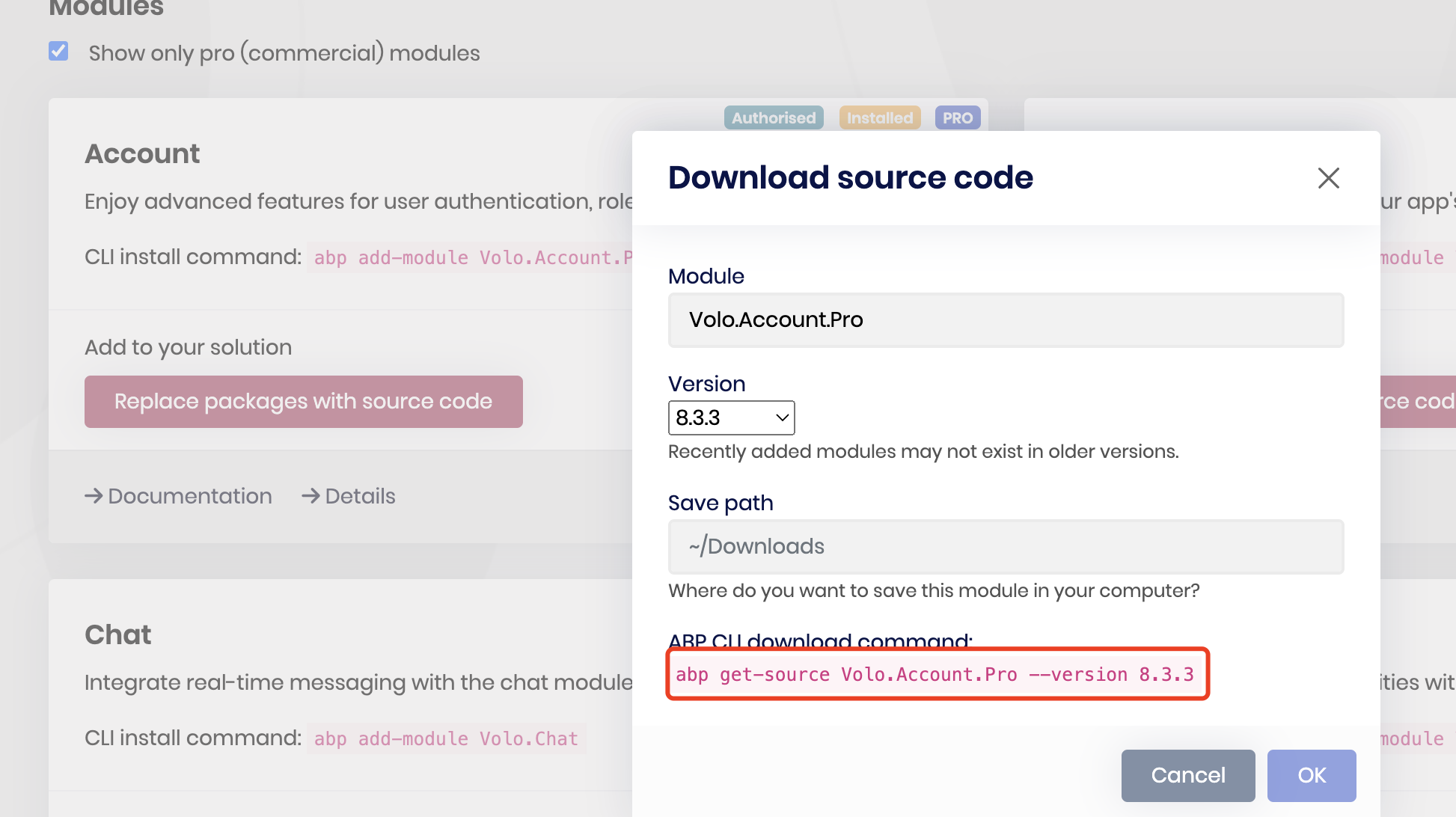
it's a part of account pro, not the template
you can download it if your license includes source code.
 Markdown supported.Copy, paste, or drag & drop images and files (max 100 MB per file, 100 MB total per post)
 -
0
hi
You can check this https://abp.io/qa/questions/8242/3a163c3f-da3c-3082-dd17-d659406974a1
Markdown supported.Copy, paste, or drag & drop images and files (max 100 MB per file, 100 MB total per post) -
0
Hi
I’m not mean the source code, it is a part of account module, since you are the team license, you can’t get the source code.
But you can use it as NPM package reference. Just import the component and use it.
The NPM name is @volo/abp.ng.account
Markdown supported.Copy, paste, or drag & drop images and files (max 100 MB per file, 100 MB total per post) -
0
I already have this package and installed
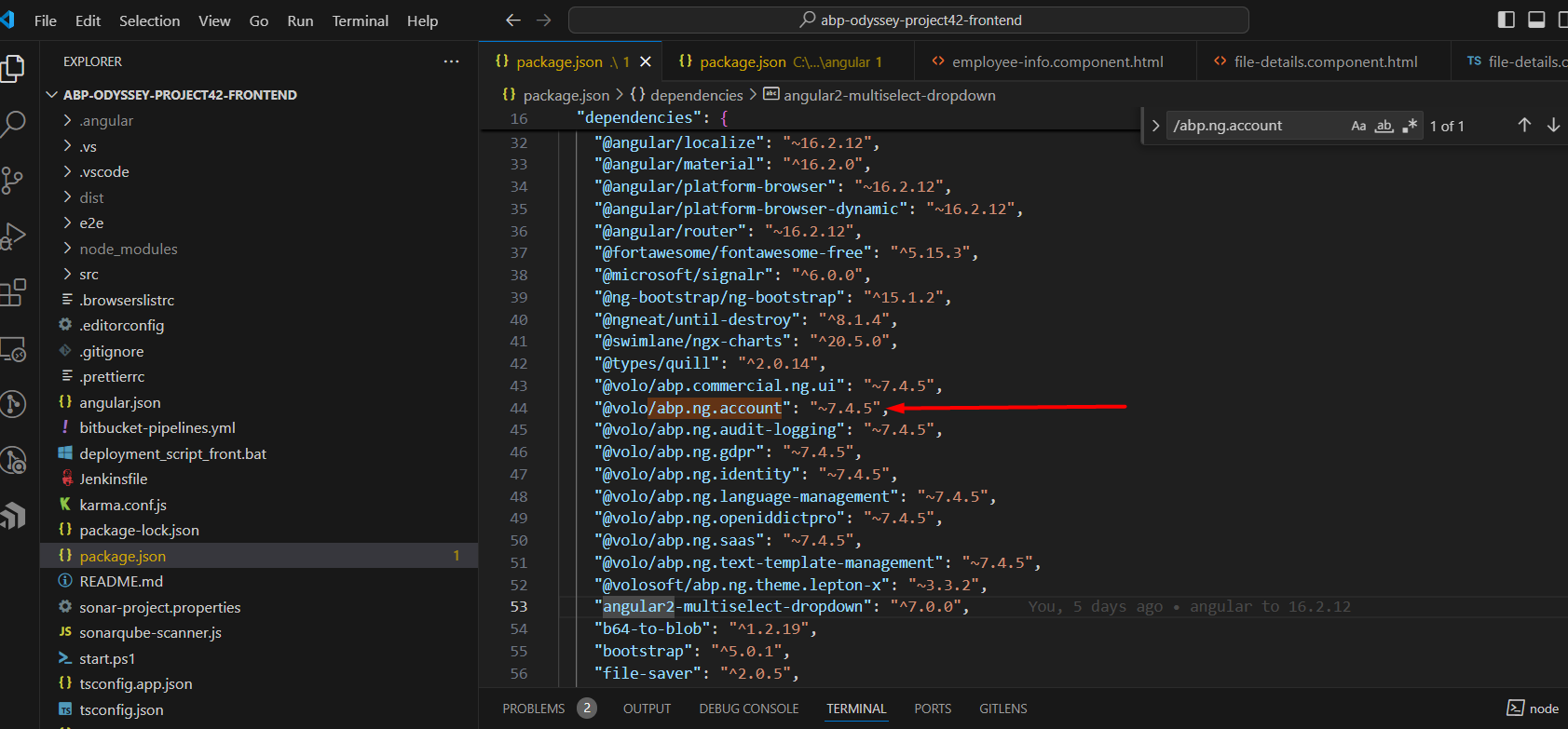
can you let me know how to use that authenticator component? because I don't have the access to it. I need a documentation if you have about authenticator component
Markdown supported.Copy, paste, or drag & drop images and files (max 100 MB per file, 100 MB total per post) -
0
Hi,
I checked again, and the
AuthenticatorAppComponentis not a declaration component, so you can't use it.what's your email , i can share the component code with you
Markdown supported.Copy, paste, or drag & drop images and files (max 100 MB per file, 100 MB total per post) -
0
Hi,
no such document,
I suggest you use the account module's page instead of your own. you can customize pages. This way, you can get the benefits of ABP; we will add new features and bug fixes to the module in each version.
Markdown supported.Copy, paste, or drag & drop images and files (max 100 MB per file, 100 MB total per post) -
0
okay I didn't get the component code yet on my email account.
and can you clarify how I can use the account module's page?
you can see the url of my current page
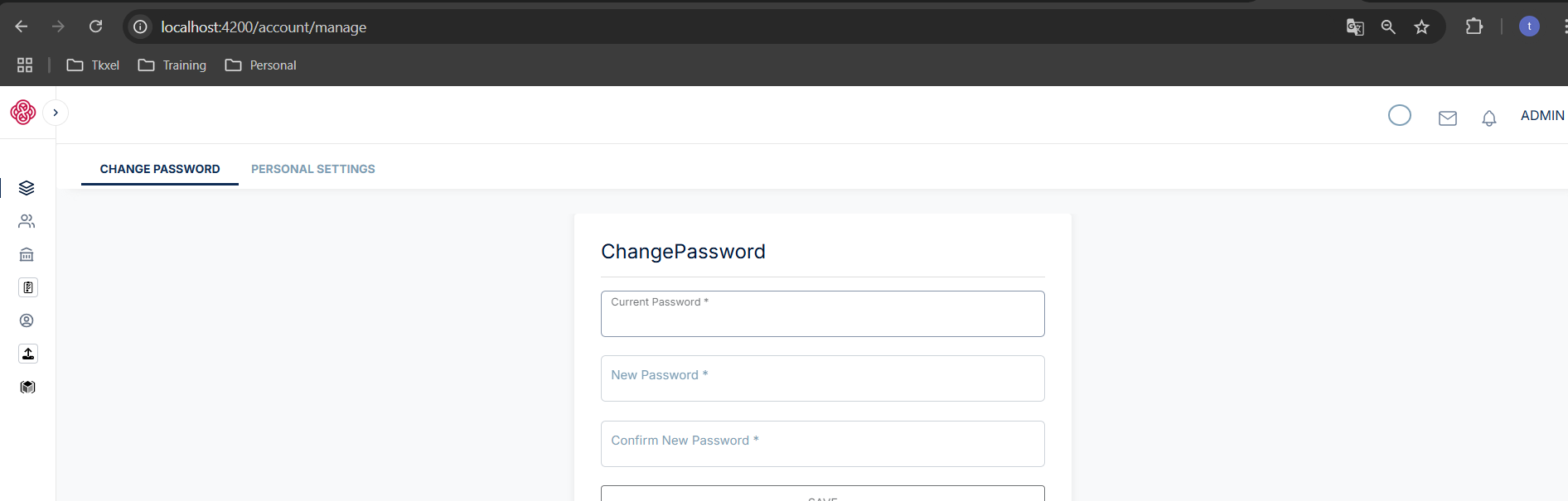
What I need to do in my existing project to use the account module's page.
Markdown supported.Copy, paste, or drag & drop images and files (max 100 MB per file, 100 MB total per post) -
0
You can check your spam folder.
What I need to do in my existing project to use the account module's page.
I don't know about your project details, so I can't give an answer; you can create a new project to see how it works.
Markdown supported.Copy, paste, or drag & drop images and files (max 100 MB per file, 100 MB total per post) -
0
I tried by creating a new project of ABP but on that project I couldn't find the default pages for these settings so can you let me know the name of files that is rendering account module's page. if in the new project I cannot access the files then I cannot copy in to my existing project.
Markdown supported.Copy, paste, or drag & drop images and files (max 100 MB per file, 100 MB total per post) -
0
Hi,
okay, good luck
Markdown supported.Copy, paste, or drag & drop images and files (max 100 MB per file, 100 MB total per post) -
0
Hi,
I was using the Account Service to reset password but after upgrading the version from 5.0.1 to 7.4.5 I'm facing this issue
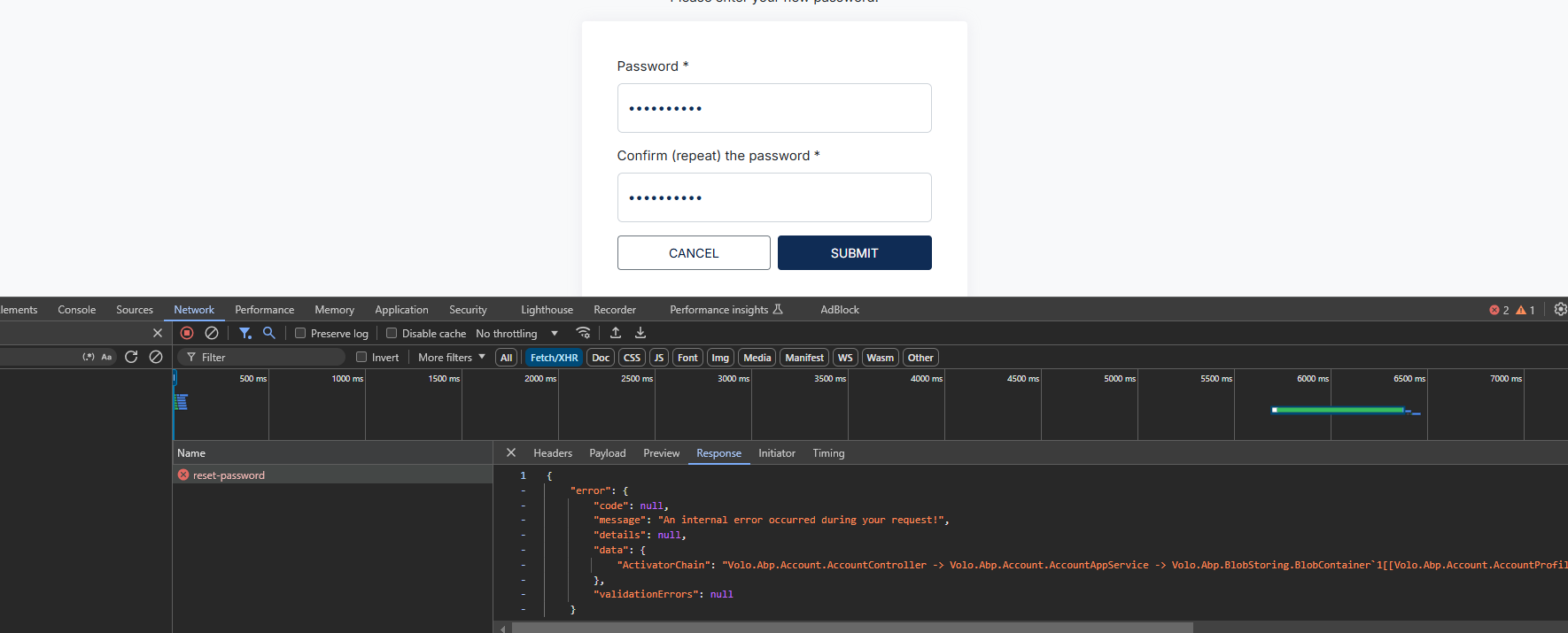
2024-11-14 17:33:23.360 +05:00 [ERR] An exception was thrown while activating Volo.Abp.Account.AccountController -> Volo.Abp.Account.AccountAppService -> Volo.Abp.BlobStoring.BlobContainer
1[[Volo.Abp.Account.AccountProfilePictureContainer, Volo.Abp.Account.Pro.Public.Application, Version=7.4.5.0, Culture=neutral, PublicKeyToken=null]]. Autofac.Core.DependencyResolutionException: An exception was thrown while activating Volo.Abp.Account.AccountController -> Volo.Abp.Account.AccountAppService -> Volo.Abp.BlobStoring.BlobContainer1[[Volo.Abp.Account.AccountProfilePictureContainer, Volo.Abp.Account.Pro.Public.Application, Version=7.4.5.0, Culture=neutral, PublicKeyToken=null]]. ---> Autofac.Core.DependencyResolutionException: An exception was thrown while invoking the constructor 'Void .ctor(Volo.Abp.BlobStoring.IBlobContainerFactory)' on type 'BlobContainer`1'. ---> Volo.Abp.AbpException: No BLOB Storage provider was registered! At least one provider must be registered to be able to use the BLOB Storing System.Here is my account service code
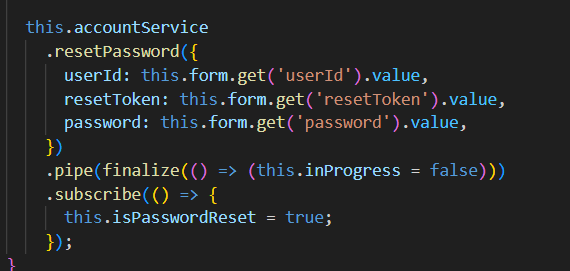
account service is abp class
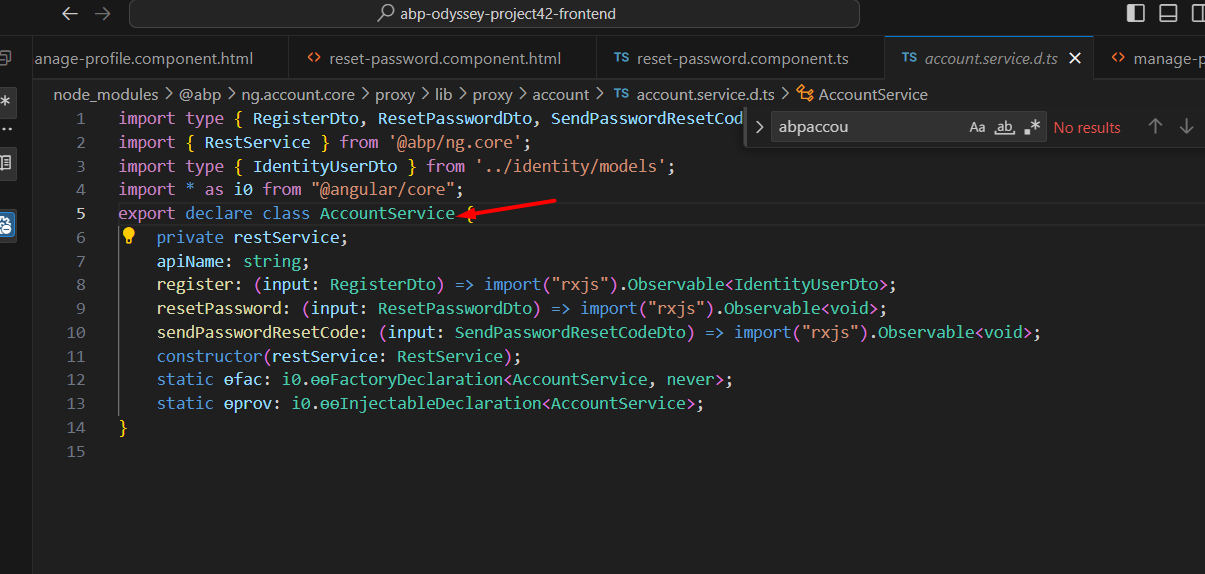 Markdown supported.Copy, paste, or drag & drop images and files (max 100 MB per file, 100 MB total per post)
 -
0
Hi,
Please configure at least one Blob provider
https://abp.io/docs/latest/framework/infrastructure/blob-storing
Markdown supported.Copy, paste, or drag & drop images and files (max 100 MB per file, 100 MB total per post) -
0
okay
Markdown supported.Copy, paste, or drag & drop images and files (max 100 MB per file, 100 MB total per post) -
0
Hi I wanted to know about lockout policy as i can see some fields for the lockout that are LockoutEnabled and LockoutEnd in AbpUsers
so I want to change the default behaviour like i want 10 login attempts to lockout for 10 minutes for different users different settings is there any way to do it by using ABP. or need to handle in a custom way.
Markdown supported.Copy, paste, or drag & drop images and files (max 100 MB per file, 100 MB total per post) -
0
Hi,
could you please create a new question, thanks.
Markdown supported.Copy, paste, or drag & drop images and files (max 100 MB per file, 100 MB total per post)