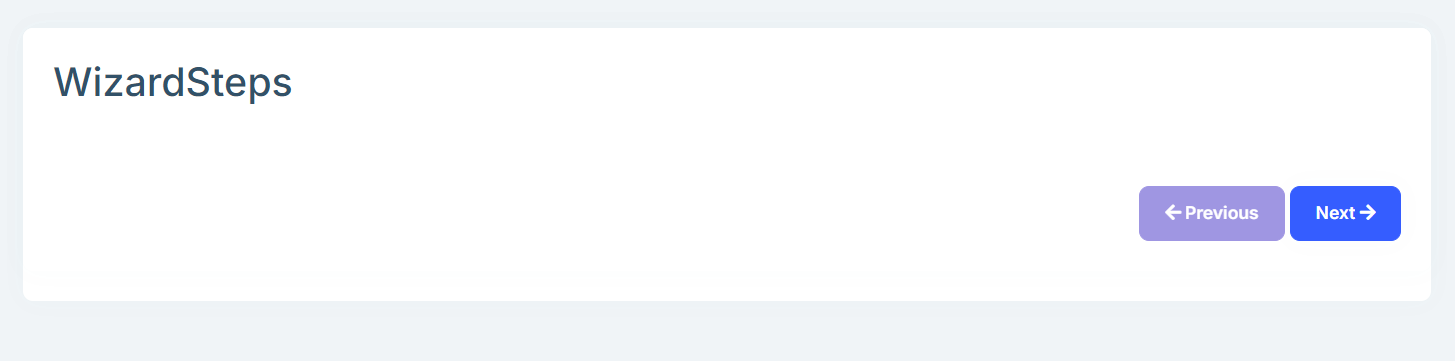
- ABP Framework version: v8.2
- UI Type:MVC
- Database System: EF Core (SQL Server)
- Tiered (for MVC) or Auth Server Separated (for Angular): yes/no
- Exception message and full stack trace:
- Steps to reproduce the issue: I have screen called wizard and has two existing pages firstPage and second Page (these pages already working)
- but when i want to view one of them in the wizard screen using
-
<partial name="@Model.CurrentStep.ViewPath"
        model="@Model.CurrentStep.Model"
        view-data="@Model.CurrentStep.ViewData" />
but it is not working and gives me error
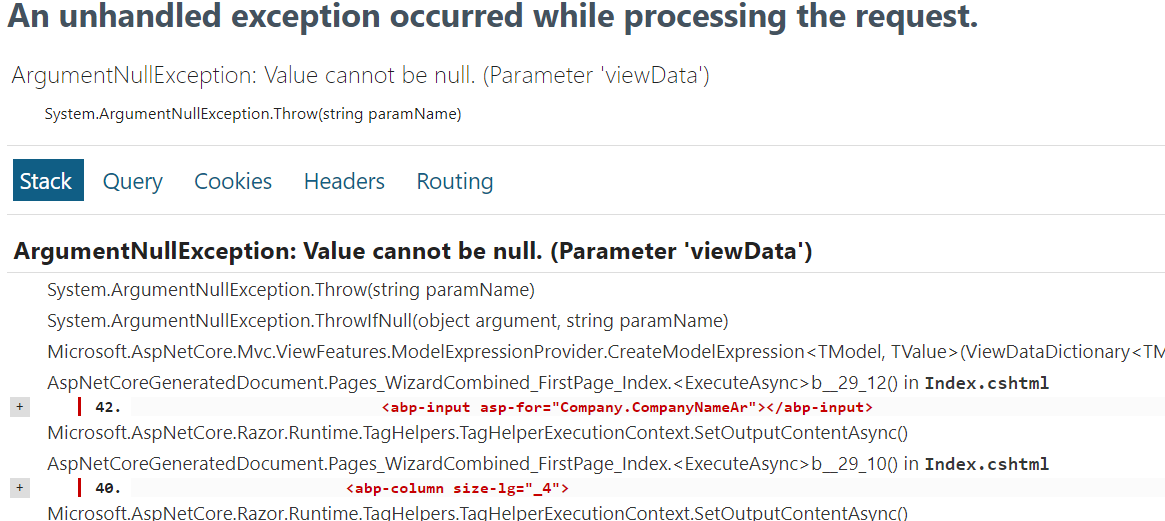
i know there is AbpViewComponent and i already used it in another thing,
but here i want to use pages already done before to avoide recode again in viewComponent
6 Answer(s)
-
0
Hi,
How do I reproduce the problem.
Could you share the full steps or a simple test project with me? thanks. shiwei.liang@volosoft.com
Markdown supported.Copy, paste, or drag & drop images and files (max 100 MB per file, 100 MB total per post) -
0
Hi, this is the illustration of my example first i have this structure
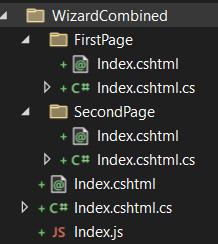
1- this is the html of wizard screen
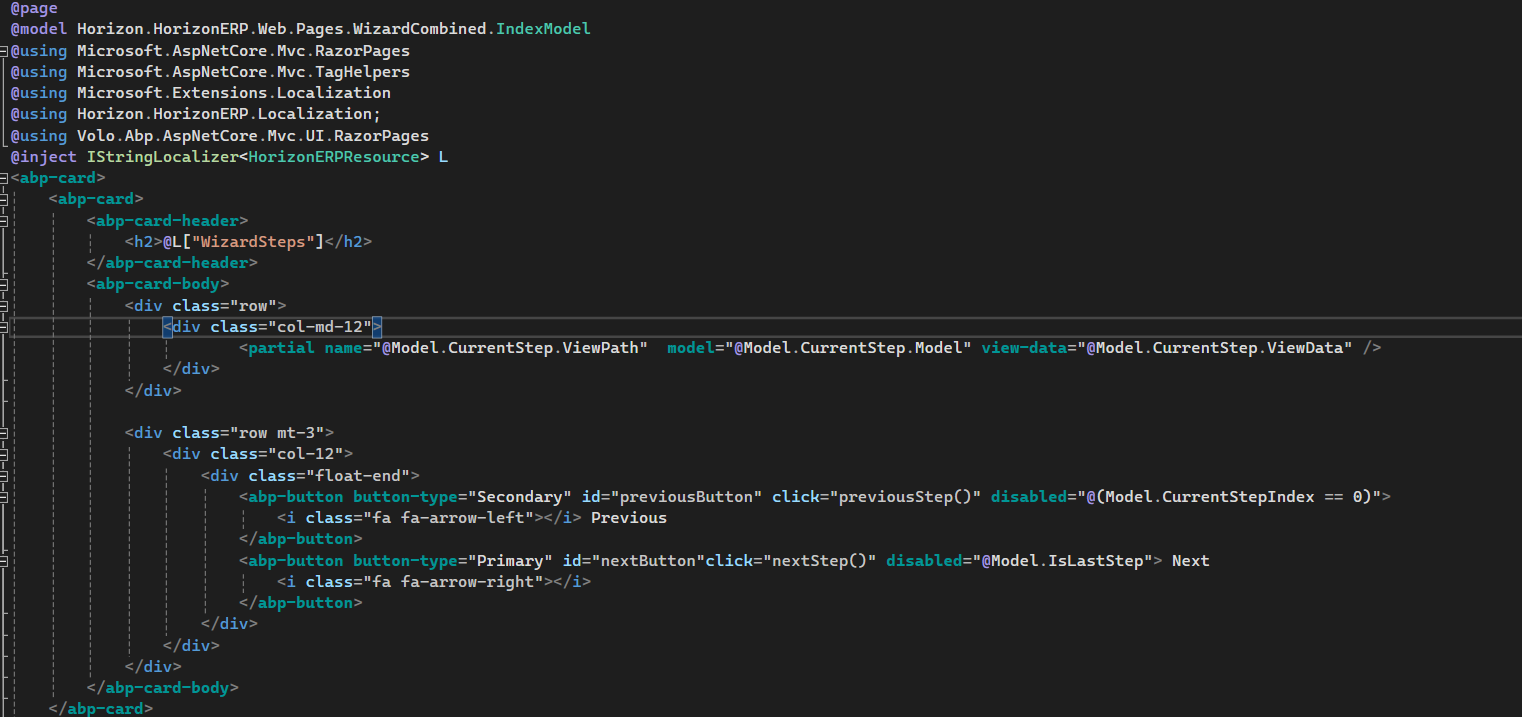 and this is the code of the screen
and OnGetAsync() function
and this is the code of the screen
and OnGetAsync() function
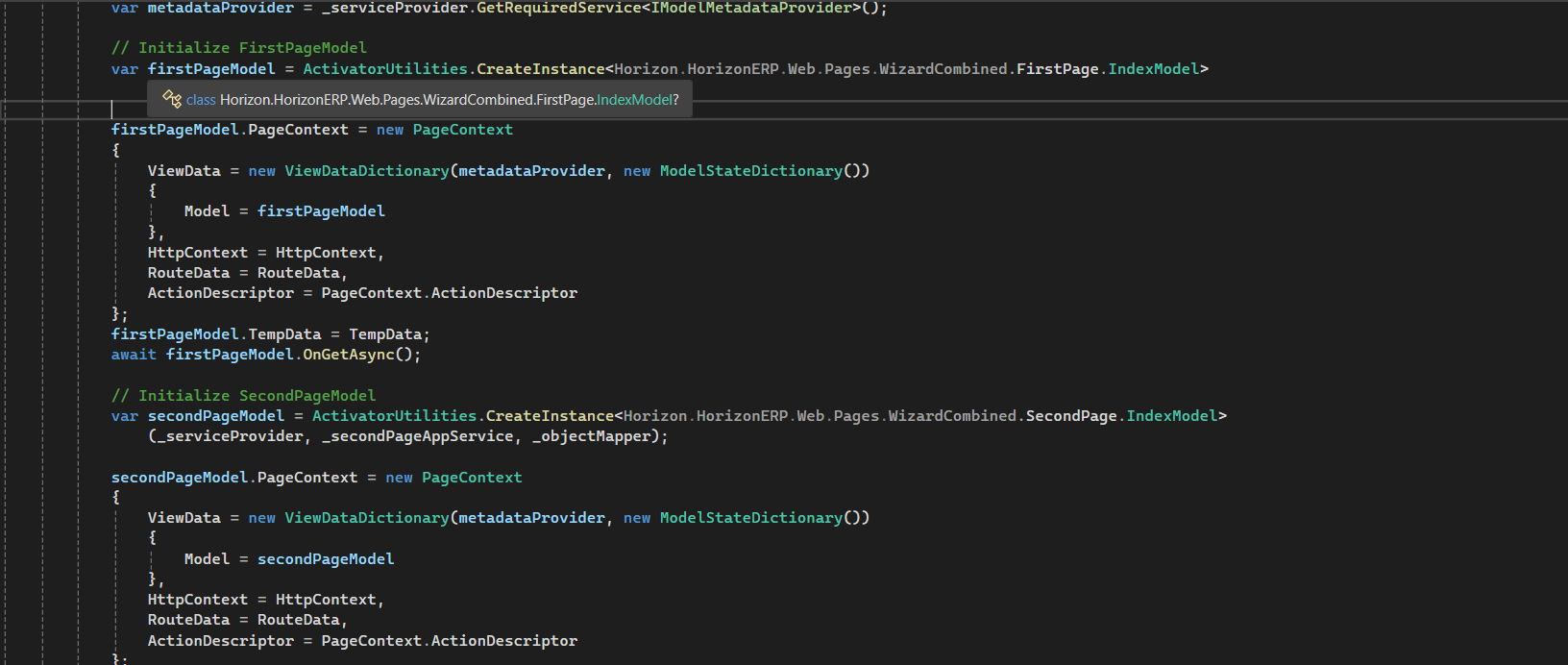
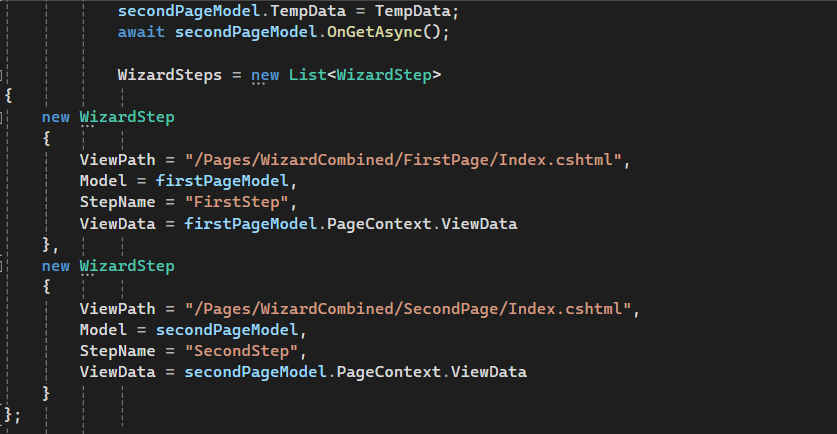
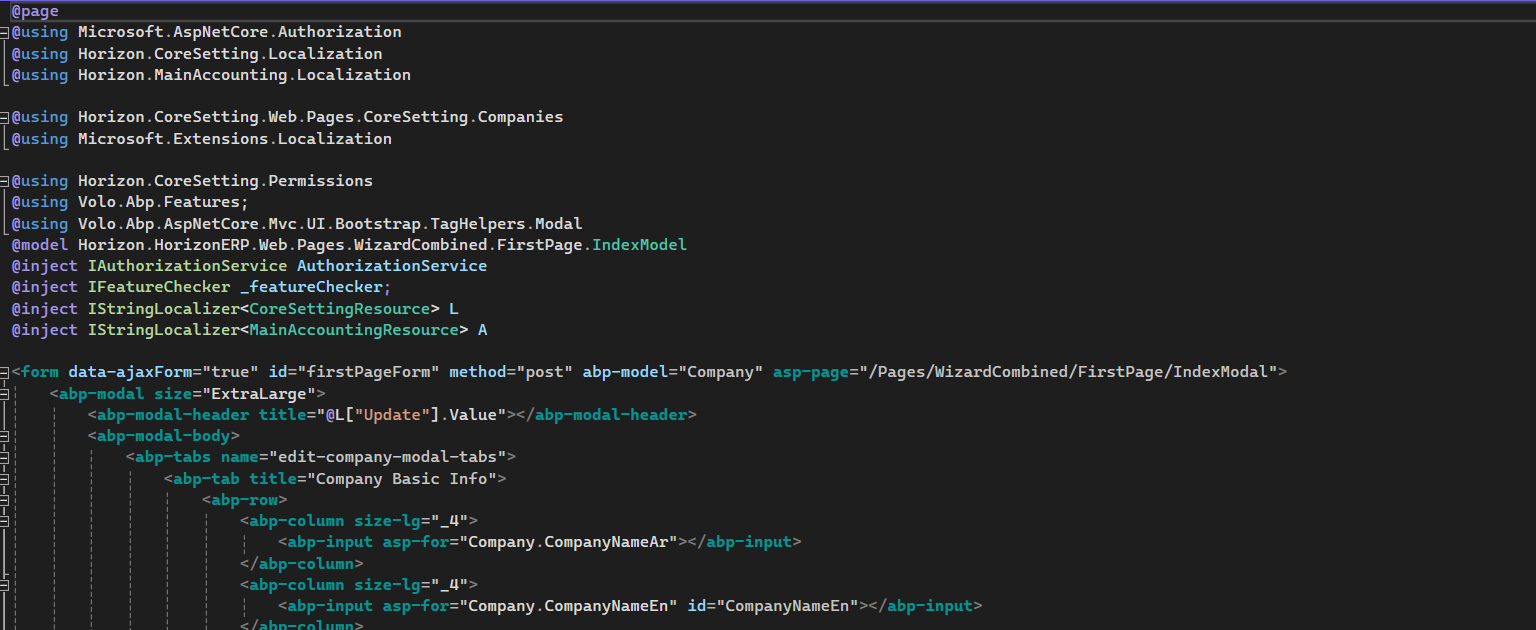
2- this is the html of First Page screen
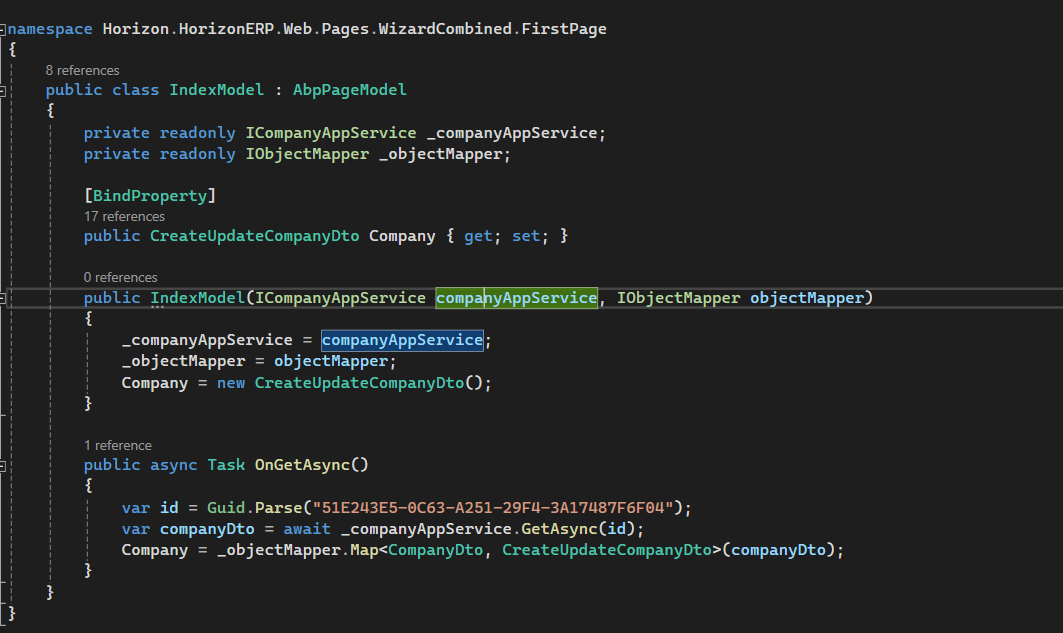
 and this is the code of first page
3- this is the html of Second Page screen
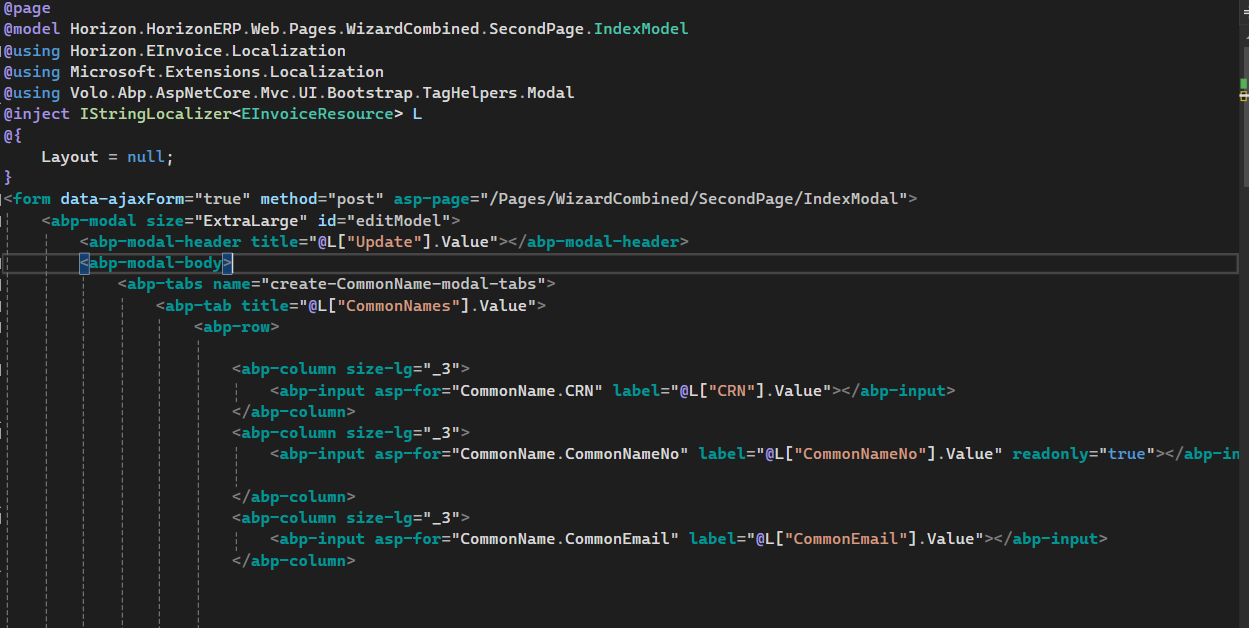 and this is the code of Second page
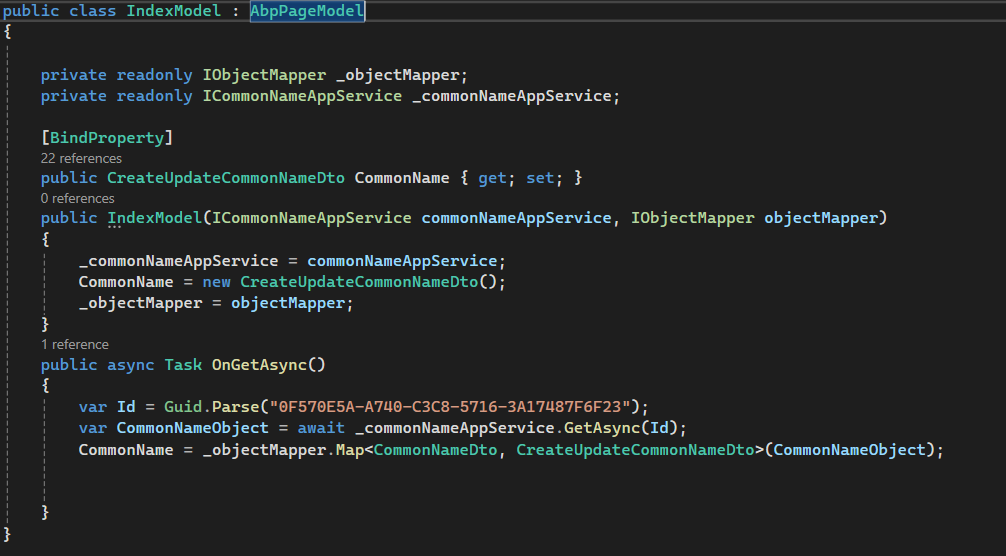
I want to navigate between first page and second page by press next button and previous button in wizard screen and i using Partial tag to render the page according to current step but it gives me error when i view first step
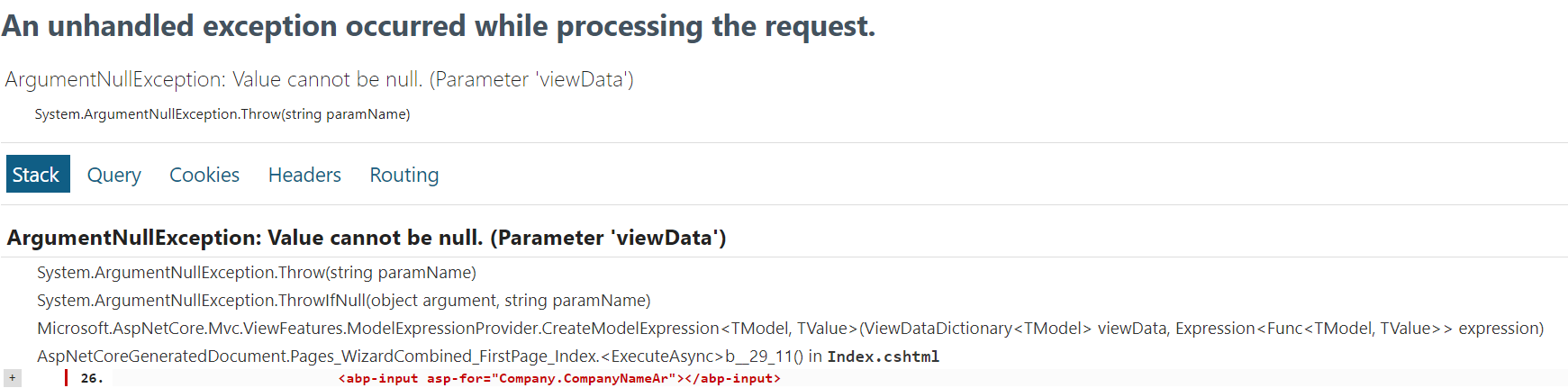
please advice all i want that i have index screen "wizard" and want to navigate between another existing pages through press next button
Markdown supported.Copy, paste, or drag & drop images and files (max 100 MB per file, 100 MB total per post) -
0
HI,
Try remove
@pagefrom First and Second PageMarkdown supported.Copy, paste, or drag & drop images and files (max 100 MB per file, 100 MB total per post) -
0
See https://learn.microsoft.com/en-us/aspnet/core/mvc/views/partial?view=aspnetcore-9.0
A partial view is a Razor markup file (.cshtml) without a @page directive that renders HTML output within another markup file's rendered output.
Markdown supported.Copy, paste, or drag & drop images and files (max 100 MB per file, 100 MB total per post) -
0
Hi,
Is there any error message? you can try set a breakpoint and check.
Markdown supported.Copy, paste, or drag & drop images and files (max 100 MB per file, 100 MB total per post)