






0
nabass created
hi
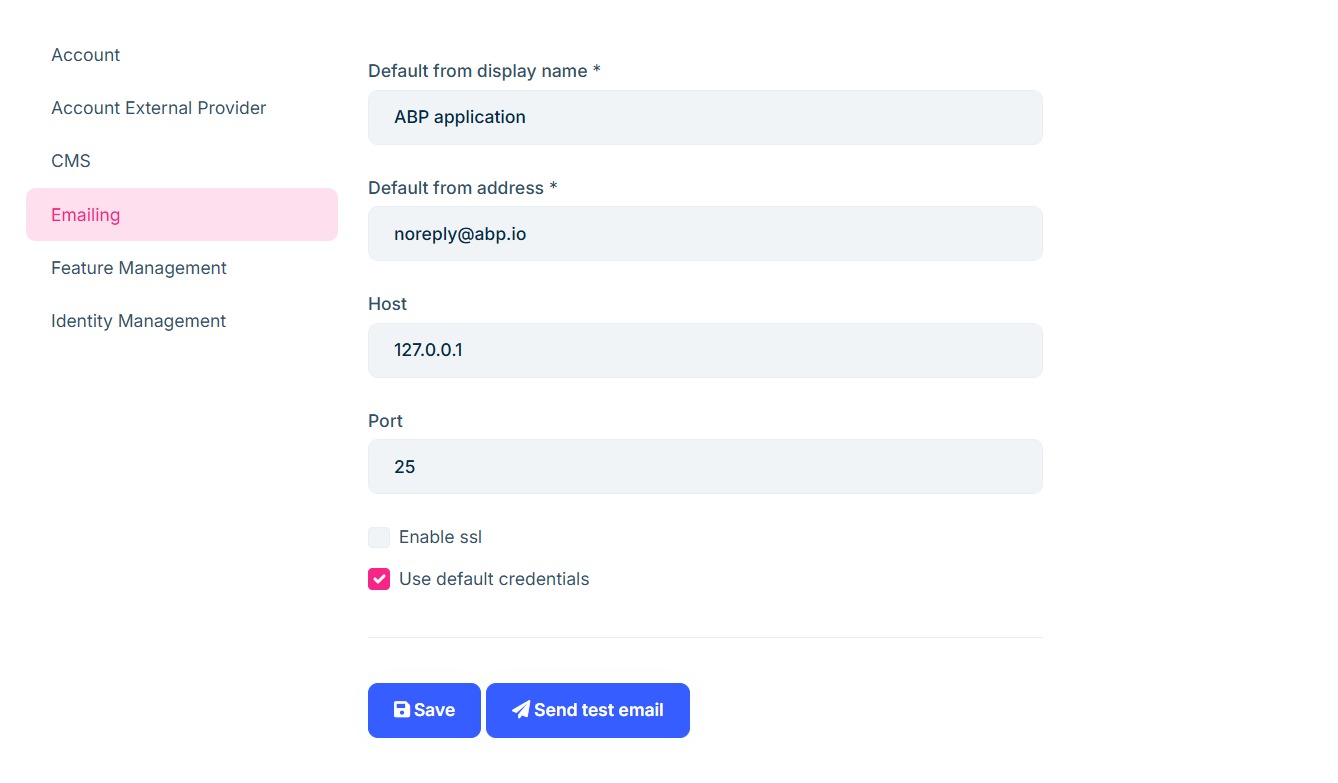
I would like to configure my custom SMTP settings as the default email sender configuration in my ABP application, rather than using the default ABP settings (like "noreply@abp.io" and "127.0.0.1").
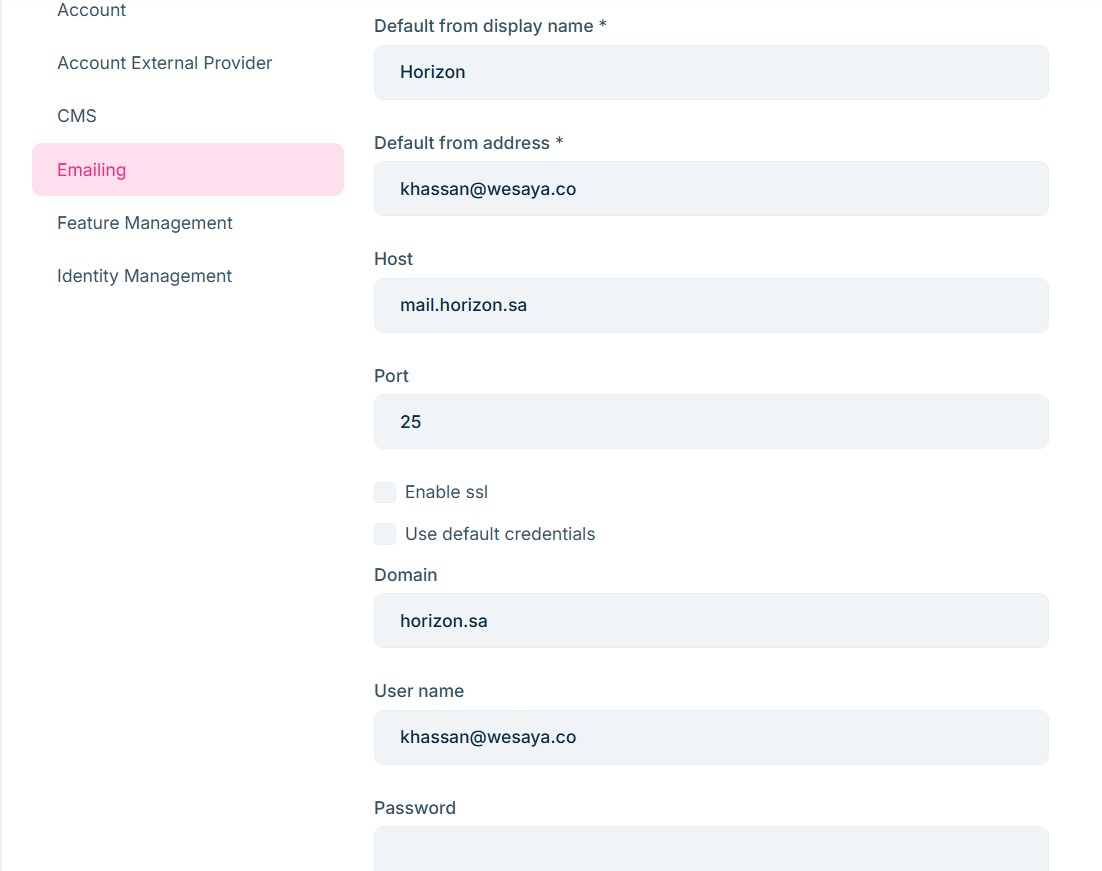
How can I make my custom settings persist and always be used by the application, even after restarting the app or making other configuration changes?
i have attachment imgs for default email and email i want to use when open this section
so where can i change it?
thanks
Markdown supported.
Copy, paste, or drag & drop images and files (max 100 MB per file, 100 MB total per post)
1 Answer(s)
-
0
Hi,
If you don't use the Setting Management module, you can simply define the settings inside your appsettings.json file:
"Settings": {
  "Abp.Mailing.Smtp.Host": "127.0.0.1",
  "Abp.Mailing.Smtp.Port": "25",
  "Abp.Mailing.Smtp.UserName": "",
  "Abp.Mailing.Smtp.Password": "",
  "Abp.Mailing.Smtp.Domain": "",
  "Abp.Mailing.Smtp.EnableSsl": "false",
  "Abp.Mailing.Smtp.UseDefaultCredentials": "true",
  "Abp.Mailing.DefaultFromAddress": "noreply@abp.io",
  "Abp.Mailing.DefaultFromDisplayName": "ABP application"
}
See more: https://abp.io/docs/latest/framework/infrastructure/emailing#email-settings
Markdown supported.Copy, paste, or drag & drop images and files (max 100 MB per file, 100 MB total per post)


