






I am trying to maintain the branding logo using the customized branding provider as below:
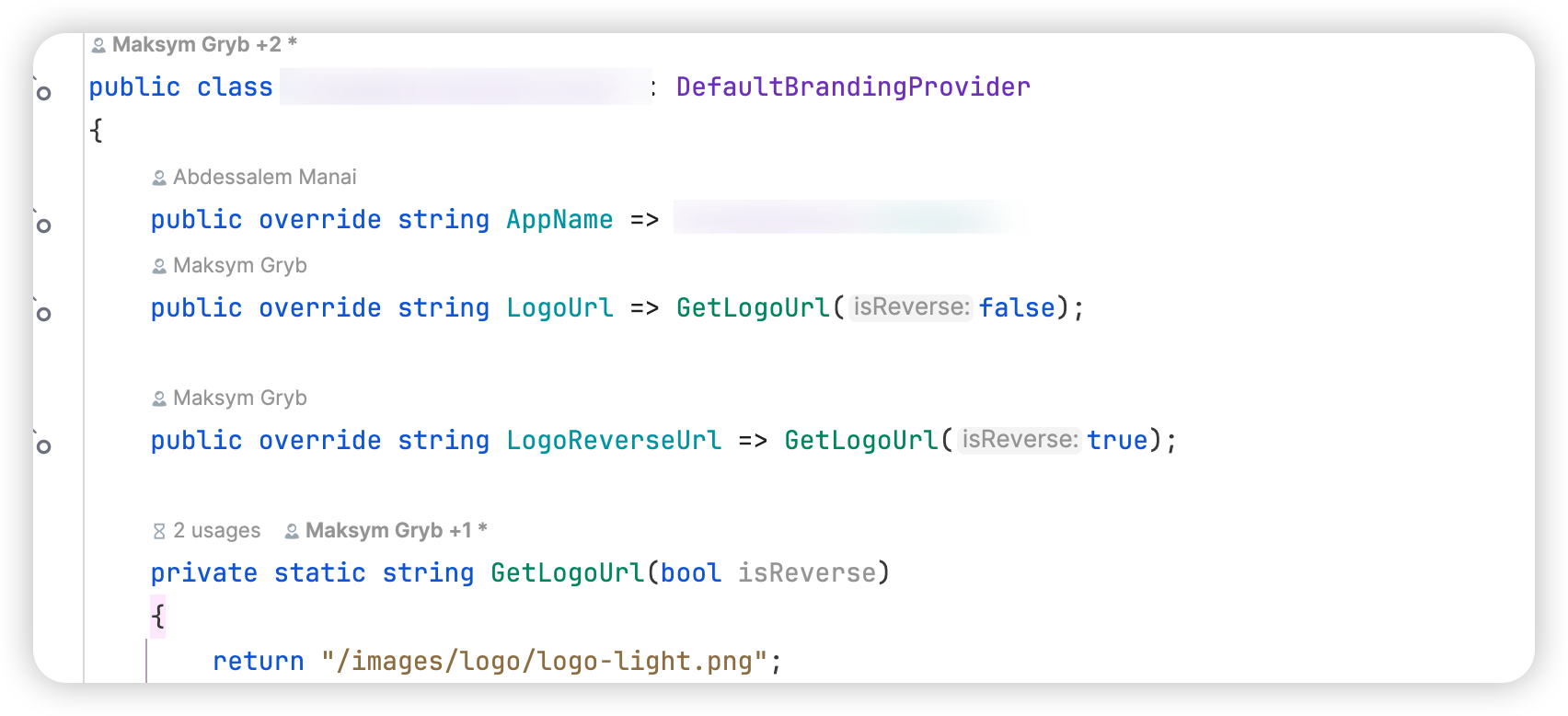
And I also have have the branding logo under the images folder
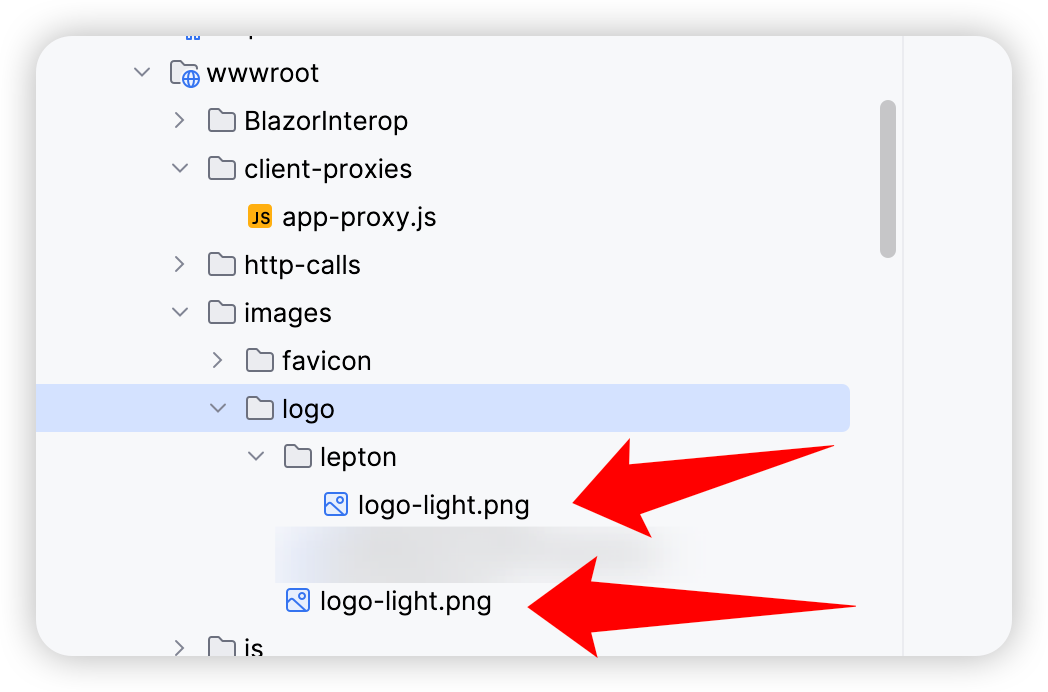 As you can see I have two logo-light.png files, one under lepton folder and the other one is directly under logo folder
However if i remove the one under lepton folder, the logo will be gone in the UI even though in the branding provider, the path is targeting /images/logo/logo-light.png, which is the one under logo folder
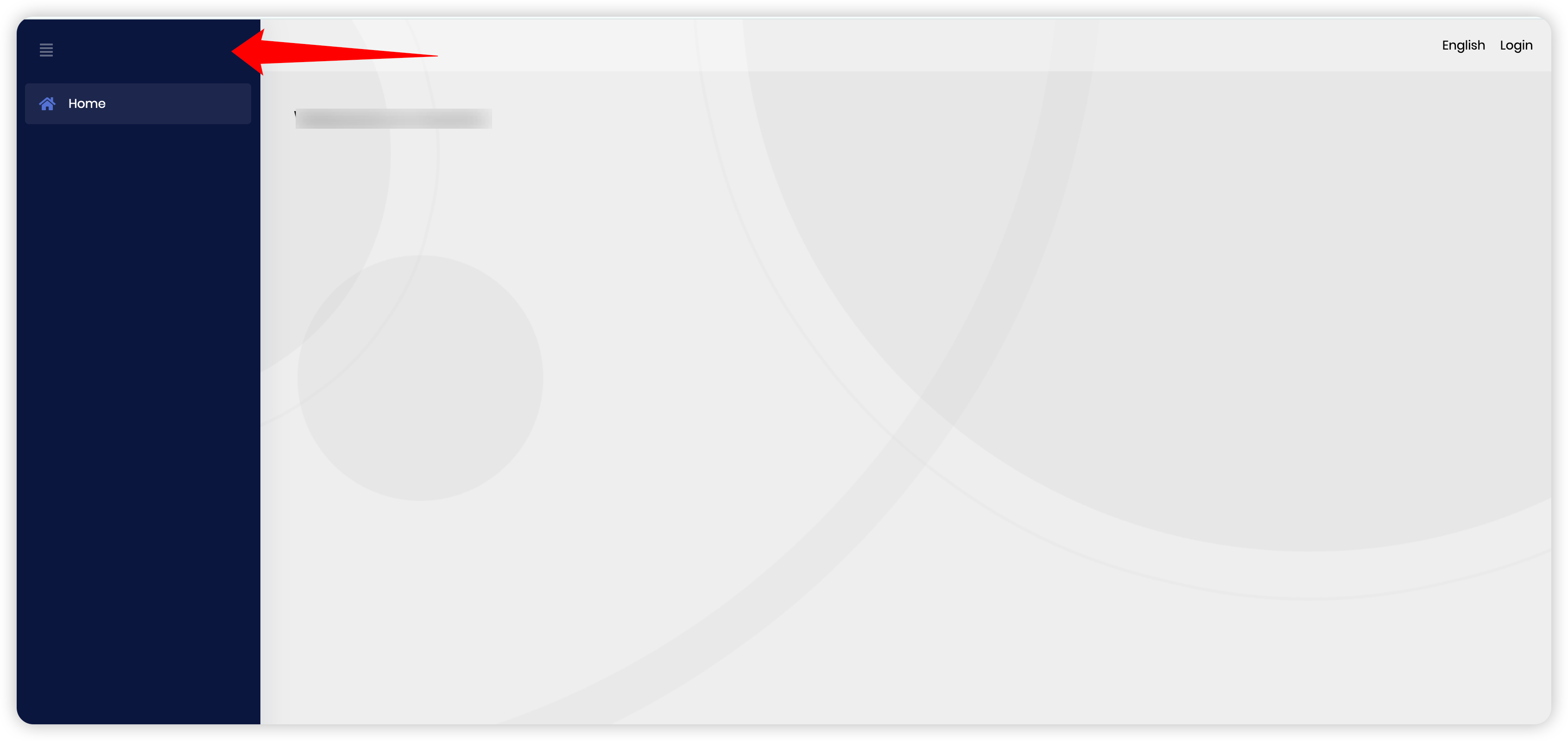
Any ideas how to fix this issue? Also we are trying to upgrade to leptonx theme, what would be the different with the solution before/after the leptonx theme upgrade? Thanks
6 Answer(s)
-
0
Follow up:
one thing i notice in the dev tool in the browser, the path of the logo is as below:

this is not matching the one in the branding provider, i am guessing i am missing something to make it work. Any ideas?
Markdown supported.Copy, paste, or drag & drop images and files (max 100 MB per file, 100 MB total per post) -
0
Hi,
Can you
[Dependency(ReplaceServices = true)]attribute on top of your branding provider like below:[Dependency(ReplaceServices = true)] public class BlazorWebiAppBrandingProvider : DefaultBrandingProvider { private IStringLocalizer<BlazorWebiApp9087Resource> _localizer; public BlazorWebiApp9087BrandingProvider(IStringLocalizer<BlazorWebiApp9087Resource> localizer) { _localizer = localizer; } public override string AppName => _localizer["AppName"]; }You can also check this document if you are thinking of switching from Lepton to LeptonX.
Markdown supported.Copy, paste, or drag & drop images and files (max 100 MB per file, 100 MB total per post) -
0
Hey Berkansasmaz, the class already comes with the [Dependency(ReplaceServices = true)] attribute by default I just didn't include that in the screenshot so I don't think this is helpful. Any other suggestions?
Markdown supported.Copy, paste, or drag & drop images and files (max 100 MB per file, 100 MB total per post) -
0
Hi,
It’s possible that a rule in your CSS is overriding the branding logo. Could you please check your CSS files for any definitions that might affect the logo?
For example, in a Blazor WebAssembly project that uses the LeptonX theme, the logo is defined via CSS variables like this:
:root .lpx-theme-dim,
:root .lpx-theme-dark {
    --lpx-logo: url('/images/logo/leptonx/icon.svg');
    --lpx-logo-icon: url('/images/logo/leptonx/icon.svg');
}

:root .lpx-theme-light {
    --lpx-logo: url('/images/logo/leptonx/icon.svg');
    --lpx-logo-icon: url('/images/logo/leptonx/icon.svg');
}
You can try updating these CSS variables to point to your own logo file to see if it solves the issue.
If this does not resolve the issue, please send your application with the ticket number in an email to support@abp.io so that I can fix it in your code and inform you about the issue later.
Markdown supported.Copy, paste, or drag & drop images and files (max 100 MB per file, 100 MB total per post) -
0
@berkansasmaz yeah I have tried the css already, will send the email shortly. Thanks
Markdown supported.Copy, paste, or drag & drop images and files (max 100 MB per file, 100 MB total per post) -
0
I'm waiting to hear from you.
Markdown supported.Copy, paste, or drag & drop images and files (max 100 MB per file, 100 MB total per post)


