






ABP Framework version: v9.1.0 UI Type: MVC Database System: EF Core Tiered (for MVC) or Auth Server Separated (for Angular): no
Hello,
I followed up this case https://abp.io/support/questions/8966/Layout-error-scroll-beyond-footer because I believed It was the same case but it's happening with the footer but not ps__rail-x and ps__rail-y
In a clean ABP Project with MVC + EFCORE Template, if you select the Top Menu version of the Menu, you will see a lot of empty space at the bottom of the site even after the <footer> element
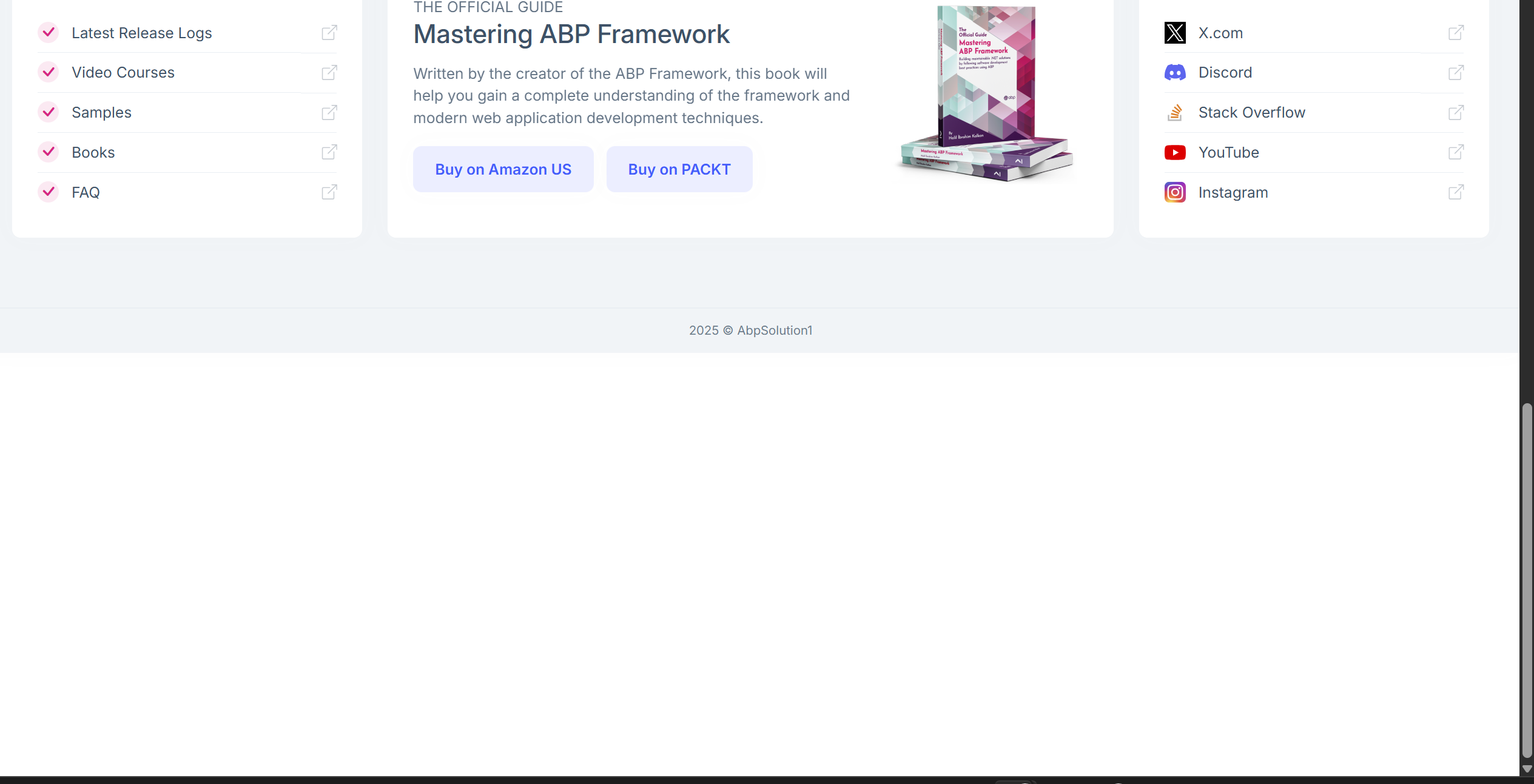
It is because the <ul> blocks for the SaaS and CMS menu are placed at the bottom but with "visibility: hidden;"
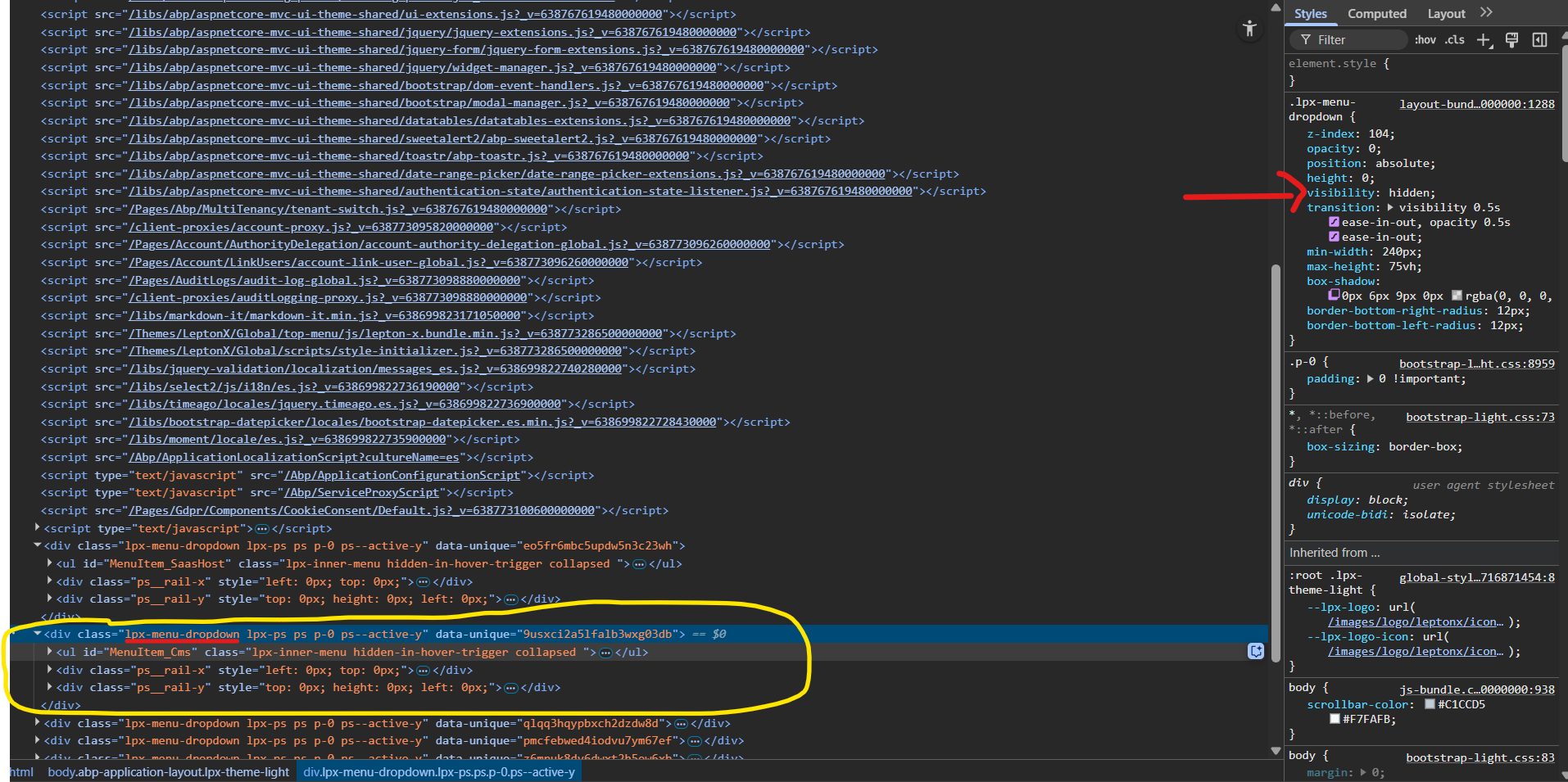
When using visibility : hidden; in the .lpx-menu-dropdown it only hides the element but It doesn't remove the space that It uses.
I suggest to use display: none; instead and enable again in the javascript when the mouse is placed on top of the menu.
Also, if there is a workaround for a while I am open for suggestions.
Thanks!
4 Answer(s)
-
0
If you add display: none; in .lpx-menu-dropdown, then you need to somehow modify the lepton-bundle to replace the following code
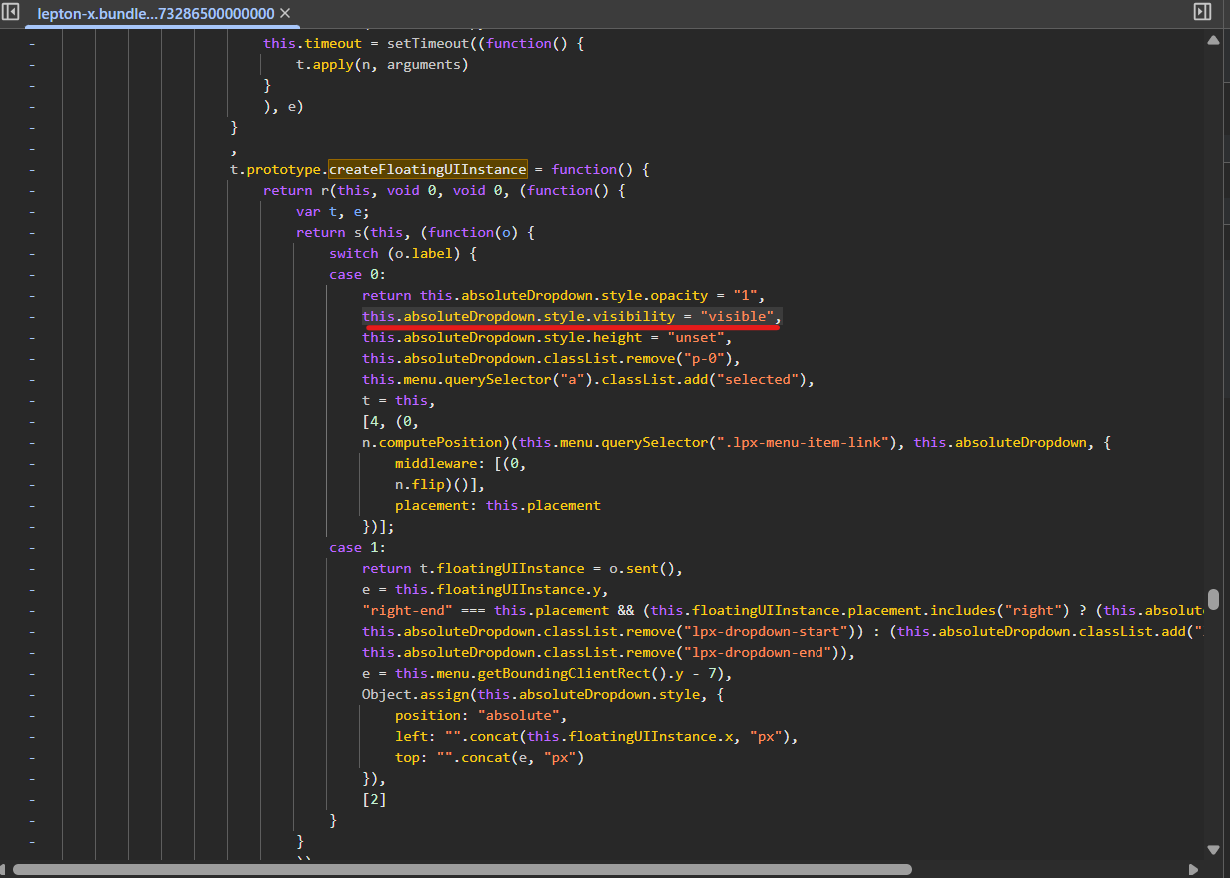
that line should be replaced with:
this.absoluteDropdown.style.display = "block",No easy fix right now without modifying the source code but still investigating
Markdown supported.Copy, paste, or drag & drop images and files (max 100 MB per file, 100 MB total per post) -
0
Hi,
First of all, I apologize for the late reply. I saw your question a long time ago, but due to my busy schedule I didn't have time to test and investigate.
After testing your problem, I saw that this problem was solved in version
4.1.1of LeptonX. So, it will be enough to update your solution to solve the problem.Markdown supported.Copy, paste, or drag & drop images and files (max 100 MB per file, 100 MB total per post) -
0
Hello berkansasmazr
I am using version 4.1.1 and It is still the case
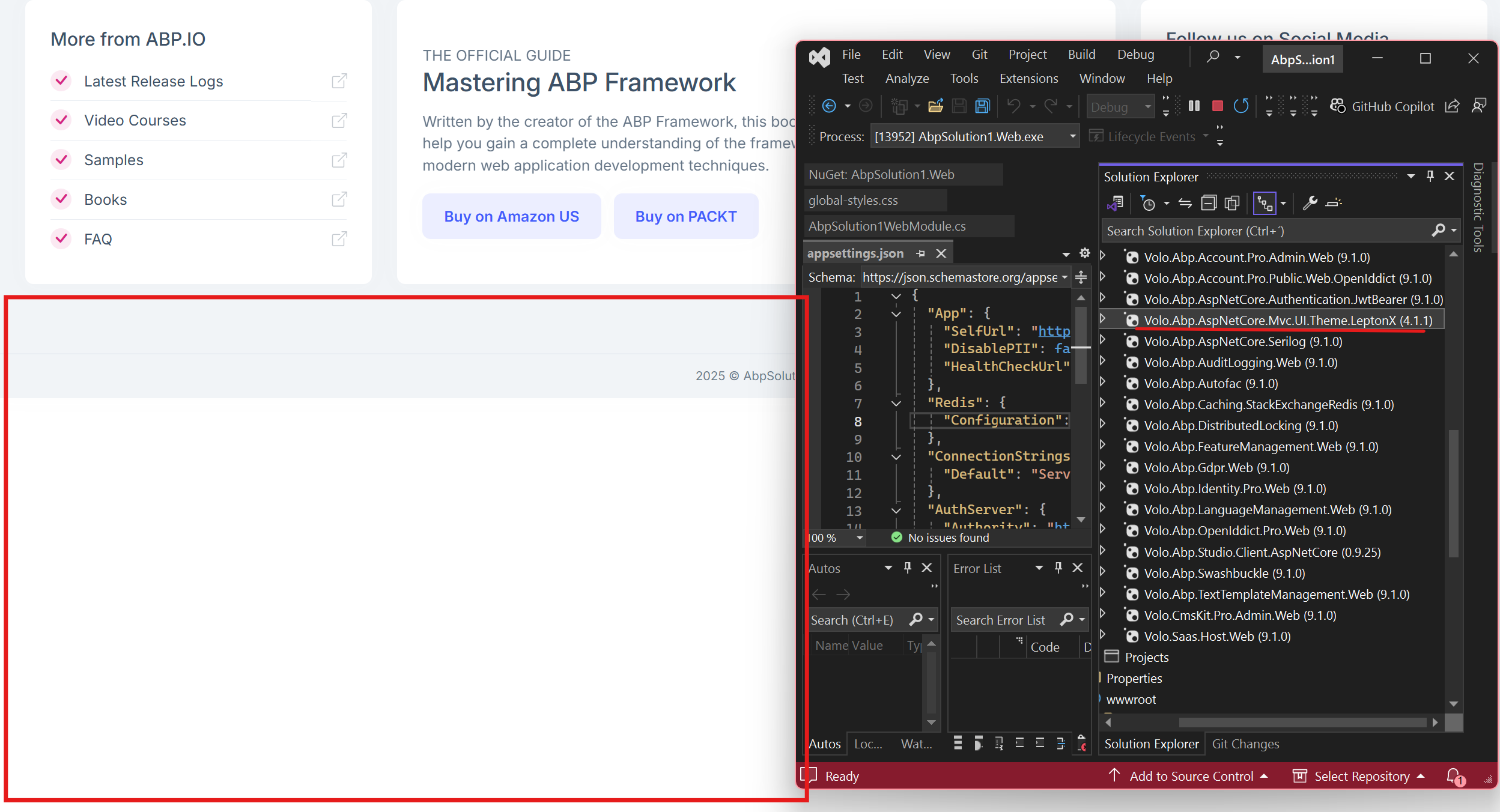
You are still using "Visibility:hidden" instead of "display:none"
Markdown supported.Copy, paste, or drag & drop images and files (max 100 MB per file, 100 MB total per post) -
0
Hello Rafael 👋,
I am creating a new internal issue. I think there was a misunderstanding. I will try to inform you as soon as possible. Thank you for your understanding.
Issue link: https://github.com/volosoft/lepton/issues/2826
Markdown supported.Copy, paste, or drag & drop images and files (max 100 MB per file, 100 MB total per post)


