






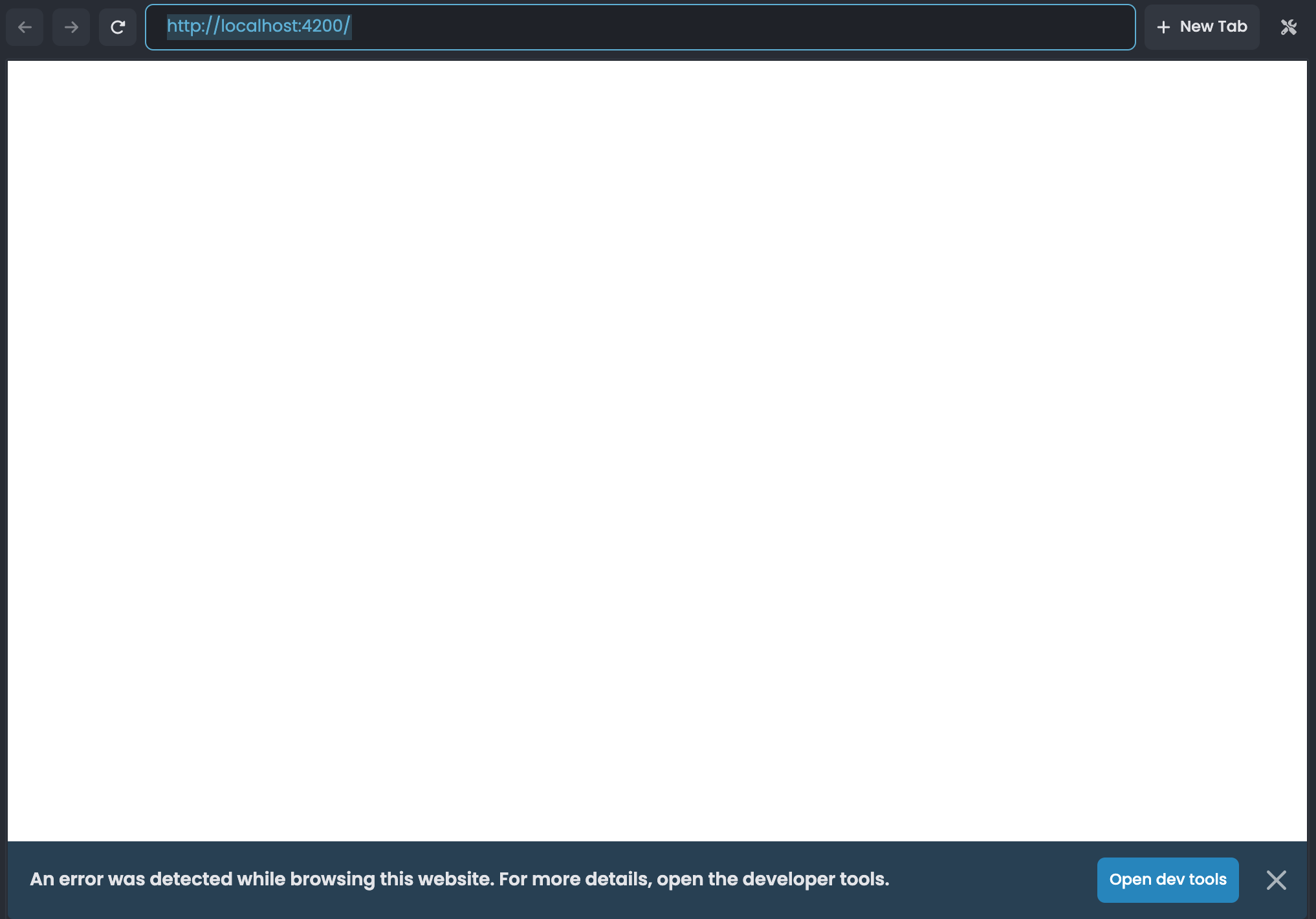
I'm having a problem with a newly-generated Microservice template using Angular and EF Core (with Postgres) where after it is generated, if I try to run all services and then visit http://localhost:4200/ to view the default angular frontend, I only see a white screen with a console error that says NullInjectorError: No provider for InjectionToken CORE_OPTIONS.
I was able to consistently get this error every time I create a new project from a microservice template, whereas the angular frontend works fine if I use a multi-layer template instead. I'm not able to fix this issue.
I am running a Macbook Pro with M1 chip, on Sonoma (in case it helps).
ABP Information:
- Template: microservice
- Created ABP Studio Version: 0.9.26
- Current ABP Studio Version: 0.9.26
- Multi-Tenancy: Yes
- UI Framework: angular
- Theme: leptonx
- Theme Style: system
- Theme Menu Placement: side
- Run Install Libs: Yes
- Database Provider: ef
- Database Management System: postgresql
- Mobile Framework: none
- Public Website: Yes
- Social Login: Yes
- Include Tests: Yes
- Dynamic Localization: Yes
- Kubernetes Configuration: Yes
- Grafana Dashboard: Yes
- Use Local References: No
- Optional Modules:
- GDPR
- FileManagement
- TextTemplateManagement
- AuditLogging
- Chat
- OpenIddictAdmin
- Create Command: abp new AbpSolution1 -t microservice --ui-framework angular --database-provider ef --database-management-system postgresql --theme leptonx --skip-migrator --public-website --without-cms-kit --dont-run-bundling -no-language-management -chat
- Exception message and full stack trace:
NullInjectorError: No provider for InjectionToken CORE_OPTIONS
core.mjs:6843 ERROR NullInjectorError: NullInjectorError: No provider for InjectionToken CORE_OPTIONS!
    at NullInjector.get (core.mjs:1676:27)
    at R3Injector.get (core.mjs:2199:33)
    at R3Injector.get (core.mjs:2199:33)
    at injectInjectorOnly (core.mjs:1116:40)
    at Module.ɵɵinject (core.mjs:1122:60)
    at Object.RestService_Factory [as factory] (abp-ng.core.mjs:57:103)
    at core.mjs:2322:47
    at runInInjectorProfilerContext (core.mjs:880:9)
    at R3Injector.hydrate (core.mjs:2321:21)
    at R3Injector.get (core.mjs:2189:33)
- Steps to reproduce the issue:
- Create a new Microservice template solution with Angular, with all the other options as above (can use create command mentioned above)
- Go to Solution Runner. Build and Run all. Once all solutions are running, go on http://localhost:4200/ (or right-click and select Browse for the Angular solution)
- Note that the screen is blank, and when you open Dev Tools console, you see the error above.
3 Answer(s)
-
0
Hello, this issue will be addressed in the upcoming Studio release. In the meantime, you can apply the following path configuration as a temporary workaround:
  //apps/angular/tsconfig.json
  "compilerOptions": {
    ...
    "paths": {
      ...
      "@abp/*": ["node_modules/@abp/*"],
      "@volo/*": ["node_modules/@volo/*"]
    }
    ...
  },
Thank you for your understanding and cooperation.
Markdown supported.Copy, paste, or drag & drop images and files (max 100 MB per file, 100 MB total per post) -
0
[sumeyye.kurtulus] said: Hello, this issue will be addressed in the upcoming Studio release. In the meantime, you can apply the following path configuration as a temporary workaround:
  //apps/angular/tsconfig.json
  "compilerOptions": {
    ...
    "paths": {
      ...
      "@abp/*": ["node_modules/@abp/*"],
      "@volo/*": ["node_modules/@volo/*"]
    }
    ...
  },
Thank you for your understanding and cooperation.
Hi Sumeyye,
Thank for providing the work-around.
It helped prevent that error.
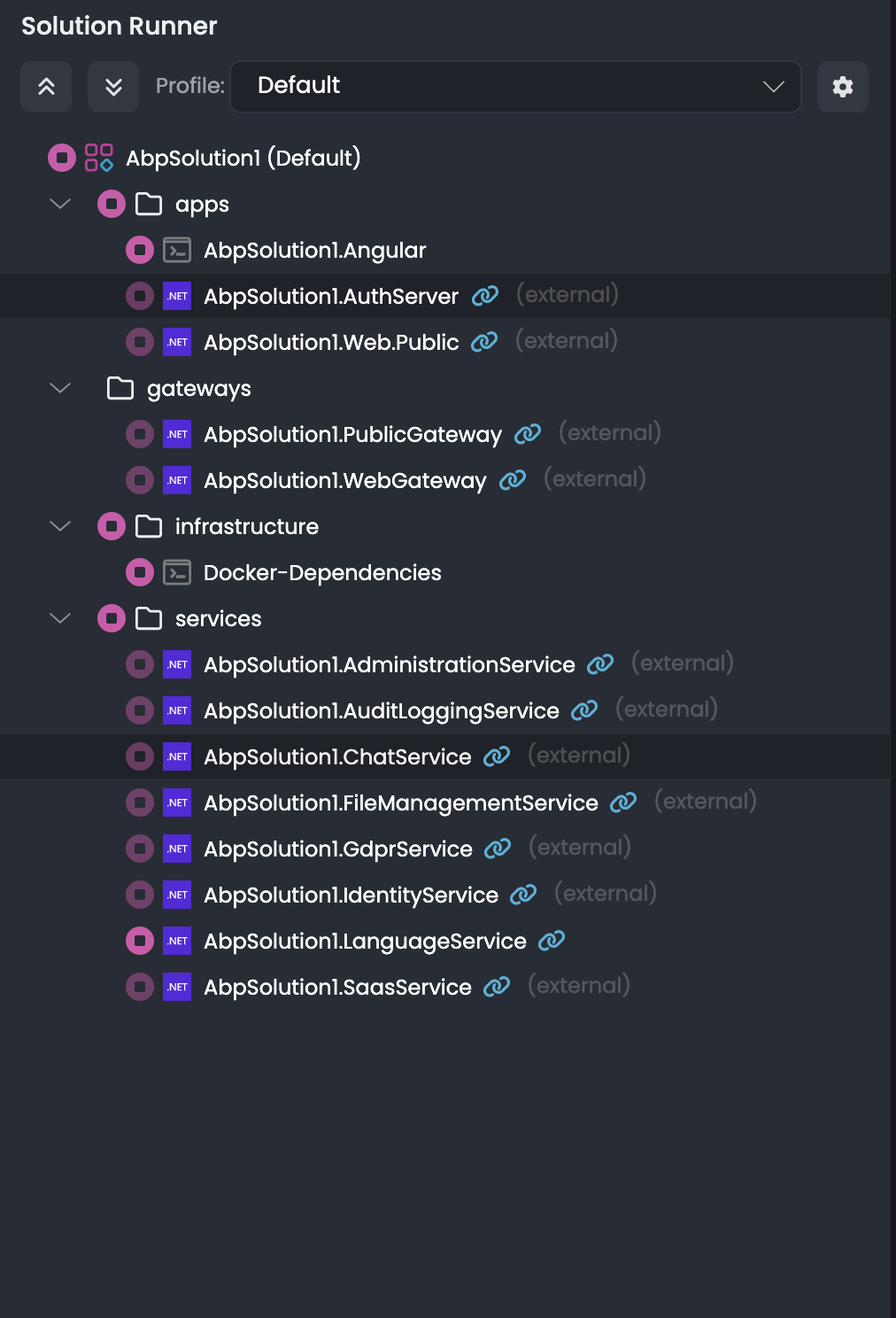
I am wondering why ABP Studio is marking so many of the solutions as external, even though I am not editing or running them externally (e.g. through an IDE).
This is the state of the Solution Runner:
Also, even though the frontend was able to load,
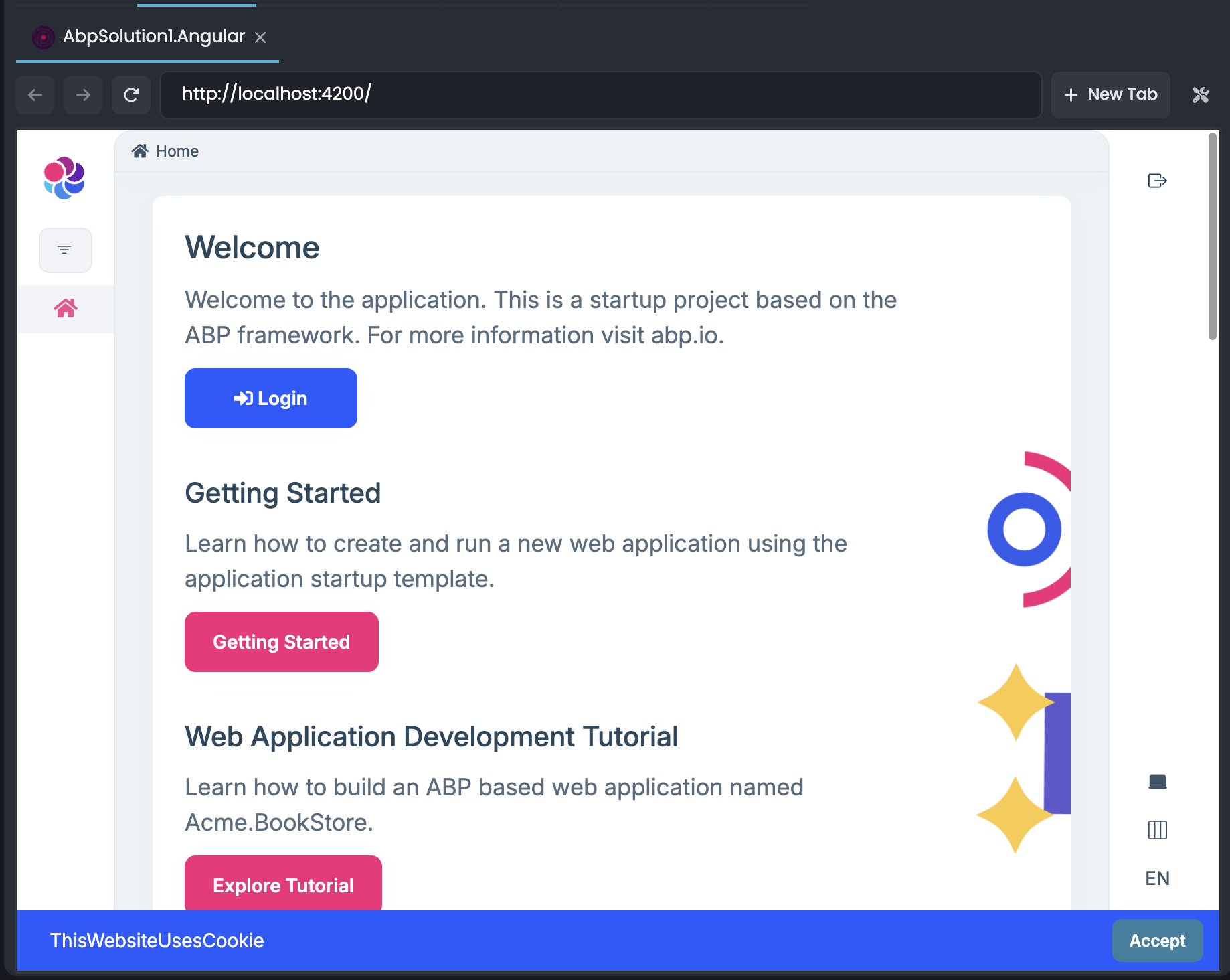
I am getting this error when trying to login, even though all my services are running.
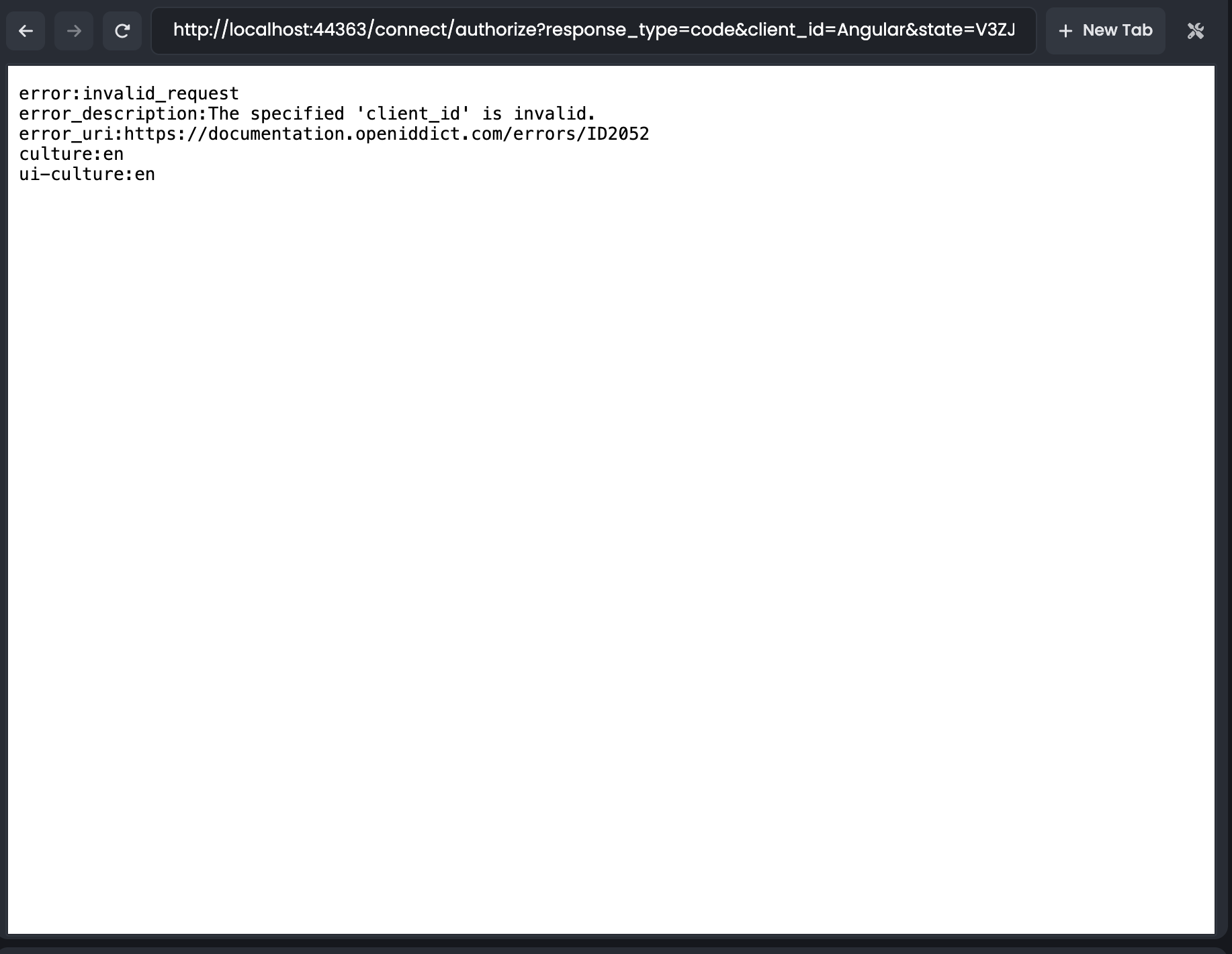
error:invalid_request
error_description:The specified 'client_id' is invalid.
error_uri:https://documentation.openiddict.com/errors/ID2052
culture:en
ui-culture:en
I have a suspicion that this error is because the services generated from the template assumed the default SQL Server instead of Postgresql which is what I chose in ABP Studio's dialog before creating the template. Perhaps there is a bug there?
I am also note sure if this is intended, but generating a microservice template using an older version of ABP also creates a DbMigrator project, whereas with Studio and v9.1, that wasn't the case.
Markdown supported.Copy, paste, or drag & drop images and files (max 100 MB per file, 100 MB total per post) -
0
Hello again, and thank you for trying the suggestion and reaching out. It would be best if you could create a separate ticket for the issue related to the database provider. This will help us ensure the appropriate person can assist you more efficiently.
We appreciate your cooperation!
Markdown supported.Copy, paste, or drag & drop images and files (max 100 MB per file, 100 MB total per post)


