






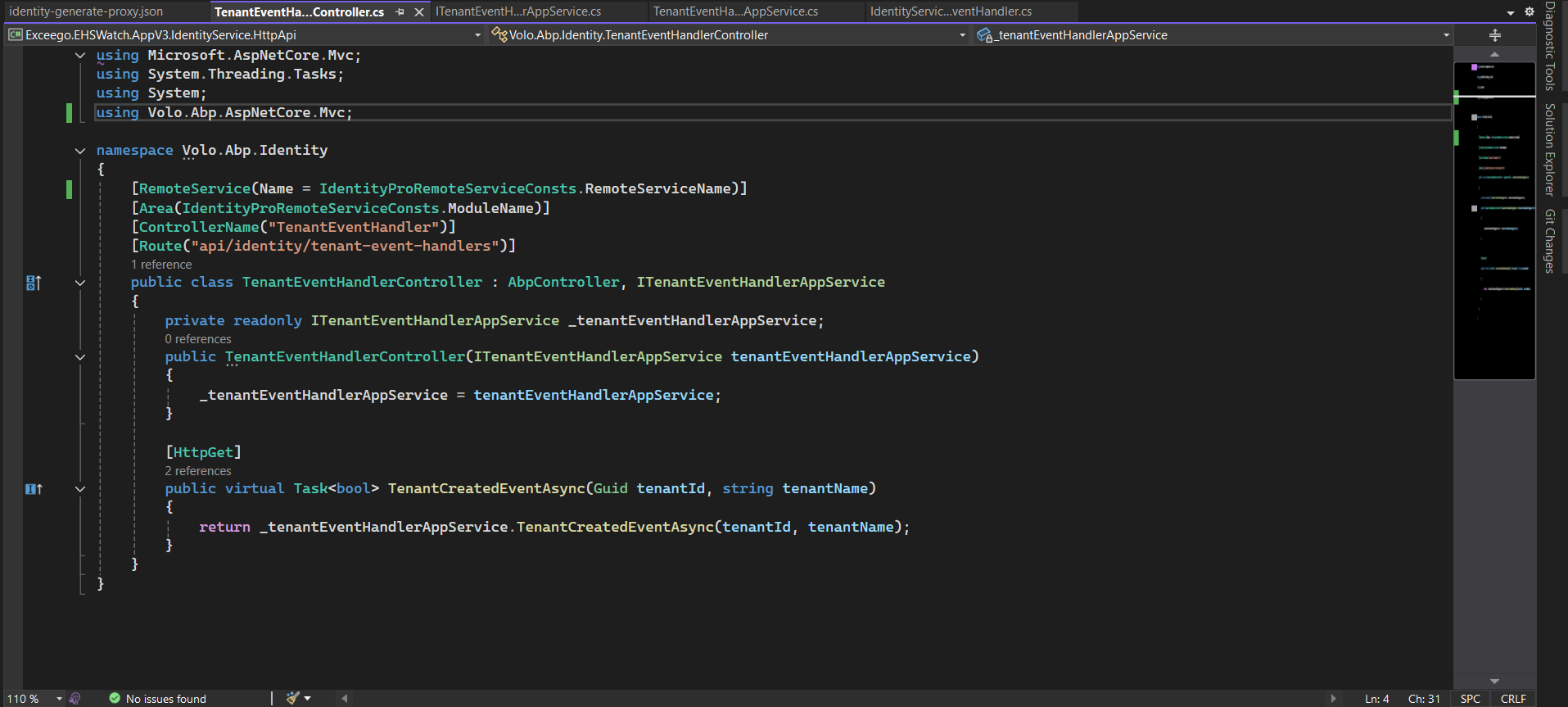
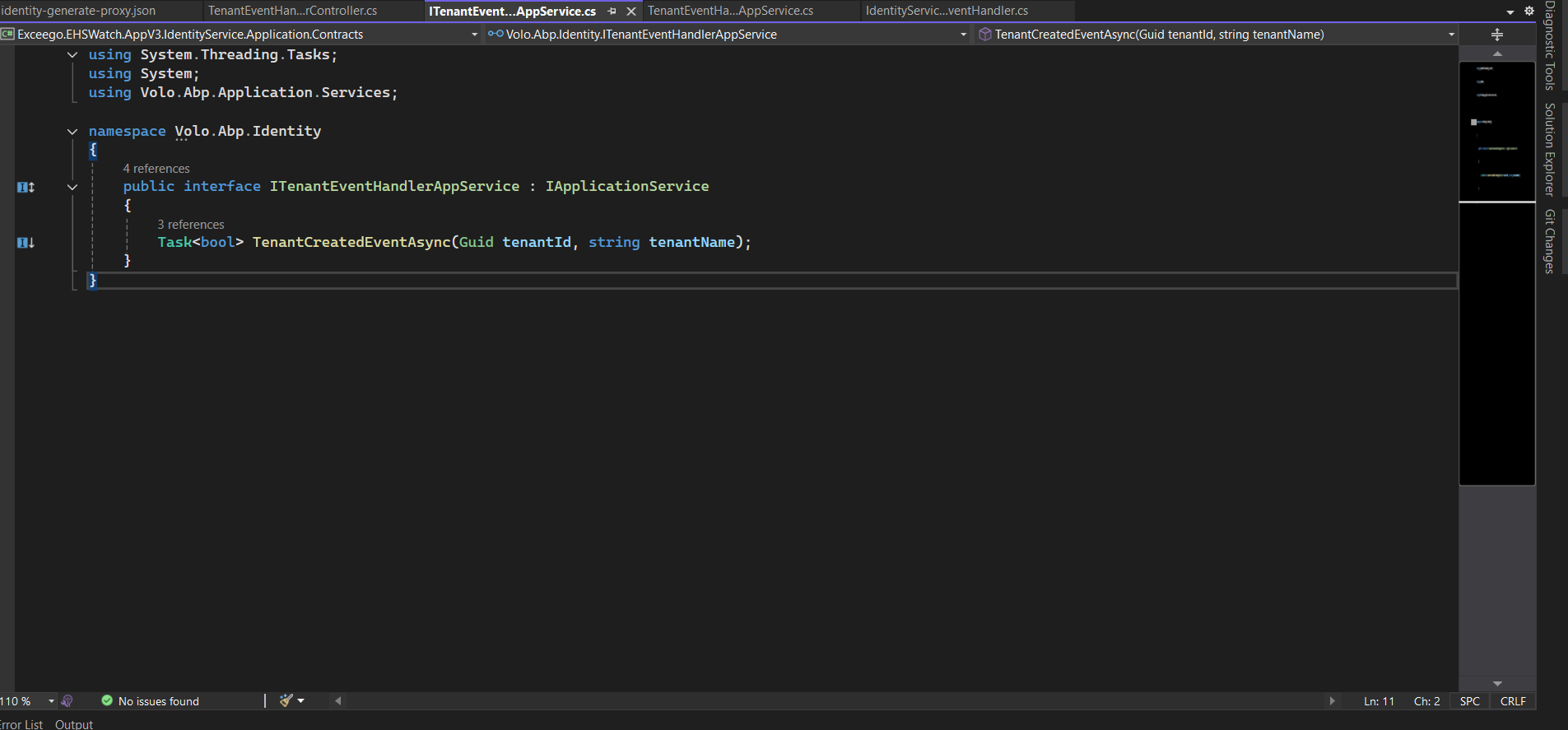
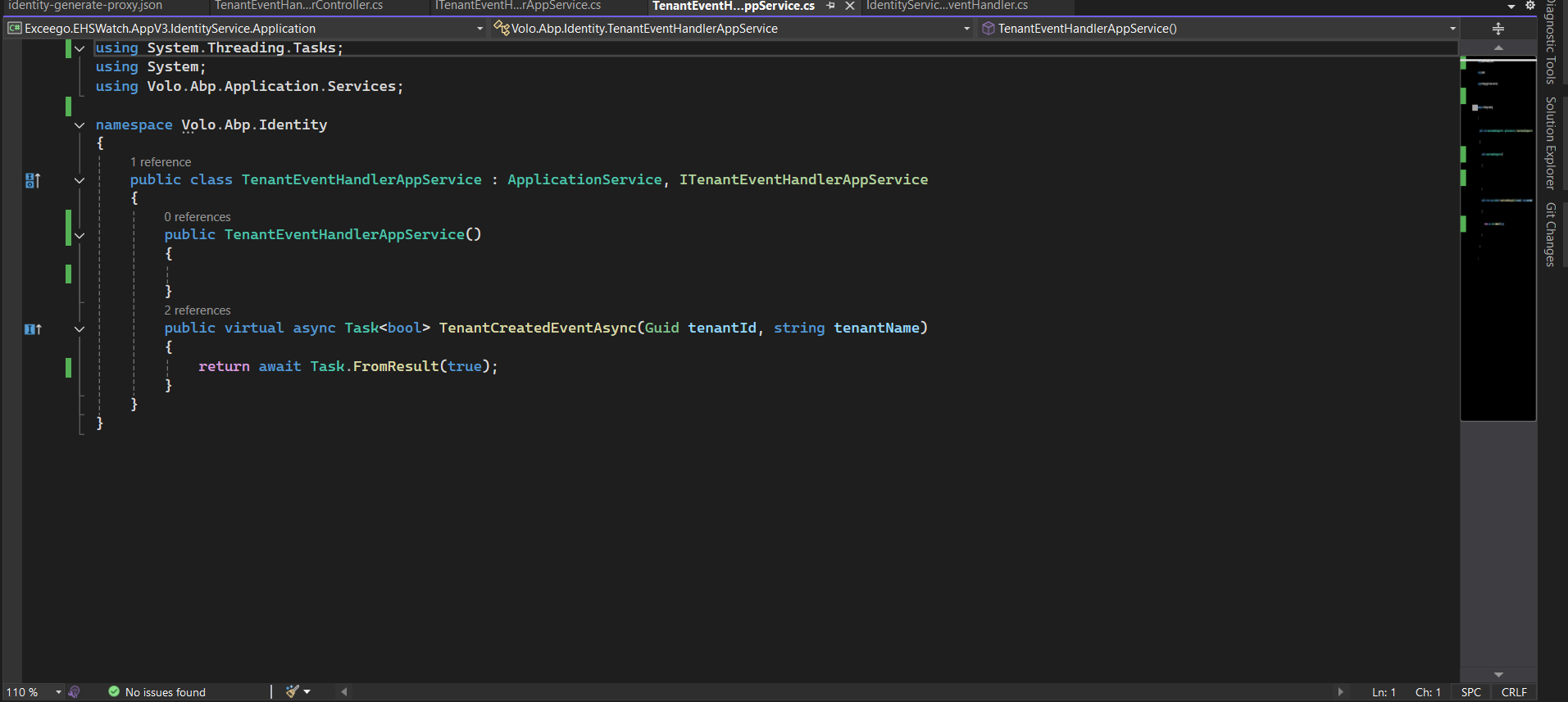
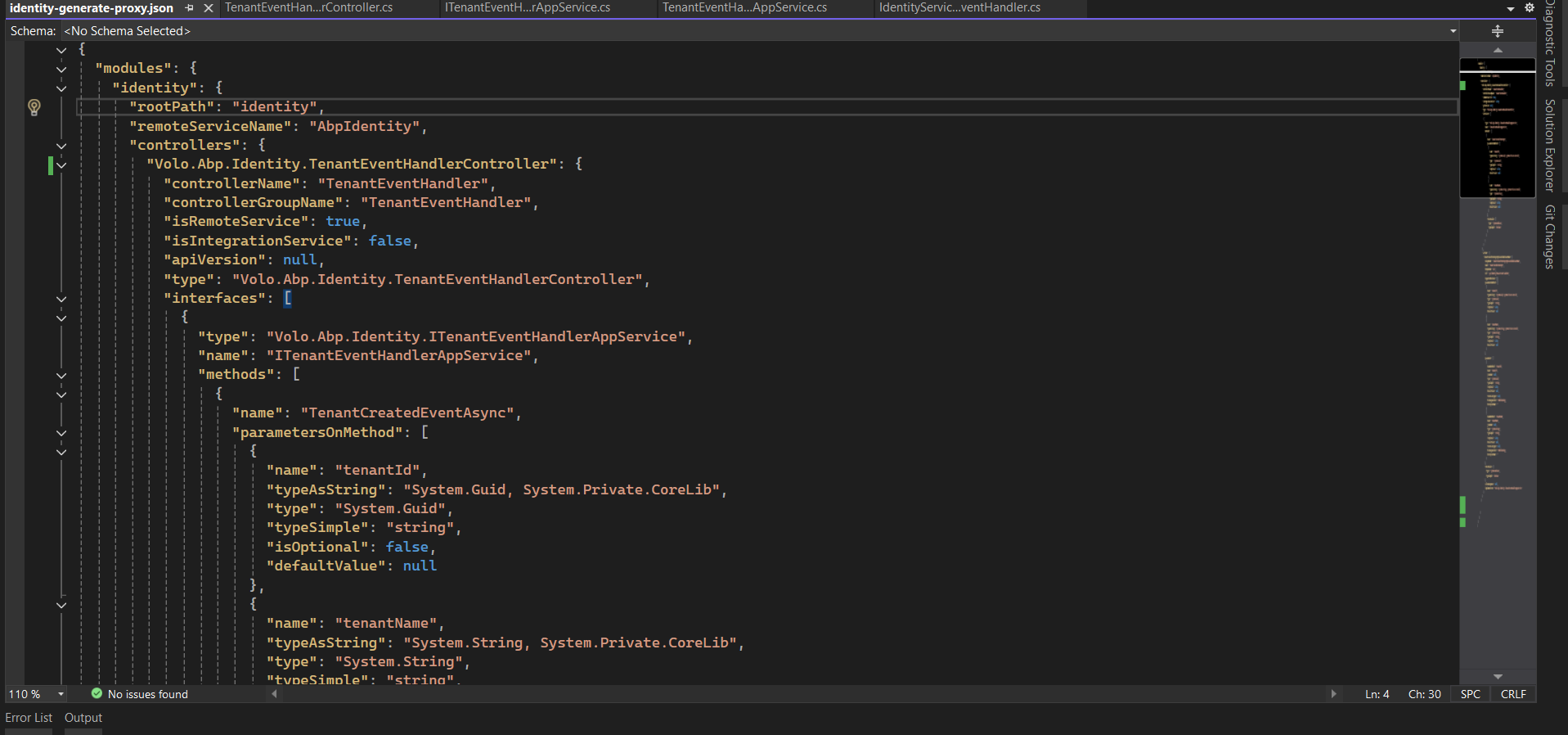
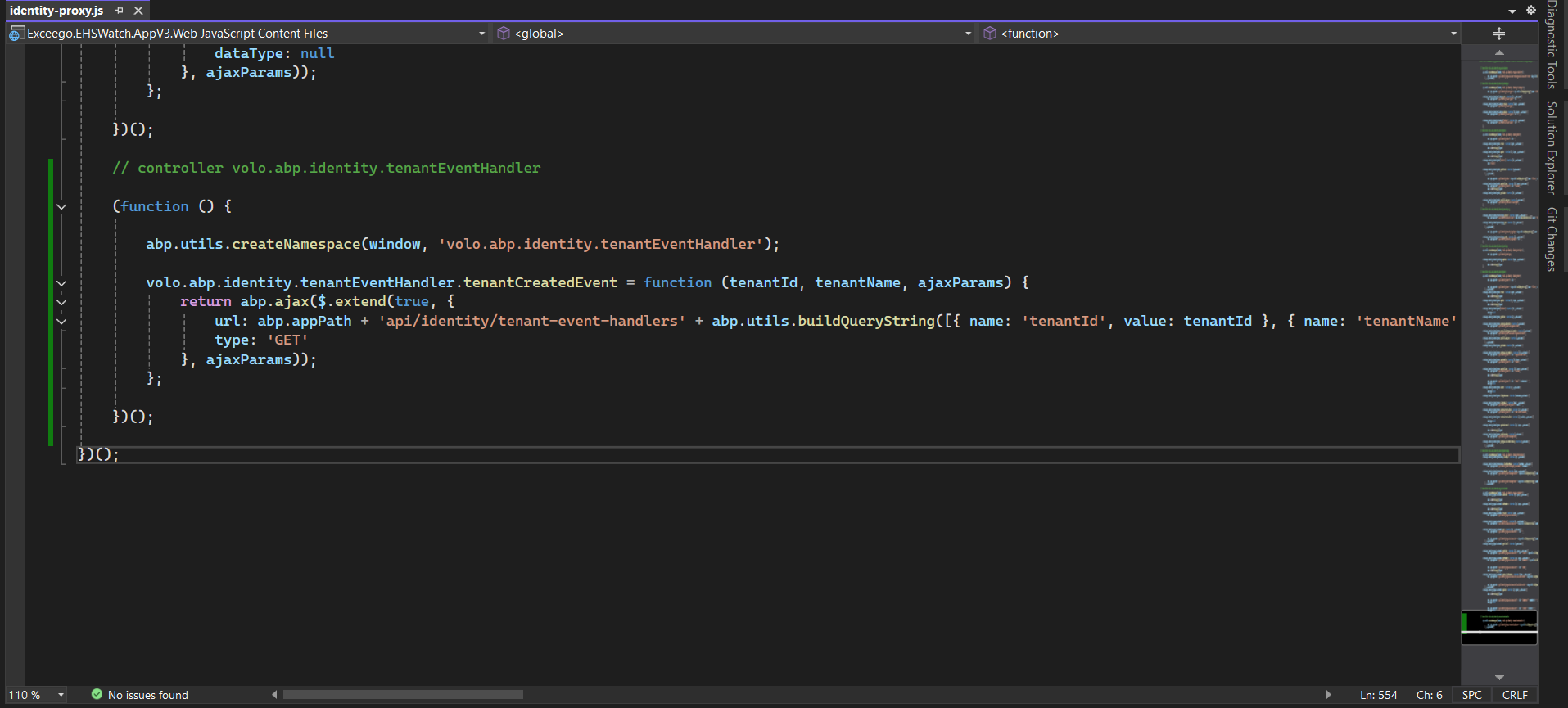
We added new controller in IdentityService. We are unable to trigger this Controller from Web. We can able to trigger from Web Gateway. We are using Dynamic proxies and Generated proxies for IdentityService.
9 Answer(s)
-
0
Hello,
What kind of exception do you get when sending a request from the web side? Also, do you have a chance to share your gateway configurations?
If possible, please send your solution to support@abp.io, including the ticket number (#9445) in the subject or body of the email.
Best regards,
Berkan Şaşmaz
Developer Advocate https://www.berkansasmaz.comMarkdown supported.Copy, paste, or drag & drop images and files (max 100 MB per file, 100 MB total per post) -
0
Error Message: 2025-06-09 20:07:39.997 +05:30 [INF] Request finished HTTP/2 GET https://localhost:44321/api/identity/tenant-event-handlers?tenantId=7ac84000-6791-ac65-993f-3a106aefe34d&tenantName=TestTenant1 - - - 404 - - 10.4363ms
If any additional info will share accordingly
Markdown supported.Copy, paste, or drag & drop images and files (max 100 MB per file, 100 MB total per post) -
0
Hello 👋
If possible, please send your solution to support@abp.io, including the ticket number (#9445) in the subject or body of the email. So that I can help you faster.
Best regards, Berkan Şaşmaz Developer Advocate https://www.berkansasmaz.com
Markdown supported.Copy, paste, or drag & drop images and files (max 100 MB per file, 100 MB total per post) -
0
[berkansasmaz] said: Hello 👋
If possible, please send your solution to support@abp.io, including the ticket number (#9445) in the subject or body of the email. So that I can help you faster.
Best regards, Berkan Şaşmaz Developer Advocate https://www.berkansasmaz.com
It s not possible to send the code we may have the screenshare session to take this further. Please advise
Markdown supported.Copy, paste, or drag & drop images and files (max 100 MB per file, 100 MB total per post) -
0
Hi,
If you can give me your e-mail address, I can schedule a meeting if you are available at 1:00 PM UTC.
Markdown supported.Copy, paste, or drag & drop images and files (max 100 MB per file, 100 MB total per post) -
0
Thanks @berkansasmaz Please send the invite to srinivas.kazipeta@exceego.com and viswajwalith@exceego.com
Markdown supported.Copy, paste, or drag & drop images and files (max 100 MB per file, 100 MB total per post) -
0
We will send the meeting request in a moment. See you soon 👋
Markdown supported.Copy, paste, or drag & drop images and files (max 100 MB per file, 100 MB total per post) -
0
Hi,
Summary of the meeting
The customer is using the old microservice template and has configured dynamic proxy in their project. They can access all existing endpoints of the Identity Service without any issues. However, they are unable to access a newly added controller from the Web project.
Interestingly, when sending a request through the API Gateway, the controller responds correctly, which confirms that it is reachable. However, requests made directly from the Web project to this new controller fail.
I reviewed the gateway configurations and didn’t notice any issues. It appears that the problem is related to the Web project specifically.
Markdown supported.Copy, paste, or drag & drop images and files (max 100 MB per file, 100 MB total per post) -
0
hi viswajwalith
Can you share your project source code?
If you have GitHub repository, you can invite me to join.
https://github.com/maliming liming.ma@volosoft.com
Thanks.
Markdown supported.Copy, paste, or drag & drop images and files (max 100 MB per file, 100 MB total per post)



