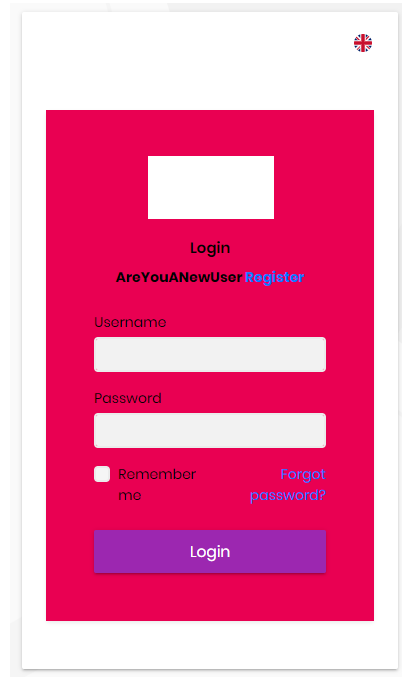
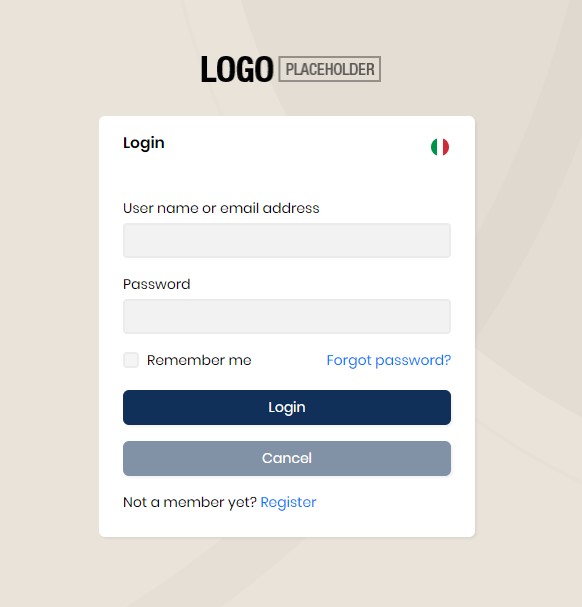
Hello, we are working with ABP CLI version 4.2.1. We need to change the login page in Angular, add a custom logo and modify the layout. We tried to follow the online documentation ( https://support.abp.io/QA/Questions/306/Custom-Login-Page-For-Angular ) , but were unable to customize the login. The documentation does not seem to be updated to our purchased version (for example, you refer to "import { AddReplaceableComponent } from '@abp/ng.core';" but in our version there's no refernce to AddReplaceableComponent but only to "import { ReplaceableComponentsService } from '@abp/ng.core';") We also tried to follow this guide (https://docs.abp.io/en/abp/latest/UI/Angular/Component-Replacement#how-to-replace-a-component), in this case we got the change of the logo but insede the application, but this is not the result we wanted to obtain.
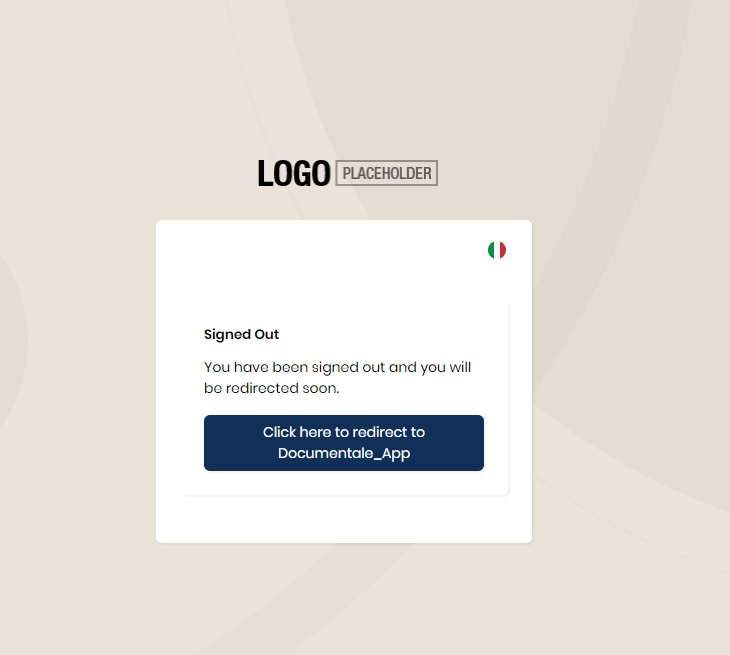
We ask you to provide us with step-by-step documentation on how to modify the "login" and "redirect" modules.
A code example is welcome
6 Answer(s)
-
0
hi
The
loginandlogoutis mvc razor page.You can refer this: https://support.abp.io/QA/Questions/240/How-to-customize-the-login-page https://community.abp.io/articles/how-to-customize-the-login-page-for-mvc-razor-page-applications-9a40f3cd
Markdown supported.Copy, paste, or drag & drop images and files (max 100 MB per file, 100 MB total per post) -
0
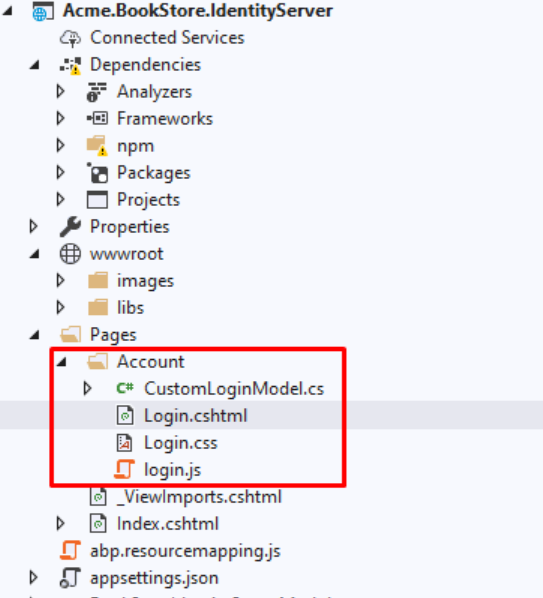
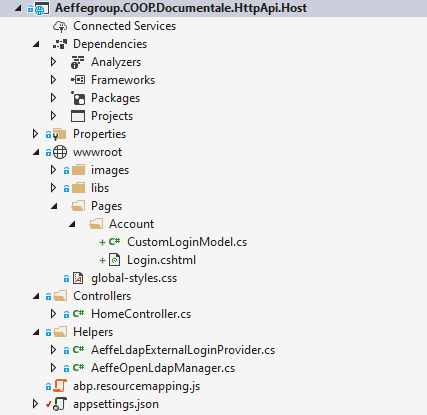
Hi, i tried to replace the login, but i found difficulites. First i created folders in wwwroot, Pages/Account. Inside i created 1 Login.cshtml file with razor, and another one file CustomLoginModel.cs You can see the image
My question: why when i try to replace "@model Volo.Abp.Account.Public.Web.Pages.Account.LoginModel" in my cshtml file i cant't find the reference to my namespace class CustomLoginModel.cs ?
 Markdown supported.Copy, paste, or drag & drop images and files (max 100 MB per file, 100 MB total per post)
 -
0
I'd also like to remove language selection, but it's from another souce code.
It called by account layout page.
lepton-theme\src\Volo.Abp.AspNetCore.Mvc.UI.Theme.Lepton\Themes\Lepton\Layouts\Account\Default.cshtml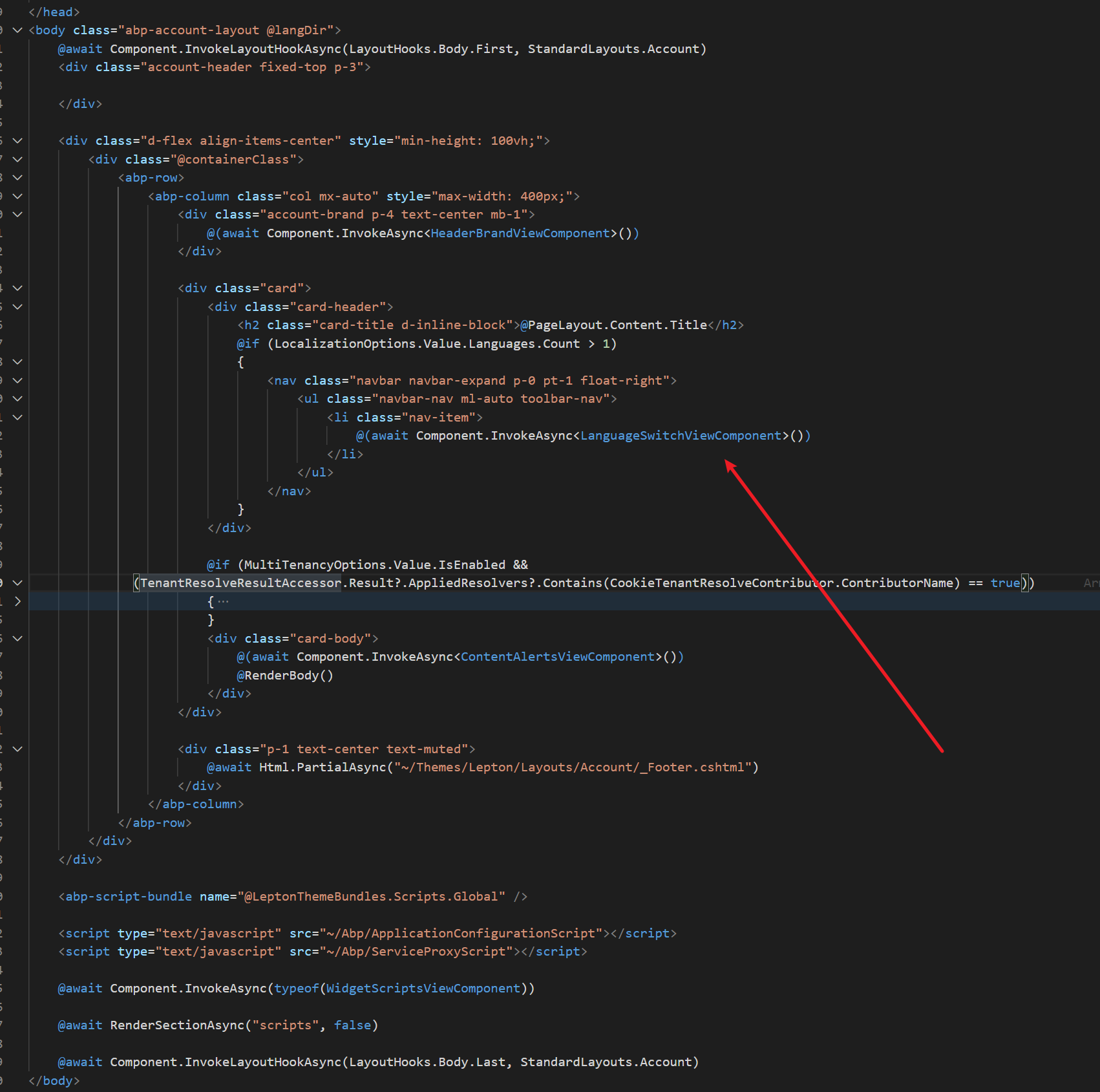 Markdown supported.Copy, paste, or drag & drop images and files (max 100 MB per file, 100 MB total per post)
 -
0
This question has been automatically marked as stale because it has not had recent activity.
Markdown supported.Copy, paste, or drag & drop images and files (max 100 MB per file, 100 MB total per post)