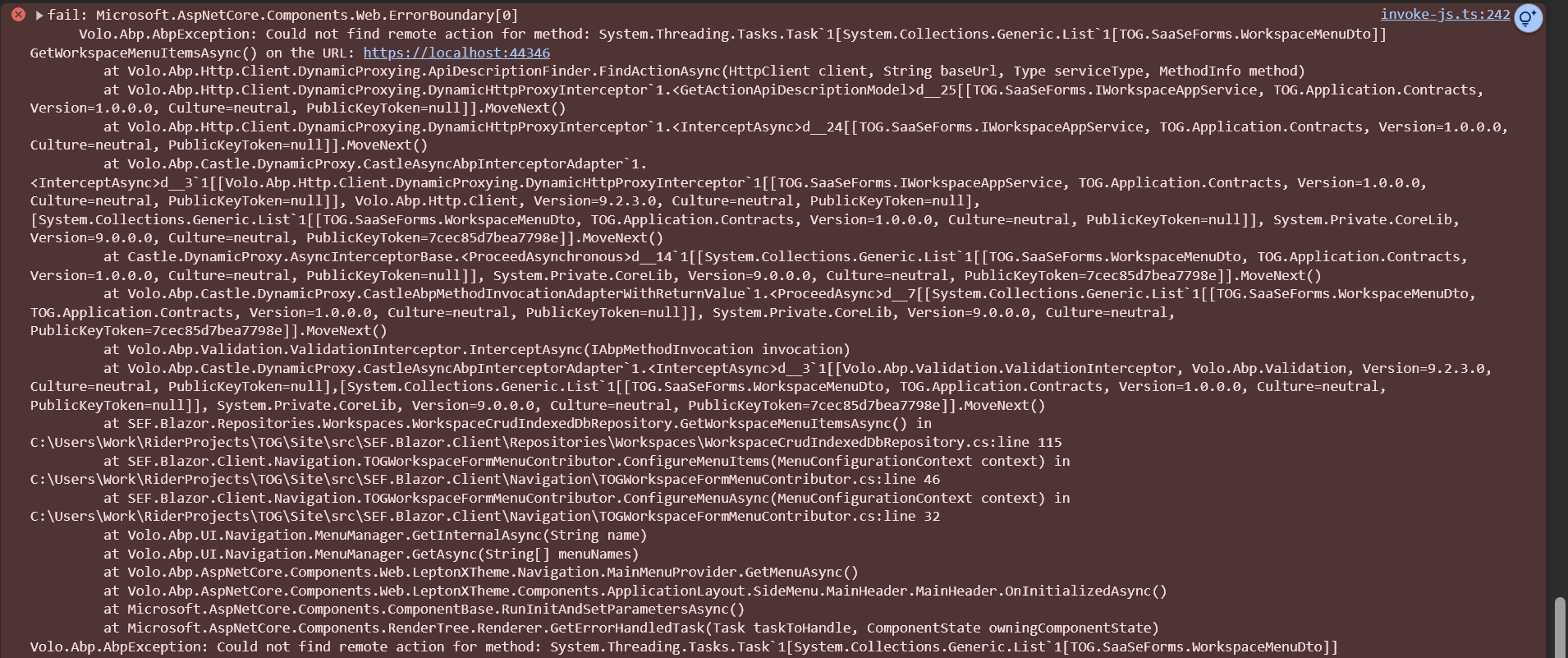
- Steps to reproduce the issue:
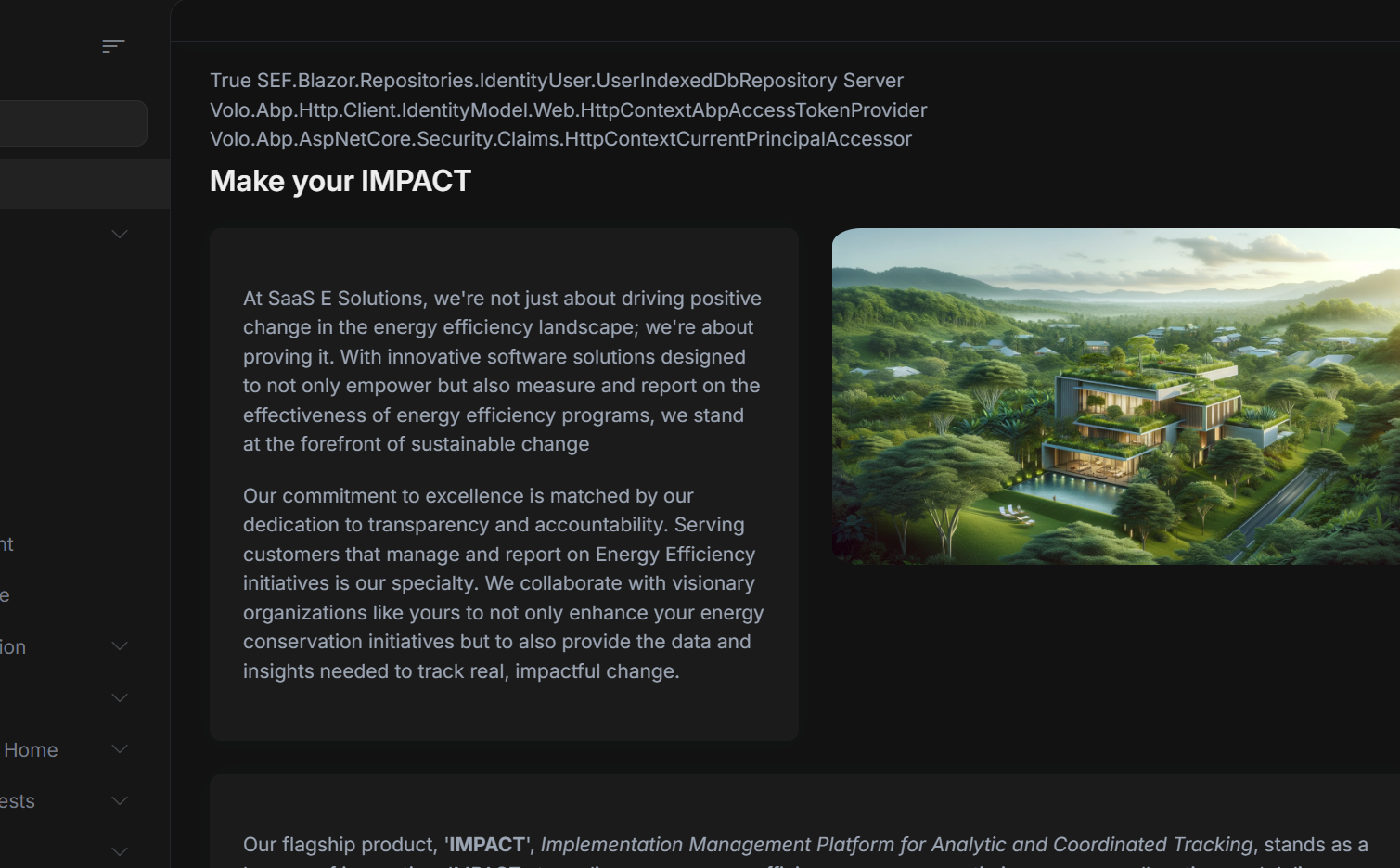
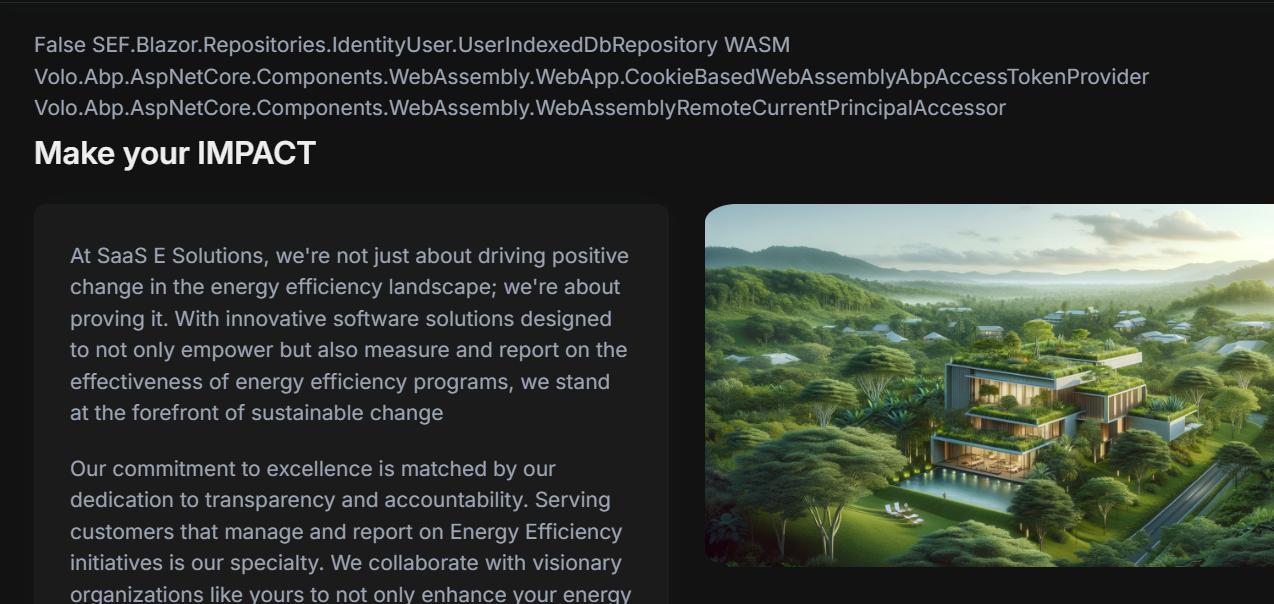
- We are migrating our current Blazer WebAssembly app into the new Blazor WebApp format and we are seeing an issue where after a user logs in, a few seconds later with no user interaction, it will switch from SSR/Server rendered to WASM rendered, but the user will be logged out. Notably this does not happen when the HeadOutlet rendermode is set to InteractiveServer, but only when everything is InteractiveAuto. I encountered this same issue in the sample project bootstrap. There is no output in the logs besides
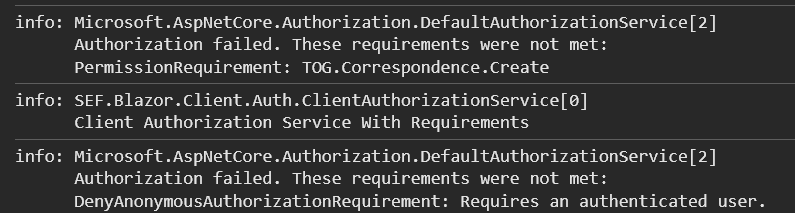
See the sample photos below
21 Answer(s)
-
0
The issue you are experiencing is due to the authentication state not being preserved when switching from server-side (SSR) to WebAssembly (WASM) in Blazor WebApp projects using the InteractiveAuto render mode. When the app transitions from SSR to WASM, the authentication context is lost, causing the user to appear logged out.
In ABP Blazor WebApp templates, the render mode is set as follows:
- WASM: InteractiveWebAssembly (prerender: false)
- Server: InteractiveServer
- WebApp: InteractiveAuto
When using InteractiveAuto, the app starts in SSR and then hydrates to WASM. If authentication is not properly configured to persist across both modes, the user will be logged out after hydration.
To resolve this, ensure that your authentication setup supports both SSR and WASM. Specifically:
- Use cookie-based authentication for both SSR and WASM modes.
- Ensure that the authentication ticket (cookie) is accessible to the WASM client after hydration.
- If you are using OpenIddict or IdentityServer, configure the authentication schemes and cookie settings to be compatible with both render modes.
For more details and migration guidance, refer to the official ABP documentation on Blazor WebApp render modes and authentication:
- https://abp.io/docs/latest/release-info/migration-guides/abp-8-2-blazor-web-app
If you need to support authentication across SSR and WASM, you may need to implement a custom authentication state provider or use the new Blazor WebAssembly authentication patterns introduced in .NET 8 and ABP 8.x+.
Sources:
- https://abp.io/docs/latest/release-info/migration-guides/abp-8-2-blazor-web-app
This response was generated by AI. If it didn’t solve your problem, feel free to post a new answer — our support team will jump in to help you soon.
Markdown supported.Copy, paste, or drag & drop images and files (max 100 MB per file, 100 MB total per post) -
0
hi
1, You don't need the
await HttpContext.GetTokenAsync("access_token");2. Have you added theRemoteServicesto yourappsettings.jsonfile?See https://github.com/abpframework/abp/issues/22622
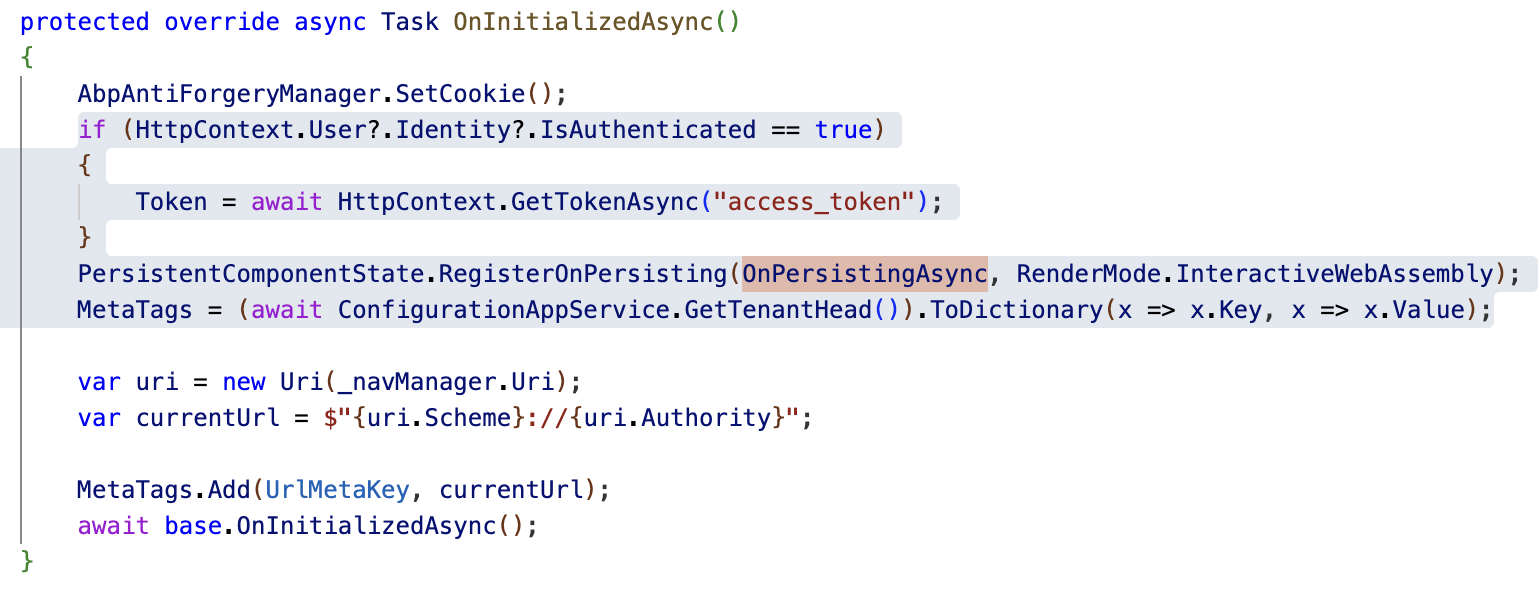
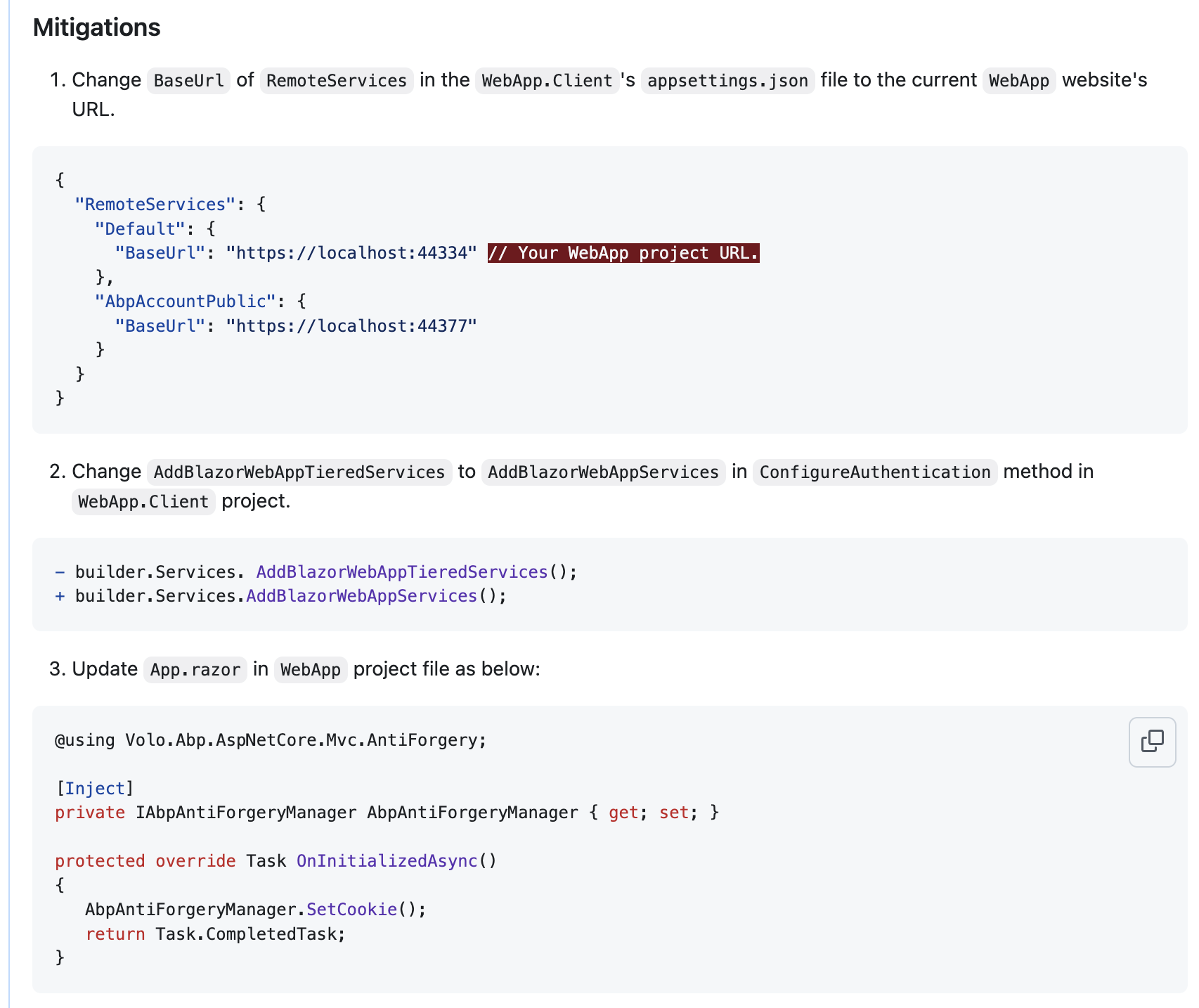
Thanks.
Markdown supported.Copy, paste, or drag & drop images and files (max 100 MB per file, 100 MB total per post) -
0
I have emailed you a reproducible project. After running the migrator, you should be able to log in with the admin password System123!
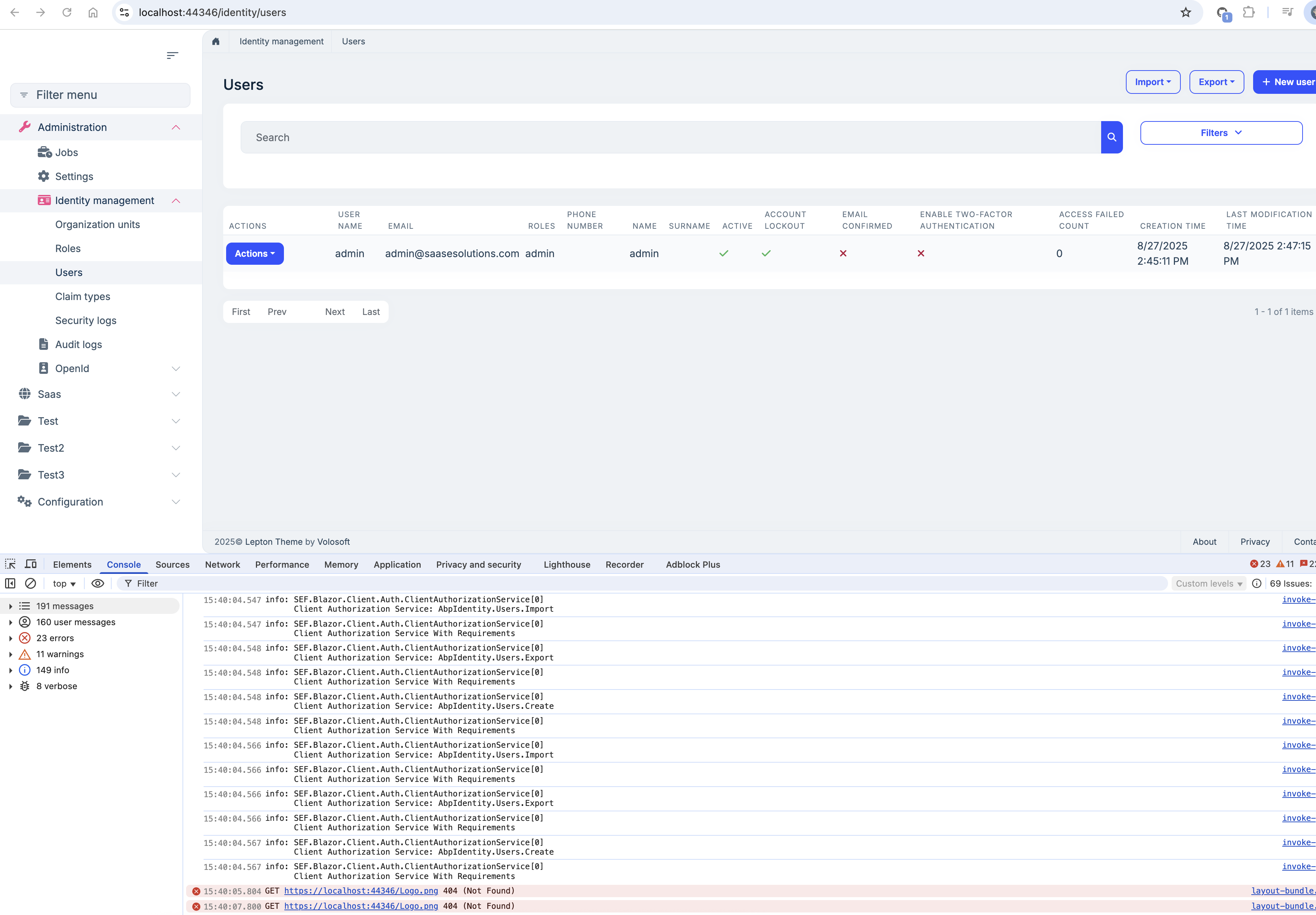
After the site loads and login, the site will appear functional for some time, then with no user interaction go to an error screen and the console will be full of errors.
Markdown supported.Copy, paste, or drag & drop images and files (max 100 MB per file, 100 MB total per post) -
0
hi
1 Add
Asyncto your app service method.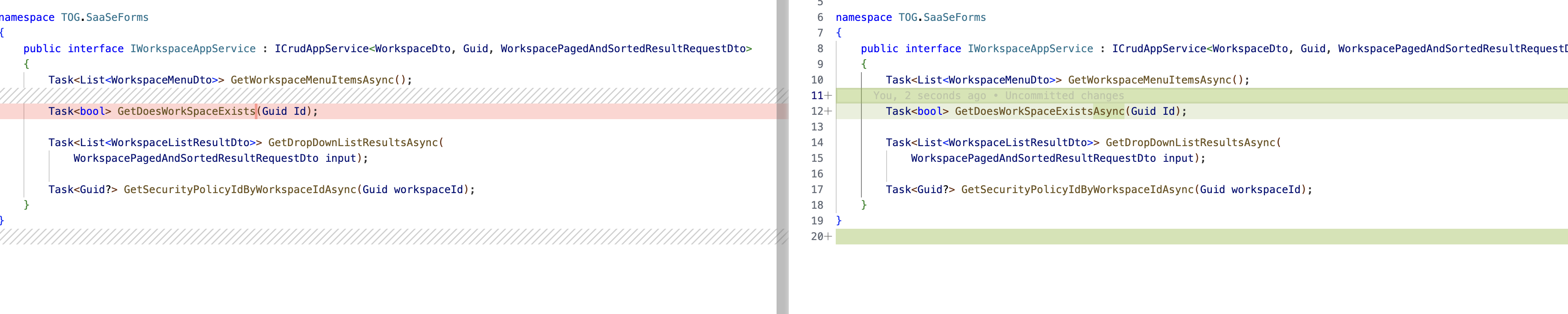
2 Remove
IConfigurationAppServicefromApp.razorbecause it doesn't have an implementation.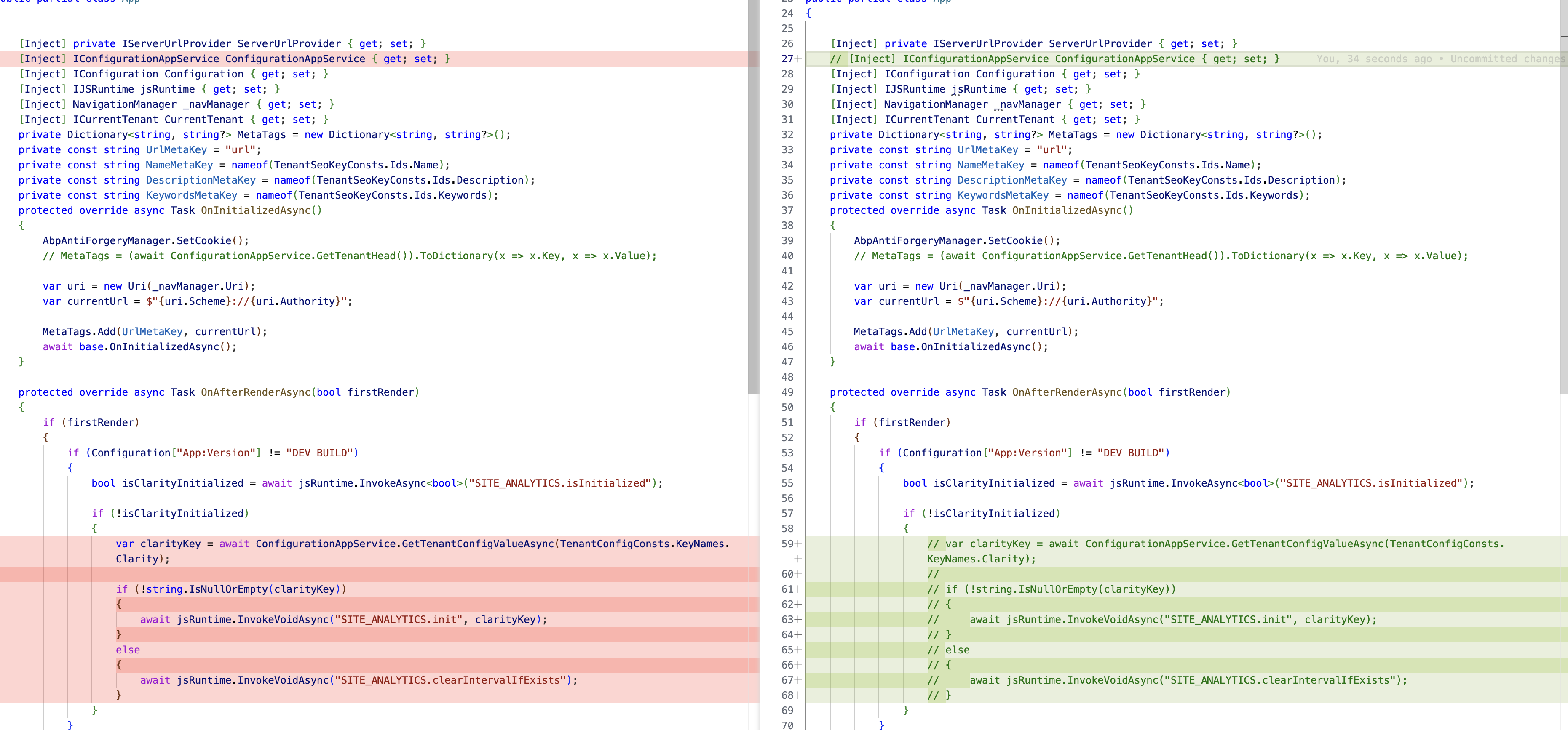
3 Run
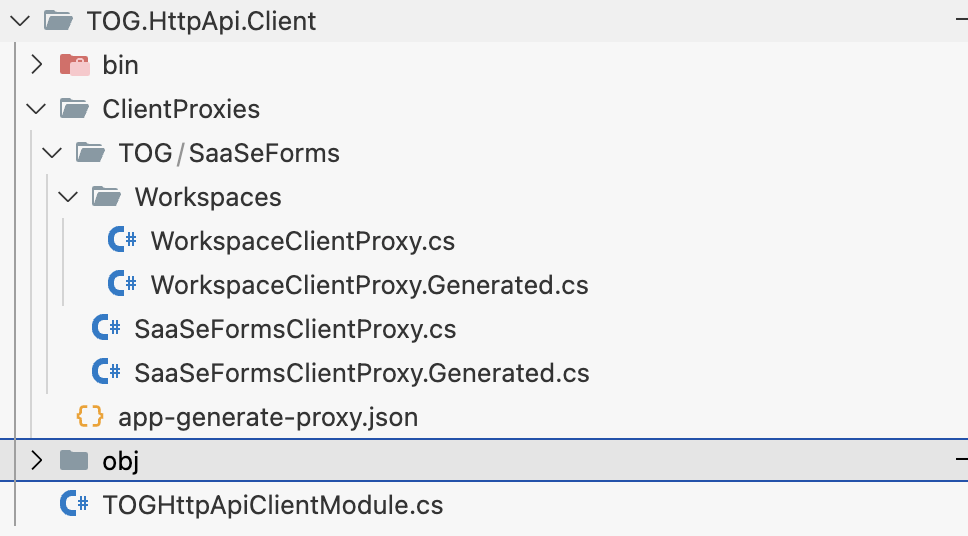
abp generate-proxy -t csharp -m app --url https://localhost:44392 --without-contractscommand in yourTOG.HttpApi.Client4 Change
AddHttpClientProxiestoAddStaticHttpClientProxies
 Markdown supported.Copy, paste, or drag & drop images and files (max 100 MB per file, 100 MB total per post)
 -
0
I followed these steps on my real project instead of the stripped down one and it didn't work. The proxies generated, and I switched to the static proxies in the http client project and then my blazor project wouldn't even launch. It was giving me initialization errors:
'TOG.WorkOrders.WorkOrderAttachmentTypeClientProxy.GetAttachmentTypeByIdAsync (TOG.HttpApi.Client)' has ApiExplorer enabled, but is using conventional routing. Only actions which use attribute routing support ApiExplorer.. See the inner exception for details.Not sure if it's relevant, but that endpoint is inherited from a base attachment app service, so perhaps the routing model is different.
Is there a way to make this work with dynamic proxy generation? Is Blazor WebApp not compatible with the tiered model?
Markdown supported.Copy, paste, or drag & drop images and files (max 100 MB per file, 100 MB total per post) -
0
hi
Adding
[RemoteService(false)]to allClientProxclasses will fix the problem.This is because your app service is different from the standard one.
The client proxy assumes that each interface corresponds to a single implementation, but your interface has a generic base class.
public interface IWorkOrderAttachmentTypeAppService : IAttachmentTypeAppService<AttachmentTypeDto>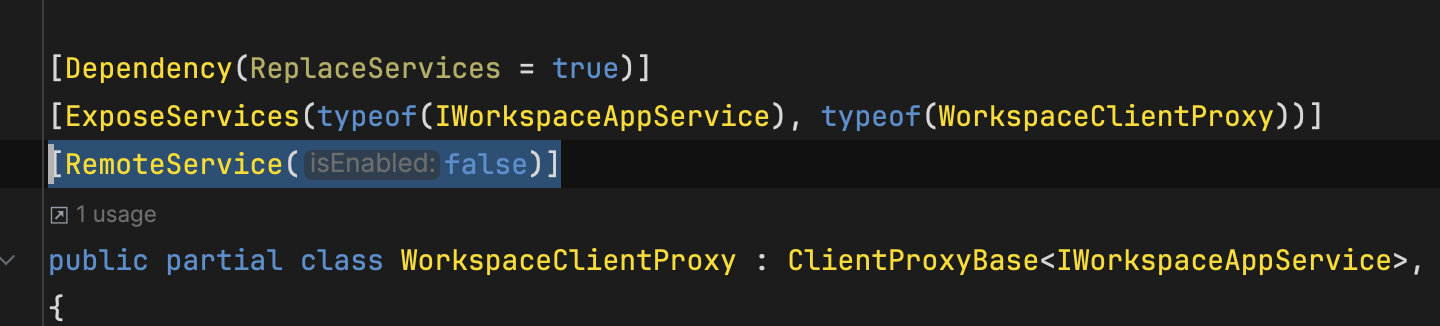
Thanks
Markdown supported.Copy, paste, or drag & drop images and files (max 100 MB per file, 100 MB total per post) -
0
Adding that attribute to the generated proxies did fix the launch issue, but then the api endpoints became Not Found in WASM mode. Is there a workaround for this, or does this need to wait for the patch?
Markdown supported.Copy, paste, or drag & drop images and files (max 100 MB per file, 100 MB total per post) -
0
hi
Can you try to remove
[RemoteService(false)]and addMyAbpHttpClientProxyServiceConventionto yourBlazorproject?public override void ConfigureServices(ServiceConfigurationContext context) { context.Services.Replace(ServiceDescriptor.Transient<IAbpServiceConvention, MyAbpHttpClientProxyServiceConvention>()); context.Services.AddTransient<MyAbpHttpClientProxyServiceConvention>(); }using System.Linq; using Microsoft.AspNetCore.Mvc.ApplicationModels; using Microsoft.Extensions.Options; using Volo.Abp.AspNetCore.Mvc; using Volo.Abp.AspNetCore.Mvc.Conventions; using Volo.Abp.Http.Client.ClientProxying; using Volo.Abp.Http.Client.StaticProxying; using Volo.Abp.Http.Client.Web.Conventions; using Volo.Abp.Http.Modeling; using Volo.Abp.Reflection; namespace SEF.Blazor; public class MyAbpHttpClientProxyServiceConvention : AbpHttpClientProxyServiceConvention { public MyAbpHttpClientProxyServiceConvention( IOptions<AbpAspNetCoreMvcOptions> options, IConventionalRouteBuilder conventionalRouteBuilder, IClientProxyApiDescriptionFinder clientProxyApiDescriptionFinder, IOptions<AbpHttpClientStaticProxyingOptions> staticProxyingOptions) : base(options, conventionalRouteBuilder, clientProxyApiDescriptionFinder, staticProxyingOptions) { } protected override ActionApiDescriptionModel? FindActionApiDescriptionModel(ControllerModel controller, ActionModel action) { var appServiceType = FindAppServiceInterfaceType(controller); if (appServiceType == null) { return null; } var key = $"{appServiceType.FullName}." + $"{action.ActionMethod.Name}." + $"{string.Join("-", action.Parameters.Select(x => TypeHelper.GetFullNameHandlingNullableAndGenerics(x.ParameterType)))}"; var actionApiDescriptionModel = ClientProxyApiDescriptionFinder.FindAction(key); if (actionApiDescriptionModel == null) { return null; } return actionApiDescriptionModel; // if (actionApiDescriptionModel.ImplementFrom!.StartsWith("Volo.Abp.Application.Services")) // { // return actionApiDescriptionModel; // } // if (appServiceType.FullName != null && actionApiDescriptionModel.ImplementFrom.StartsWith(appServiceType.FullName)) // { // return actionApiDescriptionModel; // } // return null; } }Markdown supported.Copy, paste, or drag & drop images and files (max 100 MB per file, 100 MB total per post)