[igomez] said:
[EngincanV] said: support@abp.io
Hi. Done, solution shared by email
Hi, thank you. I got your email and downloaded the solution yesterday. After I got your solution, today, I've tried to generate new CRUD pages just now, and it successfully generated the required code and migrated to the database (added two new properties, like in the figure below):
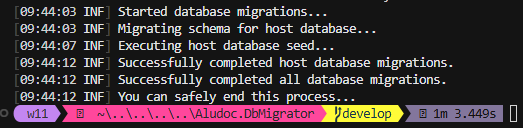
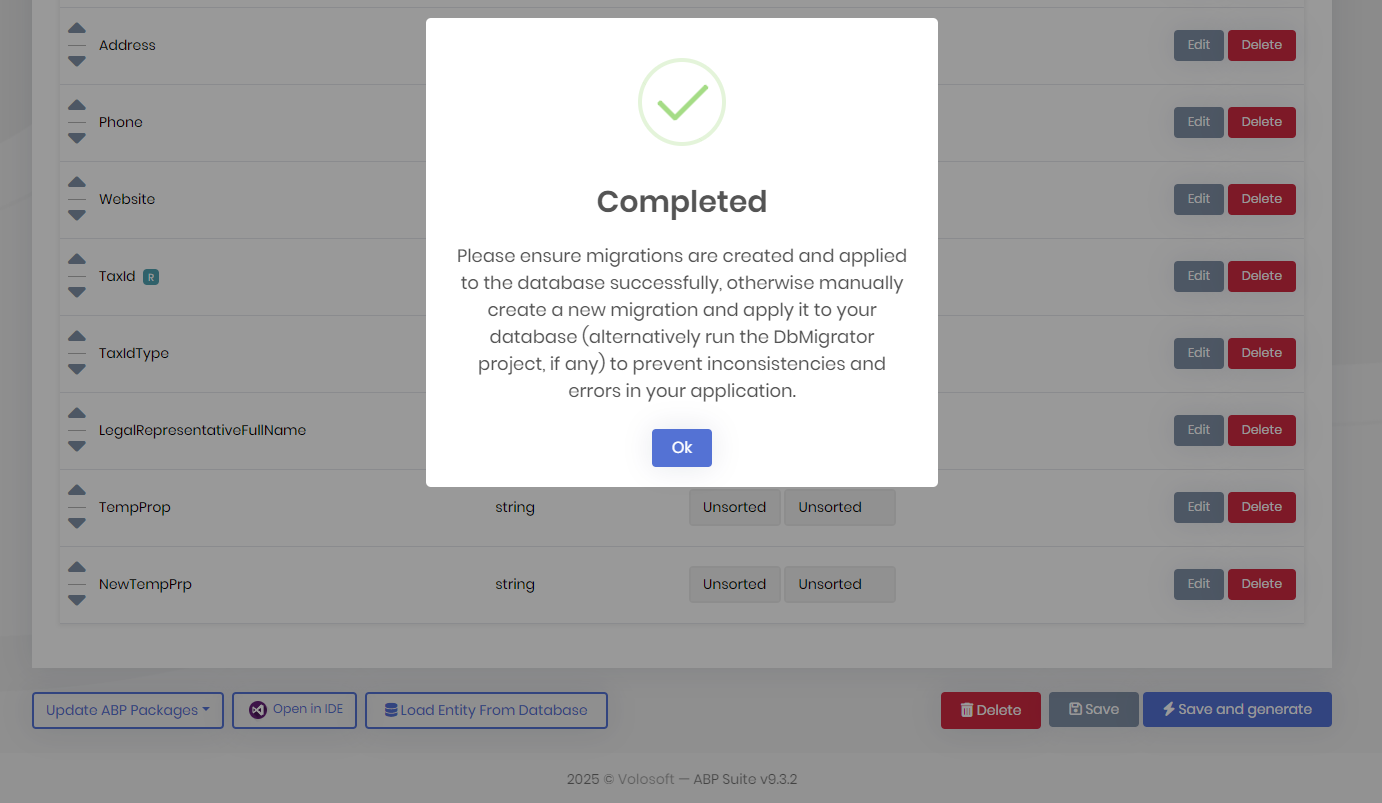
Your database problem might be related to a temporary connection issue. Or if you have updated the dotnet-ef tool recently, it might be related to that. Can you please check these?
dotnet-ef --version
dotnet-ef version is 9.0.11 in my machine. It should be 9.0.* to successfully create migrations for v9.x.x. If it's in the correct version, please navigate to your ef core directory and try to create a new migration (via command: dotnet ef migrations add New_Migration) and then run the dbmigrator project to update your database.
Regards.
Hi again @igomez, I have tried with a tiered solution but could not reproduce the same problem that you faced with. By any chance, can you share your solution via email to support@abp.io website with the ticker number? So, I can check it from your solution. Waiting for your reply.
Regards.
[igomez] said: not sure why this is closed, reopening...
Hi, sorry for the inconvenience. Our support bot automatically closes questions due to inactivity. I'll try to reproduce your problem and write back to you asap.
Regards.
Hello again, I got a quick update:
We released v10.0.1 yesterday, so you can update your ABP Suite version and generate CRUD pages as before.
Regards.
[merdan] said: Manually downloading Microsoft.ClearScript.V8.Native.win-arm64 nuget package and extracting
ClearScriptV8.win-arm64.dllto the..\volo.abp.suite\10.0.0\tools\net10.0\any\runtimes\win-arm64\nativefolder fixed the issue.While this workaround works, still keeping this issue open so that an ABP developer can fix this in future releases.
Hi @merdan, thanks for the quick reply. We will fix this asap, thanks for reporting. (refunded your ticket)
Does ABP Suite support generating a full 3-level child hierarchy (With Master-Child) (e.g., Lesson → Tests → Questions) with the Angular as frontend ?
Hi, currently ABP Suite does not support 3+ level master-child relationship. A master can have multiple child entities associated with it but unfortunately, in the current design, you can't make a child entity as a master entity of an another entity.
Regards.
Hi, apologies that the thread was closed earlier (our bot automatically closed the thread because after the latest AI bot response, there was no activity in the question).
From a best practices standpoint, you are correct that the constructors of entities should be marked as internal rather than public, given that we also create domain services and the core logic resides there, so no need to make them public. I will create an issue to address this.
Regards.
Hi, sorry for the inconvenience. When the AI bot responds, it automatically disappears from our dashboard until you write an answer (and if you don't, the question is closed after some time).
You're definitely right to argue for the creation of domain services for child entities. From a best practices standpoint, child entities should not have domain services; their entire logic should reside within the domain or application services of the master entities. We already have an issue logged to make the necessary changes to align with best practices. Our primary goal was to implement this feature without affecting too many components, thereby making the related changes relatively straightforward for developers. This was the rationale behind our chosen approach. Nonetheless, I agree with your point and will aim to prioritize the issue and address it as soon as possible.
Regards.
[user6.abpio] said: Hi, I’ve modified the necessary files inside the Suite template set as you described, but the files are still not being physically created under the /XXX folder.
For example, Index.cshtml, Index.Extended.cshtml, and index.js are still generated under /Pages/Teams, not /Pages/XXX/Teams.
I can only modify the internal paths (like view URLs) inside the templates, but I can’t control where the files are actually created.
Which specific Suite template or configuration files should I modify to change the physical output path of the generated Pages?
Hi, please ignore the response of the AI-bot. Unfortunately, currently it's not supported. ABP Suite directly puts your pages under the Pages directory (Pages/<entity-plural-name>). I think we should support that and will create an issue for it.
Regards.
Hi Chris, thank you for your detailed explanation and for clarifying the scenario. I don't have much experience with Azure Blob Storage but I'll try to clarify some points for you.
1. Recommended Approach in ABP Framework
As far as I know, you should be able to implement tenant/module/entity level separation by customizing the container naming convention. By default, IAzureBlobNameCalculator is used to calculate the full BLOB name, so you can create a service that implements this interface and apply your own logic. You can check the DefaultAzureBlobNameCalculator (https://github.com/abpframework/abp/blob/dev/framework/src/Volo.Abp.BlobStoring.Azure/Volo/Abp/BlobStoring/Azure/DefaultAzureBlobNameCalculator.cs) service for the current implementation. (Currently, the naming is something like: tenants/<tenant-id>)
2) Centralized Configuration
For the configuration, you can refer to our documentation: https://abp.io/docs/latest/framework/infrastructure/blob-storing/azure#configuration (when it's being configured for default, it applies to all)
3) Overriding ABP Suite’s Scaffolding
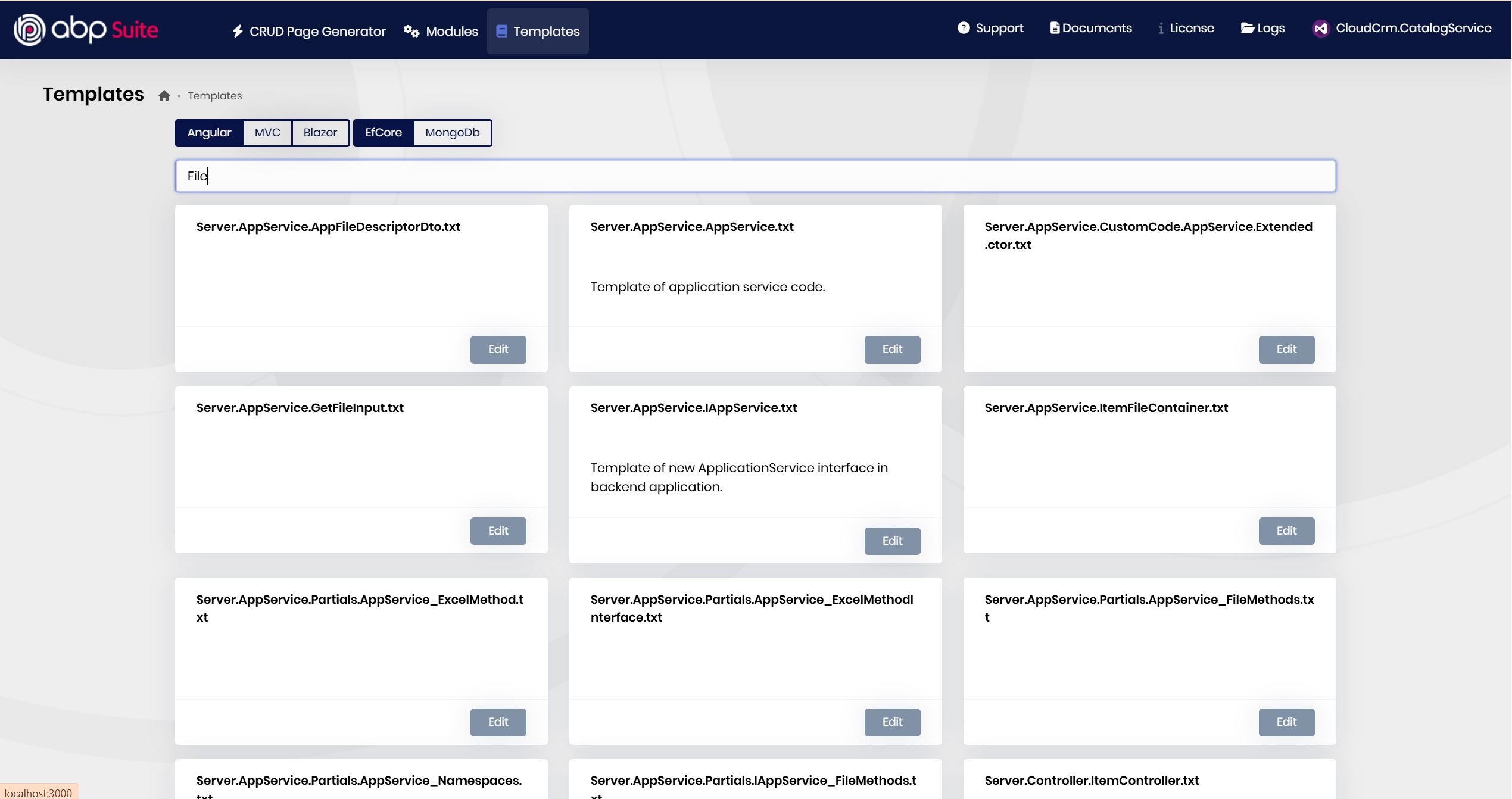
Currently, you can search for File text in the ABP Suite's templates and update the .txt files. Unfortunately, this is the only option you have for now, or you need to update the code later the code generation manually.
4) Manual Implementation and Best Practices
If you are considering creating your own file-manager services, I recommend using the IBlobContainer service to make it provider-agnostic, so you can change the provider afterward if it's needed.
On the other hand, it depends on how you structure your solution and services. I'm not sure that I have a suggestion at that point.
Btw, it is worth reiterating that, once the Azure Blob Provider is configured, the system is expected to behave as follows:
When a file is uploaded, a new record containing the file’s metadata is inserted into the *FileDescriptors table in the database, while the file content is stored in Azure Blob Storage. Subsequently, when the file is needed, the IBlobContainer service retrieves it from Azure and returns it to the requesting component.









