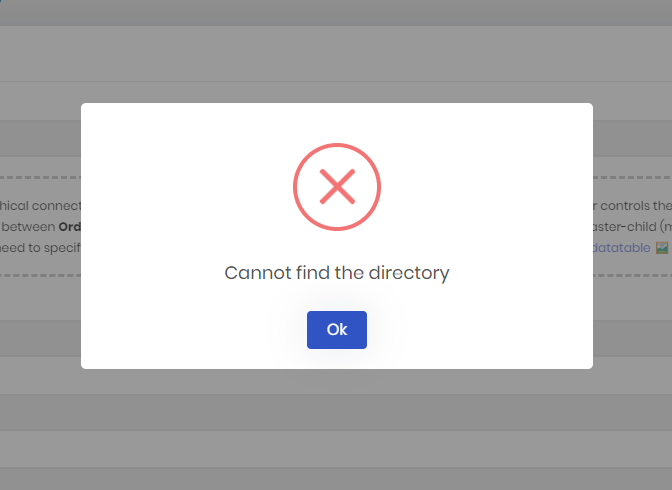
I hope this gets fixed in the next Release Candidate because old personal license holders lost many features and this I guess It goes against many terms and conditions. In the last ABP Community was answered a question I did to Halil Ibrahim Kalkan and He compromised we will get these features (if not in ABP Suite but in ABP Studio). I sent an email asking for confirmation but didn't get one. Sincerely, I hope these changes they are doing to their license configuration don't affect us.
As I understand it, you now have to do this via the studio. And as I heard in the last Community Talk, "old" license holders still have the same options as before.
In any case, I can still create solutions via Studio. Have you tried it yet?
I have installed ABP Studio for the first time and wanted to add an existing solution. Nothing is displayed in the Solution Runner. Do I have to add the individual projects myself or should they be displayed automatically?
And is there a possibility to show the application logs in the Studio? I mean, for example, the log file of the Blazor app.
I need help with a problem I'm having with the Blazor Web App template version 8.2.0:
I had the same problem 2 months ago: https://abp.io/support/questions/7315/ABP-Suite-error-Cannot-find-the-directory
Ok, I now know that as soon as you set PageLayout.MenuItemName, you have to remove it yourself. Otherwise the value remains until it is overwritten...
This should be mentioned in the documentation, it is quite error-prone... Or even better, rethink this concept...
I have now solved this in my page:
protected override async Task OnInitializedAsync()
{
    if (TerminationId != Guid.Empty)
    {
        PageLayout.MenuItemName = "None";
    }
}

protected override void Dispose(bool disposing)
{
    PageLayout.MenuItemName = null;
    base.Dispose(disposing);
}
Don't the administration pages overwrite this value? If not, then the value for PageLayout.MenuItemName should at least be deleted / set to String.Empty?
Check out my entry here:
https://support.abp.io/QA/Questions/6573/Top-Menu-Display-Issue#answer-3a108f96-0ab9-7cef-96bd-5a704ef89887
I believe I have found the cause of this problem. But I don't have a solution yet.
You can reproduce it like this:
I made a breakpoint in the ActivateCurrentPage() method at point 3 and saw that the PageLayout.MenuItemName there is still the old one ("TerminationList"), so this item is also activated again.
Why does it not contain "Administration" or "SettingManagement"?


Sorry, I didn't realize that this part with the deactivation is not part of your code:
        else
        {
            MenuItem.Deactivate();
        }
I then wanted to apply the bugfix to the other problem as well, but that didn't work. Another fix needs to be found there.
I hope you can still improve the menu (especially TopMenu, we use this for most applications) so that the following can be done:
Check out my entry here: https://support.abp.io/QA/Questions/6573/Top-Menu-Display-Issue#answer-3a108f96-0ab9-7cef-96bd-5a704ef89887
I don't think you've understood what the error means.
Short and simple: Your menu control does not always update the state of the items correctly. Sometimes already selected menu items are NOT deactivated, even though the user has been on another page for a long time. In this case, several menu items are displayed as active at the same time.
I and others have been pointing out this problem for some time. This is not directly related to my question, but the cause is the same and so we have found the solution with my case.
Are you going to fix this in your code or not?
??? Not a bug ???
I just showed you how to solve a bug in your (!) MainMenuItem and the thanks for that is that I don't even get a refund?