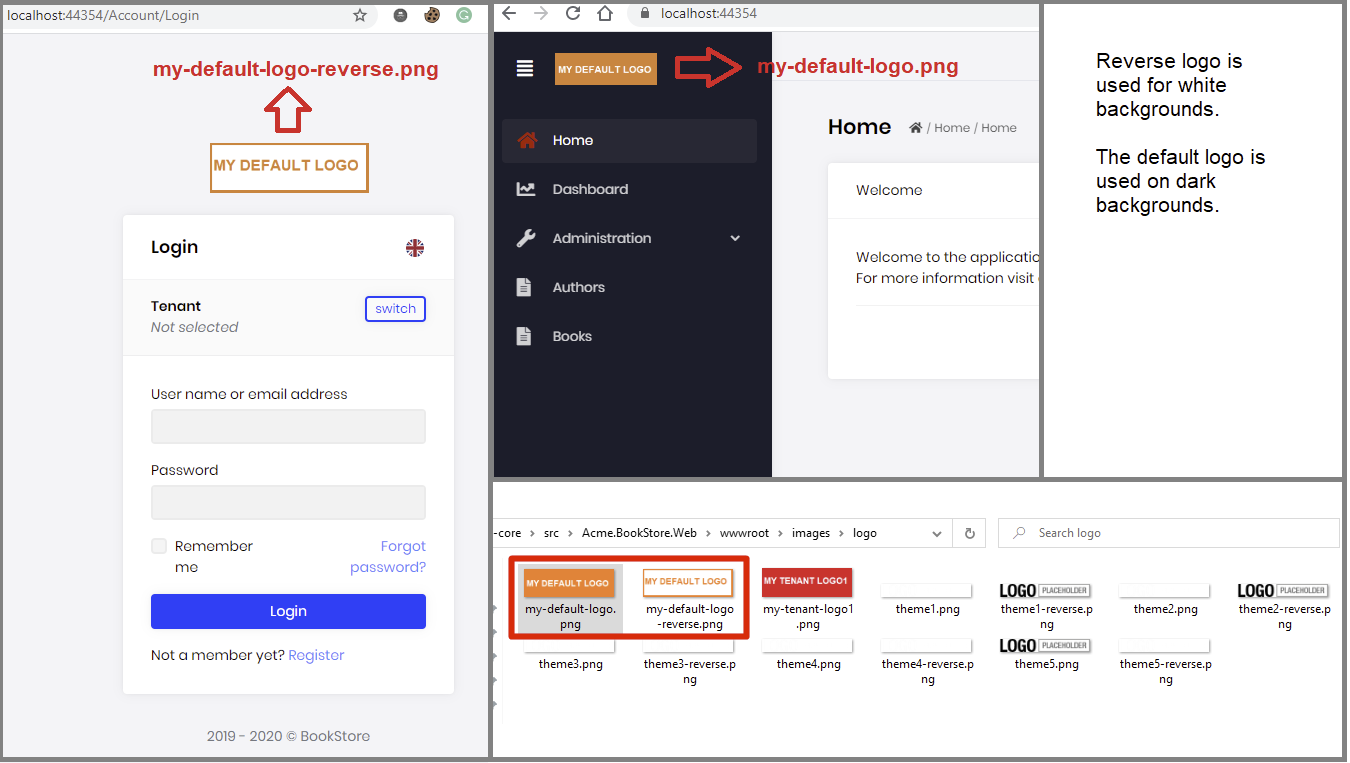
As of v2.7.0 you can override application logo easily without replacing the physical logo png files.
You can inject any service and create your own logic to set the logo.
    [Dependency(ReplaceServices = true)]
    public class BookStoreBrandingProvider : DefaultBrandingProvider
    {
        //You can inject services here...
        private readonly ICurrentTenant _currentTenant;

        public BookStoreBrandingProvider(ICurrentTenant currentTenant)
        {
            _currentTenant = currentTenant;
        }

        public override string AppName => "Acme - MyBookStore";

        public override string LogoUrl
        {
            get
            {
                if (_currentTenant.Name == "MyCustomer")
                {
                    return "http://mycustomer.com/logo.png";
                }

                if (_currentTenant.Id.HasValue)
                {
                    return $"/images/logo/{_currentTenant.Id}";
                }

                return "/images/logo/my-default-app-logo.png";
            }
        }

        public override string LogoReverseUrl => LogoUrl;
    }
can you show how you override a style?
are you using !important
I've created an internal issue for this.
by the way, you can change the logo by overwriting the file in your wwwroot/images/logo/ folder
src\Acme.BookStore.Web\wwwroot\images\logo\theme1.png
src\Acme.BookStore.Web\wwwroot\images\logo\theme1-reverse.png
hi @wazbek,
To solve your problem seeing "modules" menu item, remove suite and install, run
abp suite remove
then
abp suite install
for the command line run,
abp get-source Volo.LeptonTheme
there's angular folder
hi @saintpoida,
1- you can file an issue on https://github.com/abpframework/abp/issues with the repro steps. we'll check if it's a bug or not. 2- @mehmet can you answer for this ?
add swagger to your Identiy Server project
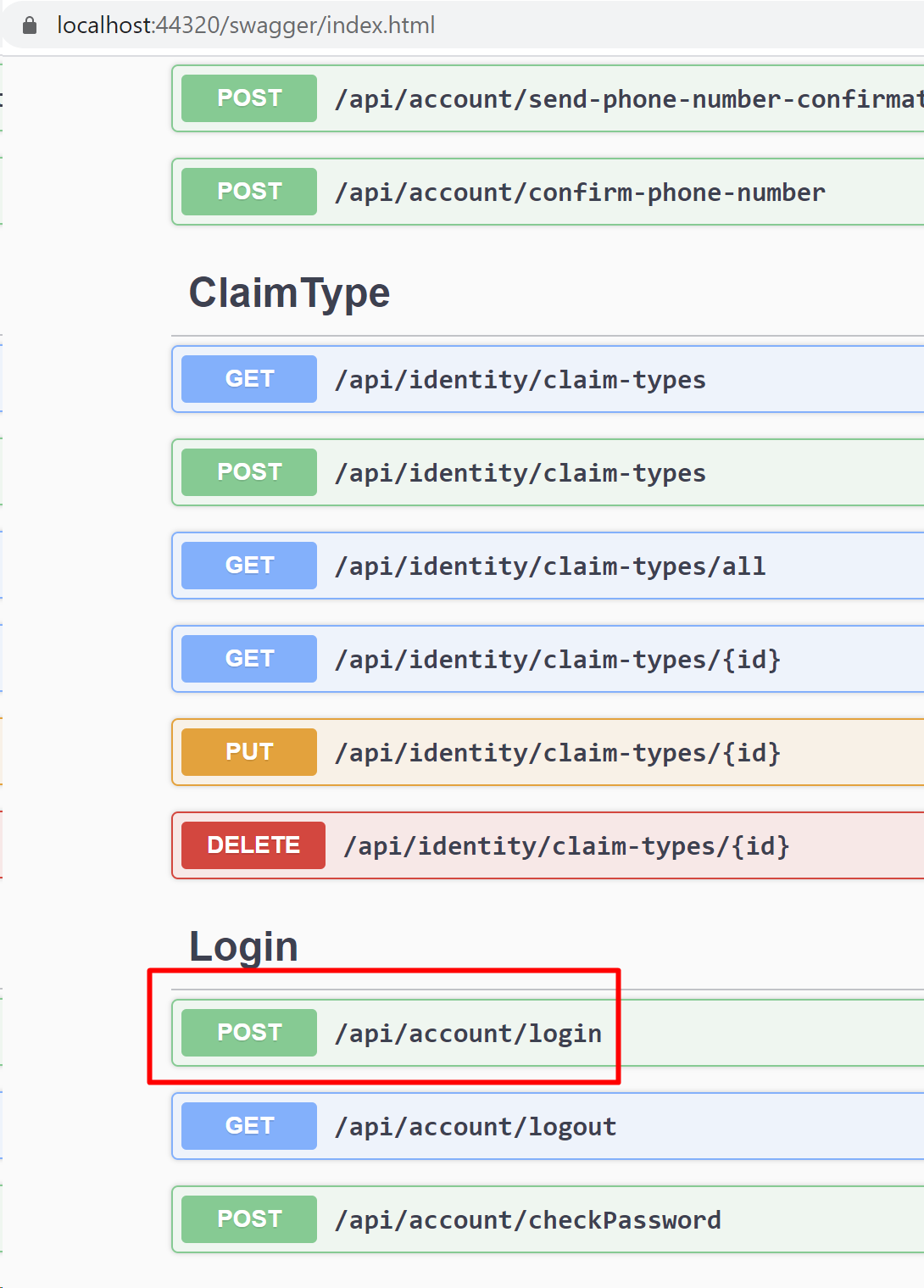
See this to understand how to add Swagger https://gist.github.com/ebicoglu/60b9617a9dc0a780f7fc729f0496f4cc
the problem is the SQL Server
A network-related or instance-specific error has occurred while establishing a connection to SQL Server. Server is not found or not accessible.
we are working on a customization solution that you can easily extend existing items. but for now, it's only possible with replacing the pages (or upgrading to source-code included plan)
tuesday 05-05-2020
thanks for your feedback. this has been fixed in v2.7 (next version).









