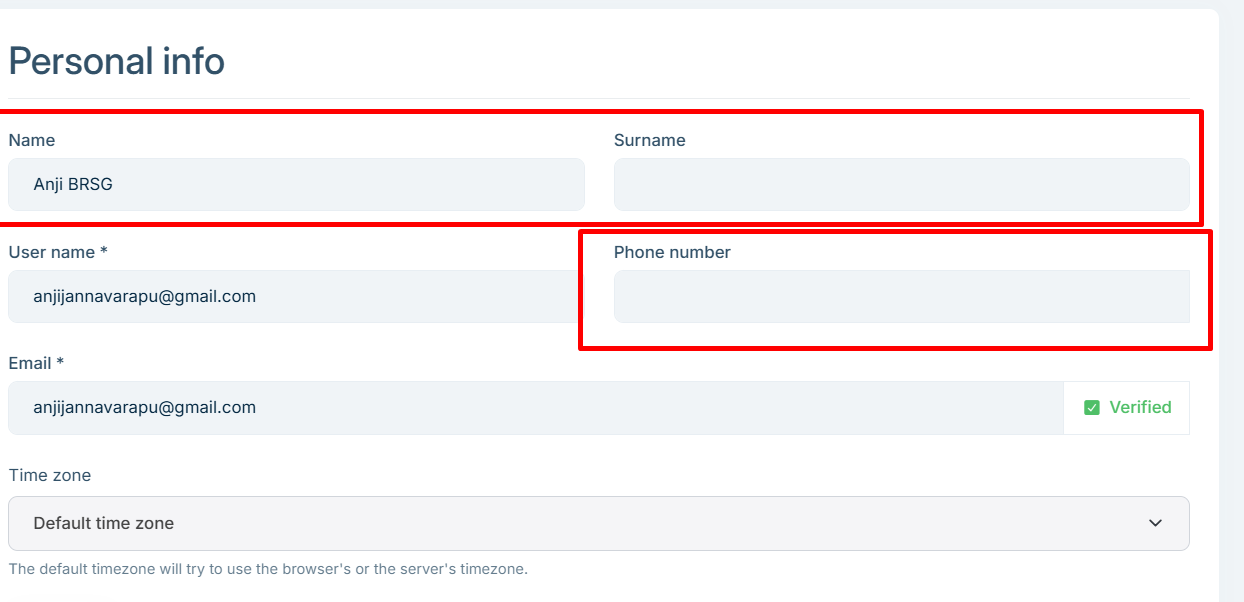
Hi,
only tedious is that to work with shared model, every user almost have to choose while login either HOST and Tenant, even user don't have any access at HOST side.
is this ideal? but with out creating HOST record we can not deal with 2FA settings.
is this correct?
Hi,
for my all existing Tenant users instated of sending the Invitations to add in HOST, can i create direct user records for HOST in database?
it will work from there as shred right ?
Thanks
Hi maliming,
so for now, it is best to create a user first in HOST without any role to maintain global record then Invite from Tenants to maintain the global record other wise system can not handle the global settings like 2FA.
or else even first invite form Tenant and should create same account from HOST to maintain the global record, but system will not allow to create with same email id as already there in Tenant then have invite user to create global record for HOST.
is my understanding correct ?
when we can except the updated solution for syncing all data to maintain really shared user ?
In your initial answer you told that the HOST will create. but now you are asking to customize.
how it will really work? and never synced the data
but how we cna control it, since users can update phone number from My Account Page?
not only phone number the name, surname also nut synced.
and to maintain at global level the user account not created under HOST ? how to maintain then
am using same shared database for all HOST and Tenant.
i invited same user form other Tenant B 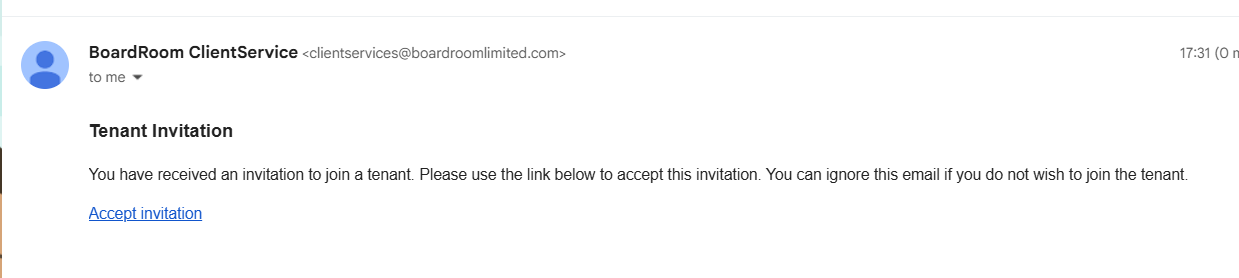
and i accepted and trying to login it showing the Switch 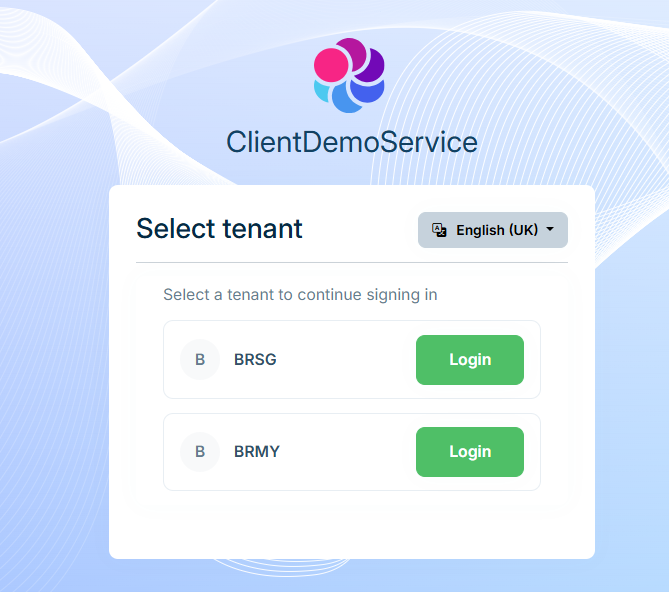
now from one of Tenant using my account page i updated the name, it synced for both records
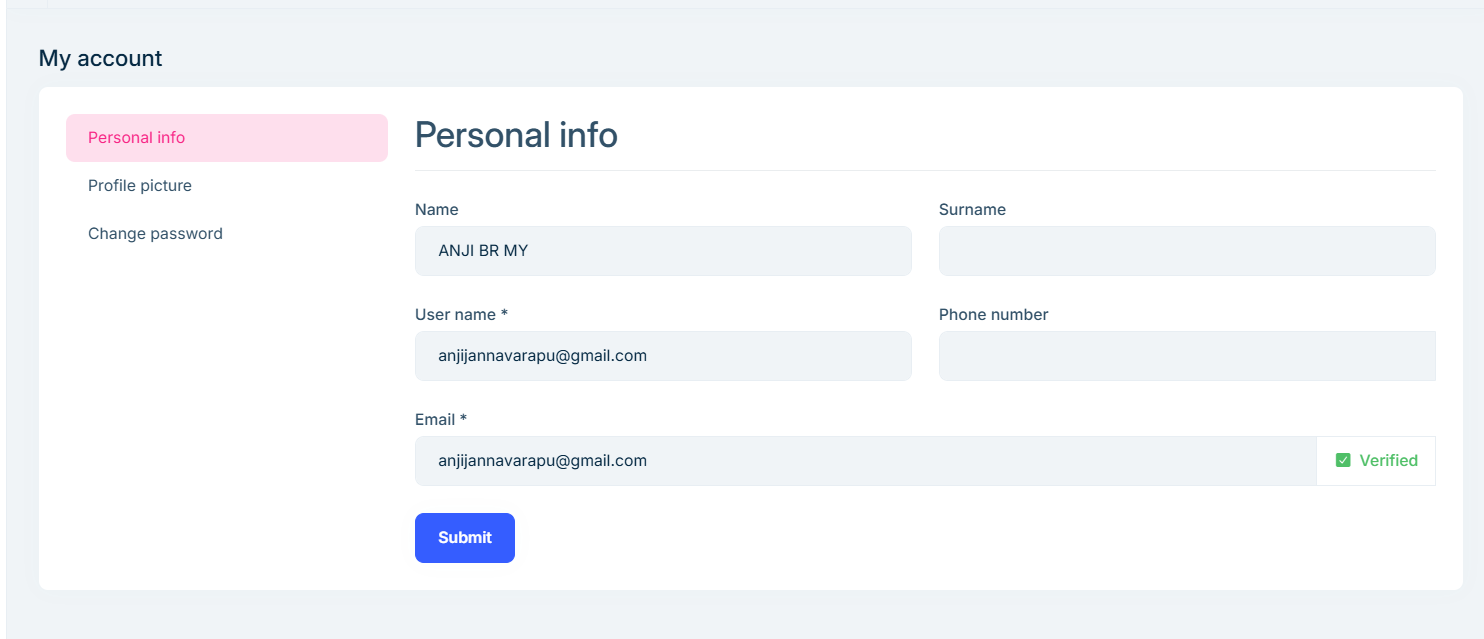
and i update Phone number same not synced 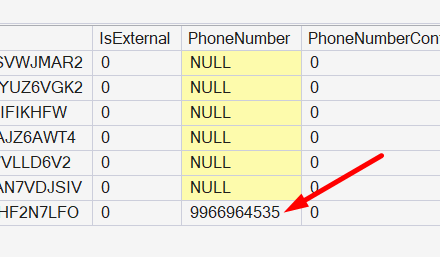
then how it will share the information? and now how can i enable 2FA for these users
No somthing worng, just know i invited user from Tenant A, i recvied email it asked for register and accept i did it.
but user created only under Tenant not created under hots as global record
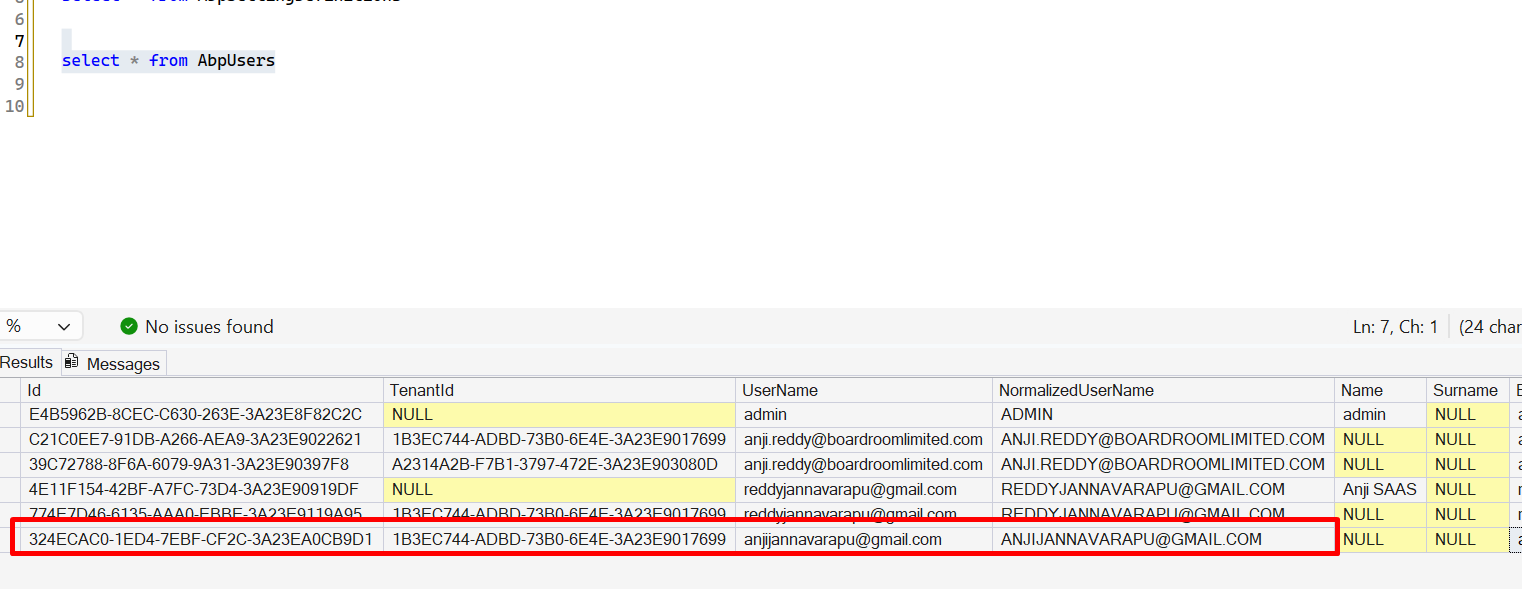
see the screenshots
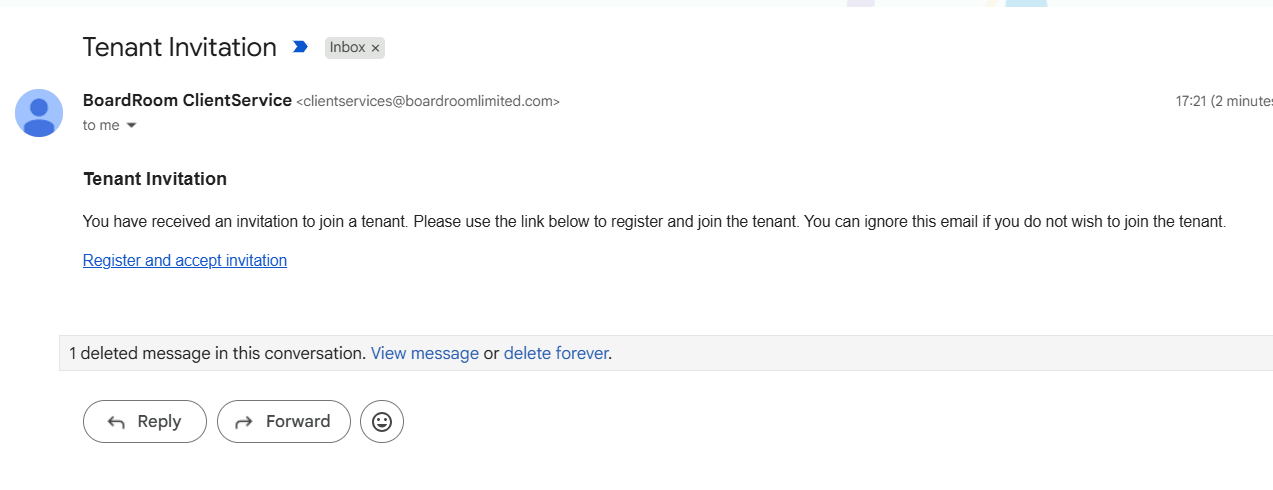
how it work then as shared ?
i invited the user anjijannavarapu@gmail.com from Tenant first time but the account created under HOST. is am missing anything
and if i create User B in HOST first then form Tenant A if invite same user B it will sync as shared users ?
So, what i can understand is the direct user can create only under Host. if the shared should work means always ceate user using invite link only other wise it will break the flow is it correct?
or form Host also the user should invite ?
if user A invites from Tenant A first time and the user A accepts the invitation then system will create 2 records one for HOST and one per Tenant is it correct ? the in HOST which role it will assign ?
[AI-Bot] said:
- With
TenantUserSharingStrategy.Shared, it is expected to see multiple rows inAbpUsersfor the same person (Host + each tenant). ABP keeps these rows synchronized automatically (it’s not a “single physical row shared by all tenants”). This design is required especially for scenarios like database-per-tenant, where a single shared row is not possible.- The record that should be treated as the primary (global) identity is the Host user (
TenantId = NULL). Security settings like 2FA are handled at the Host side, so 2FA works consistently even though there are replicated tenant rows.To enable and use Shared User Accounts correctly (and get the syncing behavior), do all of the following:
- Enable the strategy in your module (typically in
*.Domainor*.HttpApi.Hostmodule where you configure multi-tenancy):using Volo.Abp.MultiTenancy; Configure<AbpMultiTenancyOptions>(options => { options.IsEnabled = true; options.UserSharingStrategy = TenantUserSharingStrategy.Shared; });
Use the shared-user workflow to add a user to another tenant:
- Don’t “create the same user again” inside each tenant.
- Instead, from a tenant admin UI, invite the existing user to the tenant (Shared strategy is built around invitations/tenant membership).
- After acceptance, ABP creates/maintains the tenant-side replicated row and keeps it synced.
Update user profile data from the Host user account (TenantId=NULL)
- Since Host is the global identity, changes made there are what gets synchronized.
- If you edit user data in a tenant-specific context and it’s not syncing, you’re likely updating the tenant replica in a way that bypasses the shared-user synchronization flow.
If you migrated an existing database (created users before switching), clean up duplicates created the “isolated way”
- If the same email/username was created as separate users per tenant before enabling Shared, you must resolve/merge those accounts; otherwise you’ll keep seeing “independent” users that won’t magically unify.
More details and the intended behavior/workflow are described here:
- https://abp.io/docs/10.6/modules/account/shared-user-accounts
- https://abp.io/community/articles/mf3bkg79
- https://abp.io/docs/latest/framework/architecture/multi-tenancy
This response was generated by AI. If it didn’t solve your problem, feel free to post a new answer — our support team will jump in to help you soon.
Means always the user should create under Host first? but as user after login and switch to Tenant user may update the information from MyAccount page of that tenant? how it will sync to all records?
and from My account page can add/update phone number then if different numbers from each tenant to which number the code will send ?