Hi
Re: Issue 1: After adding that change it no longer attempts to send the post to the blazor server app but it doesn't work, after clicking switch it just shows the auth server  . These are the logs:
[22:58:39 ERR] Invalid RedirectUrl: https://localhost:44337/Account/Challenge, Use AppUrlProvider to configure it!
[22:58:39 INF] Executed handler method OnPostAsync, returned result Microsoft.AspNetCore.Mvc.RedirectResult.
[22:58:39 INF] Executing RedirectResult, redirecting to /.
[22:58:39 INF] Executed page /Account/SwitchTenantLogin in 159.043ms
[22:58:39 INF] Executed endpoint '/Account/SwitchTenantLogin'
[22:58:39 INF] Request finished HTTP/2 POST https://localhost:44335/Account/SwitchTenantLogin?access_token=eyJhbGciOiJSUzI1NiIsImtpZCI6IkI1MUNGRTg3N0QwNTE3NTE4MDZGQkM4RjdFNTU4MUMzOTZBMUU3NEIiLCJ4NXQiOiJ0UnotaDMwRkYxR0FiN3lQZmxXQnc1YWg1MHMiLCJ0eXAiOiJhdCtqd3QifQ.eyJpc3MiOiJodHRwczovL2xvY2FsaG9z...
[22:58:39 INF] Request starting HTTP/2 GET https://localhost:44335/ - null null
. These are the logs:
[22:58:39 ERR] Invalid RedirectUrl: https://localhost:44337/Account/Challenge, Use AppUrlProvider to configure it!
[22:58:39 INF] Executed handler method OnPostAsync, returned result Microsoft.AspNetCore.Mvc.RedirectResult.
[22:58:39 INF] Executing RedirectResult, redirecting to /.
[22:58:39 INF] Executed page /Account/SwitchTenantLogin in 159.043ms
[22:58:39 INF] Executed endpoint '/Account/SwitchTenantLogin'
[22:58:39 INF] Request finished HTTP/2 POST https://localhost:44335/Account/SwitchTenantLogin?access_token=eyJhbGciOiJSUzI1NiIsImtpZCI6IkI1MUNGRTg3N0QwNTE3NTE4MDZGQkM4RjdFNTU4MUMzOTZBMUU3NEIiLCJ4NXQiOiJ0UnotaDMwRkYxR0FiN3lQZmxXQnc1YWg1MHMiLCJ0eXAiOiJhdCtqd3QifQ.eyJpc3MiOiJodHRwczovL2xvY2FsaG9z...
[22:58:39 INF] Request starting HTTP/2 GET https://localhost:44335/ - null null
Re: Issue 2: Than you for the detailed explanation, I will attempt to implement the pattern you described.
Thank you.
https://localhost:44337/Account/SwitchTenantLogin is a post to the blazor server project. How do I make it post the auth server project?Awesome! Thank you very much for all the help. Closing the ticket now.
Overriding OpenIddictImpersonateTenantModel as above didn't work either but I noticed that the constructor of the class I created MyImpersonateTenantModel was being called, it was the OnPostAsync method that was never called. I also noticed that the OnGetAsync method is being called when I impersonate so I instead overrode that method like this:

And it worked:

Can you confirm this is okay?
Hi,
Thank you for the code, I was able to override the impersonation dialog. However I couldn't override ImpersonationExtensionGrant. I created the class and inherited from ImpersonationExtensionGrant:
 As you can see I always return forbidden so it should fail but it doesn't it aways succeeds.
I also added the code in configure services:
 I added logs and ran it with the debugger attached but that code never runs.
Thank you!
This looks exactly like I was looking for, one more question: Is it possible to override the dialog as well? We might want to remove or replace the username input in the dialog all together.
The overall flow of what needs to be done is clear to me but how do I call the Account impersonation API? is there a service or controller I need to override? also how do I replace the original "Login with this tenant option" from the tenant dropdown?
We want to have finer control so implementing our own “Login with this tenant” flow would be the way to go. Can you point me to some documentation on how to do this?
Hello,
Thank you for the suggestion. I tried adding favicon.ico and favicon.svg as embedded resources using the configuration you provided, but it did not resolve the issue.
Since I couldn't share our codebase, I created a fresh ABP v10 solution and confirmed that favicon replacement works correctly in the default template. So I decided to make a diff check for all the differences and I was able to pinpoint the issue.
Root Cause: I found that the issue was caused by the order of middleware in the application initialization. In our ABP v9 implementation, we had:
app.UseCorrelationId();
app.MapAbpStaticAssets();
app.UseAbpStudioLink();
app.UseRouting();
In the new version app.UseRouting(); was moved before app.MapAbpStaticAssets();
Check the diff here:

Moving app.UseRouting() before app.MapAbpStaticAssets() resolved the issue. The favicons now display correctly.
Is it possible to get this question ticket refunded?
Thanks.
I verified all of this and it's still not working.

As you can see in this image of my wwwroot I have a favicon.svg and favicon.ico in the auth server project and it's not the LeptonX icon  . Then when I run the project in my local machine and make a request for favicon I get a different icon:
 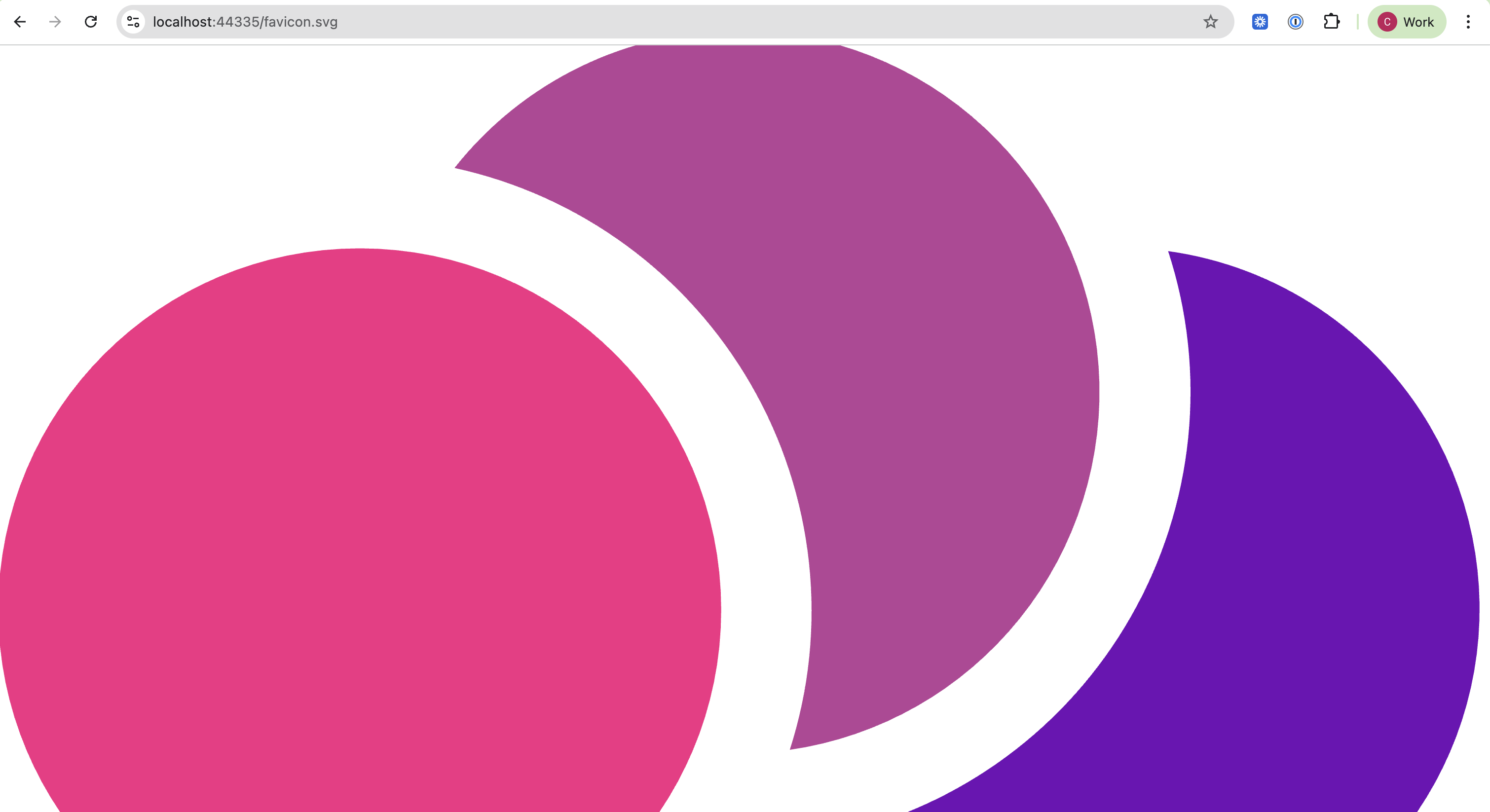 .
.
We have not made any changes related to favicon, we just updated to ABP 10.









