Thank you for your response. I will review the information and get back to you with an update shortly.
Additionally, could you please advise when the production version will be available?
Best regards,
Thank you, this worked
Thank for the update , I added below at top of my file /angular/src/styles.scss but first load the but still the design not correct
//angular/src/styles.scss :root .lpx-header-top { justify-content: space-between; }
You only shared below CSS rule with me, is thier any CSS?
//angular/src/styles.scss :root .lpx-header-top { justify-content: space-between; }
Hello Summeyye,
Thank you for your reply,
which file you mean? i need to put the css on top?
It's occurred only first time do ctr+f5 its will raise one time then all good
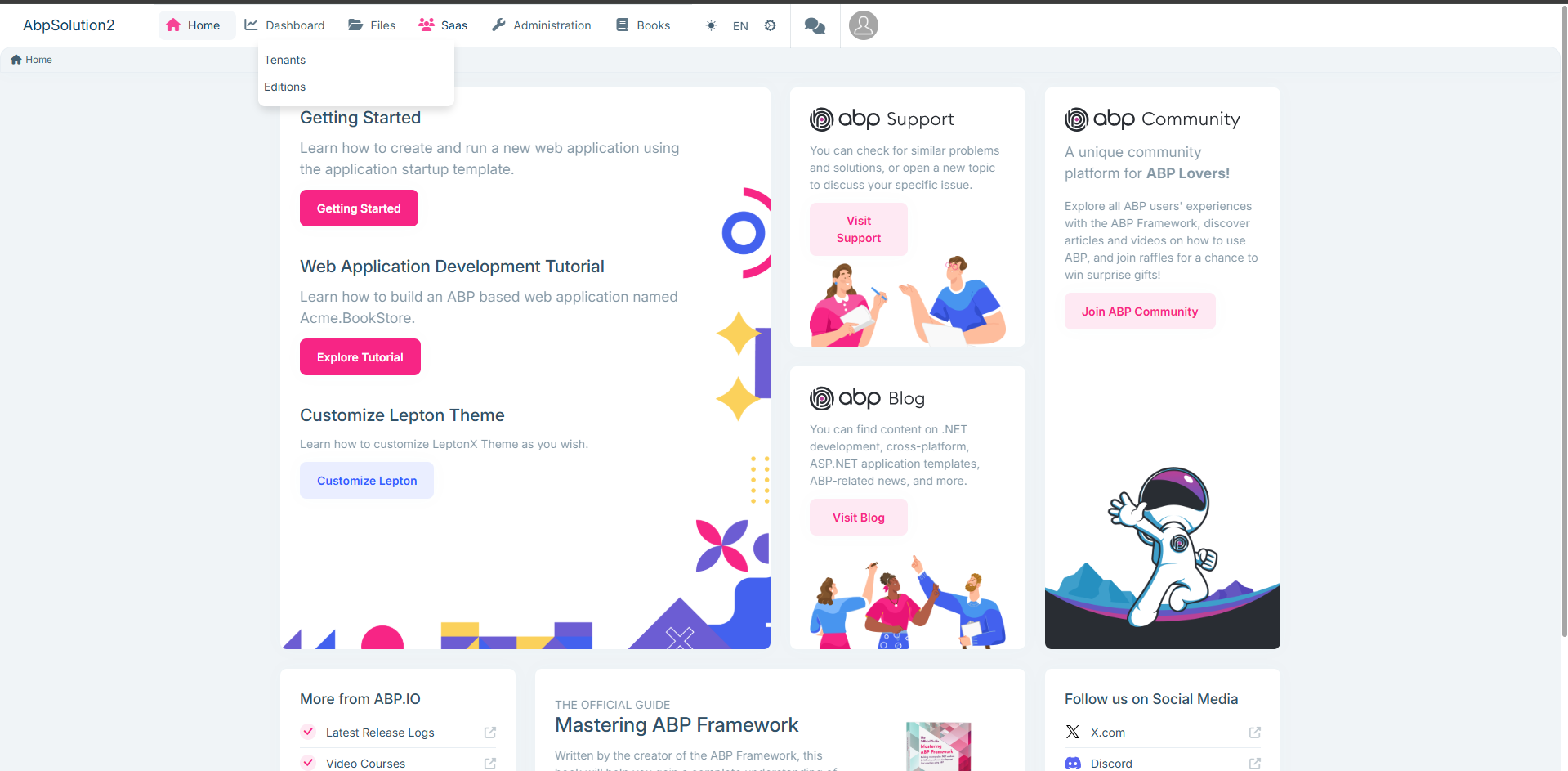
Hello Sumeyye Kurtulus,
Thank you for your reply, it's worked, but I found below style issue below, noting that I worked on a new, fresh ABP project. Furthermore i put my code changes int for your review
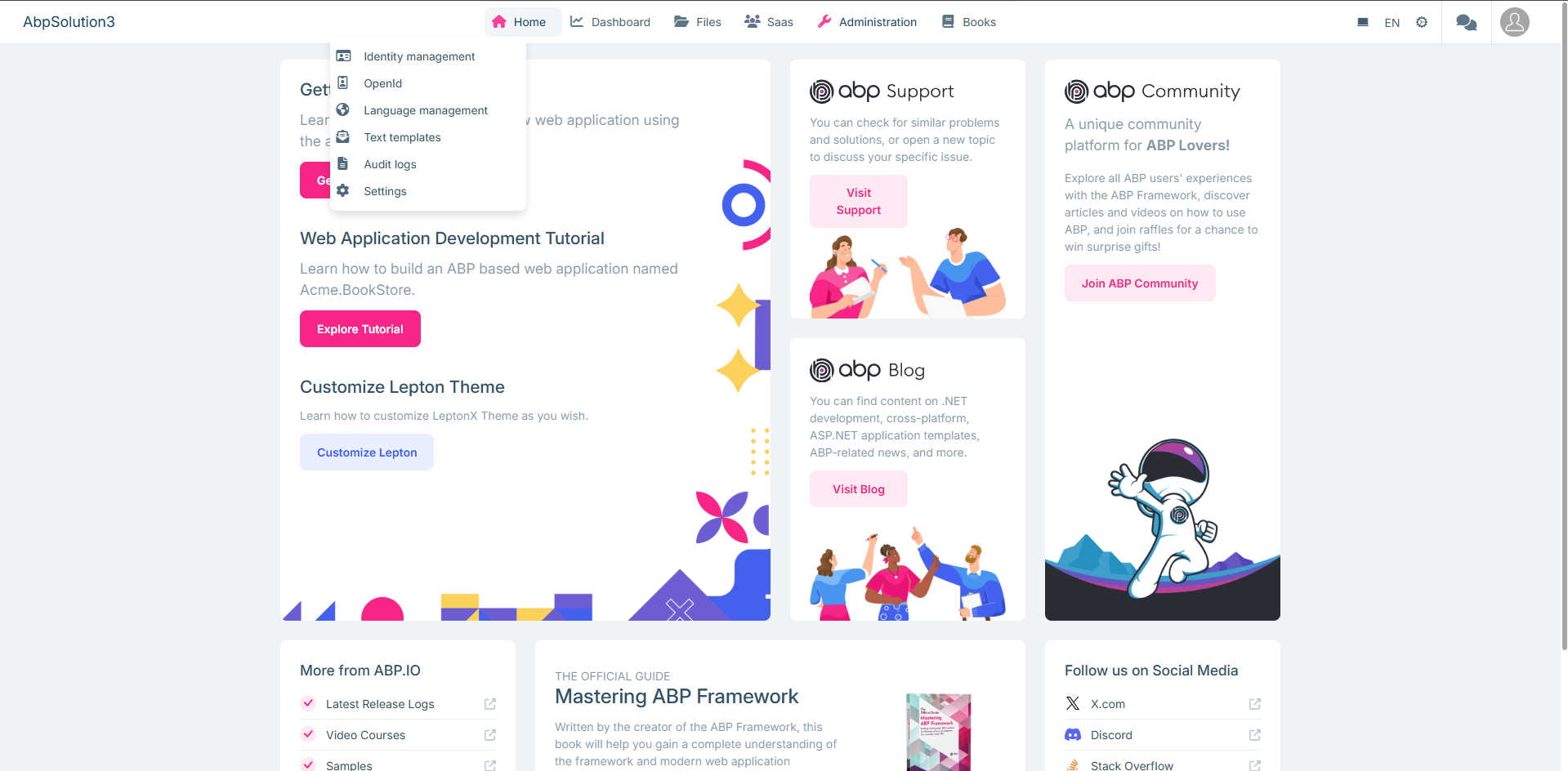
Please advise
import { Component, inject } from '@angular/core';
import { GdprCookieConsentComponent } from '@volo/abp.ng.gdpr/config';
import { DynamicLayoutComponent, ReplaceableComponentsService } from '@abp/ng.core';
import { LoaderBarComponent } from '@abp/ng.theme.shared';
import { eThemeLeptonXComponents } from '@volosoft/abp.ng.theme.lepton-x';
import { TopMenuNavbarComponent } from '@volosoft/ngx-lepton-x/layouts';
import { CustomMenu } from './layouts/custom-menu/custom-menu';
@Component({
selector: 'app-root',
template: <abp-loader-bar /> <abp-dynamic-layout /> <abp-gdpr-cookie-consent />,
imports: [LoaderBarComponent, DynamicLayoutComponent, GdprCookieConsentComponent],
})
export class AppComponent {
private replaceComponent = inject(ReplaceableComponentsService);
constructor() {
this.replaceComponent.add({
component: TopMenuNavbarComponent,
key: eThemeLeptonXComponents.TopNavbar,
});
this.replaceComponent.add({
  component: CustomMenu,
  key: eThemeLeptonXComponents.Navbar,
});

this.replaceComponent.add({
  component: CustomMenu,
  key: eThemeLeptonXComponents.Breadcrumb,
});
} }
import { Component } from '@angular/core';
@Component({ selector: 'app-custom-menu',
template: '',
}) export class CustomMenu {
}
/* You can add global styles to this file, and also import other style files */
:root .lpx-theme-dark { .abp-support { background-image: url('/assets/images/getting-started/abp-support-white.svg'); } .abp-community { background-image: url('/assets/images/getting-started/abp-community-white.svg'); } .abp-blog { background-image: url('/assets/images/getting-started/abp-blog-white.svg'); } .logo-x { background-image: url('/assets/images/getting-started/x-white.svg'); } }
:root { --lpx-theme-light-bg: url('/assets/images/login/login-bg-img-light.svg'); --lpx-theme-dim-bg: url('/assets/images/login/login-bg-img-dim.svg'); --lpx-theme-dark-bg: url('/assets/images/login/login-bg-img-dark.svg');
--lpx-logo-url: var(--lpx-logo-icon, url('/assets/images/logo/icon.svg')); --lpx-logo: var(--lpx-logo-icon);
.abp-logo { background-repeat: no-repeat; }
.abp-support { width: 178px; height: 30px; background-image: url('/assets/images/getting-started/abp-support.svg'); }
.abp-community { width: 215px; height: 30px; background-image: url('/assets/images/getting-started/abp-community.svg'); }
.abp-blog { width: 142px; height: 30px; background-image: url('/assets/images/getting-started/abp-blog.svg'); }
.logo-x { width: 20px; height: 20px; background-image: url('/assets/images/getting-started/x.svg'); } } :root .lpx-header-top { justify-content: space-between; }









