Could you please try to create a new database now? If possible can we schedule a small meeting?
sorry, what kind of steps.
Just run the solution using .\run-tye.ps1
Hi Maliming,
I shared the code with you by Git Hub. Please check and let me know if you get access.
Thanks
Hi Maliming,
Today, I found the issue is with the migration. Here are the steps.
Step 1. Create a new fresh Blazor webAssembaly solution
Step 2. Update database connections to a single database.
Step 3. run the solution using .\run-tye.ps1
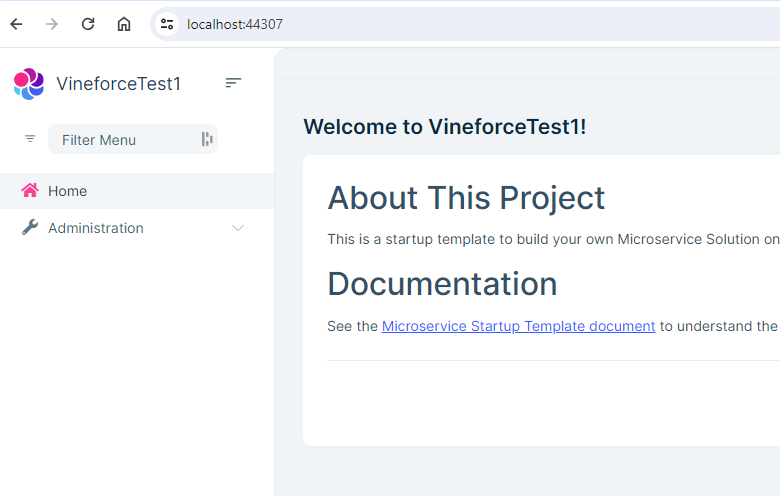
Step 4. It creates a new database and runs the application using localhost:44307. It works fine and we can view all menus .
Step 5. Add CMSkit pro to the Product service. Run the solution using .\run-tye.ps1
Step 6. I can view the CMS kit menu after following all the steps mentioned here (https://support.abp.io/QA/Questions/5930/MicroService-Pro-add-CmsKit-Pro-Menu-is-missing)
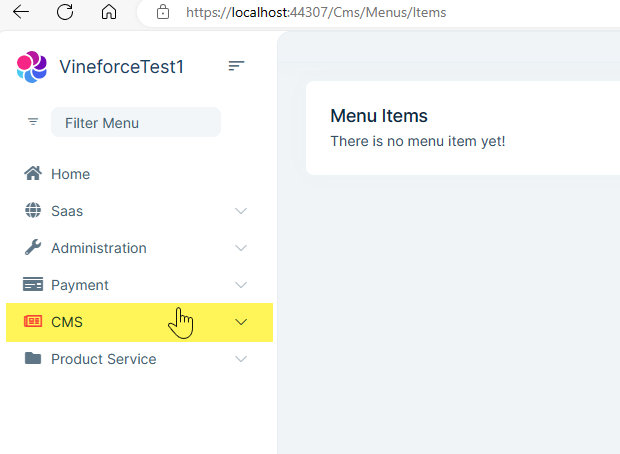
Step 7. Update the database connection string to create a new database. 1. e.g change VineforceDb1 to VineforceDb2. So it will create a new database.
Step 8. Build the solution dotnet build and then run the solution using .\run-tye.ps1
Step 9. It creates a new database but this time I can't view the Saas as well as CMS kit menus.
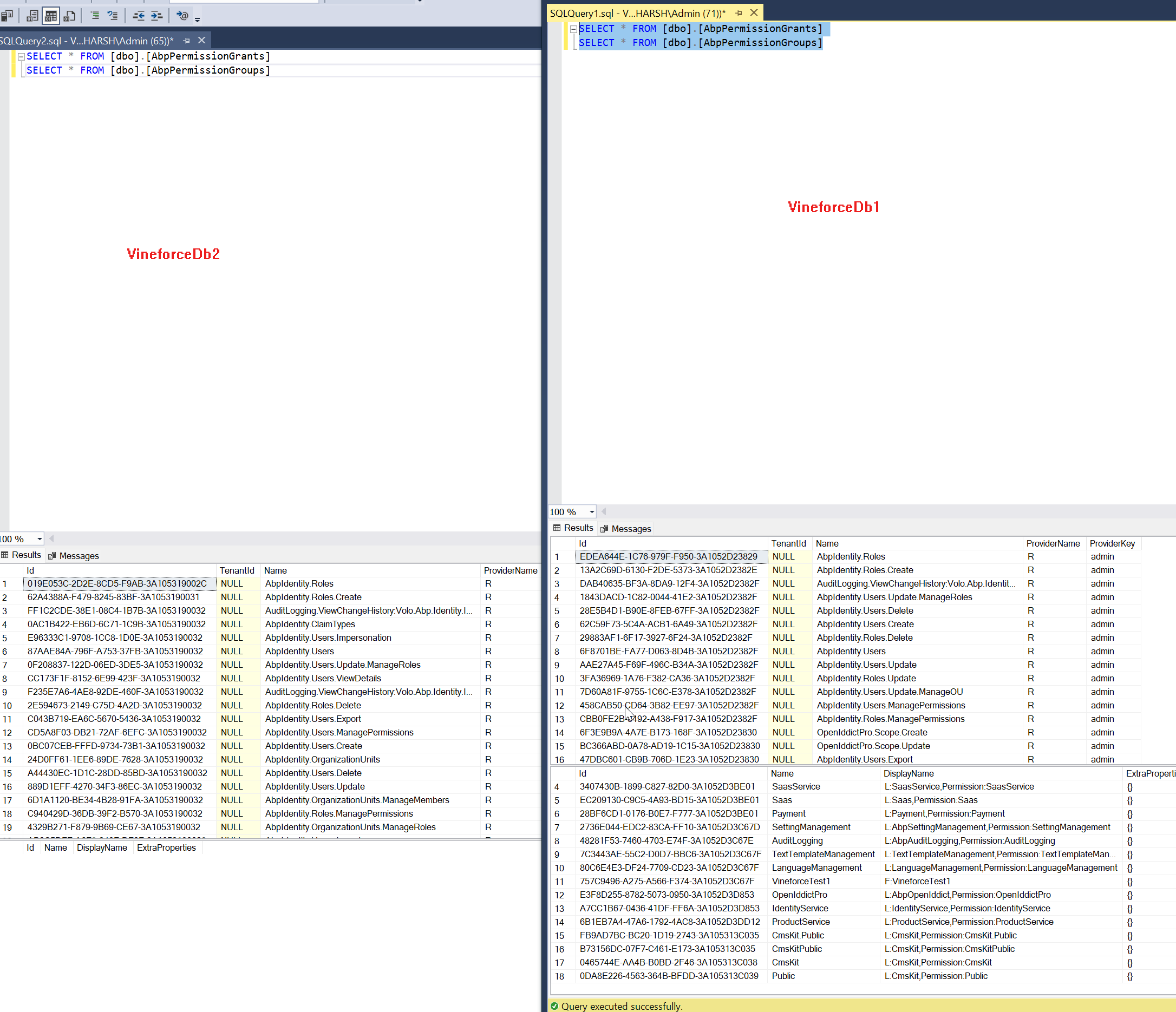
Step 10. Here is the database query for AbpPermissionGrants, AbpPermissionGroups
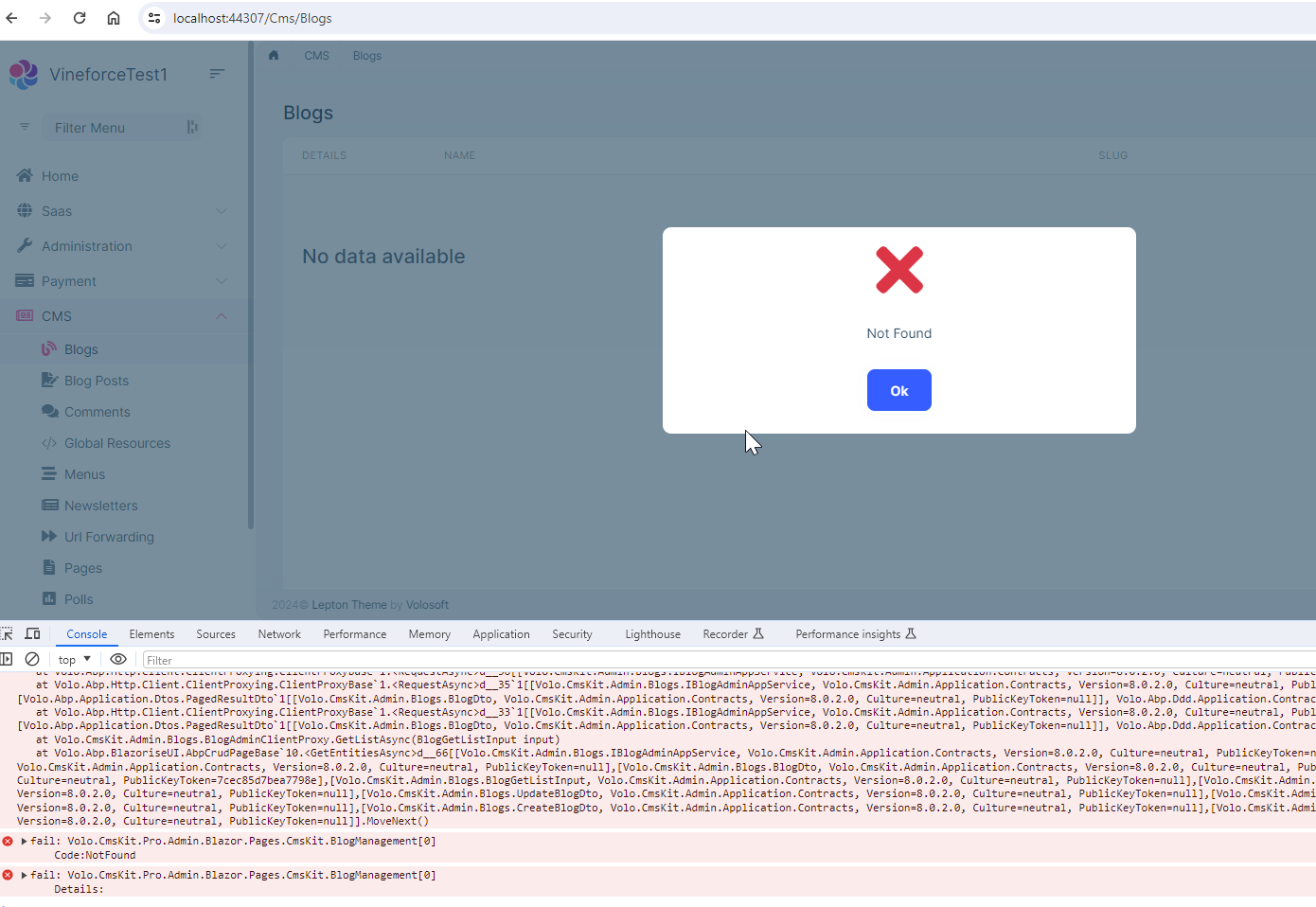
PS: Whenever I try to open any CMSKIt pro menu then I am getting a Not Found error.