hi
Please share the error logs in
Logs.txtfile.Thanks.

hi
when i start application i got my port 4200
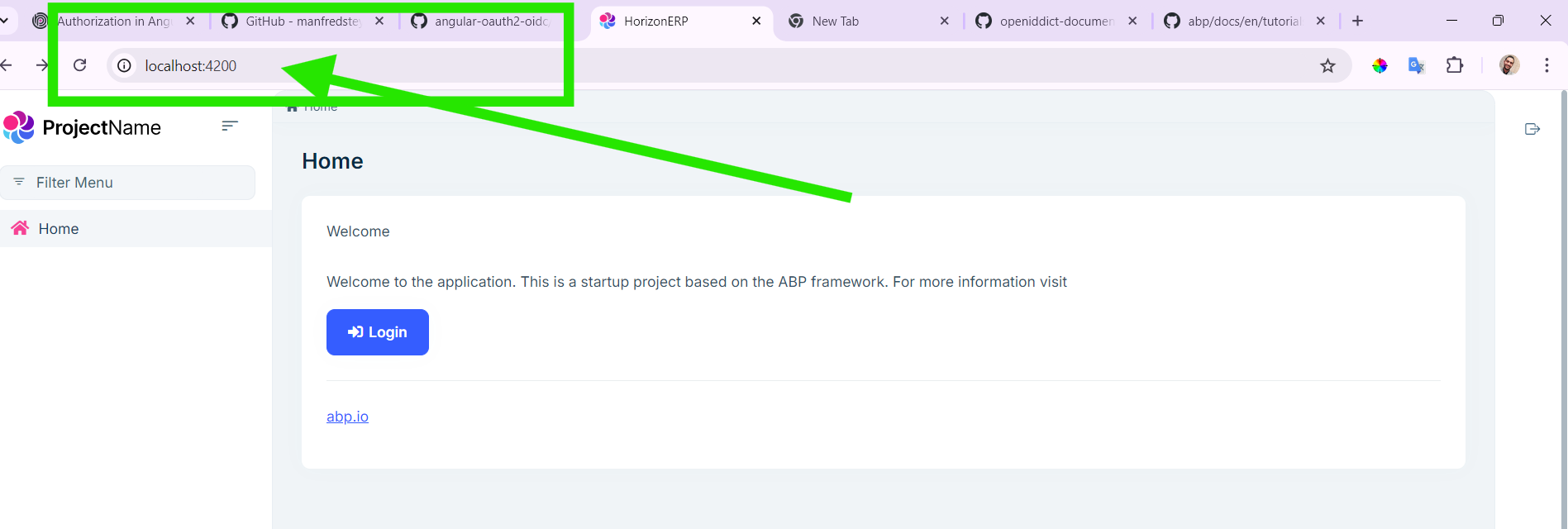
when clicking login path changes to
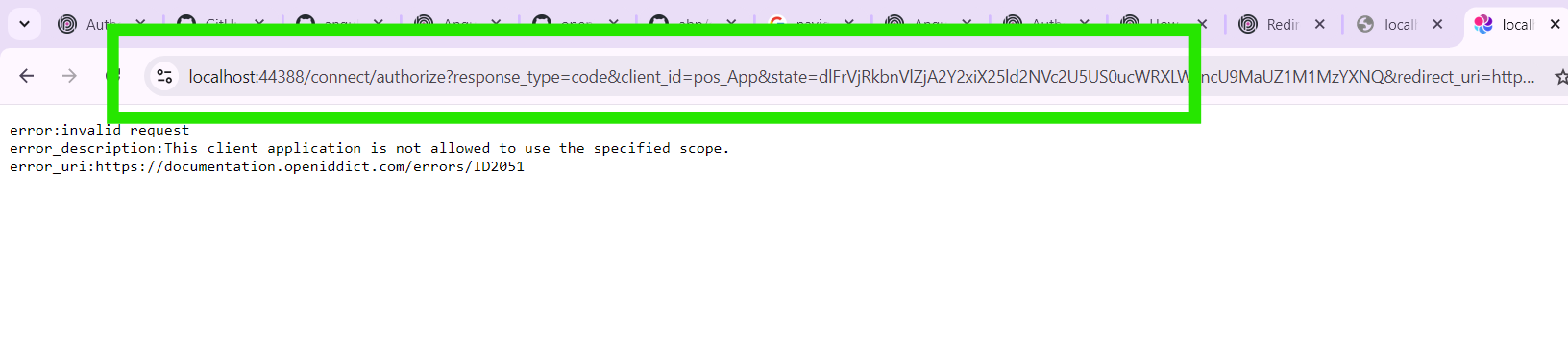
i created new abp angular application to see url and i found it
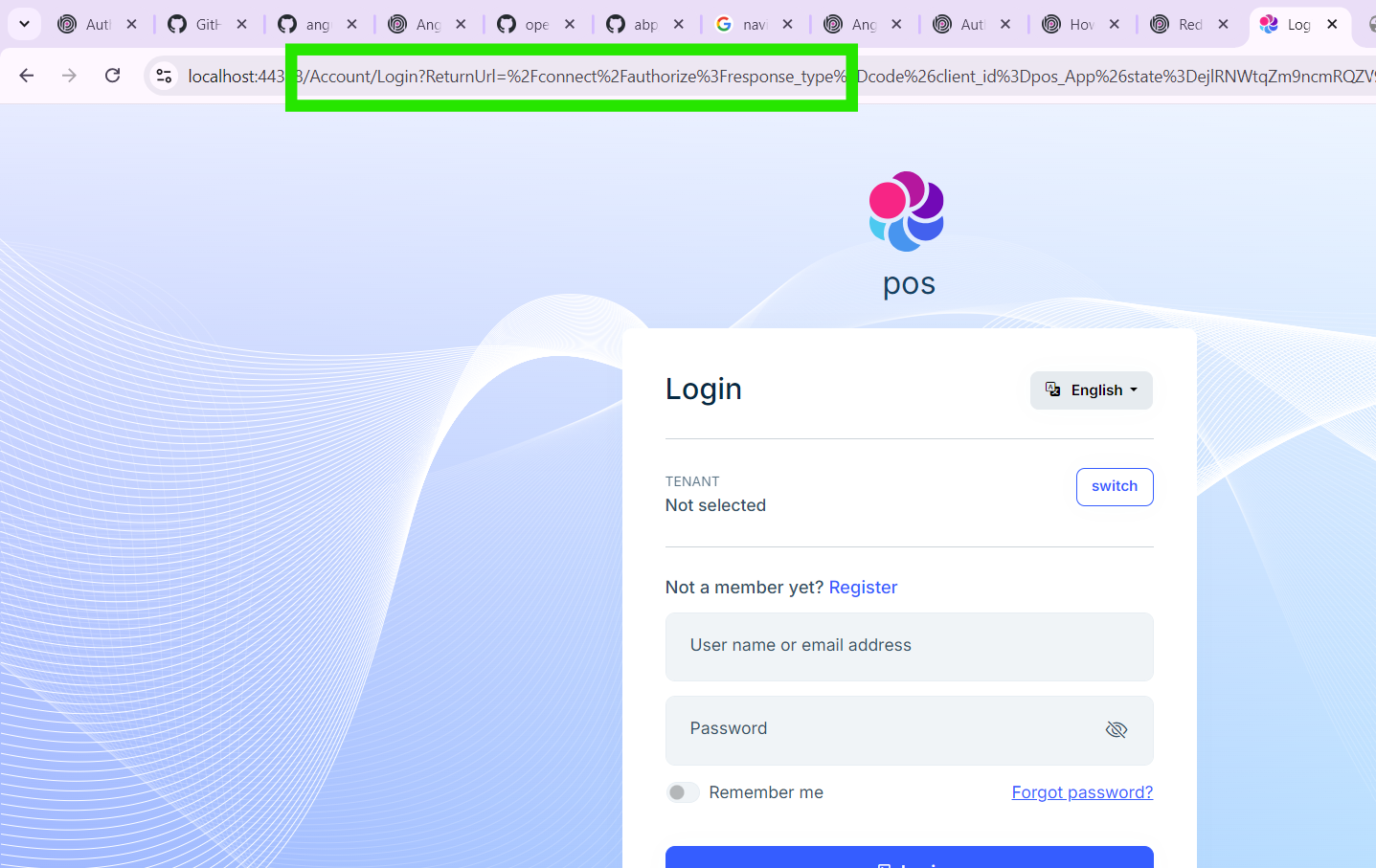
and database like

so i added in my database new line like

and changed the url manually to this img (this is wrong i want it to open automatically)
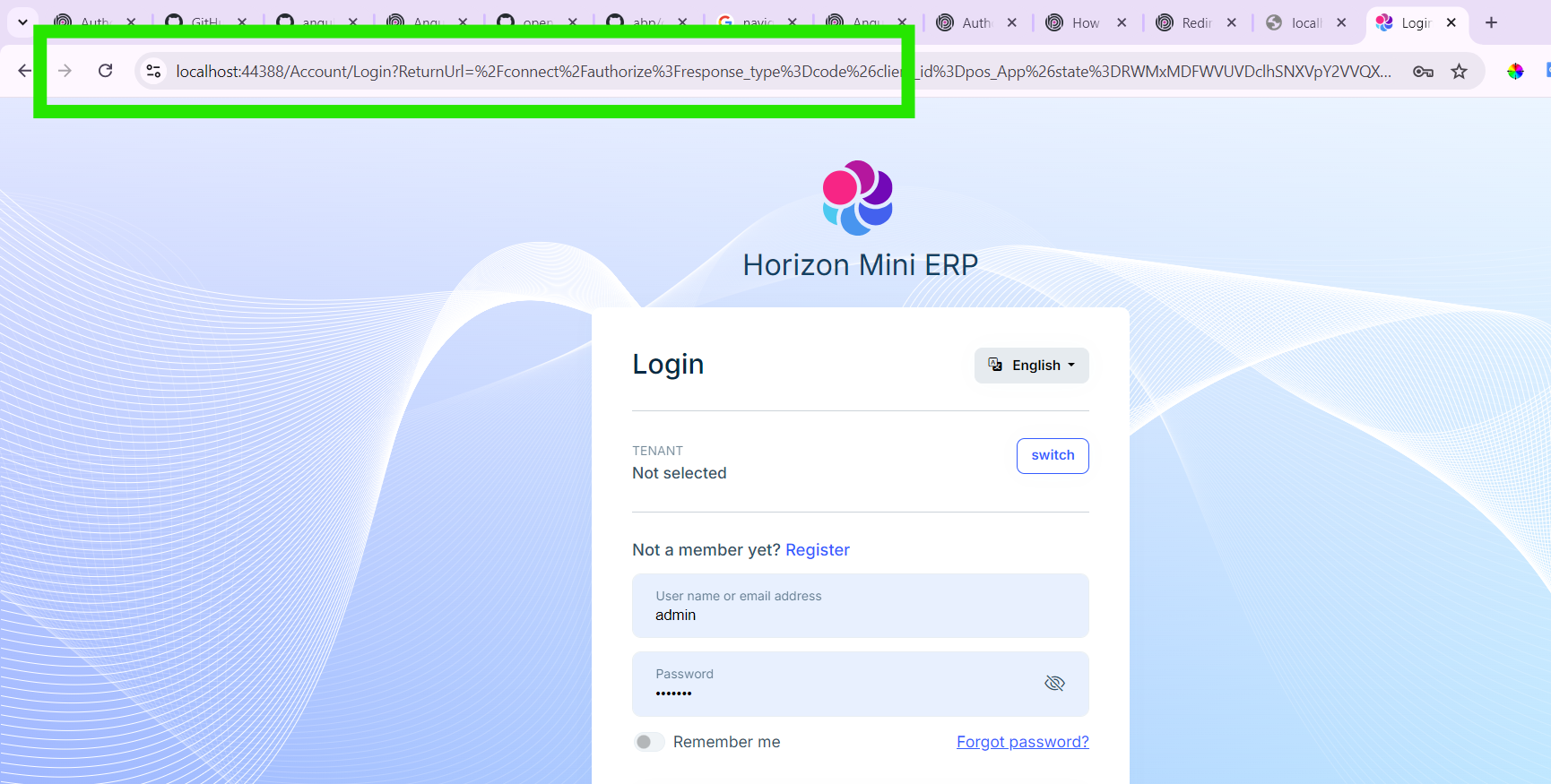
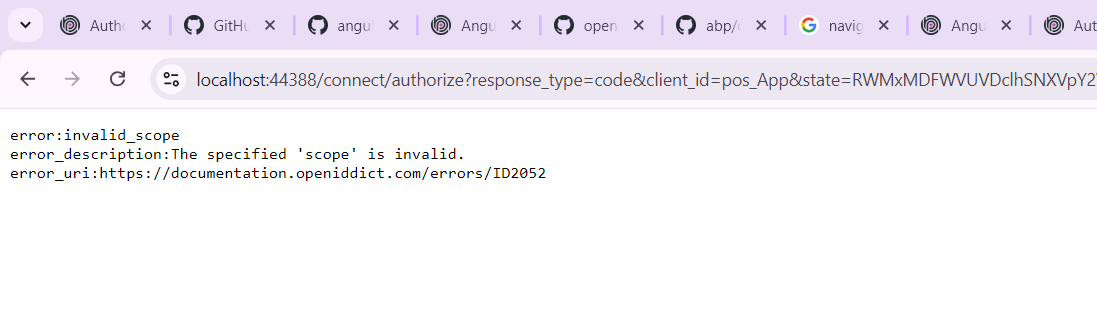
and when write user name and password url changed again and i got this error
this is my environment
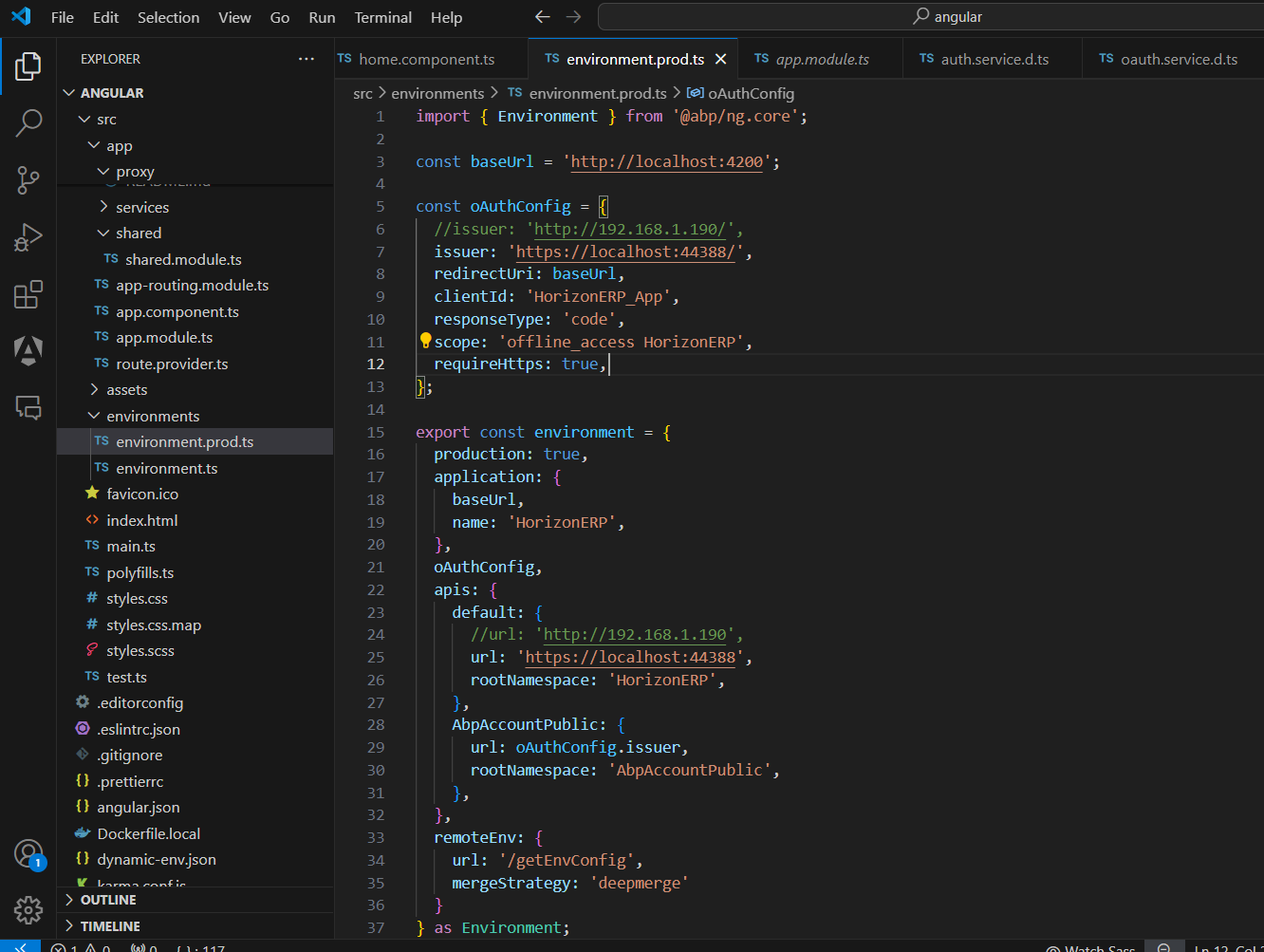
note: see this question with your friend "liangshiwei" i have external solution with api not the core project that generated with angular i mean i just use angular https://abp.io/support/questions/7771/Angular-error-API-Response
hi where can i find this file?? note : i used external API not api that abp offers me when creating abp angular application
wow it works you are super
thank you pal
is there a way to put tenant dynamically according to login i put it as static string
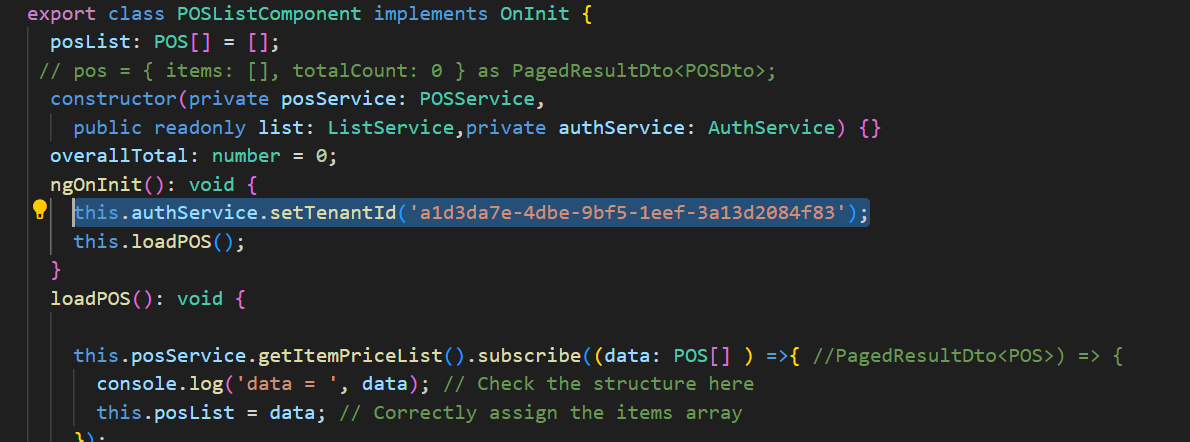
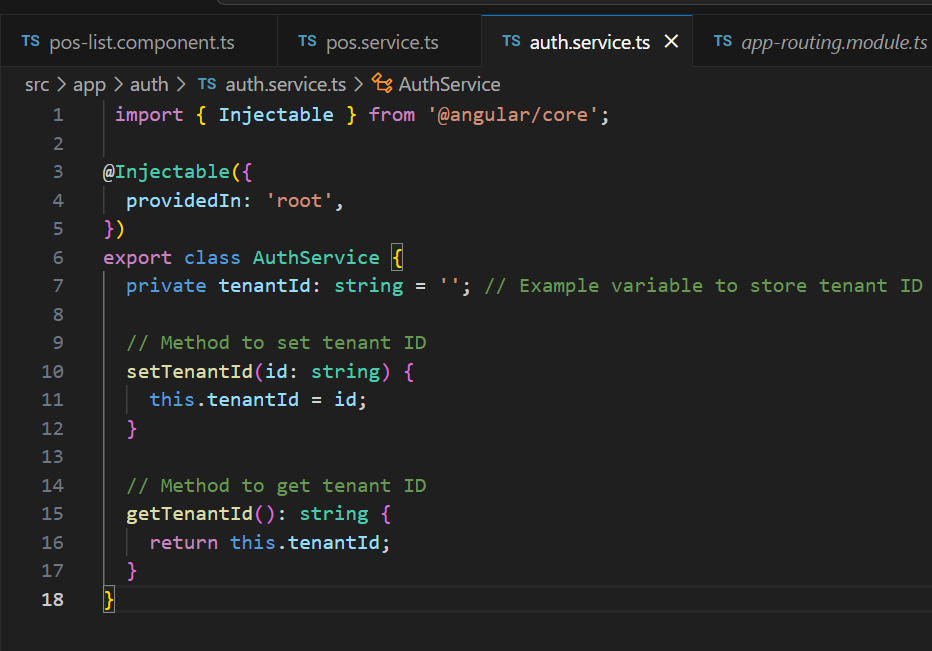
1- Swagger Response Body
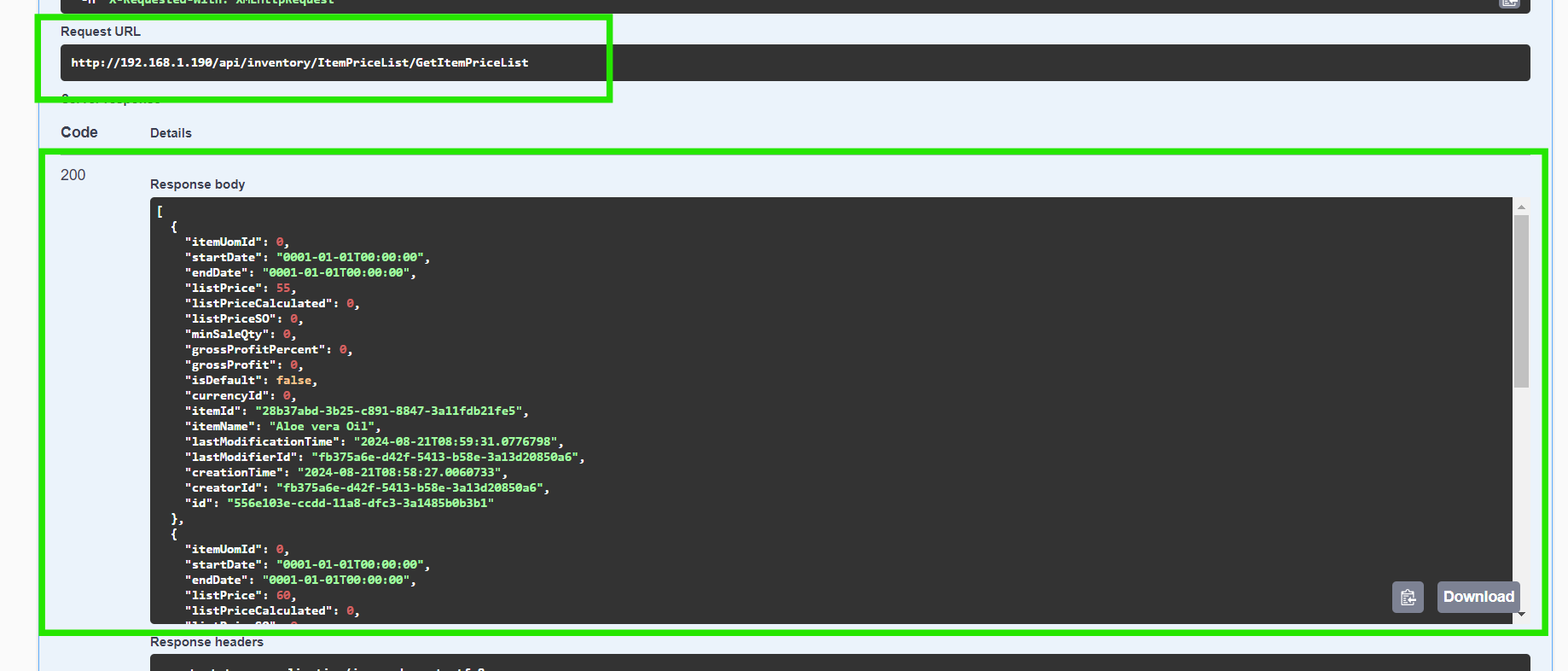
2- HTTP Request in server.ts
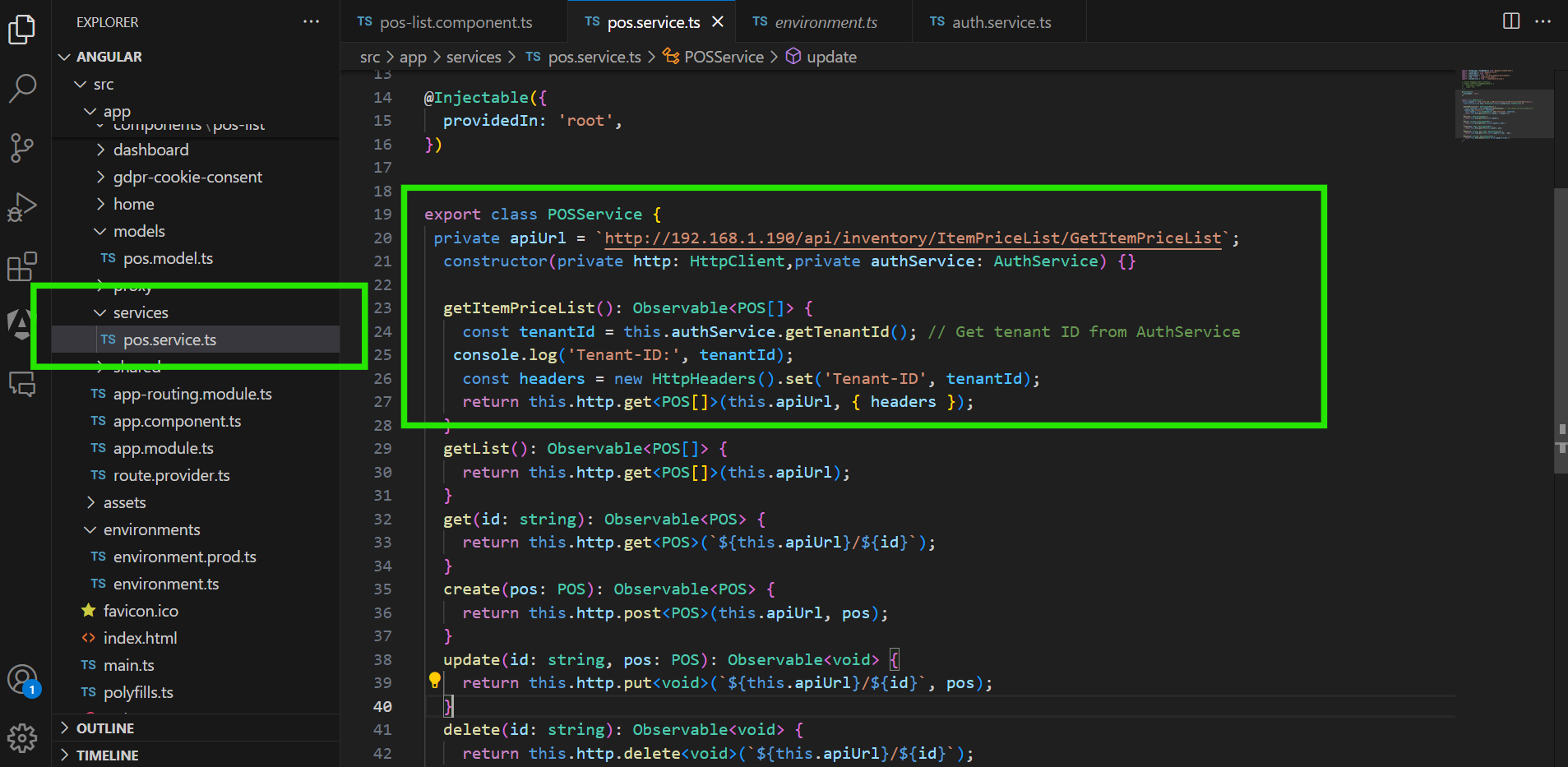
3- TS File
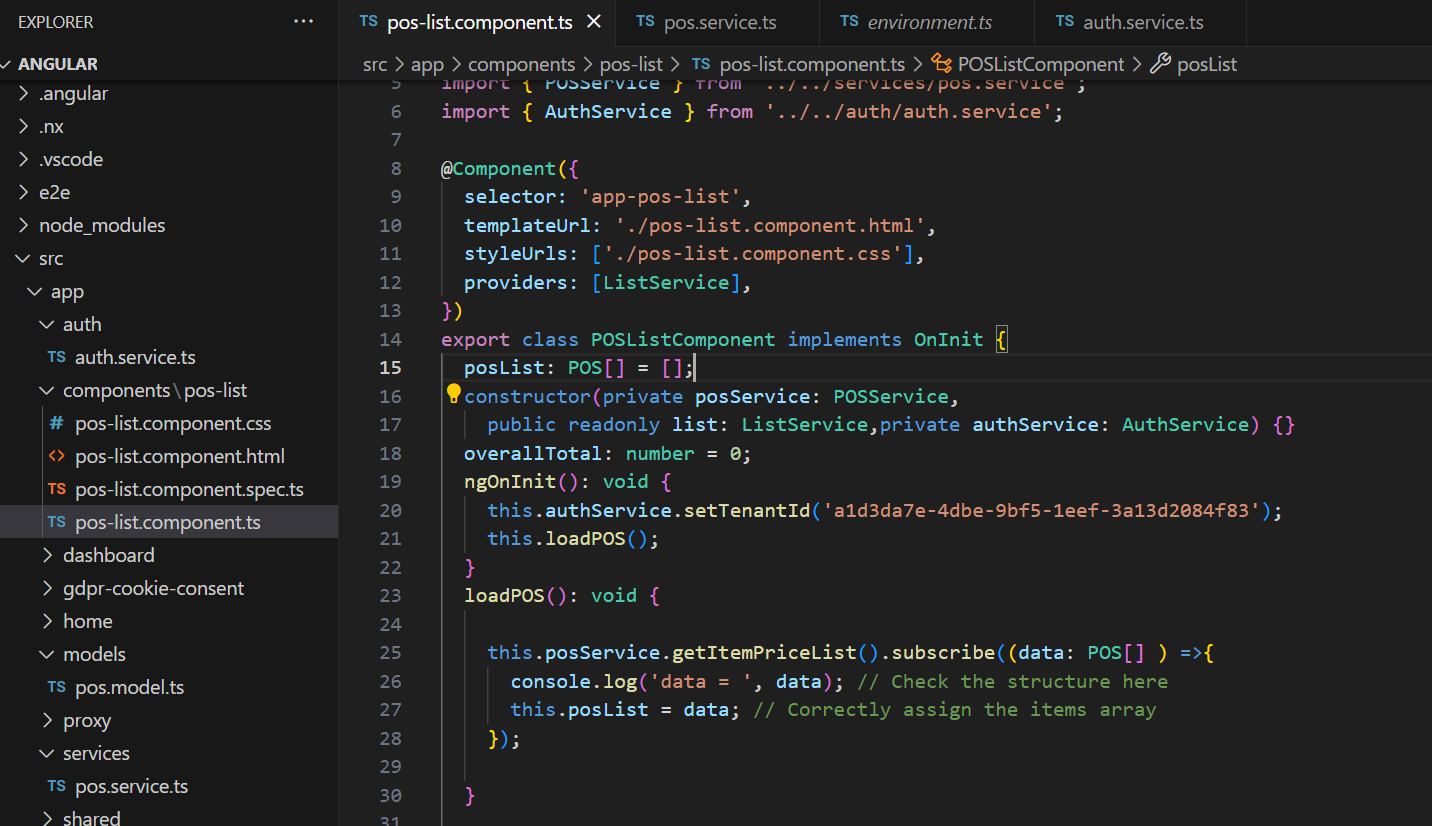
4- interface
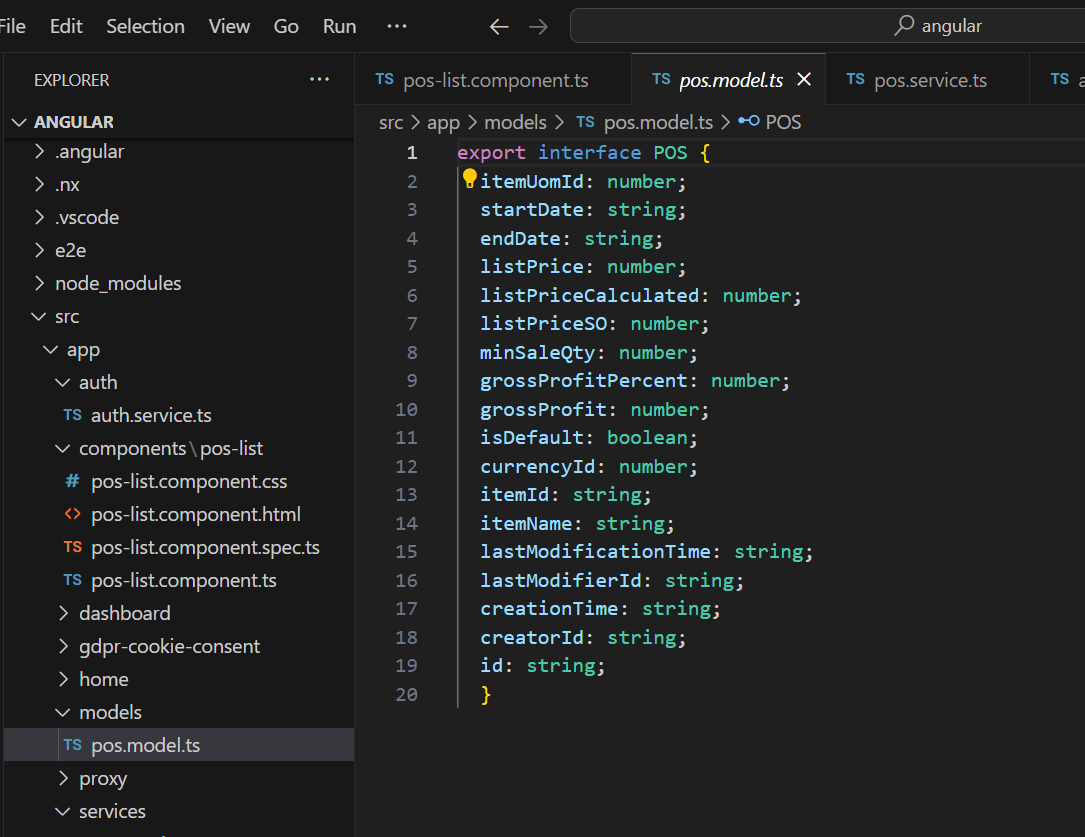
5- Final Result on screen
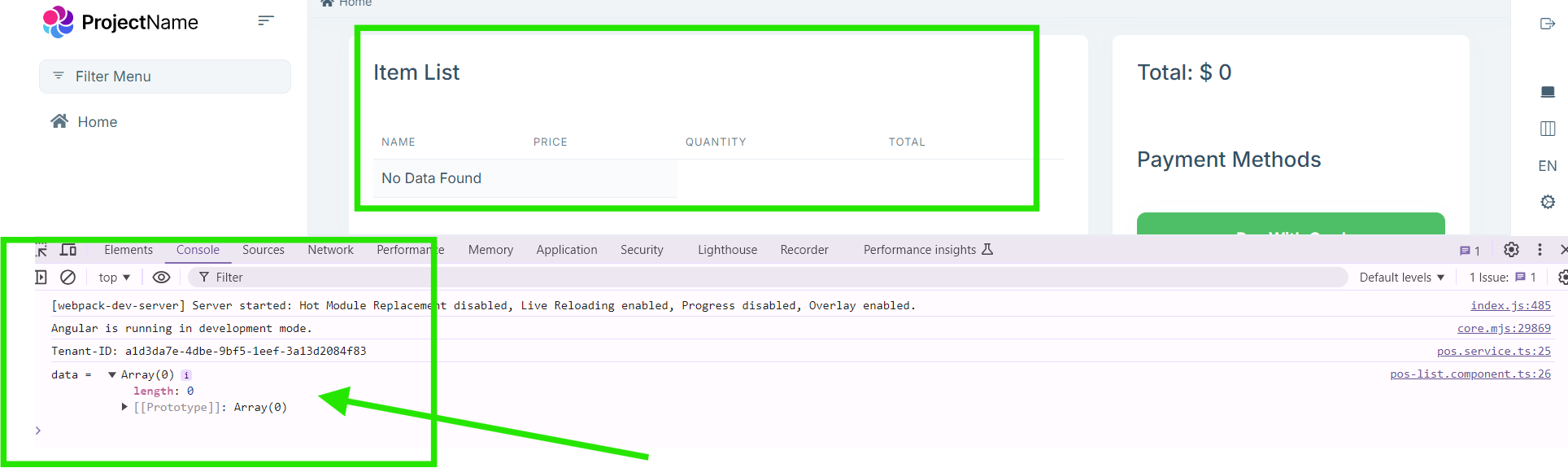
hi sir
thank you error was gone
but still no data despite of there is a data in swagger
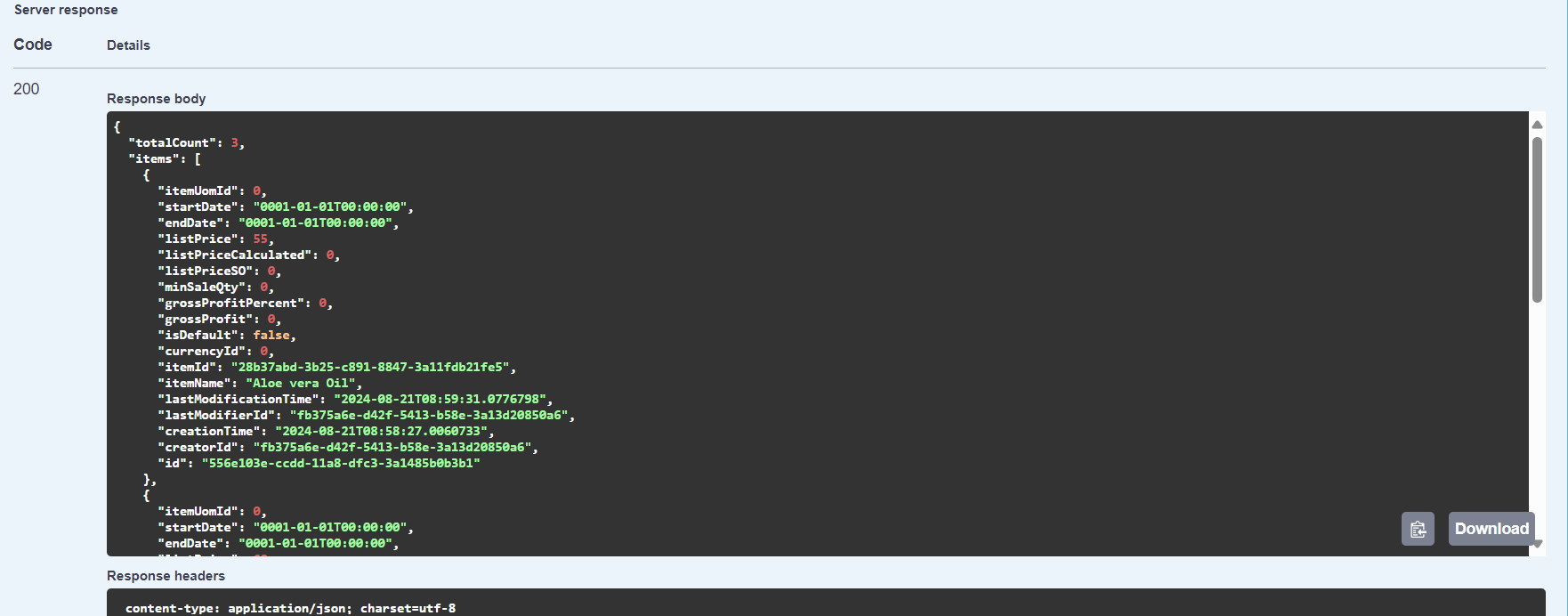
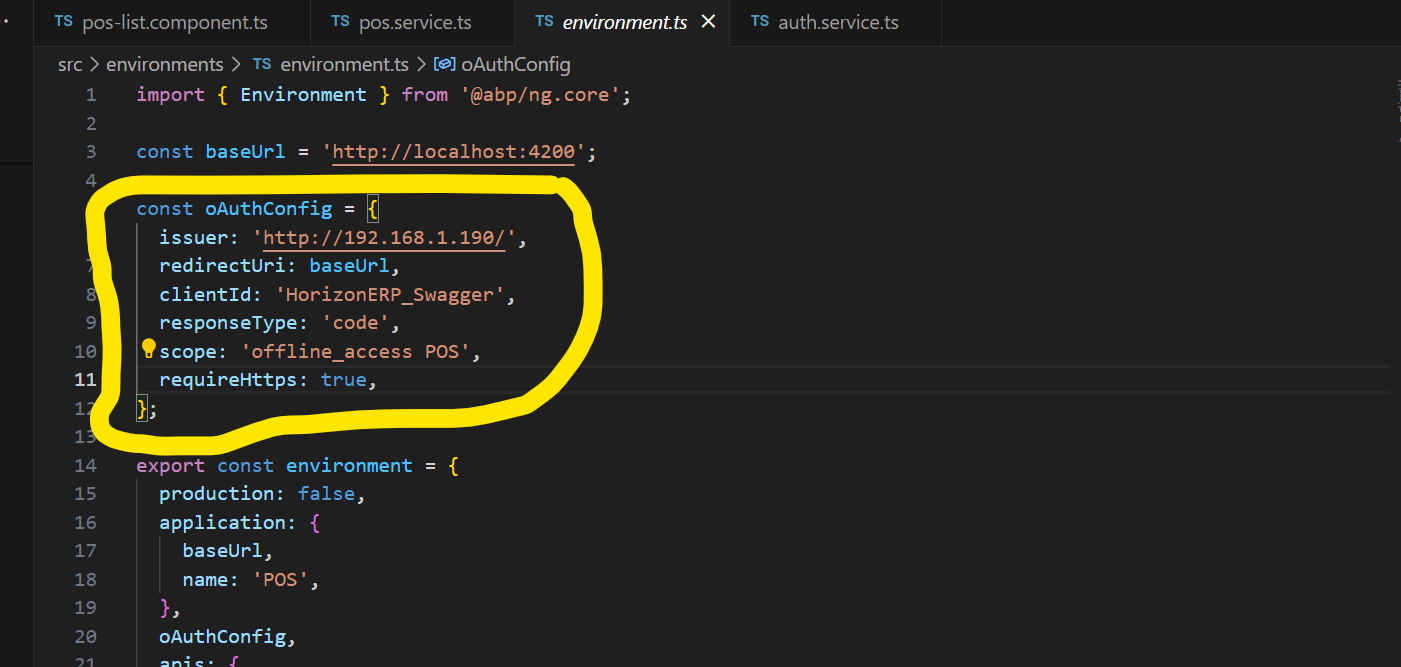
i am sure there is missing configuration or something i must put into angular or server side. i reached a good step which i can run angular application without running server-side that created with it now i can run angular project alone i changed oAuthConfig as image below
but still an empty array
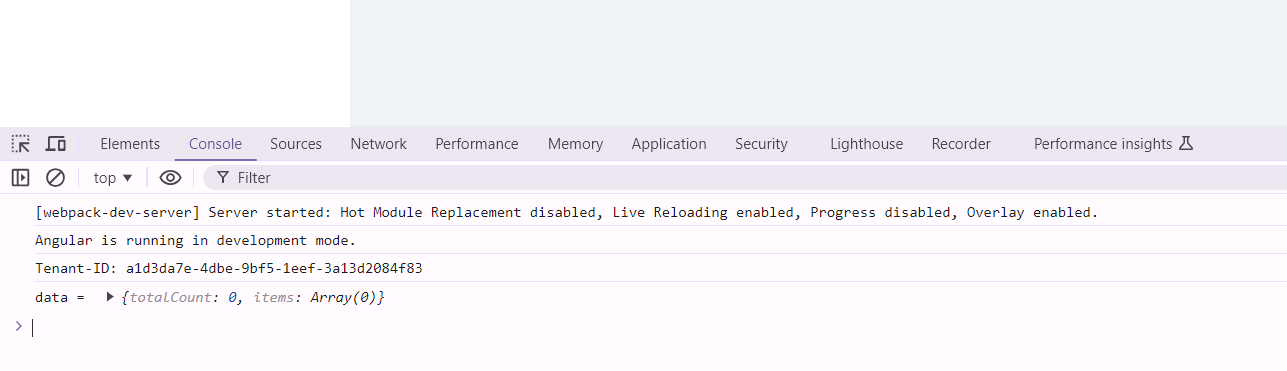
what i miss is mapping with 2 application
default when use ( abp new project-name -t angular) there is some auth and configuration generated automatically but as i mentioned
i do not want using server side i already created another abp solution and i want to use it's api so What is the missing part in order to link the Angular project to the ABP project that I created previously?
note : in my abp solution i used tenant that shown in console i put it static for test just view data next step how to get it dynamic when login but first link two project with each other
i'm going to try
sir i want to start from scratch just create an ABP Angular application without server-side i already have API i want to put it into new ABP Angular application because when i put the api server link i got this conflict i think this is because server side which created with angular so let's forget about it and i got an API link i want to use it into ABP Angular application is there a command to do this or i must create both together server-side and client-side
i am sure there is a way to do this because it's not logic to create server side with client side what if i want to use just ABP Angular with it's features ? i will get API From another place so what i must do?









