Thanks, will wait for your responce.
Yes, thats right.
I have an Internet issue, so may i ask you to create project in AbpStudio for criterias like :
Then create images and in directory ./etc/docker-compose in appsettings.json file change url for blazor , then update docker-compose file with the same url where it used in relations like db-migrator, api, auth and set port of blazor service to 80
I am using Docker Desktop and appsettings context is this before change which is working
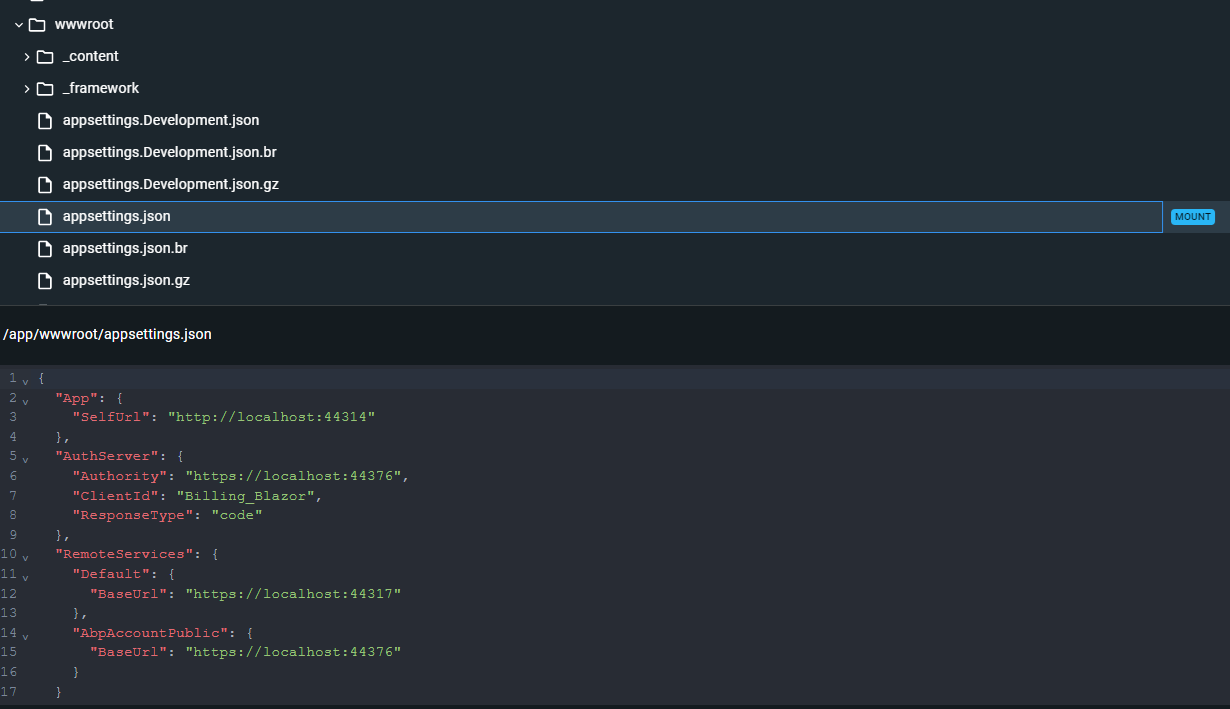
and after i changed which is not working
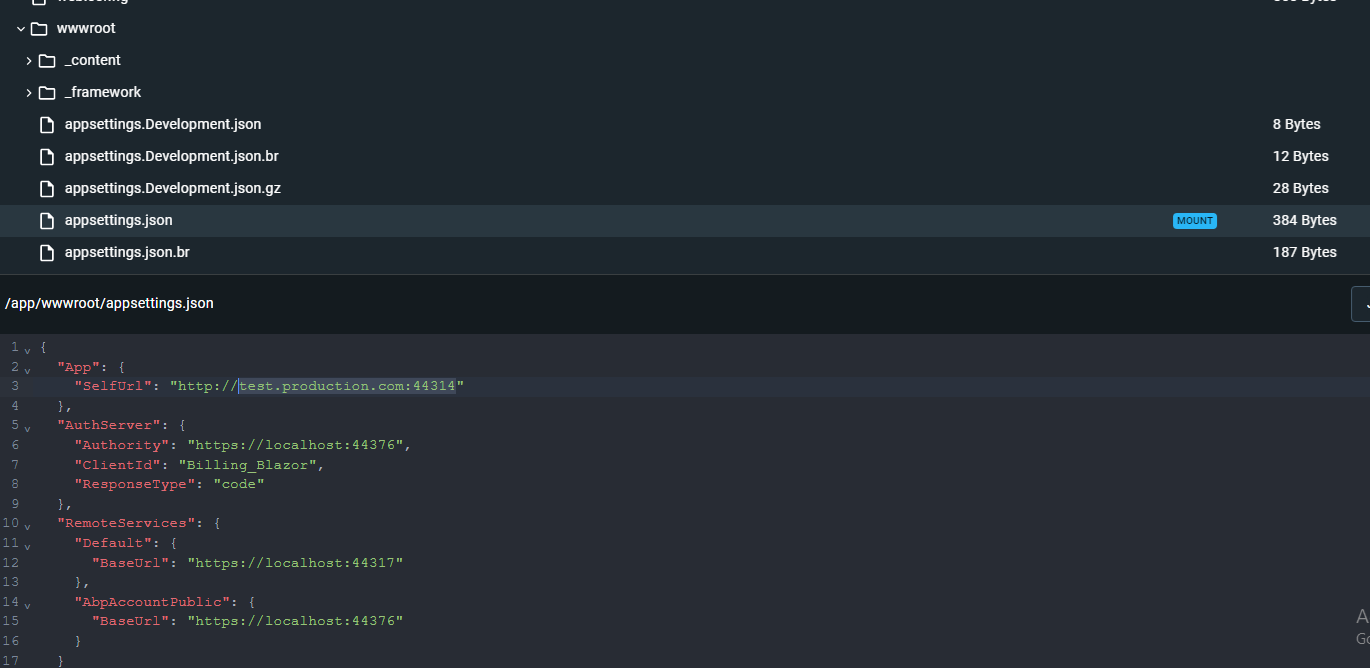
even in the browser there is nothing happening no networks no console errors or logs
Yes, by mounting
volumes: - ./appsettings.json:/app/wwwroot/appsettings.json
I tried still same result. Also removed volumes and on creating image used --no-cache. It always works on url that was configured before docker build.
Added image od Endpoint insides
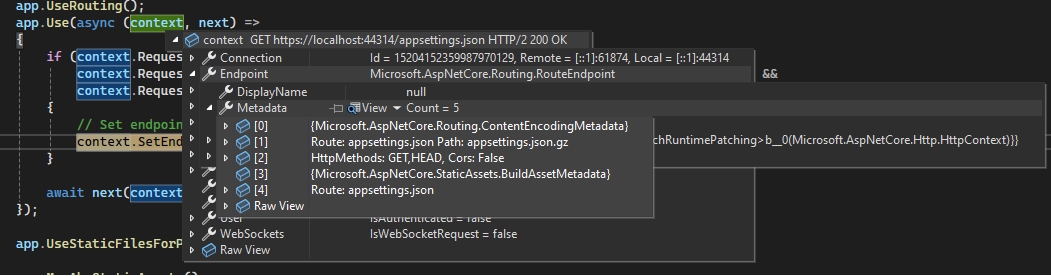
Hi, by debugging it context.GetEndpoint(null) works, but still same issue with the url configuration from docker-compose.
↓ is before Endpoint setted to null
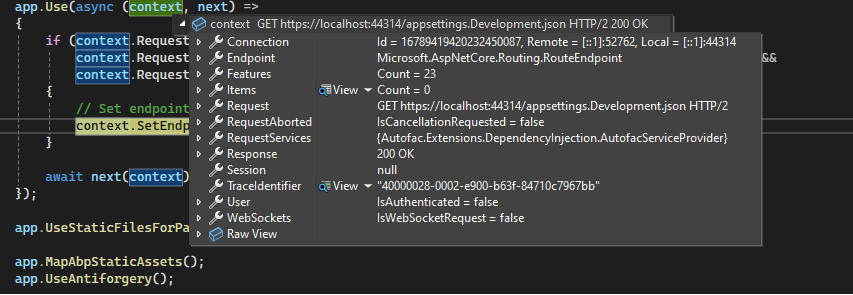
and ↓ is the after Endpoint is null
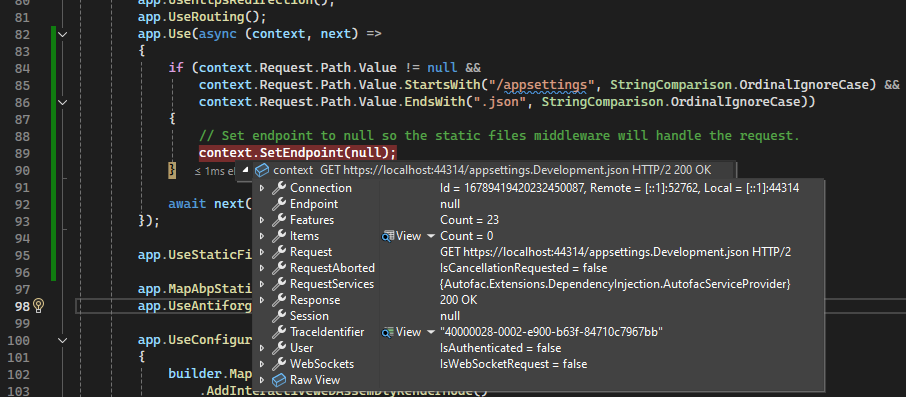
hi, I tried you suggestion but without if.It still did not worked.
Below is Blazor Module ▼
public override void OnApplicationInitialization(ApplicationInitializationContext context)
{
    var env = context.GetEnvironment();
    var app = context.GetApplicationBuilder();

    // Configure the HTTP request pipeline.
    if (env.IsDevelopment())
    {
        app.UseWebAssemblyDebugging();
    }
    else
    {
        // The default HSTS value is 30 days. You may want to change this for production scenarios, see https://aka.ms/aspnetcore-hsts.
        app.UseHsts();
    }

    app.UseHttpsRedirection();
    app.UseRouting();
    app.Use(async (context, next) =>
    {
        if (context.Request.Path.Value != null &&
            context.Request.Path.Value.StartsWith("/appsettings", StringComparison.OrdinalIgnoreCase) &&
            context.Request.Path.Value.EndsWith(".json", StringComparison.OrdinalIgnoreCase))
        {
            // Set endpoint to null so the static files middleware will handle the request.
            context.SetEndpoint(null);
        }
        await next(context);
    });

    app.UseStaticFilesForPatterns("appsettings*.json");

    app.MapAbpStaticAssets();
    app.UseAntiforgery();

    app.UseConfiguredEndpoints(builder =>
    {
        builder.MapRazorComponents<App>()
            .AddInteractiveWebAssemblyRenderMode()
            .AddAdditionalAssemblies(WebAppAdditionalAssembliesHelper.GetAssemblies<BillingBlazorClientModule>());
    });
}
It did not solve the problem.









