Hi @Dicky.tech,
Can you give more steps to reproduce the issue?
Am getting error when i try to create a new record.
What kind of record do you try to create?
Hi @tapio.muikku,
Suite doesn't support app-nolayers-pro template for now, we will work on that.
I'm refunding your question credit.
Actually, adding ConcurrencyStamp property to PersonalInfoModel class in Volo.Abp.Account.Pro.Public.Blazor/Pages/Account/Manage.razor file would be a better solution.
public class PersonalInfoModel
{
    ...

    public string ConcurrencyStamp { get; set; }
}
Hi @alin.andersen,
The exception is thrown by the bundling step. Luckly this doesn't seem to be a fatal error. The error message is displayed but the process continues in the background.
So you can run abp bundle command in the Blazor project of your solution and then it will be ok.
I'll create an internal issue for this problem and will solve it soon.
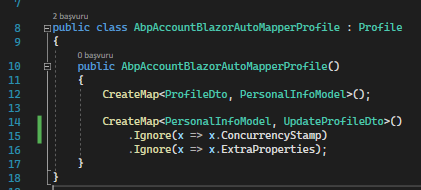
note: I also faced a problem with automapper after intstalling Accoun.Pro module. You may need to add the 15th line in the SS below.
I'm sending the schematics folder as a zip file to you via E-Mail. You can unzip it to angular/.suite/schematics folder in your project, then run npm install to create node_modules folder inside.
Then you can inform me if it resolved the issue with suite.
Hi agan,
I've just watched the videe you sent to @alper.ebicoglu.
You are creating the CRUD page in the final application (NirvanaHealth). This is wrong. You have to add the newly created module to ABP Suite (...\aspnet-core\modules\UserManagement). Then generate the page on it.
I will check the error in the log file.
Hi,
This log is very usefull.
Do you have angular\.suite\schematics directory in the proejct? If so, can you run npm install command in it and try again?
Hi,
I've created a new project from Module Template (v5.1.3) named Mcp.UserManagement via ABP Suite (v5.1.3) and then generated a new CRUD page named Application with the same properties you provided.
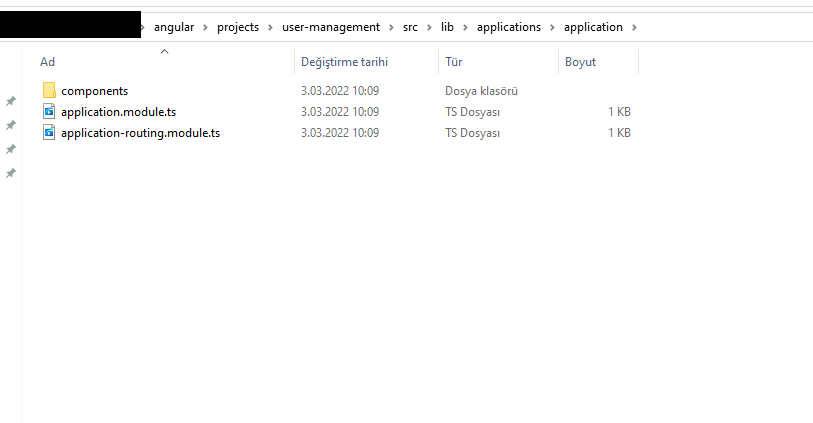
It generated files under angular\projects\user-management\src\lib\applications\application folder for Angular UI.
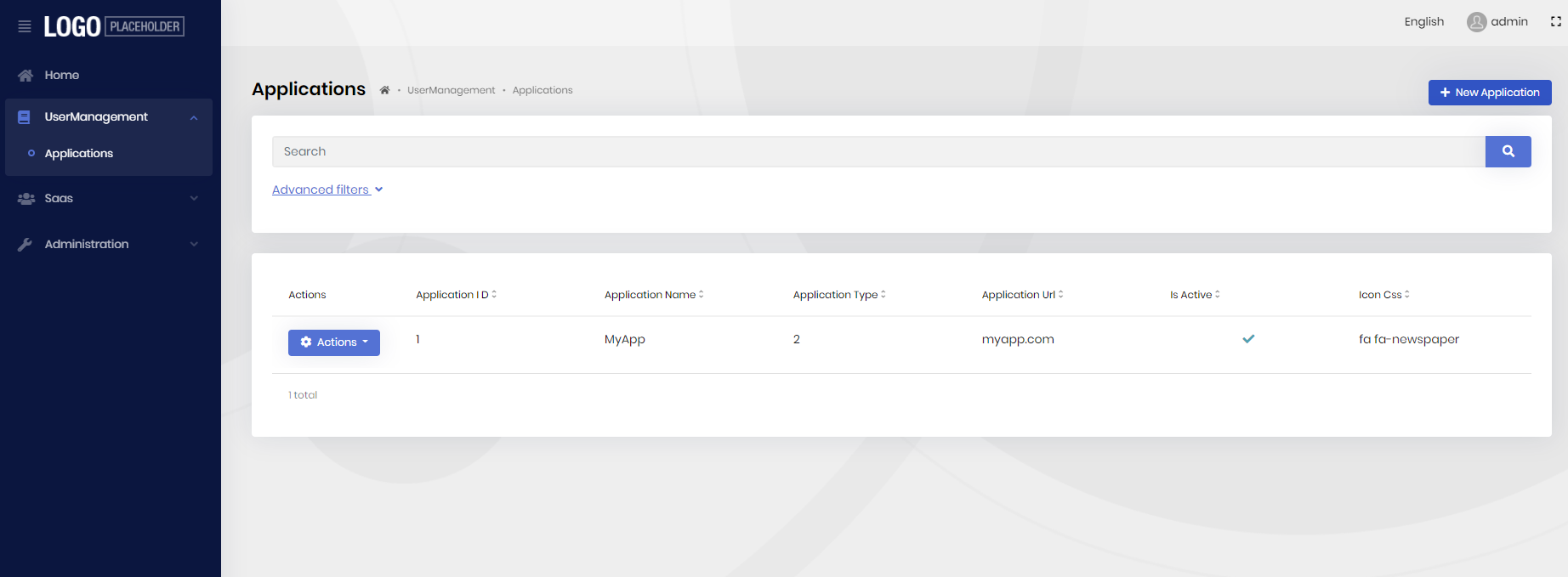
And then i run the Angular application and am able to see the newly created page:
Do you made any change after project creation? Because i am unable to reproduce the issue.
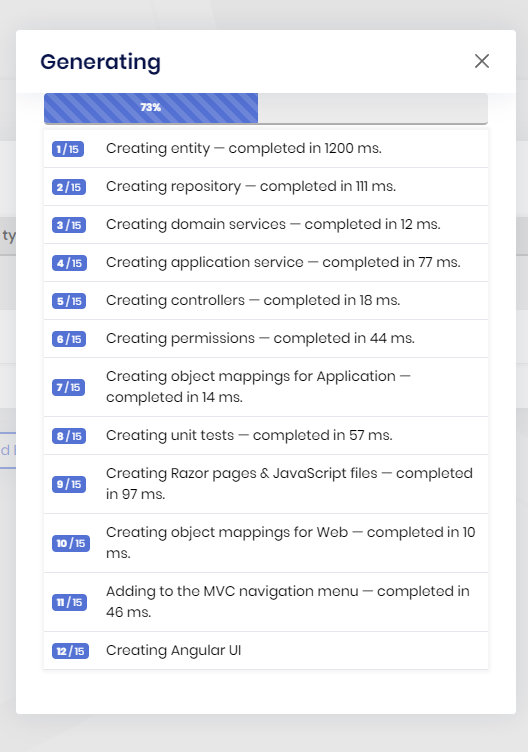
Do you see the Creating Angular UI step while creating the CRUD page? Does it throw any exception?
@epieters
You need to install the packages, that i listed above, to the corresponding projects in your solution.
For example: Install Volo.Docs.Admin.Application to the project where Volo.Docs.Application is installed. Then add DocsAdminApplicationModule dependency next to DocsApplicationModule dependency in the ABP module class of the target project.









