you can customize the user interface per your tenants / users / or any other conditions. See https://docs.abp.io/en/abp/latest/Customizing-Application-Modules-Overriding-User-Interface
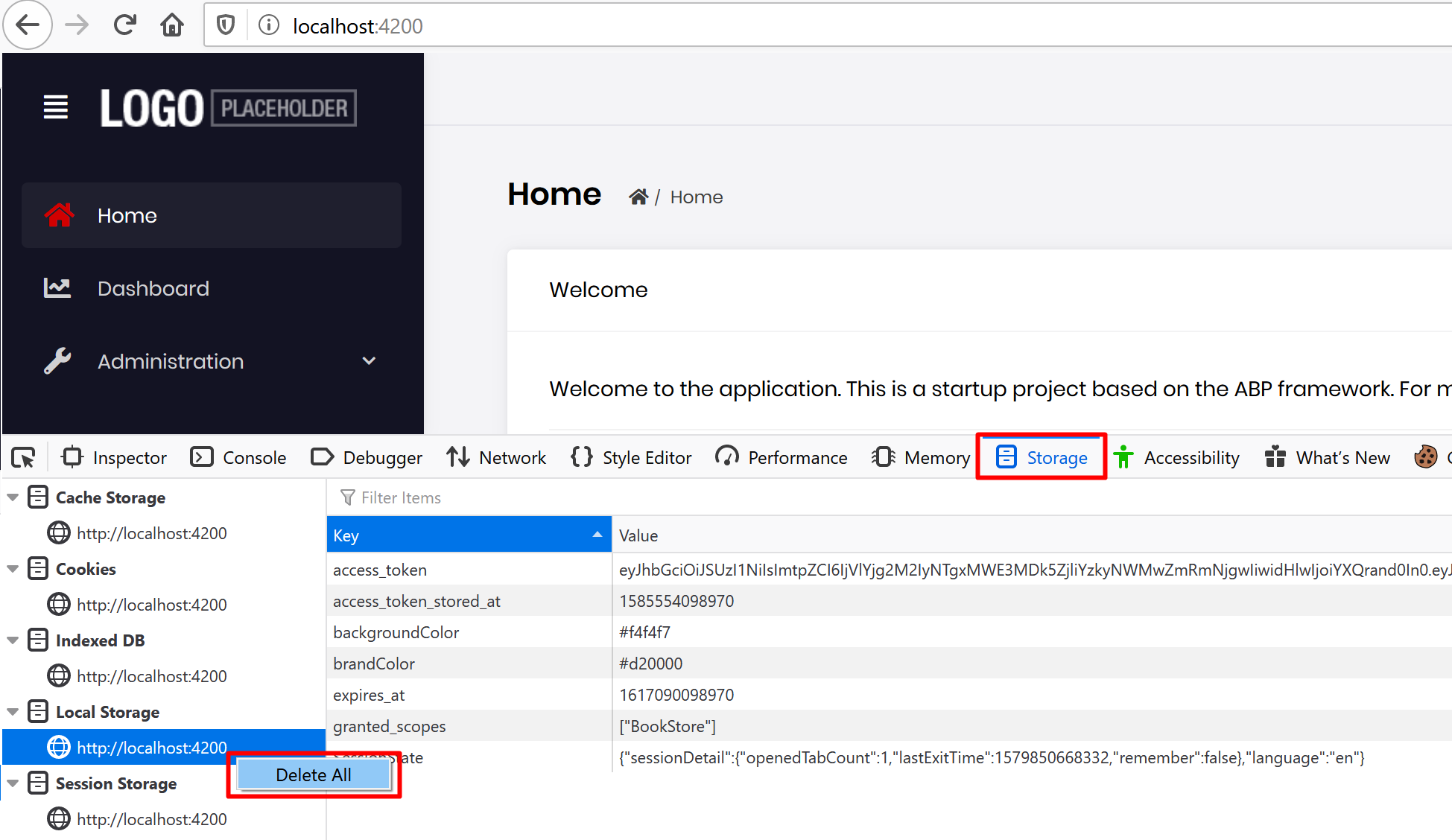
see https://support.abp.io/QA/Questions/5#answer-a7176f3f-c297-c06c-0923-39f30889b0c3 basically clearing the local storage and session storage should fix it.
I've created a Gist with 6 steps to implement this feature. https://gist.github.com/ebicoglu/04cedc99d0365f4d20a6233cca69cf5b
Note:
This guideline will be a document after next release (April 4, 2020).
And the URL will be https://docs.abp.io/en/commercial/latest/guides/implementing-passwordless-authentication
To trust .NET self signed SSL certificates, perform the following one-time step. Close all your browsers and open command prompt, write:
dotnet dev-certs https --trust
This will allow to trust the self-signed ASP NET Core HTTPS development certificate in your computer.
A confirmation prompt will be displayed if the certificate was not previously trusted. Click yes on the prompt to trust the certificate.
If you want to clear your existing HTTPS certificates. Open command prompt, write:
dotnet dev-certs https –clean
Google Chrome uses the
Certificate Storeon Windows for validating certificates, therefore when you run the command, Chrome will not complain about the certificate anymore!
References:
hi,
how do you build for production?
The package Volo.Abp.AspNetCore.Mvc.UI.Theme.Shared is on NuGet .
It should find it from https://www.nuget.org/packages/Volo.Abp.AspNetCore.Mvc.UI.Theme.Shared/
Check your NuGet.Config. The order of the package sources are important.
It should be first "nuget.org" then "ABP Commercial NuGet Source"
<?xml version="1.0" encoding="utf-8"?>
<configuration>
    <packageSources>
        <add key="nuget.org" value="https://api.nuget.org/v3/index.json" />
        <add key="ABP Commercial NuGet Source" value="https://nuget.abp.io/*************/v3/index.json" />
    </packageSources>
</configuration>
Don't forget to replace your private API Key (/*************/)
this issue has been fixed in v2.4 (coming on April 3, 2020)
hi,
we'll try to reproduce and get back to you
1- Check out this issue https://support.abp.io/QA/Questions/75
2- Also try cleaning your browser cache because some variables are stored in browser's storage.
Firefox has an optional feature that allows the browser to trust root authorities in the Windows certificate store. To activate this feature, you must enable the setting in your browser.
about:config into the Firefox address bar.
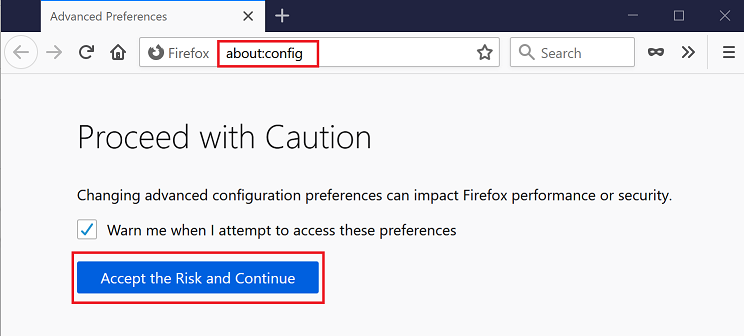
security.enterprise_roots.enabled 
security.enterprise_roots.enabled window, look to the right side of the screen. If the value is false, double-click on it to set it as true.








