Hi,
Thanks for giving me a clue. I've probably understood where the mistake could be. Just after your suggestion, I've noticed that when adding a new microservice to the solution, in the file with the constants in my case AcquisitionServiceRemoteServiceConsts from the Application.Contracts project, the variable with the name of the module is not added, that is, the following declaration is missing public const string ModuleName = "acquisitionService"; And for this reason, the controllers do not appear in the api definition, because each controller has the [Area("acquisitionService")] attribute. So please check the generation of the files in case of the addition of the microservice to the solution.
Thanks Iulian
If you have not encountered such an error recently, then I will close the this issue.
Hi,
Apparently everything is fine with ElasticSearch. No log errors.
Cheers, Iulian
ABP Framework version: v7.4.0
UI Type: Blazor WASM
Database System: EF Core (SQL Server)
Tiered (for MVC) or Auth Server Separated (for Angular): microservices
Exception message and full stack trace:
Steps to reproduce the issue:
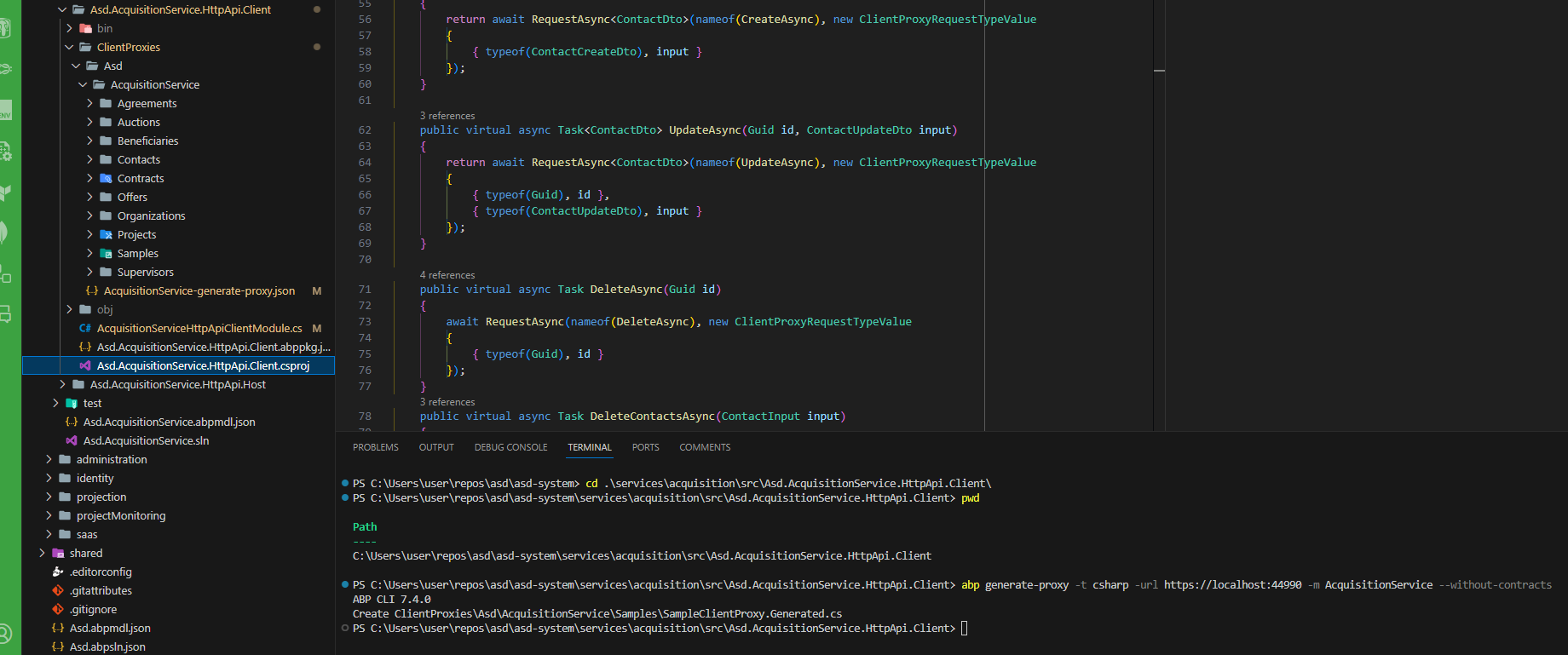
cd into HttpApi.Client project
run abp generate-proxy -t csharp -url https://localhost:44990 -m AcquisitionService --without-contracts
As result the command generate client static proxies only for sample entity not all the time, but very often. Any suggestion?
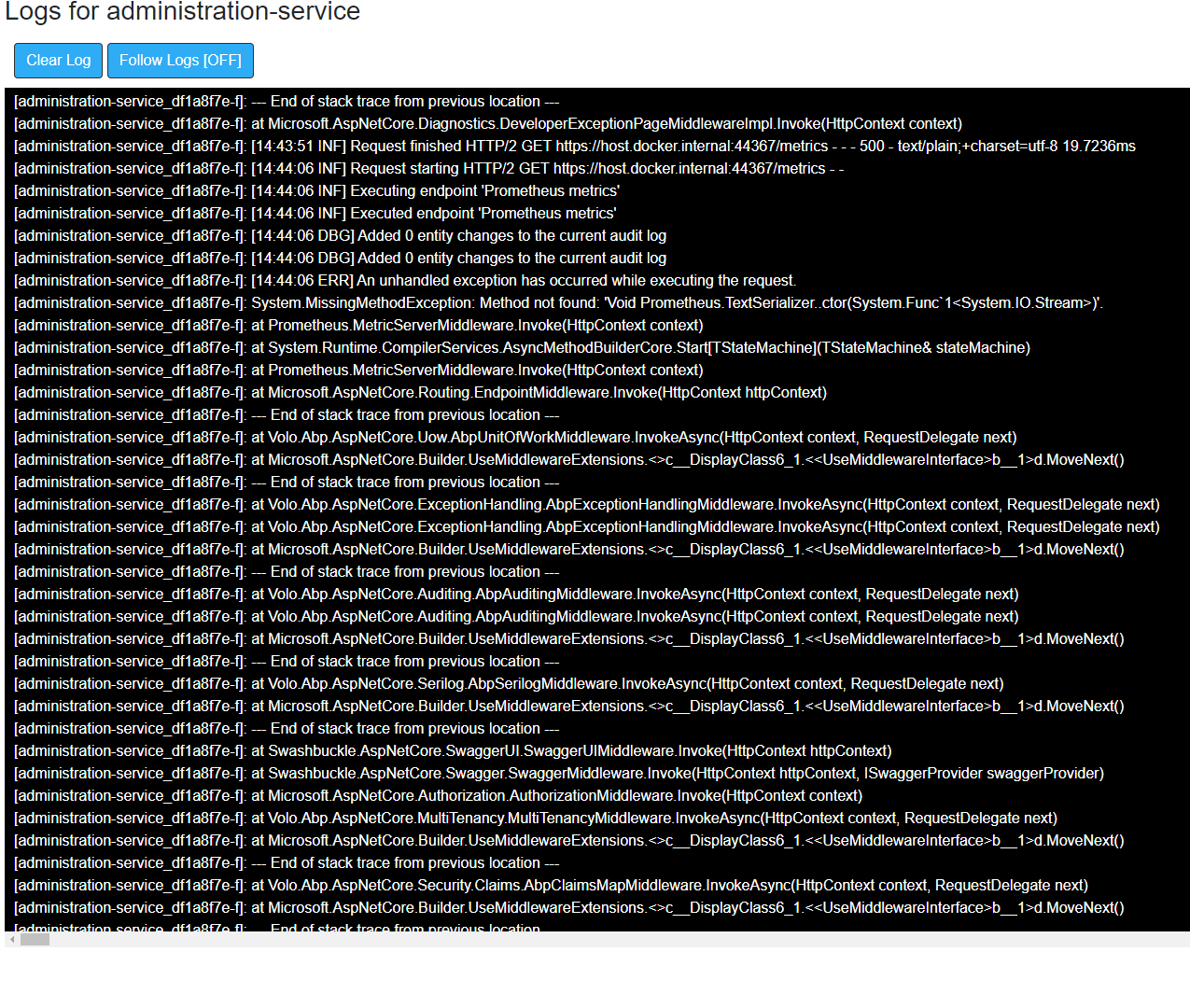
Prometheus logs:
Prometheus dashboard
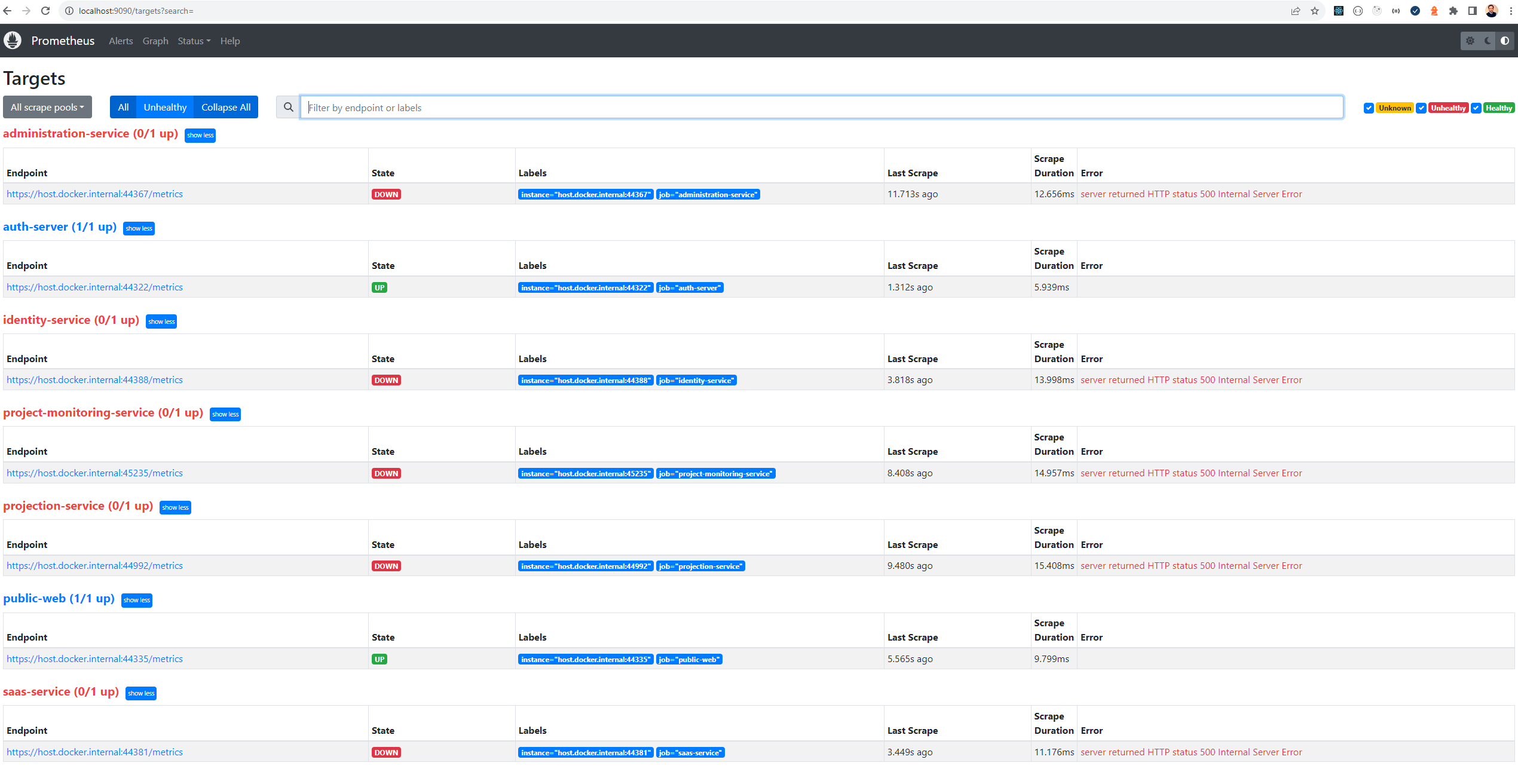
My solution is based on microservices. I am running the solution in docker environment. It happends all the time when I run the solution. Any suggestions?
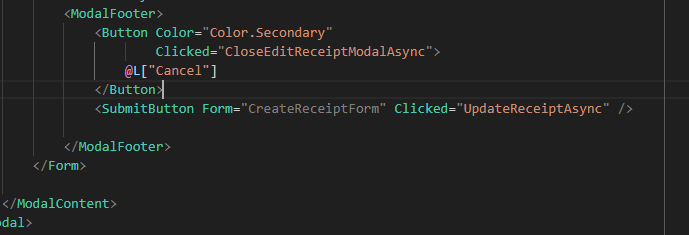 This minor error is for a long time.
Hi,
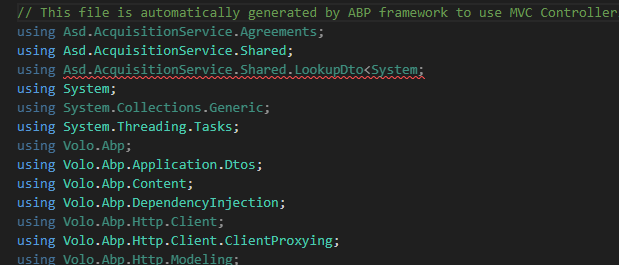
It's very simple. You can take any project you have or generate the entity with abp suite. It is important that the entity has a one-to-many relationship with another entity so that LookupDto appears in Api. Then generated as usual static proxy clients. For the entities that have Lookups, errors will appear, in the order of those in the image presented later.
Hi,
I would like to mention about the following error that appears after abp generate-proxy. I noticed that this error appears when we regenerate client proxies and in the api there is a reference to LookupDto. This behavior appeared in version v.7.3.2
Cheers, Iulian
Hi,
Actually I've searched for date ranges DateMin and DateMax. For DateMin is not a problem because the 17.10.2023 is less than 18.10.2023, but for DateMax if I use 18.10.2023 then the api request will contain the interval between 17.10.2023 and 17.10.2023. That means that the records with date 18.10.2023 will not be returned. In such way filtering will not work properly.
Steps to reporduce:
I hope I am more explicit now.
Thanks
Hi,
What do you mean data result is correct? The problem is that I request wrong filtering conditions from the backend. On UI you see one date, but the backend results will be provided based on different dates.









