Unless things have changed very recently, we can confirm seeing the same problem, app would not run without the backend available. In our case, that was not a problem so we never bothered to investigate it further. This is true also with the app deployed to my Android with the backend i Azure stopped.
What is the reasoning for the new directory structure of solutions created with ABP Suite / ABP Studio? It used to be that you got a folder for each "application" under the main directory like "MyApplication" = > "aspnet-core", "angular", "react-native" etc but now it seems to be that angular and react-native folders are moved within what used to be the aspnet-core folder. So now you have SLN file and "test" folder for aspnet-core stuff right next to your angular and react-native folders, even though they are stand alone applications (kind of).
Is this even an intended change or some kind of bug? There might be advantages of this as well, like using only one repo for everything etc (which could be both good or bad depending on personal preference).
You can of course change this after creation, but I would imagine that doing that would break code generation etc?
Is there a guide on if we want to tidy this up a bit and still make sure that ABP Suite etc works (and that won't break with updates etc)?
The error is here in this generated code where it is trying to assign string values for true and false instead of the boolean values (ie remove '' and it will work). Also, the [Validators.required] should probably be removed as well.
  published: [published ?? 'true', [Validators.required]],
  notificationOnPublish: [notificationOnPublish ?? 'false', [Validators.required]],
Can confirm that we are seeing the same thing for newly created 8.3 Angular app. Have not checked if it is an ABP or Angular problem yet though. We are also getting the same number of warnings, ie hundreds of them just for a single page.
As you kindly pointed out, I was unable to replicate the same issues. I regard the provided GIF as a helpful showcase to demonstrate the situation more clearly.
Hi,
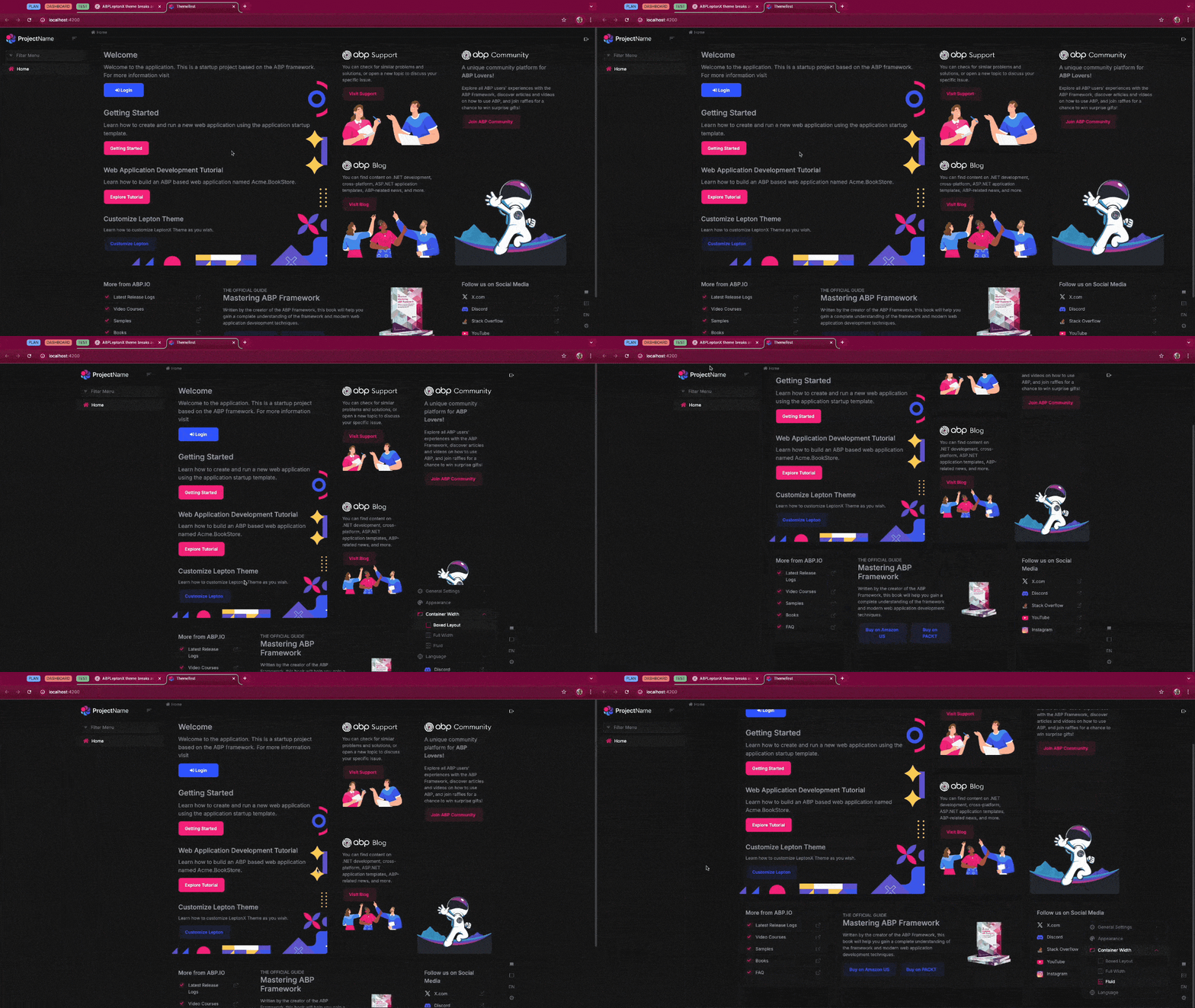
Don't think that I pointed out anything about you ability to replicate this. it also looks like the page width of your browser window in the included GIF is more than 1200 px but that is of course hard to tell. You also seem to use dark mode which could perhaps have an impact on this as maybe could scaling. Please also note that we were unable to reproduce this bug as soon as we made the browser window +/- 10% from 1200 px.
Hello, I have investigated this problem by the following the same pattern. Your problem should have occurred only for
@abp/ng.feature-managementpackage depending on the optional package selection. Also, thank you for reporting the related deprecations. These issues will be resolved by the next release where you can find details here.
Hi,
Thanks for looking into this. Good to know there will be a general fix coming but will that also fix the deprecated packages warnings? At least they remained for the solution we did as mentioned above. It seems that a fix for that is already in the /dev branch but for whatever reason never made it into 8.3
Please refund ticket as this is now a confirmed bug.
Thanks.
You find the solution in https://abp.io/support/questions/7942/Angular-layered-application-seems-broken-in-83 I believe.
Have you perhaps moved the angular folder from its original kind of awkward position in the folder structure or deselected the "create UI" checkbox? That is the only reason we decided to keep the angular folder in its original location as we assumed this would break if we moved it.
It seems like at least part of these problems are cause by ABP Studio not cleaning up after doing NPM installs. If you uncheck that option in ABP Studio and then do a manual "abp install-libs" you can actually build and run the angular project as well. Still deprecated packages though.
So, looking at the source code for the open source version, it seems like the commercial template is lagging behind here. Looking at the latest app.module.ts there, it is actually updated with what does not seem to work in the commercial template.
In
https://github.com/abpframework/abp/blob/b86c3bee3a7926255c41f7ecc5266f58acdd19e5/templates/app/angular/src/app/app.module.ts
you have for example:
import { provideFeatureManagementConfig } from '@abp/ng.feature-management'; import { provideAbpOAuth } from '@abp/ng.oauth';
But int the ABP Commercial one you still have
import { FeatureManagementModule } from '@abp/ng.feature-management'; import { AbpOAuthModule } from '@abp/ng.oauth';
So the warnings here seems appropriate
Here is the checkin that seems to have updated this in the open source version 4 months ago
https://github.com/abpframework/abp/commit/3c3fb608fd81526c1bc23d391812c3d0787b320a#diff-b8168b298611b9de219c25b8486f54cedf89de46ebdf51c61aa285b97c05c3d5R14
Edit:
Seems to be the entire ABP Commercial Angular version that is lagging behind, including new UI etc.