Activities of "portx-dev"

@liangshiwei

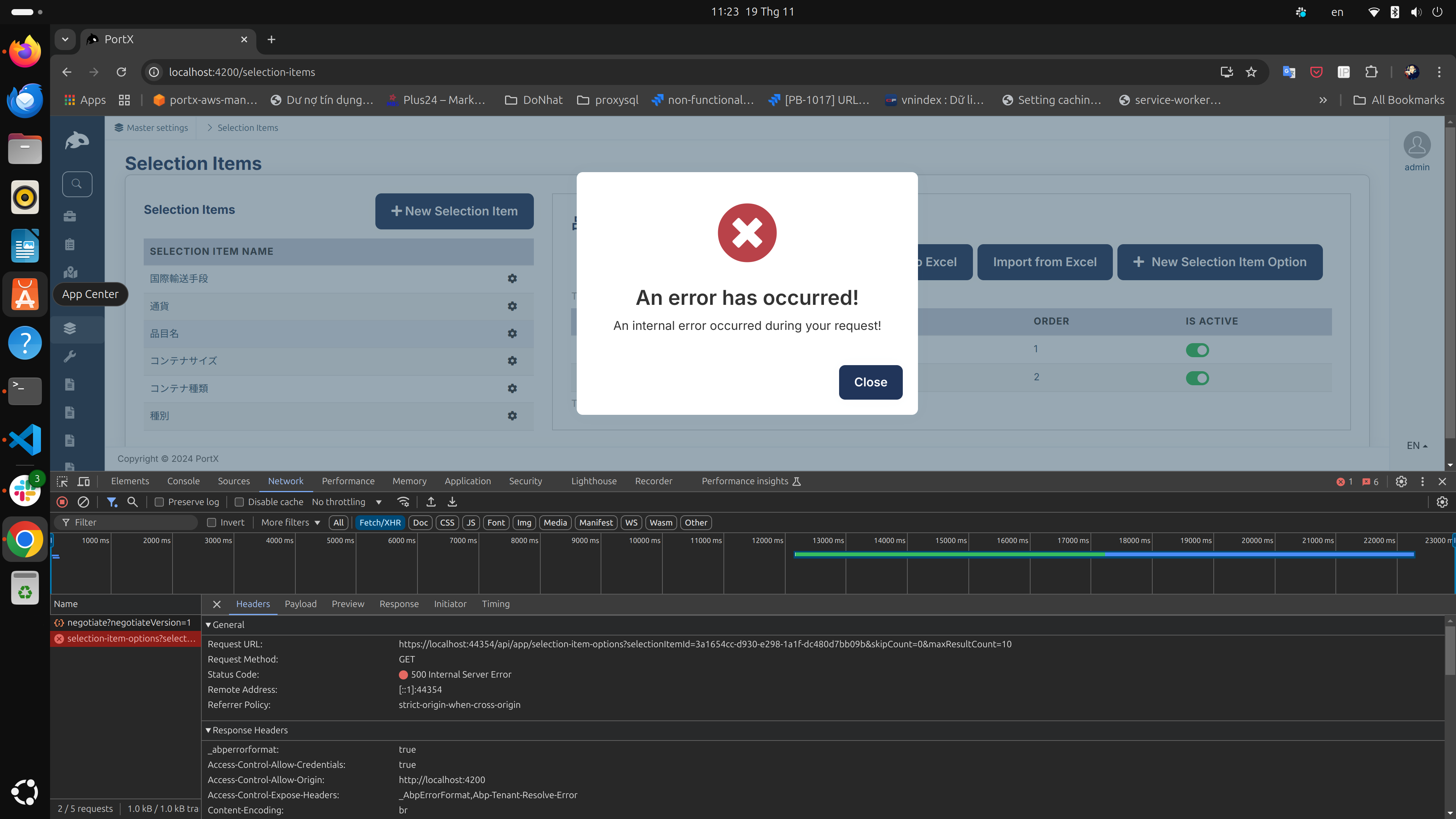
I experimented with disconnecting the database while the angular app was running and the error I received was http code 500, not http code 0.

So I think this http status code 0 error is not related to the db connection being temporarily interrupted :(

This is a dummy write to keep it open.

@liangshiwei It seems that because the server cannot be connected, API returns an error with status 0. There is only the client side log as I originally sent. This problem happens quite often so I don't think the cause is the internet.

Sorry...! We've entered text to keep the page open.

Please wait a little longer.

open , write

@Anjali_Musmade I tried the steps above but still get the error Can I send you the project to try?

Hi Masum,

I have a bug. ABP Framework version: v8.3.3

  1. Create a new ABP project using the following command: abp new Acme.BookStore -u angular -dbms MySQL -m none --separate-auth-server --theme basic --pwa -csf
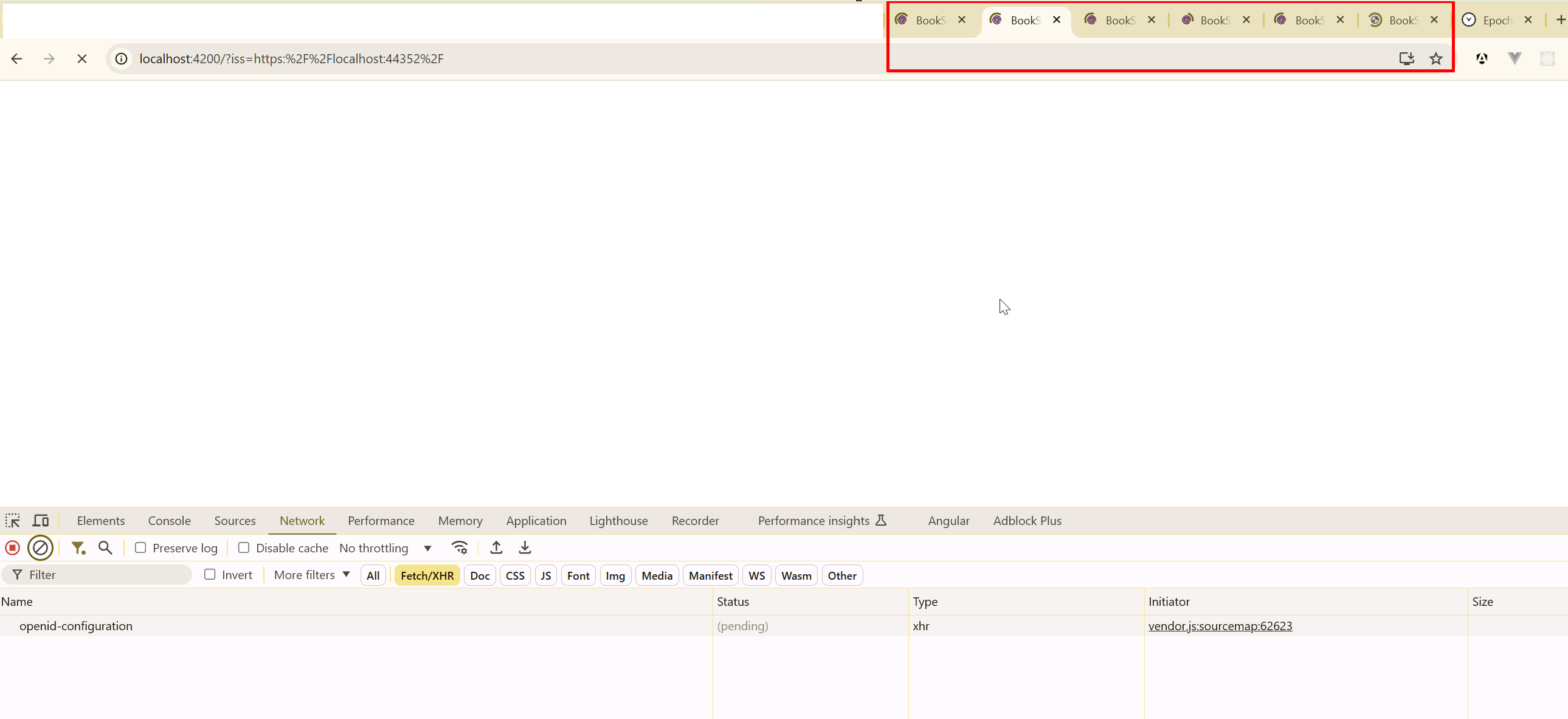
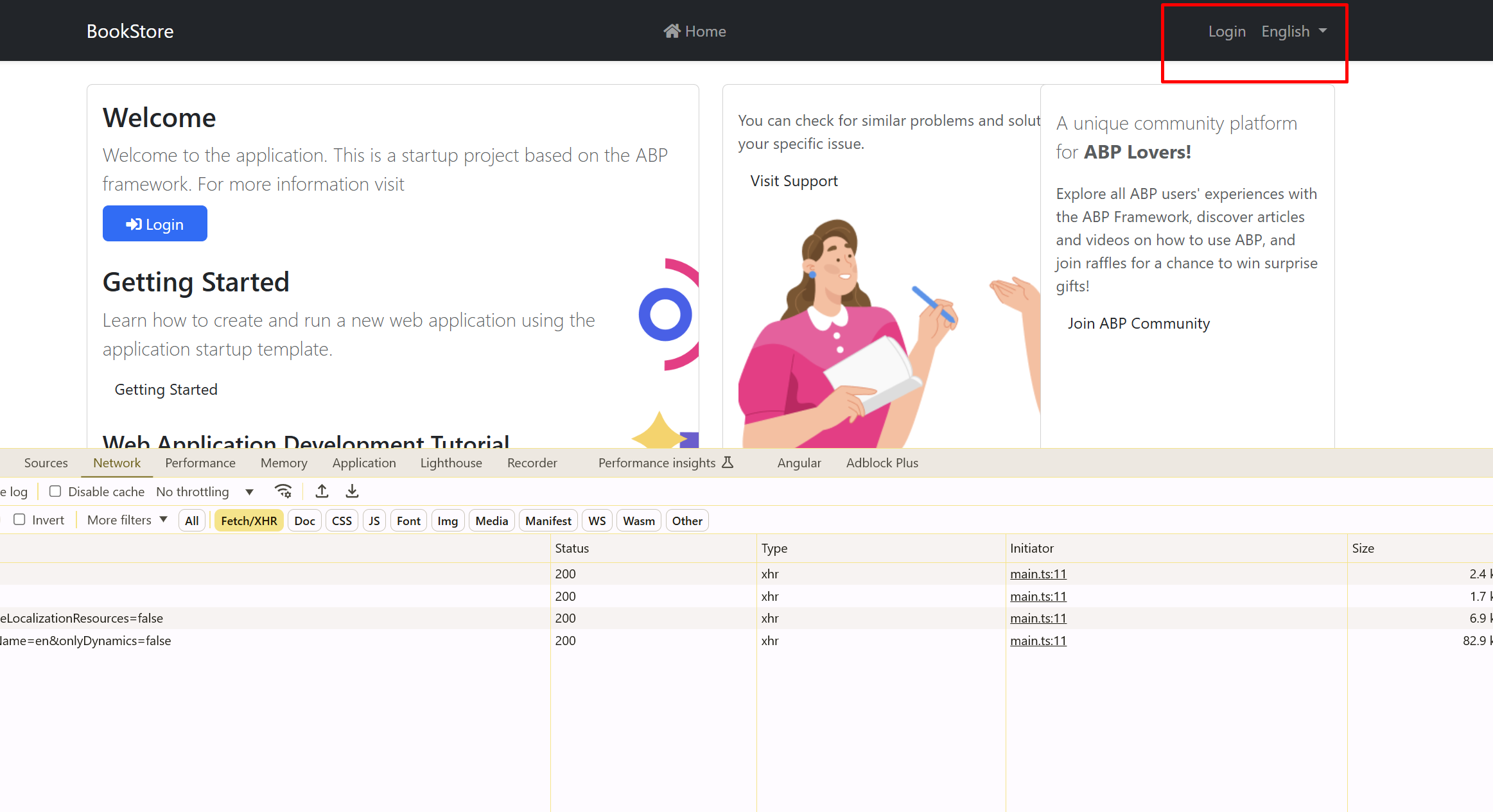
  2. Configure the AccessTokenLifetime in your ABP (ASP.NET Core) back-end application to a short duration, such as 2 minutes.
  3. Open Multiple Tabs: Launch your Angular application and open it in multiple browser tabs.
  4. Wait for Token Expiry: Wait for the access token to expire after the 2-minute lifetime. Once the token expires, a Refresh Token process should be initiated in one or more tabs to acquire a new access token.
  5. Observe the Behavior: All pages reload and get logged out.

I tried creating a new project, but the issue still occurs. All pages reload and get logged out.
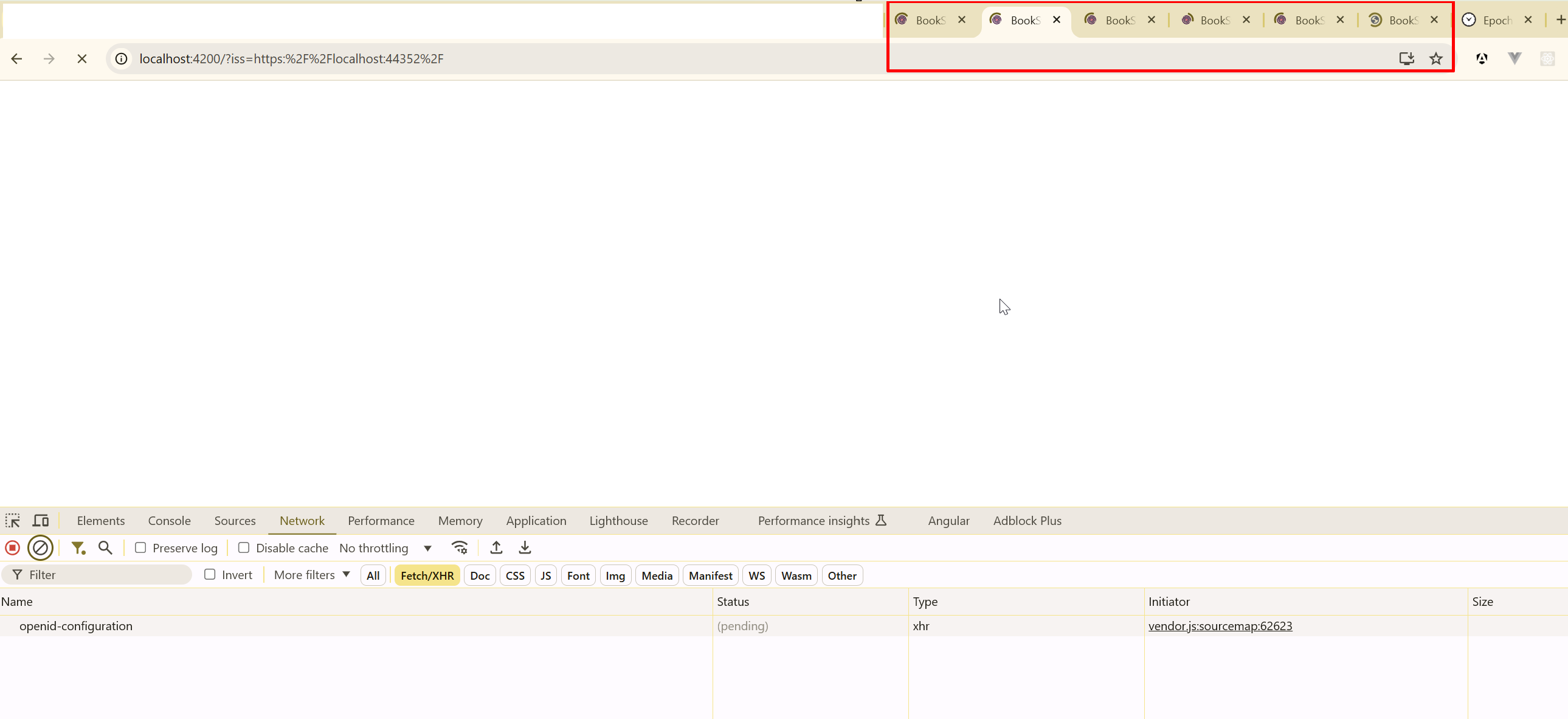
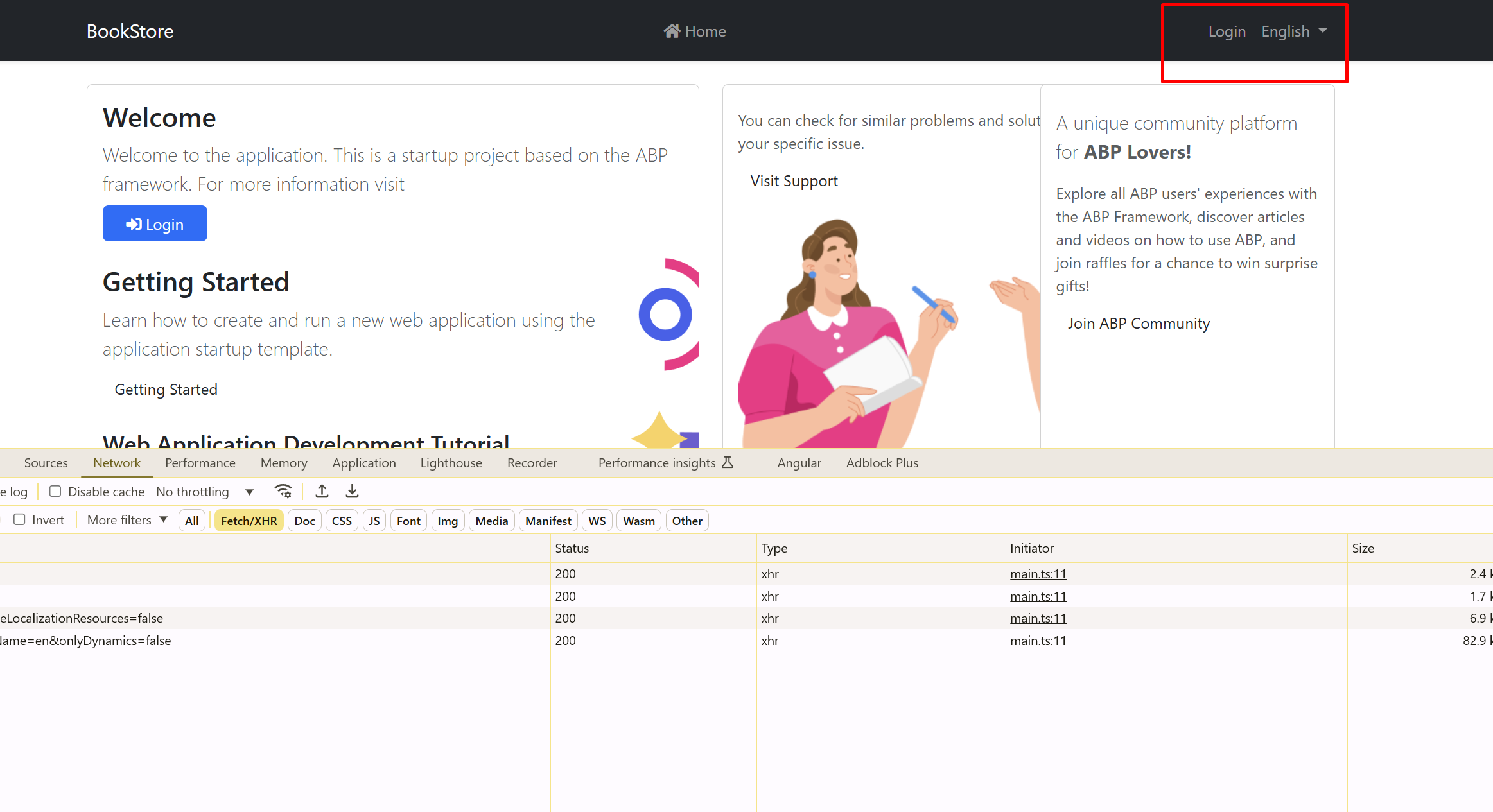
I saw that the problem was reported to be fixed in v7.3. However, I am using v8.3.3. I tried downgrading to v8.2.2, and the problem disappeared. Please check this issue.

  • ABP Framework version: v8.3.3
  • UI Type: Angular
  • Database System: EF Core (My SQL)
  • Tiered (for MVC) or Auth Server Separated (for Angular): yes
  • Exception message and full stack trace:
  • Steps to reproduce the issue:
    • 1. Set Access Token Lifetime:
      • Configure the AccessTokenLifetime in your ABP (ASP.NET Core) back-end application to a short duration, such as 2 minutes. This can typically be done in the configuration settings or startup configuration for your authentication options.
    • 2. Open Multiple Tabs:
      • Launch your Angular application and open it in multiple browser tabs.
      • Ensure that all tabs are authenticated using the same session (i.e., logged in with the same user account)
    • 3. Wait for Token Expiry:
      • Wait for the access token to expire after the 2-minute lifetime.
      • Once the token expires, a Refresh Token process should be initiated in one or more tabs to acquire a new access token.
    • 4. Observe the Behavior:
      • Notice that when the refresh token request completes, all the open tabs are reloaded, which might disrupt the user experience.
    • This behavior can be unexpected, and understanding why all tabs reload when one tab initiates the refresh process is critical. This could be related to how the token management or session synchronization is handled across tabs in the ABP framework.
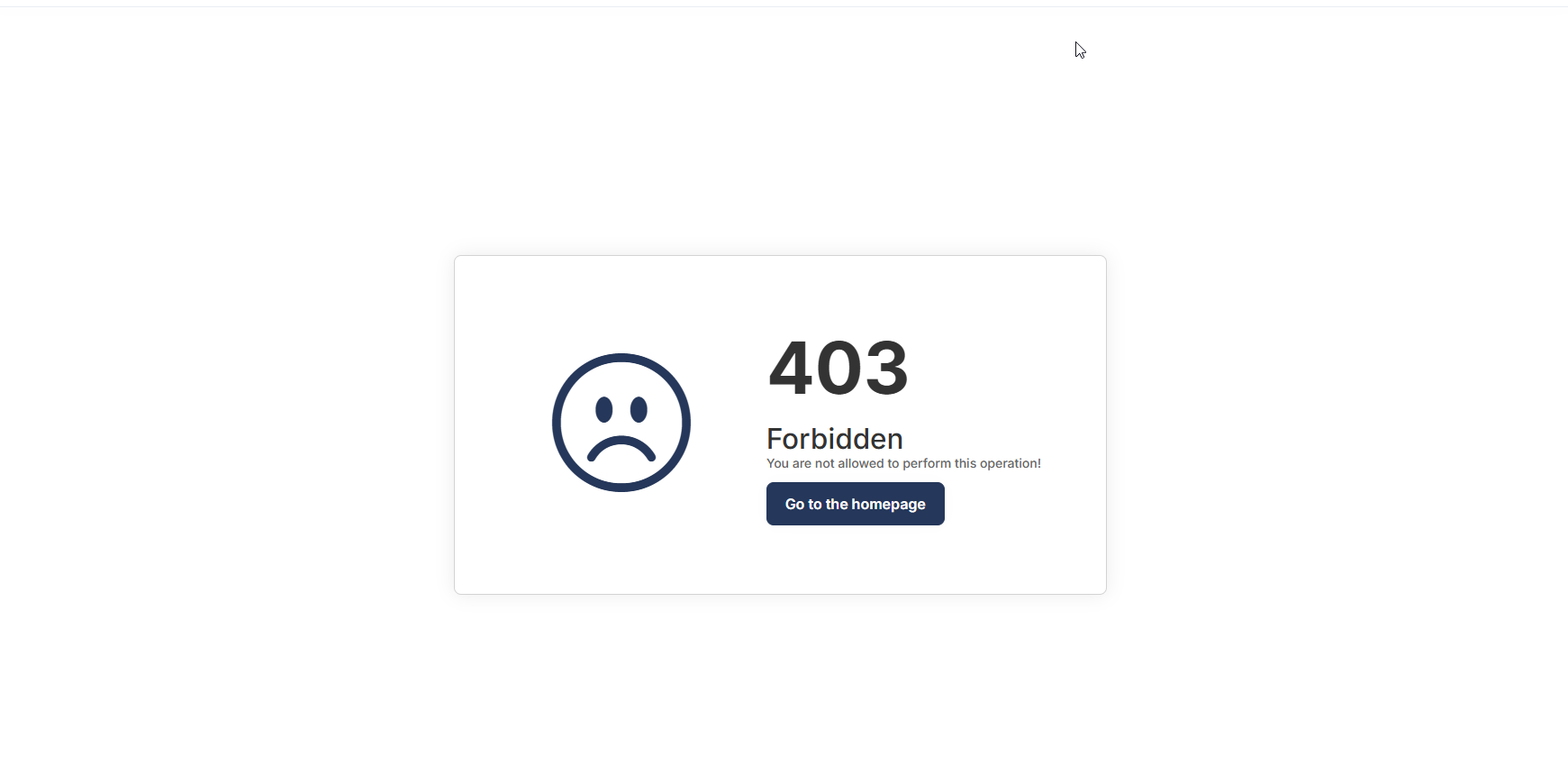
    • After the reload, observe that some screens are redirected to a 403 (Forbidden) page. This may indicate that certain state or authorization checks failed after the token refresh, leading to restricted access on those screens

Showing 41 to 50 of 162 entries
Boost Your Development
ABP Live Training
Packages
See Trainings
Mastering ABP Framework Book
The Official Guide
Mastering
ABP Framework
Learn More
Mastering ABP Framework Book
Made with ❤️ on ABP v10.1.0-preview. Updated on December 12, 2025, 10:36
1
ABP Assistant
🔐 You need to be logged in to use the chatbot. Please log in first.


