Hello ABP Support Team,
We are facing issues with Domain-Based Tenant Resolution while using ABP Framework 9.0.4 (Angular + OpenIddict).
We followed the official ABP community article below **exactly **to implement the domain-based tenant resolver:
https://abp.io/community/articles/how-to-use-domainbased-tenant-resolver-in-abp-with-angular-and-openiddict-v9y8da7v
⚠️ Note: The sample source code provided in the article is based on ABP 10.0.2, while our application is using ABP 9.0.4.
Environment Details
ABP Version: 9.0.4
Frontend: Angular
Authentication: OpenIddict
Tenant Resolution: Domain-based tenant resolver
Hosting: Localhost (custom domains) / Deployed environment
Source Code (Public Repository)
GitHub repository with full source code and configuration:
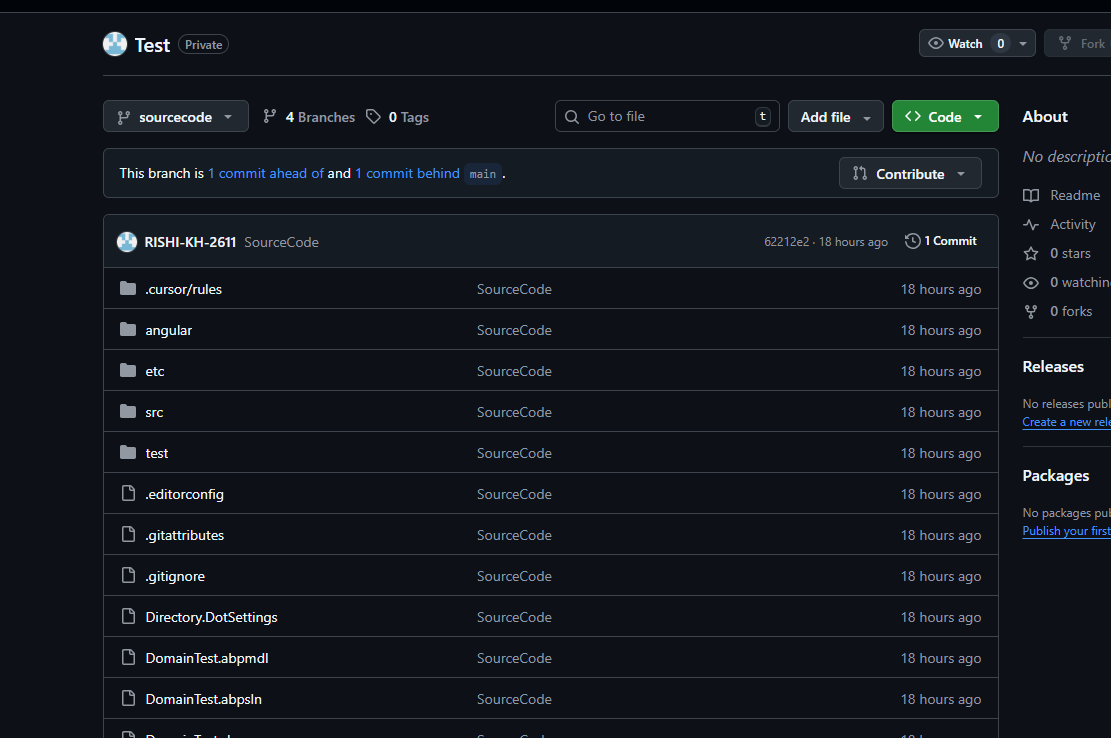
https://github.com/RISHI-KH-2611/Test/tree/sourcecode
We recreated a demo project in **ABP 9.0.4 **and followed the exact same implementation and steps as mentioned in the article and the sample project.
Public Deployed URL (For Testing)
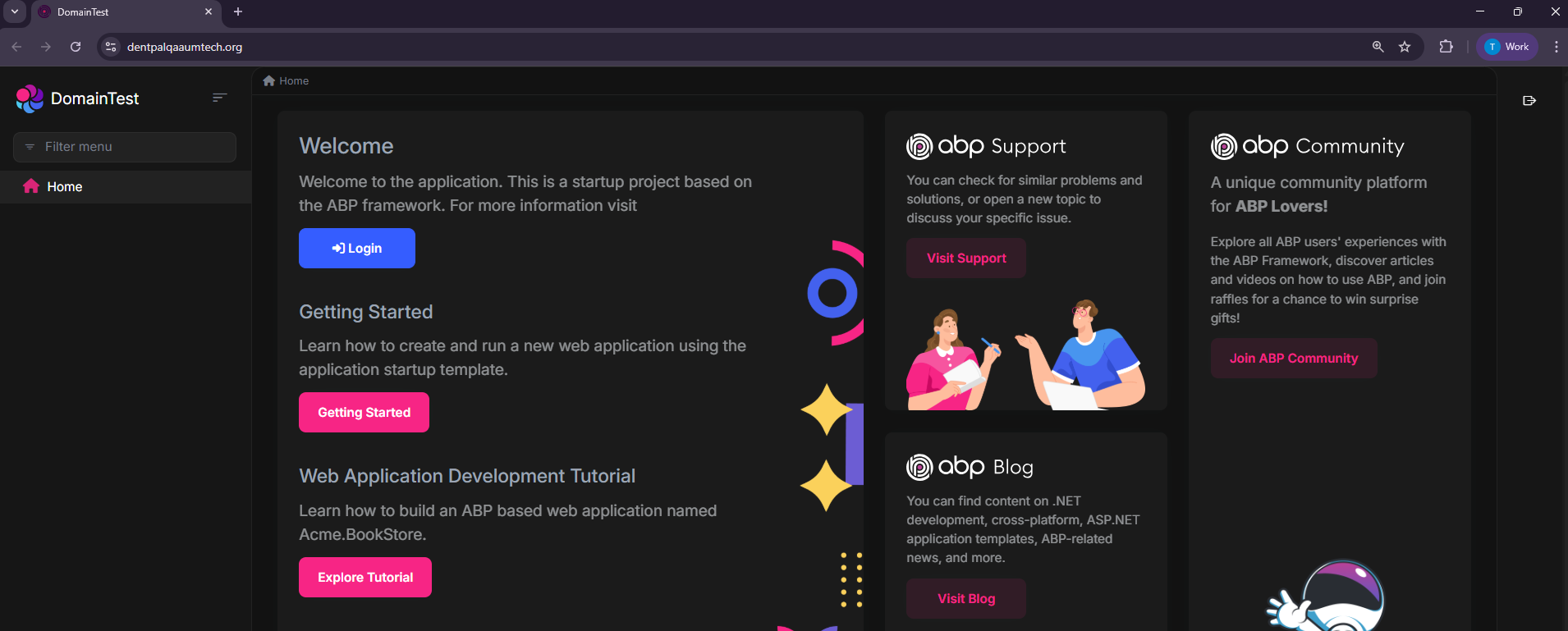
https://dentpalqaaumtech.org/
- Username / Password: ABP default credentials
Issues Observed
1️⃣** Localhost + Custom Domains**
Issue: Infinite login redirect loop
Steps:
Run the application locally
Configure and access the app using custom domains
Attempt to log in as a tenant user
Observed Behavior:
Login page continuously redirects
Authentication never completes
Results in an infinite login loop
2️⃣** Deployed Environment**
Issue: Tenant users cannot log in (Host admin works)
Observed Behavior:
Host Admin can log in successfully
Tenant users are unable to log in
Login either redirects back to the login screen or fails silently after authentication
Expected Behavior:
Tenant users should be able to log in based on domain resolution
Authentication flow should work consistently for both host and tenants
Request for Assistance
Could you please help us understand:
- Whether domain-based tenant resolution behaves differently in ABP 9.0.4
- If any additional configuration is required for Angular + OpenIddict in ABP 9.x
- Whether this is a known issue or limitation in ABP 9.x
- Recommended workaround or fix if upgrading to 10.x is the only solution
33 Answer(s)
-
0
In ABP 9.0.x (Angular + OpenIddict), domain/subdomain tenant resolution commonly breaks the OIDC code flow unless you also enable wildcard domain support for OpenIddict and ensure the issuer/redirect/cors/client configuration matches the tenant-specific domain(s). Symptoms are exactly what you described: infinite login loop (Angular keeps trying to complete code flow but token/config validation fails) or tenant login works for host only.
The community article you followed includes the key ABP-side requirement (wildcard support) via
AbpOpenIddictWildcardDomainOptions. You must apply it in ABP 9.0.4 too (in your*.HttpApi.Hostmodule), and you must also make sure your client URLs / redirect allowed URLs / CORS origins are compatible with subdomains.
1) Backend (HttpApi.Host): enable wildcard domain support + domain tenant resolver
In your
HttpApiHostModule(ABP 9.0.4), configure both:using Volo.Abp.MultiTenancy; using Volo.Abp.OpenIddict.WildcardDomains; public override void PreConfigureServices(ServiceConfigurationContext context) { PreConfigure<AbpOpenIddictWildcardDomainOptions>(options => { options.EnableWildcardDomainSupport = true; // IMPORTANT: Add formats matching your real UI domain(s) // Example (production): options.WildcardDomainsFormat.Add("https://{0}.dentpalqaaumtech.org"); // Example (local): // options.WildcardDomainsFormat.Add("http://{0}.multitenancydemo.local:4200"); }); } public override void ConfigureServices(ServiceConfigurationContext context) { Configure<AbpTenantResolveOptions>(options => { options.AddDomainTenantResolver("{0}.dentpalqaaumtech.org"); // local example: options.AddDomainTenantResolver("{0}.multitenancydemo.local"); }); }If your localhost custom domain testing is done over HTTP, you must also disable the transport security requirement for OpenIddict server in DEBUG (as shown in the article), otherwise the flow will fail/loop:
#if DEBUG
PreConfigure<OpenIddictServerBuilder>(options =>
{
    options.UseAspNetCore().DisableTransportSecurityRequirement();
});
#endif
2) Angular: baseUrl/redirectUri must use
{0}pattern (and HTTPS requirement must match)Your Angular
environment.ts(or dynamic env) must match the tenant domain pattern you use:application.baseUrlshould behttps://{0}.dentpalqaaumtech.org(or your localhost domain pattern)oAuthConfig.redirectUrishould usually be the same baseUrl pattern- If you are testing locally with http, set
requireHttps: false
This is required so Angular computes tenant context correctly from the URL and completes the code flow without bouncing.
3) Production/deployed: fix “host works but tenant users can’t login”
This almost always indicates redirect uri / CORS / authority mismatch between:
- the URL the browser is on (
https://tenant1.dentpalqaaumtech.org) - what the auth server thinks is valid (
RedirectAllowedUrls, client redirect URIs, CORS origins) - and OpenIddict issuer validation across subdomains (wildcard support)
Ensure your
appsettings.jsonhas tenant-compatible entries (examples):App:SelfUrlshould be the actual backend URL (not tenant-subdomain unless you truly host backend per-tenant)App:CorsOriginsshould include your tenant subdomain pattern as supported by ABP’s wildcard cors helpers (don’t invent formats OpenIddict/ABP can’t parse)App:RedirectAllowedUrlsmust include tenant UI domains that will receive the authorization code callback (e.g.https://*.dentpalqaaumtech.orgstyle rules depending on your setup)
Also, after changing these, run DbMigrator (or otherwise update OpenIddict/clients in DB) so redirect URI/cors/client settings are not stale.
4) Why you see an infinite loop specifically
In ABP Angular, the app will try to exchange the
codefor tokens and then load the application configuration. If issuer/redirect/CORS/wildcard-domain support is not correctly aligned for the tenant domain, the exchange/config call fails, and Angular navigates back to login again → loop.This behavior is consistent with ABP support cases where a misconfigured OpenIddict certificate or issuer also causes loops, but in domain-tenant scenarios the most frequent root cause is missing wildcard domain support and/or mismatched allowed redirect/CORS/client settings.
Sources (validated)
- https://abp.io/community/articles/how-to-use-domainbased-tenant-resolver-in-abp-with-angular-and-openiddict-v9y8da7v
- https://abp.io/docs/latest/framework/ui/angular/multi-tenancy
This response was generated by AI. If it didn’t solve your problem, feel free to post a new answer — our support team will jump in to help you soon.
Markdown supported.Copy, paste, or drag & drop images and files (max 100 MB per file, 100 MB total per post) -
0
hi
How can I use your Angular to test the api website?
I can
mkcert apiqadentpalaumtech.org "*.apiqadentpalaumtech.org"and use it in local api website.but how about Angular?
Can you share the full steps to reproduce your problem?
Thanks.
Markdown supported.Copy, paste, or drag & drop images and files (max 100 MB per file, 100 MB total per post) -
0
[maliming] said: hi
How can I use your Angular to test the api website?
I can
mkcert apiqadentpalaumtech.org "*.apiqadentpalaumtech.org"and use it in local api website.but how about Angular?
Can you share the full steps to reproduce your problem?
Thanks.
Here are Steps to Reproduce
Steps to Reproduce (Local Environment)
1. Super Admin Login
Run the project locally (API + Angular).
Open the application in Super Admin context.
Enter valid Super Admin credentials.
Observed Behavior
Login goes into an infinite redirect loop back to the login page.
When incorrect credentials are entered, proper error messages are shown.
This indicates authentication is working, but post-login redirection fails.
2. Tenant Login
- Open the Angular application in tenant context.
Observed Behavior
- Login page loads, but the login action is not working / not clickable.
Steps to Reproduce (Deployed Server)
1. Super Admin Login
Observed Behavior
- Super Admin login works without any issues.
2. Tenant Login
Observed Behavior
- Tenant login page does not open / does not function.
Thanks
Markdown supported.Copy, paste, or drag & drop images and files (max 100 MB per file, 100 MB total per post) -
0
[maliming] said: hi
You can also share full logs.txt of your authserver project to liming.ma@volosoft.com
Thanks.
Hi We will provide you the Logs give us some time as our sever is experiencing downtime now
Thanks
Markdown supported.Copy, paste, or drag & drop images and files (max 100 MB per file, 100 MB total per post) -
0
hi
Hi We will provide you the Logs give us some time as our sever is experiencing downtime now
Please enable the Debug and Verbose logs
var loggerConfiguration = new LoggerConfiguration()
    .MinimumLevel.Debug()
    .MinimumLevel.Override("Microsoft.EntityFrameworkCore", LogEventLevel.Warning)
    .MinimumLevel.Override("OpenIddict", LogEventLevel.Verbose)
    .Enrich.FromLogContext()
    .WriteTo.Async(c => c.File("Logs/logs.txt"))
Thanks
Markdown supported.Copy, paste, or drag & drop images and files (max 100 MB per file, 100 MB total per post) -
0
[maliming] said: hi
The logs don't show the infinite login problem.
Can you share an online website? I will test it online
liming.ma@volosoft.com
Thanks.
Hi The infinite Problem is only when we run the project locally
when deployed we don't have this issue
the logs are from the deployed version
here is the online website you can use Public Deployed URL (For Testing) https://dentpalqaaumtech.org/
Username / Password: ABP default credentials
thanks
Markdown supported.Copy, paste, or drag & drop images and files (max 100 MB per file, 100 MB total per post) -
0
hi
The infinite Problem is only when we run the project locally
In this case, I can't reproduce the problem online. Could you share the local logs.txt file for the auth server project?
Thanks.
Markdown supported.Copy, paste, or drag & drop images and files (max 100 MB per file, 100 MB total per post) -
0
[maliming] said: hi
The infinite Problem is only when we run the project locally
In this case, I can't reproduce the problem online. Could you share the local logs.txt file for the auth server project?
Thanks.
Hi yes will provide it you by 24 hr in the mean time can you check the issue with tenant on login which is same in local and deployed server
Thanks
Markdown supported.Copy, paste, or drag & drop images and files (max 100 MB per file, 100 MB total per post) -
0
hi
I wasn't able to run your application locally. I'll check the logs first.
Please enable debug and verbose logs, https://abp.io/support/questions/8622/How-to-enable-Debug-logs-for-troubleshoot-problems
Thanks.
Markdown supported.Copy, paste, or drag & drop images and files (max 100 MB per file, 100 MB total per post) -
0
hi
The logs show your login request in
http://multitenancydemo.local:44397/Account/Loginis not working.Please check the response in Chrome, I think the cookies have a problem.
Also check the Chrome console warnings.
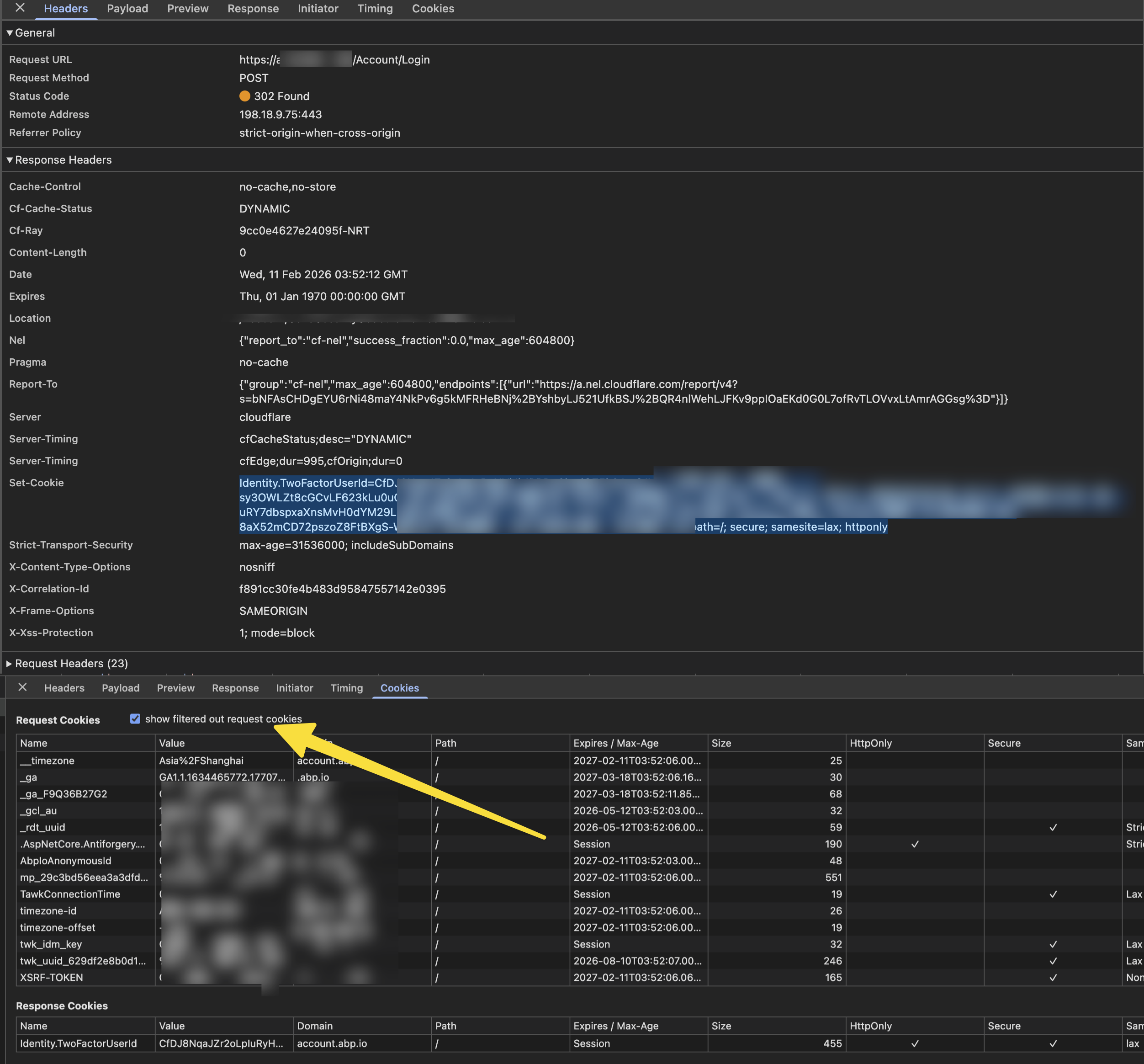
Thanks
Markdown supported.Copy, paste, or drag & drop images and files (max 100 MB per file, 100 MB total per post) -
0
hi
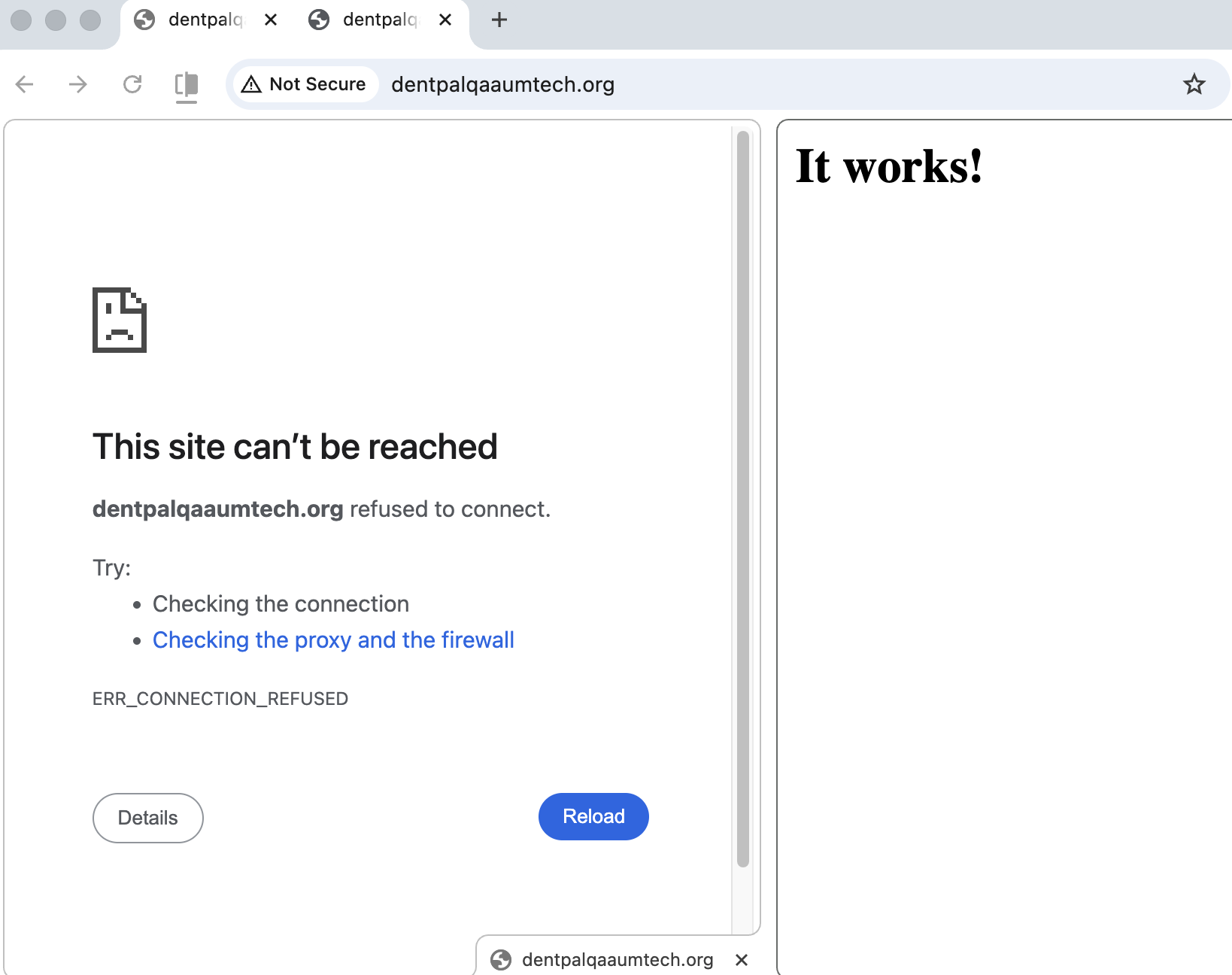
I can't reach https://dentpalqaaumtech.org/
Do you know why?
curl https://dentpalqaaumtech.org
curl: (7) Failed to connect to dentpalqaaumtech.org port 443 after 5 ms: Couldn't connect to server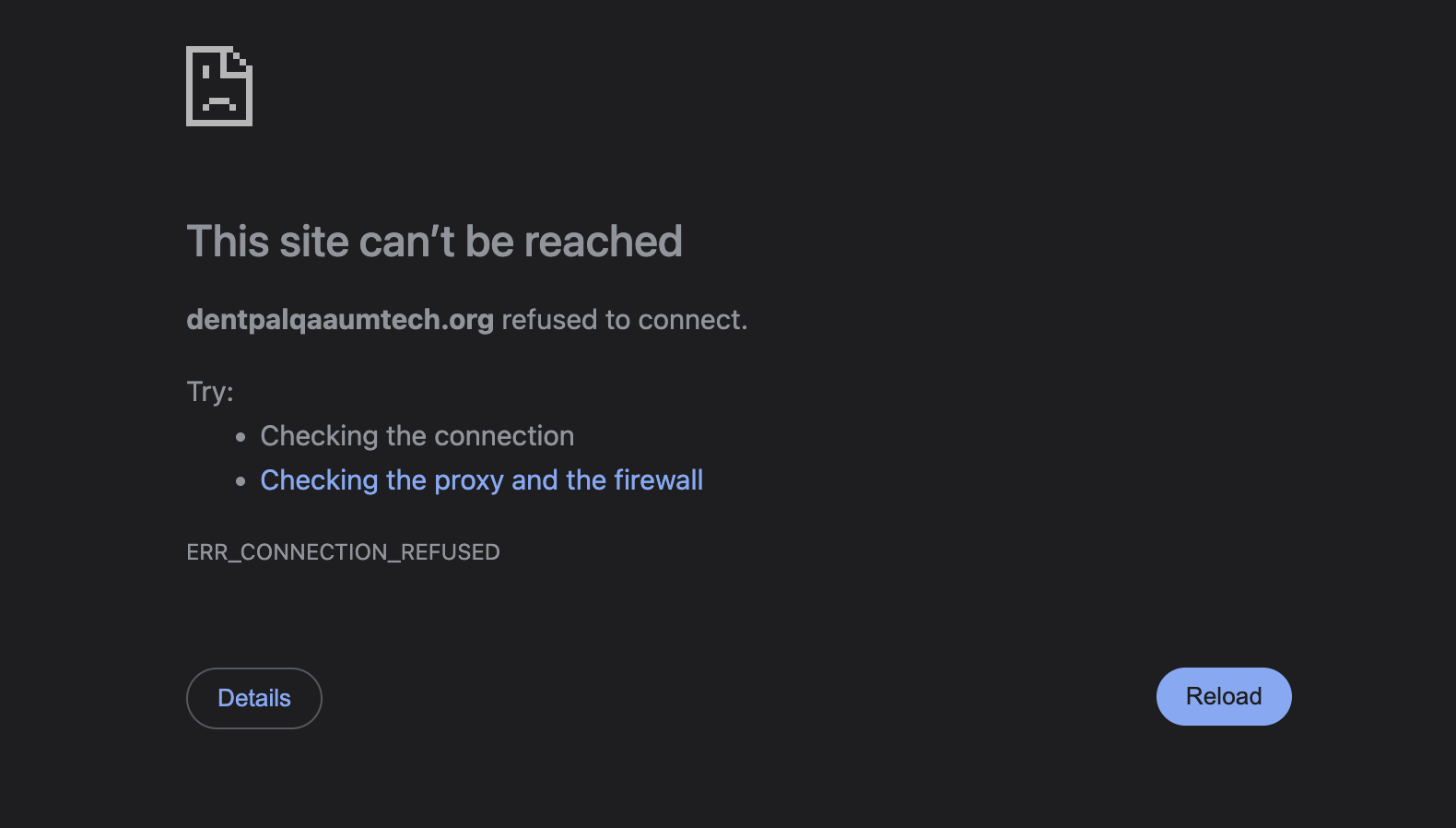
Thanks.
Markdown supported.Copy, paste, or drag & drop images and files (max 100 MB per file, 100 MB total per post)