






How can we easily disable "Remember me" and "password reminder" in ABP without resorting to having to modify login page to hide stuff etc?
Does not seem like these options are available in UI for account module unlike just quickly disable the option for new users to self register etc.
5 Answer(s)
-
0
- There is no built-in setting/option in ABP Account module (framework or Account Pro) to disable “Remember me” or “Forgot password / password reminder” the same way you can disable self-registration. These are UI elements/pages provided by the Account UI, not feature-toggled by a setting.
- Therefore, the only supported way is to customize/replace the Account UI pages (e.g., override the Login/ForgotPassword Razor Pages / Angular components) and remove/hide these parts (and optionally also block the endpoints if you want hard-disable on the server).
- No verified source available for this specific query.
This response was generated by AI. If it didn’t solve your problem, feel free to post a new answer — our support team will jump in to help you soon.
Markdown supported.Copy, paste, or drag & drop images and files (max 100 MB per file, 100 MB total per post) -
0
hi
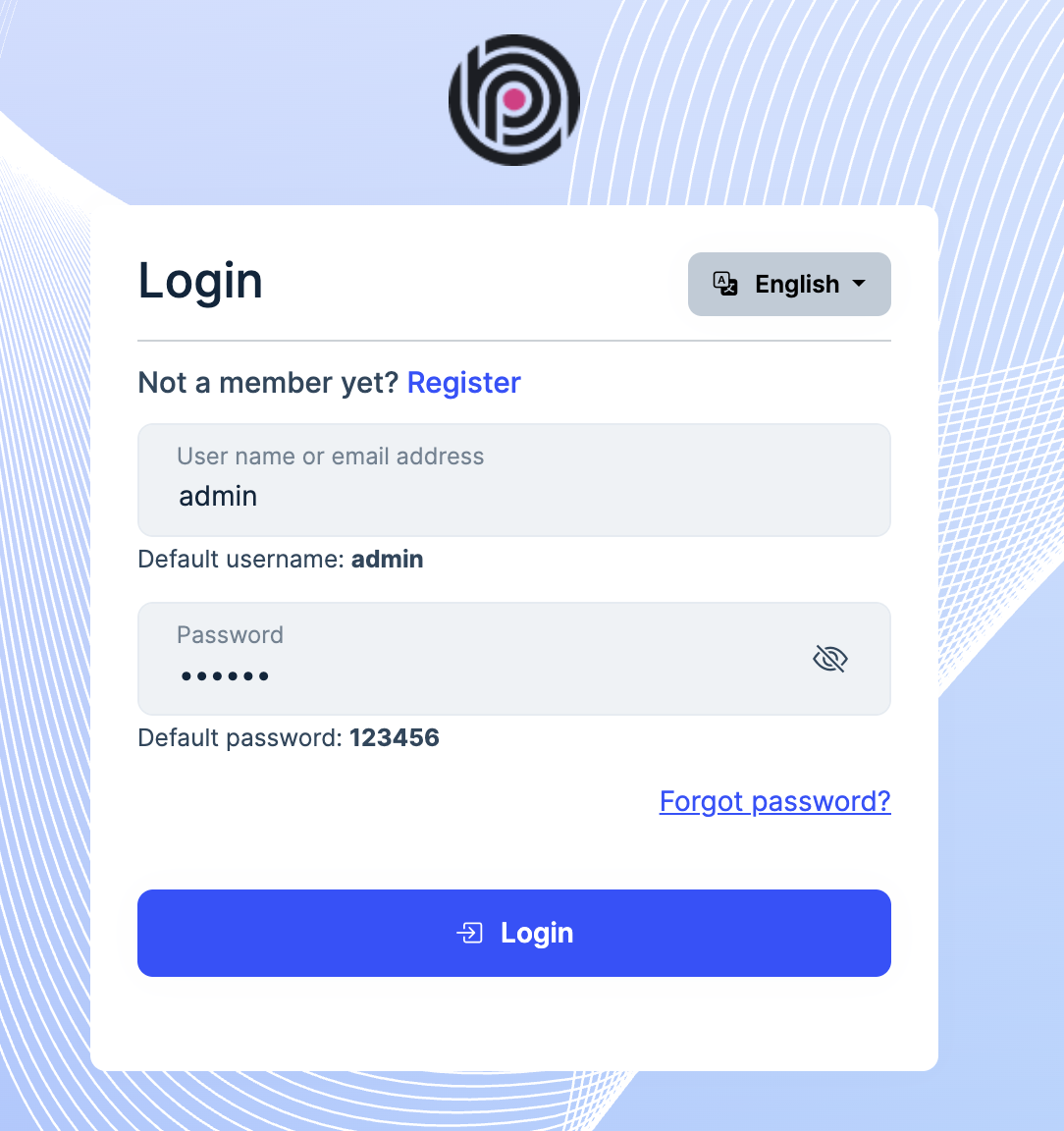
You can add the below style to the global CSS file
#loginForm .form-check:has(#LoginInput_RememberMe) {
    visibility: hidden;
}
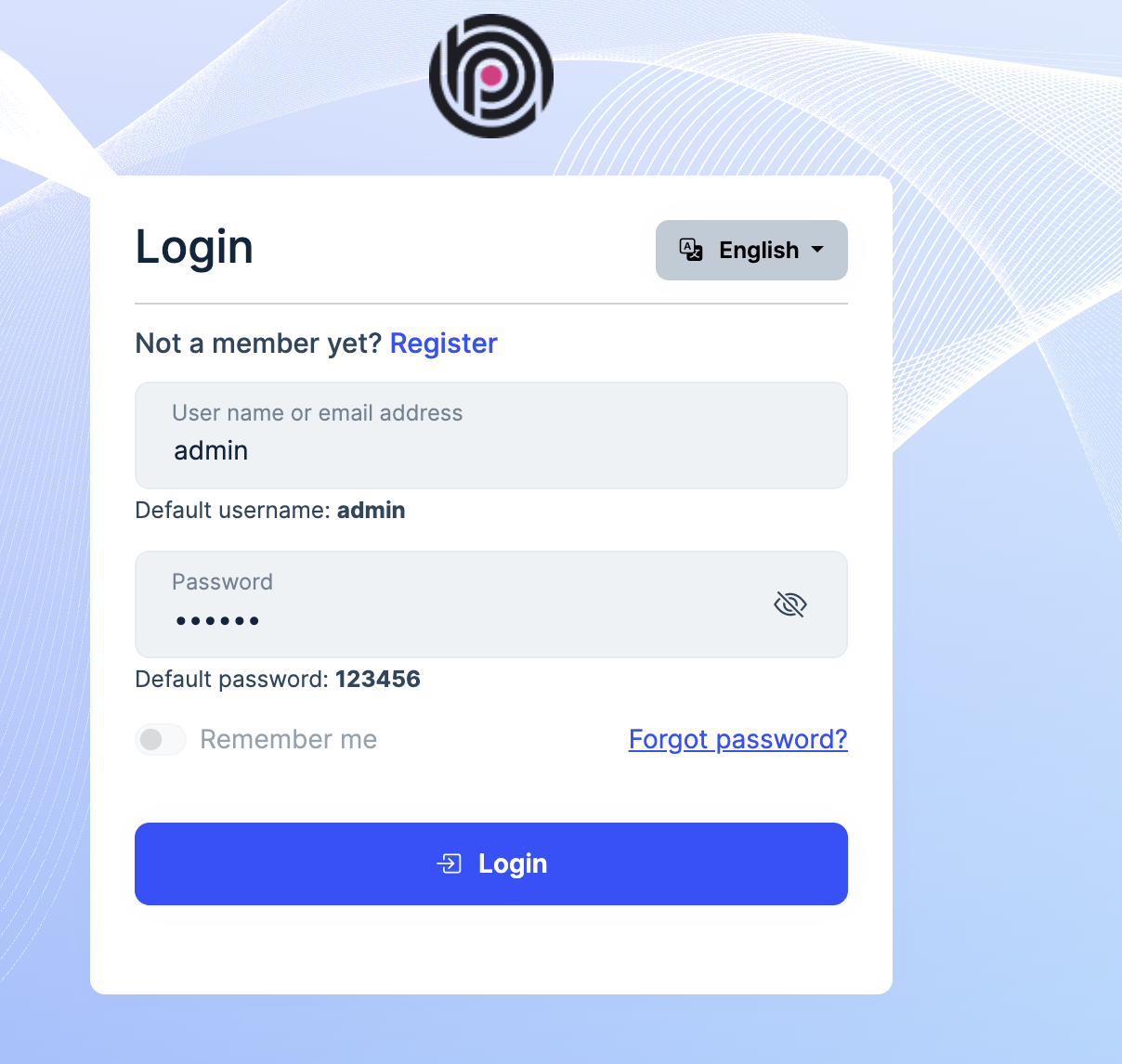
If you want to disable it:
#loginForm .form-check:has(#LoginInput_RememberMe) {
    pointer-events: none;
    opacity: 0.5;
}
Thanks.
Markdown supported.Copy, paste, or drag & drop images and files (max 100 MB per file, 100 MB total per post) -
0
Thanks, but having to rely on CSS changed for enabling/disabling security features isn't really an option here, we are looking for something that actually makes it possible to disable the features, not just hide them. Ideally that you could control via UI just like you can with Enable self registration (something like that) already. For now, even a code change server side would be OK if we have to.
Markdown supported.Copy, paste, or drag & drop images and files (max 100 MB per file, 100 MB total per post) -
0
hi
You can override the Login page class to set it to
falsepublic override async Task<IActionResult> OnPostAsync(string action) { LoginInput.RememberMe = false; // force disable return await base.OnPostAsync(action); }If you are using the
AbpAccountPublicWebOpenIddictModule, the base class isOpenIddictSupportedLoginModelinstead ofLoginModel. And you should change theExposeServicesattribute to[ExposeServices(typeof (MyLoginModel), typeof(OpenIddictSupportedLoginModel), typeof(LoginModel))]Thanks.
Markdown supported.Copy, paste, or drag & drop images and files (max 100 MB per file, 100 MB total per post)



