






- ABP Framework version: v7.3.3
- UI Type: Maui Blazor hybrid
- Database System: EF Core (SQL Server)
- Tiered: no
- Seperate auth serv: no
I followed the steps from: https://docs.abp.io/en/commercial/7.1/getting-started-setup-environment?UI=MAUIBlazor&DB=EF&Tiered=Yes
At this point I am able to run the host api and maui application. But I am not able to login. When I click on the login button in the maui application I get redirected to the login url. I enter my credentials and try to login but nothing happens.
When I check in the browser console I see there is a ssl protocol error.
Can someone point me in the right direction? What did I forget or what did I do wrong?
6 Answer(s)
-
0
what exactly is the error?
Markdown supported.Copy, paste, or drag & drop images and files (max 100 MB per file, 100 MB total per post) -
0
-> runnnig windows machine
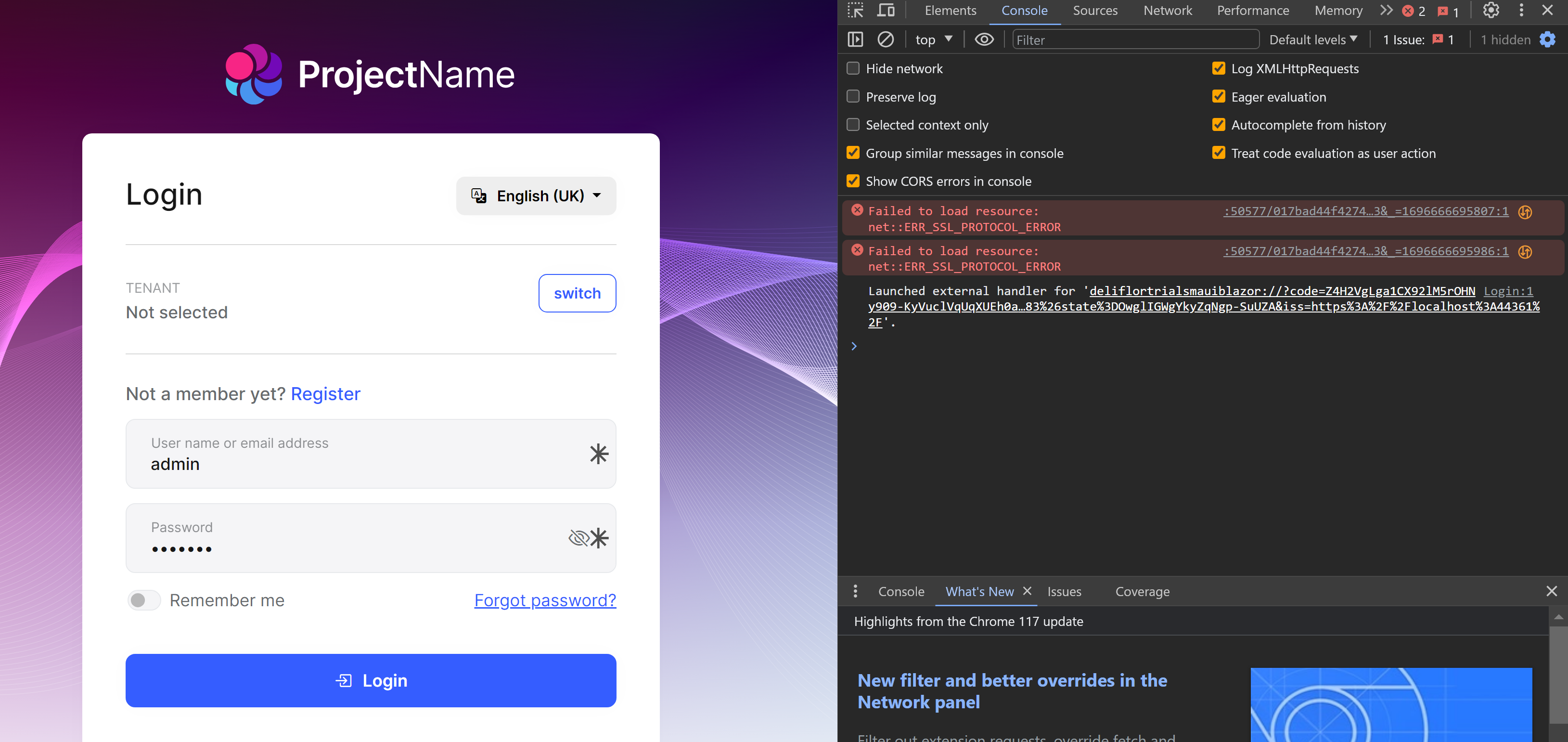
- external handler does nothing
Markdown supported.Copy, paste, or drag & drop images and files (max 100 MB per file, 100 MB total per post) -
0
just a shot in the dark, but did you forward the port?
https://support.abp.io/QA/Questions/5902/MAUI-BLAZOR-AbpInitializationException#answer-3a0e074c-a801-92f7-86a5-dcf830d8f500
Markdown supported.Copy, paste, or drag & drop images and files (max 100 MB per file, 100 MB total per post) -
0
So we updated to 7.4 and created a new solution.
We ran Maui -> windows machine.
First run we are able to login. After authentication it does not automatically open the application again but it works.. Also we have to refresh the application to get the admin dashbooard.
After creating a new user and trying to logout and login again it stops working. We cleared browser cache and restarted applications. But we can't get it to work again.
Any advice?
Markdown supported.Copy, paste, or drag & drop images and files (max 100 MB per file, 100 MB total per post) -
0
Hi,
I will check it.
Markdown supported.Copy, paste, or drag & drop images and files (max 100 MB per file, 100 MB total per post) -
0
Hi,
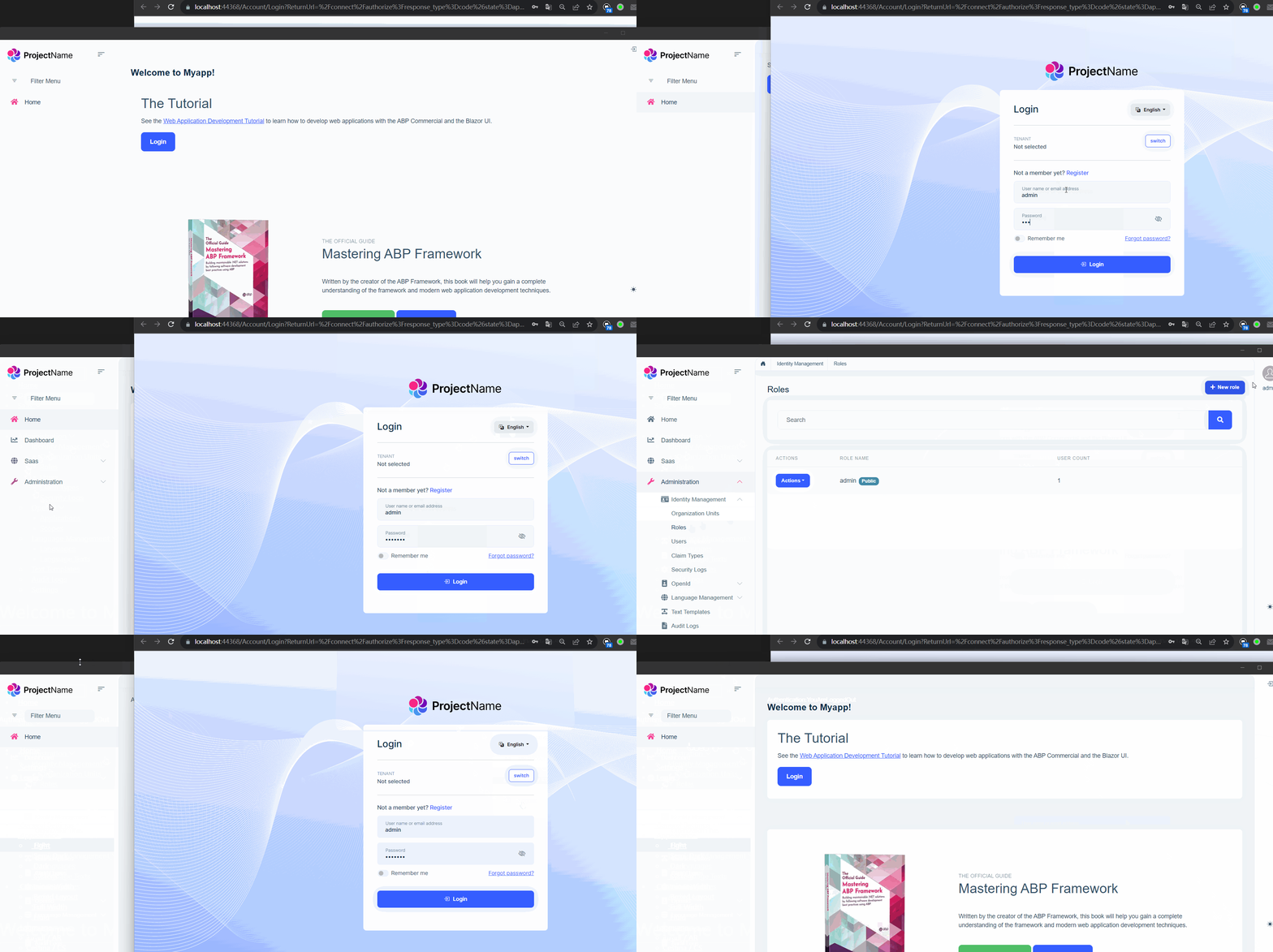
I can't reproduce the problem, could you share the full steps to reproduce? I will check it.
 Markdown supported.Copy, paste, or drag & drop images and files (max 100 MB per file, 100 MB total per post)



