After some testing, i did notice that language texts that do not have a base value in that language will cascade fine.
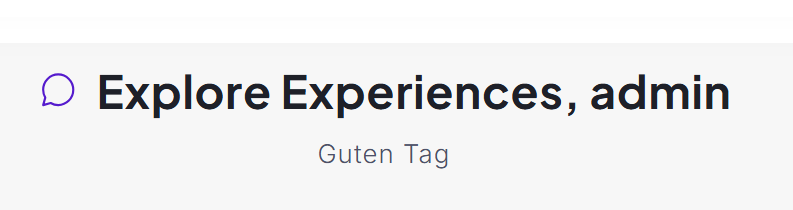
I set value of Deutsch translation to "Guten Tag" in host, that seems to cascade to tenant fine. There is no value for HomePage:Title2 in the de-DE.json
Hi berkansasmaz,
I've done the following as you mentioned, however the text in tenants are still different from what' we've set in host
Changed host text (Recommended Realplays --changed to--> Your Recommended Realplays)

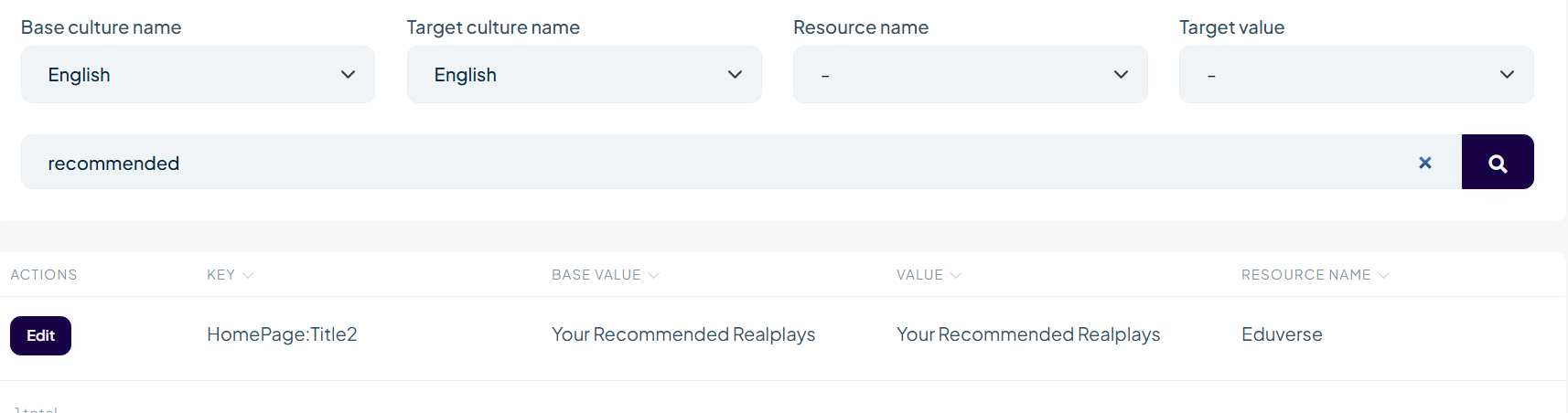
old default value in en.json

However, despite implementing code you provided, the tenant still sees different (old) text:

greatly appreciated, i think we can close this ticket, many thanks
great catch, it works now. thank you.
on a separate note, I would like to unlock a ticket to add more comments: https://abp.io/support/questions/8778/Language-Text-changes-to-be-platform-wide
are you able to help me with that?
Sure, will share the code privately via email
the ALB is already configured to set X-Forwarded-For header as the client's source IP address. That is why the X-Forwarded-For header is showing the correct IP as shown:

What further configuration is needed?
we have deployed the FE stack on Cloudfront + s3. This connects via Application Load balancer to backend stack which is on Elastic Container Service.
Note that in the example I gave, I called the endpoint from the Swagger UI.
Also the X-Forwarded-For header showing a valid IP address is the exact same request which was logged by Audit Log (which recorded a loopback IP address). I would assume that the IP address would be taken from that X-Forwarded-For header.
I've already seen this ticket: https://abp.io/support/questions/7304/Ip-address-in-audit-logs-not-client%27s-ip-address
I've confirmed X-Forwarded-For is correct

I've done the following code changes
In EduverseHttpApiHostModule in OnApplicationInitialization

In EduverseHttpApiHostModule in ConfigureServices

Audit logs still showing wrong IP address

Hi,
I created an application template with Angular UI from scratch but I didn't reproduce your problem.
If
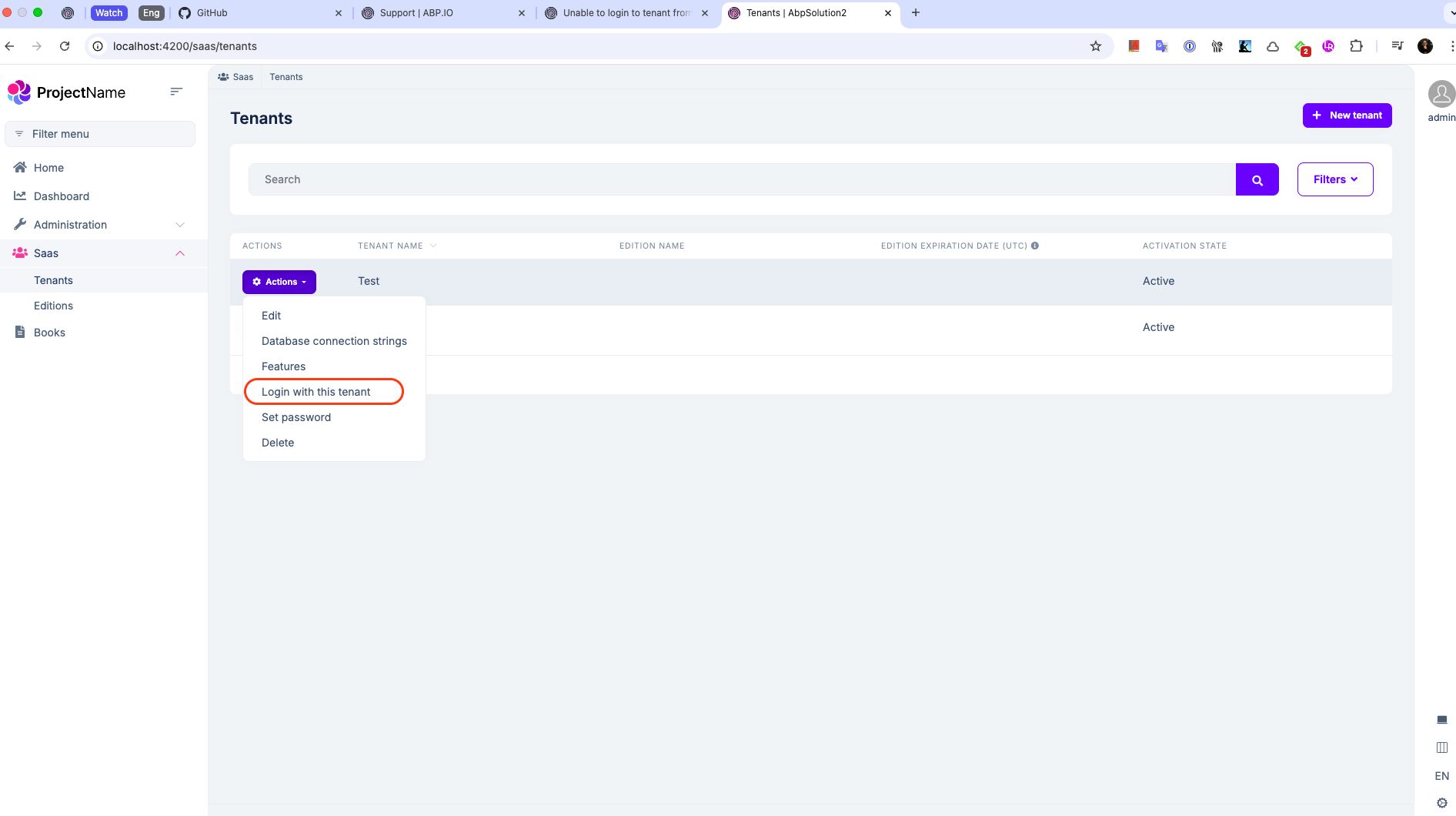
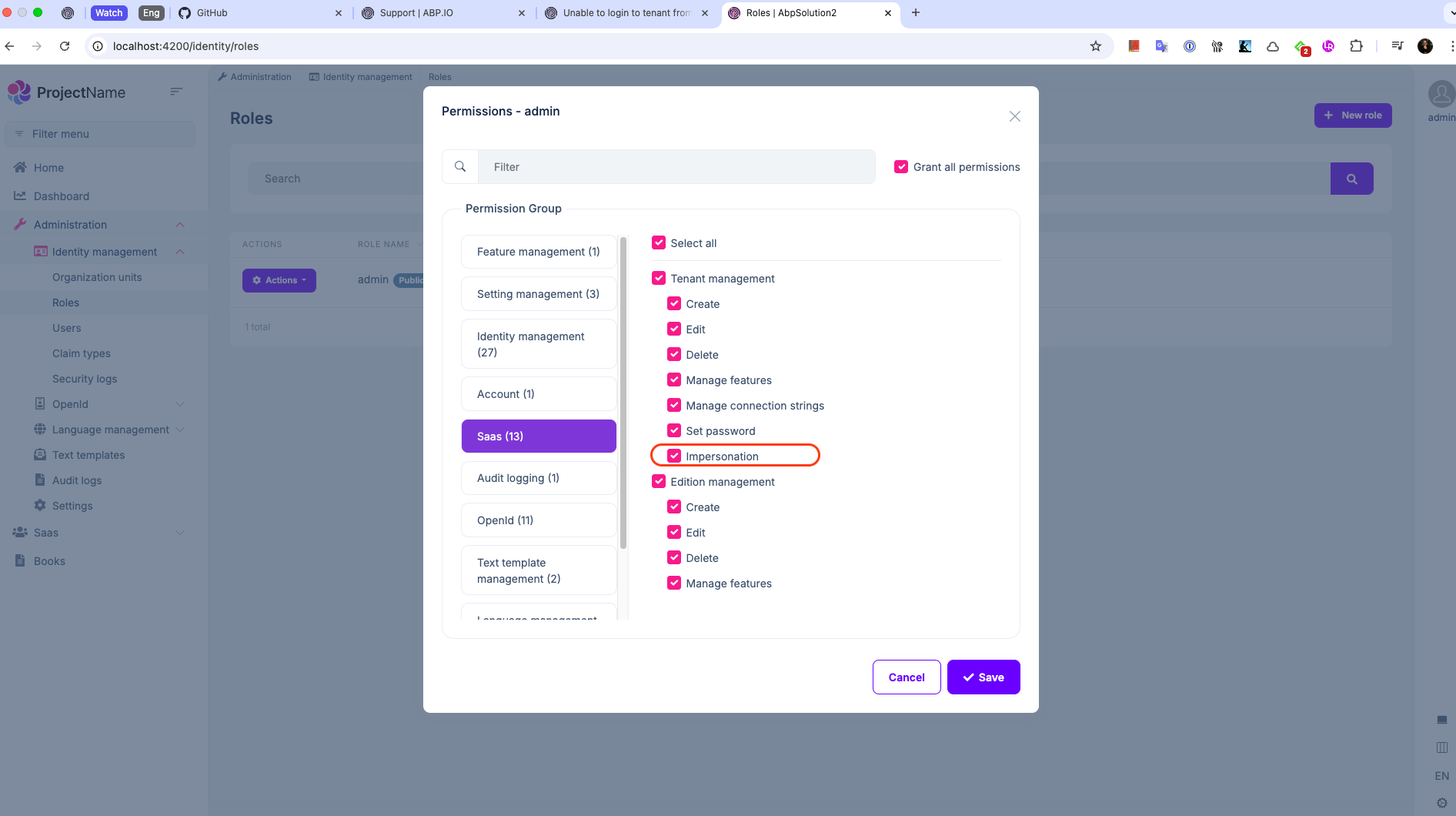
Impersonationpermission is granted for the admin user, I can see the "Login with this tenant" button like above.
Can you also generate a new template from scratch? So, we can understand the problem is in ABP or your solution. If the problem is in your solution, we can only focus on your solution.
Hi, i found the bug, had to add these to angular env files
impersonation: { tenantImpersonation: true, userImpersonation: true, }
this is not in the migration article - https://abp.io/docs/latest/release-info/migration-guides/abp-9-0
Hi,
Did you follow migration guide properly?
https://abp.io/docs/latest/release-info/migration-guides/abp-9-0
Hi yes, we did follow the guide.