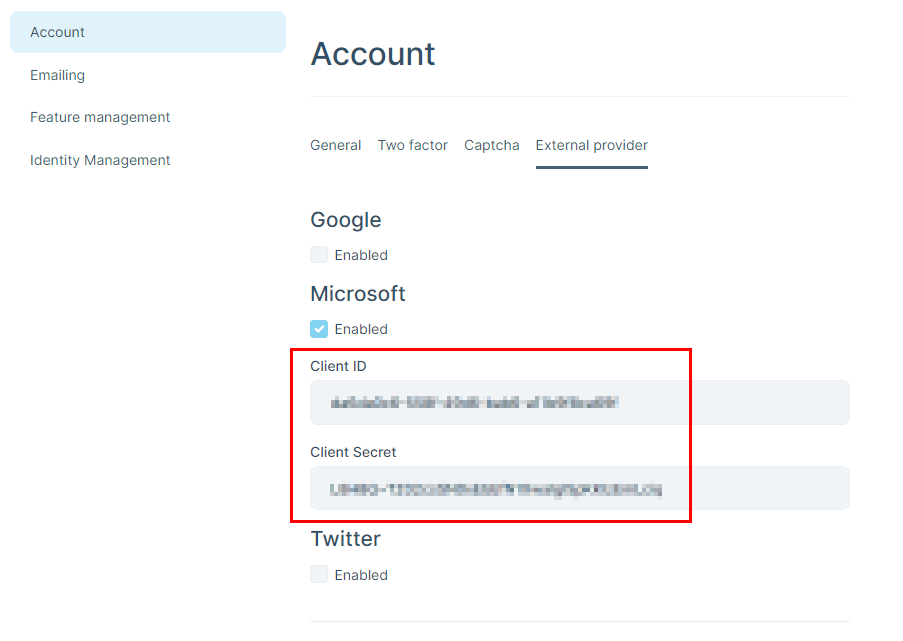
We have a customer who has high security requirements. User authentication runs via Microsoft (AzureAD / Entra). We have configured the external Microsoft provider, which works well.
However, the problem is that the customer does not accept that the ClientId & ClientSecret are stored in plain text in the database. The option of storing this information in appsettings.json is of course even worse and therefore not an alternative.
What options would I have to store this information securely?
Of course, it would also be great if you could implement this in a future version so that the information is stored in the AbpSettings in encrypted way, for example. But until then, I need another solution as quickly as possible.
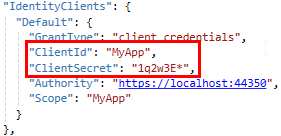
A similar question concerns the credentials of a client that accesses via the HTTP API. As background info: The client runs as a Windows service. Here ClientId & ClientSecret are currently in the appsettings.json file.
I know that there are various approaches to solving this. I would be interested to know which you think is the best option so that even an admin user with access to this file cannot read this information?
Thanks, Adrian
I understand that you will discuss this further privately by email. Please just let me know about your findings at the end :-)
For rest of the features; Have you updated your blazor wasm bundles after switching between layouts with
abp bundlecommand?Try updating them cleanly, run
abp cleanfirst and then executeabp bundlecommand inside your blazor wasm project.
Do you mean the thing with the menu? I use Blazor Server... Is that necessary there too?
Thank you.
If it is possible to fix the cause of the problem, that would of course be much better than adding this workaround to the template ;-) After all, this not only affects the dashboard, but also custom pages that do not make a service call during initialization.
Steps to reproduce the issue:
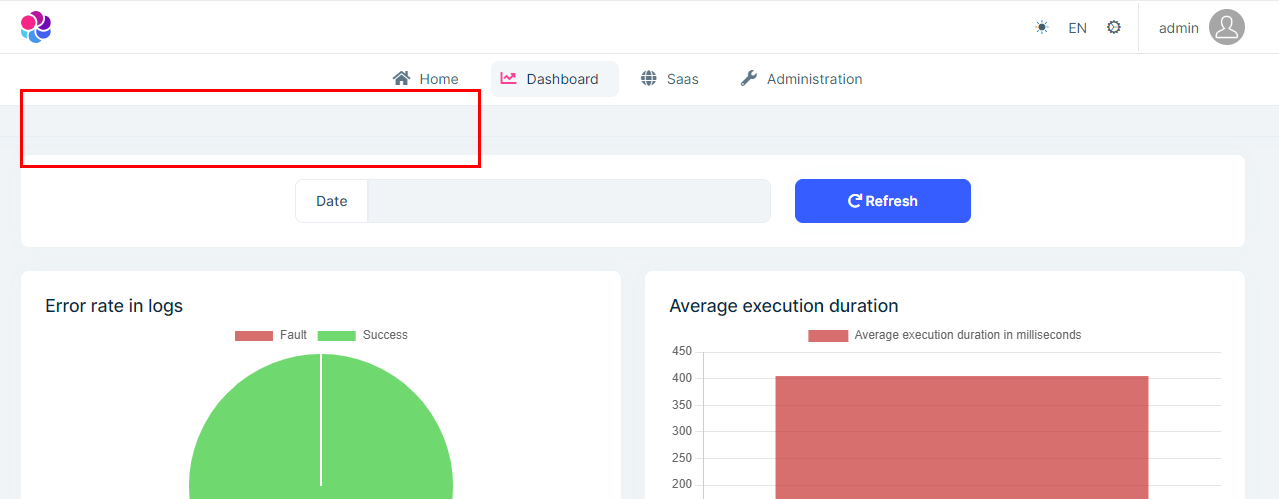
Create a new Blazor Server project (with ABP Suite), set the TopMenu layout and start it.
Log in and click on the dashboard.
-> Breadcrumbs & title missing
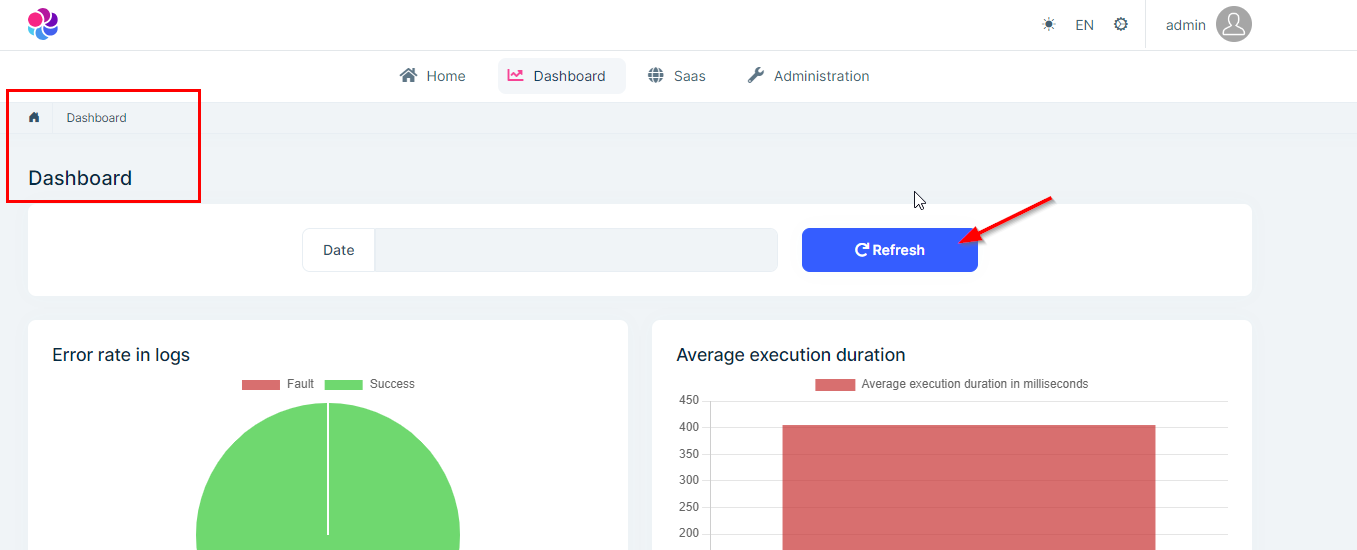
Select refresh (or reload page with F5)
-> Now it looks correct
Workaround for this problem:
await MyAppService.GetListAsync()) protected override async Task OnAfterRenderAsync(bool firstRender)
{
await base.OnAfterRenderAsync(firstRender);
if (firstRender)
{
await InvokeAsync(StateHasChanged);
}
}
The problem has been known for a long time, but unfortunately it has never been fixed... #4551
Thanks for fixing it. Adrian
I have created a new project with the ABP Suite (version 8.0.2) and set the theme to TopMenu. Then I created two videos to show the problem.
video shows the problem described above. As soon as the page is reloaded (refresh with F5), the selection in the menu remains, even if you select another menu item.
video shows a problem that I already mentioned in other tickets a long time ago and unfortunately is still not fixed. Since this fits together, I'll mention it again here. When restarting the application, the menu does not work correctly until you refresh the page for the first time.
Please do not close until we have found the cause.
Hi,
I'm adding another bug in the TopMenu layout:
The display of the active page in the submenu does not work properly. If you select a page from a submenu, it remains active / selected until you reload the page (with F5).
To reproduce:
- select an item in the submenu
- check whether this page is displayed as active in the submenu
- select another item in the same submenu (or in a different one)
- check which page is now displayed as active
Behavior in LeptonX 3.0.2: Previous menu item is displayed as active, only after refreshing the page is it correct.
Expected result: The currently selected page is marked active
If I remember correctly, this bug has existed for a while...
What about this bug? Can you reproduce and fix it?
The option to open the edit popup in the grids by double-clicking on a row. I implement this myself, but of course it would be nice if it were already included when generating.


I would like to be able to add a prefix to the localized string resources for each entity (as with the "Menu:Dashboard" menu). For example like this: "Entity:Customer:Name".
On the one hand, it would be better sorted in the resource file and the even more important argument: you can set different strings for properties with the same name (e.g. name, description, ... occur frequently, in one place you might want to write "Desc.", in another place "Description").




