There is no Footer.razor in a new project.
I agree... maybe he mean the footer for the MVC pages. (Themes/LeptonX/Layouts/...)
Adding "Footer.razor" with the code you shared above has no effect
It worked for me, but the file should not be called "Footer.razor", but e.g. "MyFooter.razor". You have to put it in the folder "Pages".
I have selected in the configuration that the phone number must be verified.
When I change the phone number in the profile and then press "submit", the email address must first be verified again before I can verify the phone number (but I did not change the email address and it was already valid before).
Workaround (but not clear for the normal user): Reload the page, then the verify button appears at the right place.
Since this is a bug, I wish my number questions would not be charged (that's why I posted it on GitHub first).
If the user enters an invalid phone number in the profile under "Personal info" and does not confirm it there, he will not be able to login the next time. Reason for this: The phone number has to be verified, but this is not possible with a wrong number and the text field for this is readonly.
Hint: The settings "Require confirmed phone number" and "Allow users to confirm their phone number" are activated. Very likely there is the same problem with the mail address.
By the way, very useful would be the validation of the phone number (e.g. whether the country code was specified). Otherwise, when using the Twilio module, you run into an exception with an invalid formatting.
Since this is a bug, I wish my number questions would not be charged (that's why I posted it on GitHub first).
Ok, I need to clarify my scenario a bit, because it is quite obviously a bug in LeptonX.
When I open an order report in the orders list, we use NavigationManager.NavigateTo() to go to the report page. So it is not the same page (but for the reporting page, there is intentionally no menu item). Now when you click on orders again in the menu, nothing happens at all.
Important: We have now changed the theme to "TopMenu" and there it works exactly as it should!
So why did this work before? And is there a way to force a reload (when clicking on the menu button)?
I don't have a "... .Web" project, it's a Blazor Server solution and not MVC.... But there must be a way to override these MVC pages in Blazor too, right?
It seems to work under XXX.Blazor/Pages/Account
I don't have a "... .Web" project, it's a Blazor Server solution and not MVC.... But there must be a way to override these MVC pages in Blazor too, right?
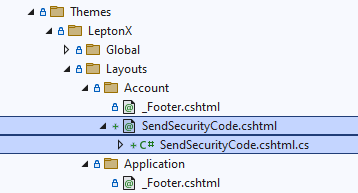
I have found the file, thank you. Now there is only the last problem: where do I have to insert it so that the view is overwritten? It didn't work under Themes\LeptonX\Layouts\Account
Thank you maliming. That works great.
Whats about my other question about the "SendSecurityCode.cshtml"?
hi
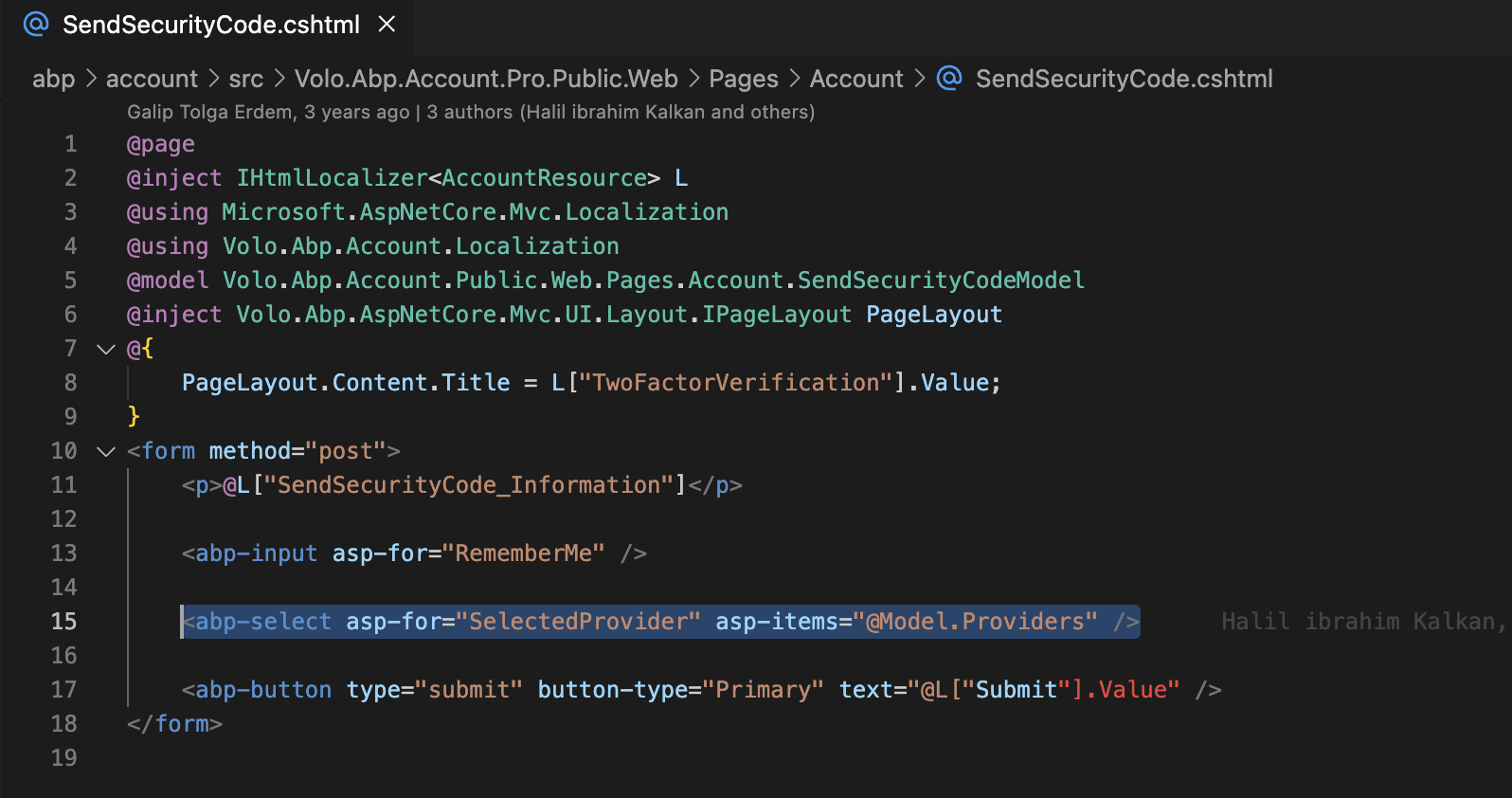
Can you help me find the source code of the file "SendSecurityCode.cshtml"? (or post the sourcecode instead of the screenshot).
And where do I have to paste the file to make it work?