Yes.
problem is that the method doesn't work. I can get data from my api but if this method is working then the blazor client should request a URL like HTTP://remotehost/action?123445678.
public class DataSourceLoadOptionsBaseToQueryString : IObjectToQueryString, ITransientDependency
    {
        public Task ConvertAsync(DataSourceLoadOptionsBase values)
        {
            if (values==null)
            {
                return null;
            }


            return Task.FromResult("12345678");
        }
    }
i set a Breakpoint in the method but it was not hitted
///////////////////////////////////////////////////////////////////// //url should like this at the end. ?requireTotalCount=true&take=10&totalSummary=[{"Selector":"SendTime","SummaryType":"count"}]
but //now the httpclient get the wrong url. ?requireTotalCount=true&take=10&totalSummary=Devextrem.asp.net.summaryinfo
so I want to use QueryStringConverts to fix that.
I will creat Microservice project to test it.
HI maliming
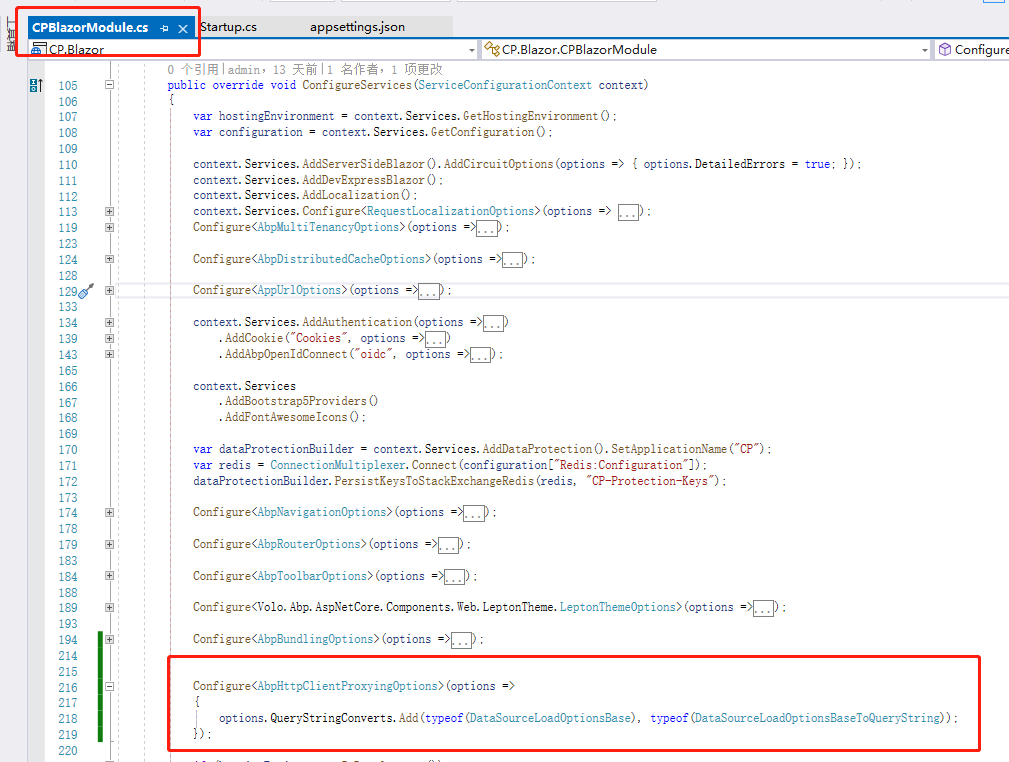 it doesn't work.
got it after I try it, I will send feedback.
main folder
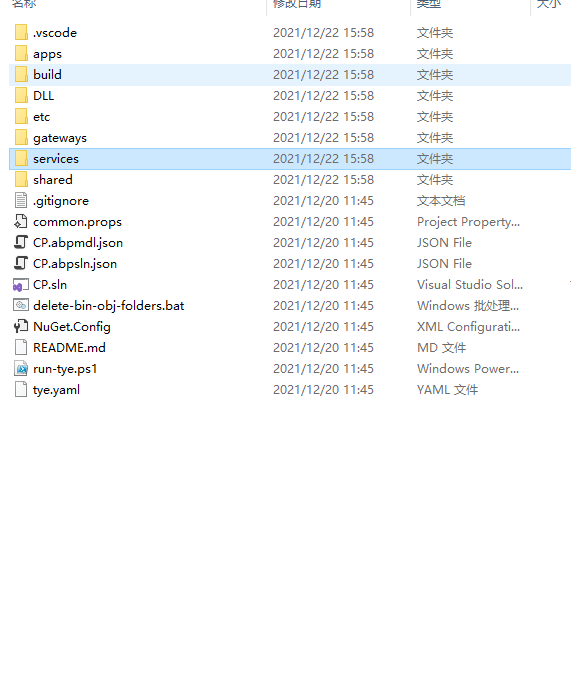
services
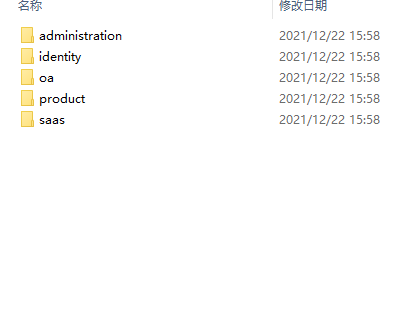 apps
apps
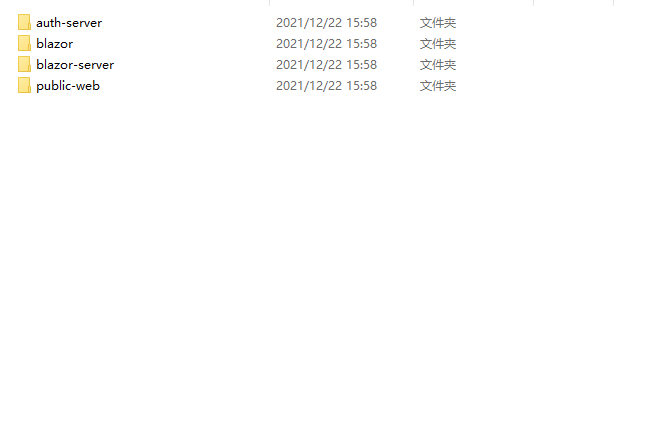
In main blazor or in my service blazor?
Hi maiiming My project is a Microservice Solution
Hi guys
I created an api like
   [HttpGet]
        [Route("dx/[action]")]

        public virtual Task<LoadResult> GetDxListAsync(DataSourceLoadOptionsBase input)//[FromBody]
        {
            return _mailsAppService.GetDxListAsync(input);
        }
There is a complex parameter(DataSourceLoadOptionsBase ) in my API. and generate a static client. but"Volo.Abp.Http.Client.ClientProxying" didn't handle it well.
then i found that in v5.0. there is a way to handle it myself. github so I add those code in my service's Httpapi.client
//in OaServiceHttpApiClientModule
 Configure<AbpHttpClientProxyingOptions>(options =>
            {
                options.QueryStringConverts.Add(typeof(DataSourceLoadOptionsBase), typeof(DataSourceLoadOptionsBaseToQueryString));
            });

            //static
            context.Services.AddStaticHttpClientProxies(
             typeof(OaServiceApplicationContractsModule).Assembly
            );

//DataSourceLoadOptionsBaseToQueryString.cs
public class DataSourceLoadOptionsBaseToQueryString : IObjectToQueryString<DataSourceLoadOptionsBase>, ITransientDependency
    {
        public Task<string> ConvertAsync(DataSourceLoadOptionsBase values)
        {
            if (values==null)
            {
                return null;
            }


            return Task.FromResult("12345678");
        }
    }
but after i called the method "GetDxListAsync" in my blazor client nothing happened.
is there someone can help me?
HI @EngincanV
I think the namespace problem is the man reason that caused the errors.
It is fine for now.
Thanks for your guy's work.
HI @EngincanV
about " I watched your video and I noticed your ABP Suite and ABP project versions are different. (Suite runs in v5.0.0-rc.1 and your project created in v4.4.4)"
I noticed the error then when i was opreating. I delete the OA folder soon, after few second(4:30) later I create the project again use v 5.0.0 -rc1
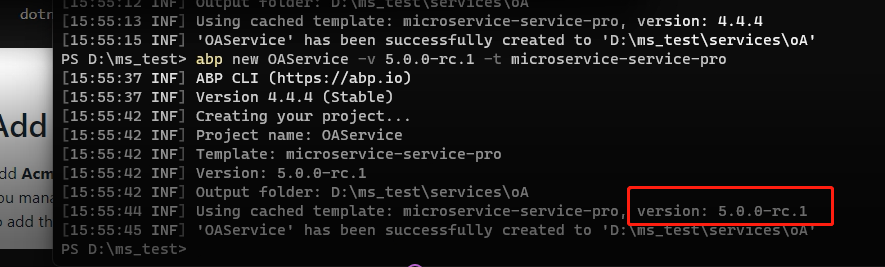 .
.
I will try with your instruction.









